

Enhanced Vehicle v 1.6.4.1

Enhanced Vehicle v 1.6.4.1
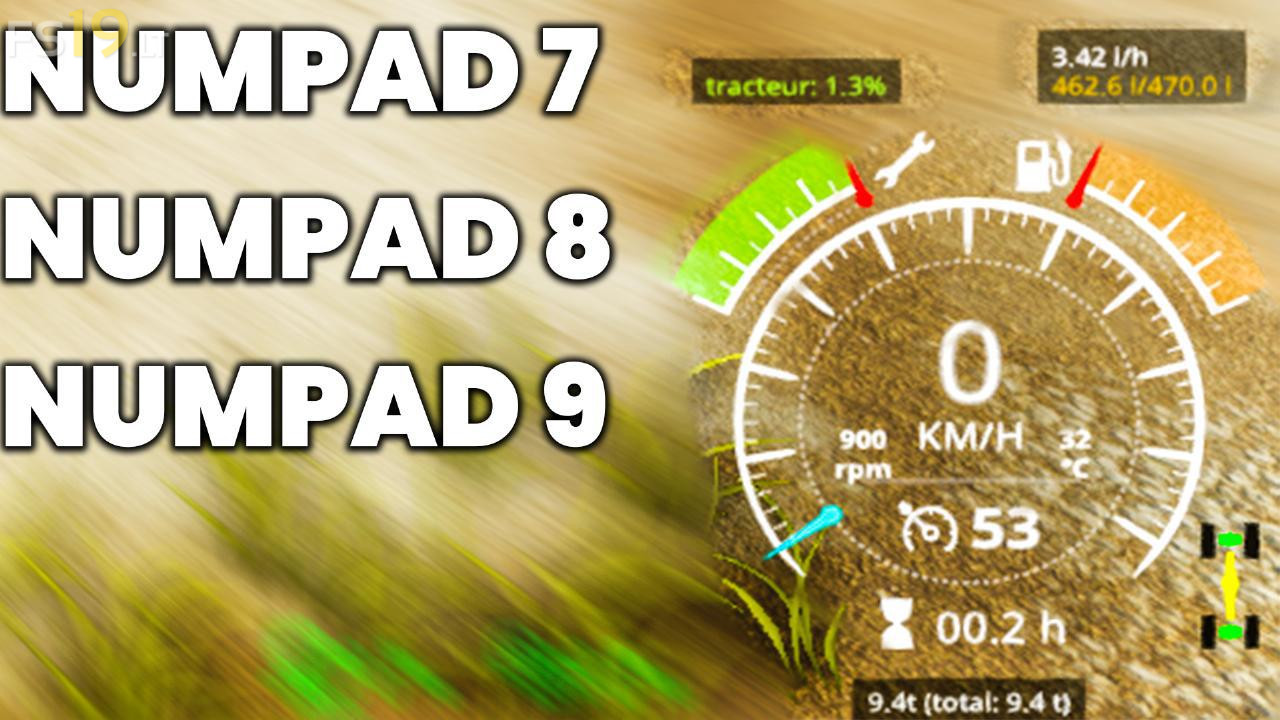
This Mod extends to Vehicles (Motor) with Differential Lock and Drive Modes (Four Wheel Drive, Rear Wheel Drive / Front Wheel Drive). Additionally, the HUD will be upgraded with a more detailed damage report, Fuel Tank Level, Fuel Mileage, Engine RPM and Temperature as well as a total Weight / Weight Display
Keyboard Mapping (can be changed in in-game Options Menu)
– lCtrl + Space – turns shuttle shift on/off (per vehicle)
– Insert/delete – select driving direction directly
– End – turn parking brake on/off
– KeyPad 7 – enable/disable front axle differential lock
– KeyPad 8 – enable/disable back axle differential lock
– KeyPad 9 – switch wheel drive mode between 4WD (four wheel drive) or 2WD (two wheel drive)
– KeyPad / – reset HUD positions. use this if you messed up the XML config, changed the GUI scale or installed keyboardSteer from Mogli12 afterwards
– KeyPad * – reload XML config to activate changes immediately without restarting the whole game
– lAlt+1 to 4 – front/rear hydraulic up/down, attached devices on/off
Version 1.6.4.1:
* Added Spanish Translation
since fs19 latest update can no longer get the parking brake to work so i have to turn off shuttle control