
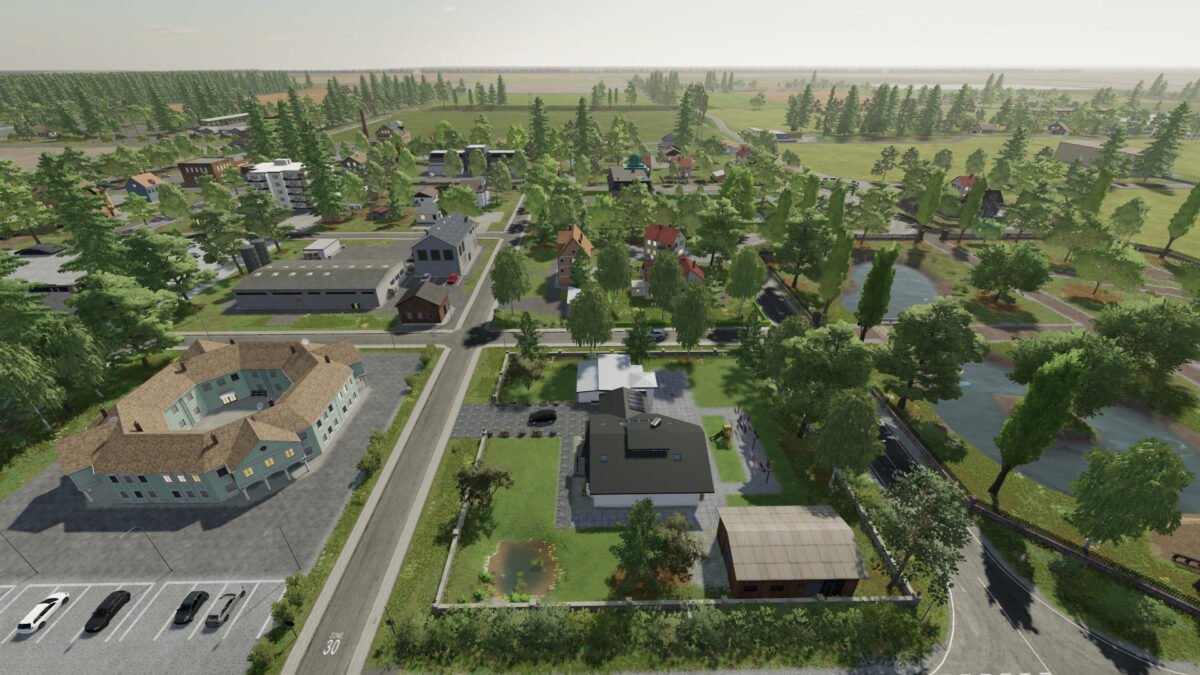
NF Marsch Map v 4.2

FS22 mods

NF Marsch Map v 4.2 NF Marsch Map v 4.2 NF Marsch Map v 4.2 NF Marsch Map v 4.2

About the mod:

Version 4.2:
* Decoration of the fire station building at the harbor can now be completely removed with Object Hide Mod
* Clover grass can now also be harvested with e.g. a shredder and Krone xDisk 620 cutting unit
* Methane or diesel can now be purchased at the gas stations
* The riding arena can now be completely deleted with just one object
* Trigger for the cash boxes when importing grain slightly enlarged
* Route from the small ship moved closer to the dam / the railway tracks
* Wood from the Wood Autoload Trailer and the log pallet can now be sold at the sales point sawmill
* The railway track on the dam can now be completely removed with Object Hide Mod

Credits:
FedActionLetsPlay

How to install FS19 mods?

Firstly find a mod which you like and want to download. Then download a mod to your PC. Mods are usually in .zip format file. But sometimes it can be in .rar. If a mod file is a .zip format no needed additional actions. If a file is in .rar, then you must unarchive mod with software like WinRar or Zip7. Windows 10 users no need to use software for archives, Win10 itself has a feature to unarchive files.

The next step is to find mods folder in your PC. Usually, it is in Documents/My Games/Farming Simulator 19/2019. Open the "mods" folder and put downloaded .zip archive or unarchived .rar file to this folder.

Last step. Enjoy of FS19 mods!

Leave a Reply

Your email address will not be published. Required fields are marked *