

Server Player Count v 1.0

Server Player Count v 1.0
About the mod:
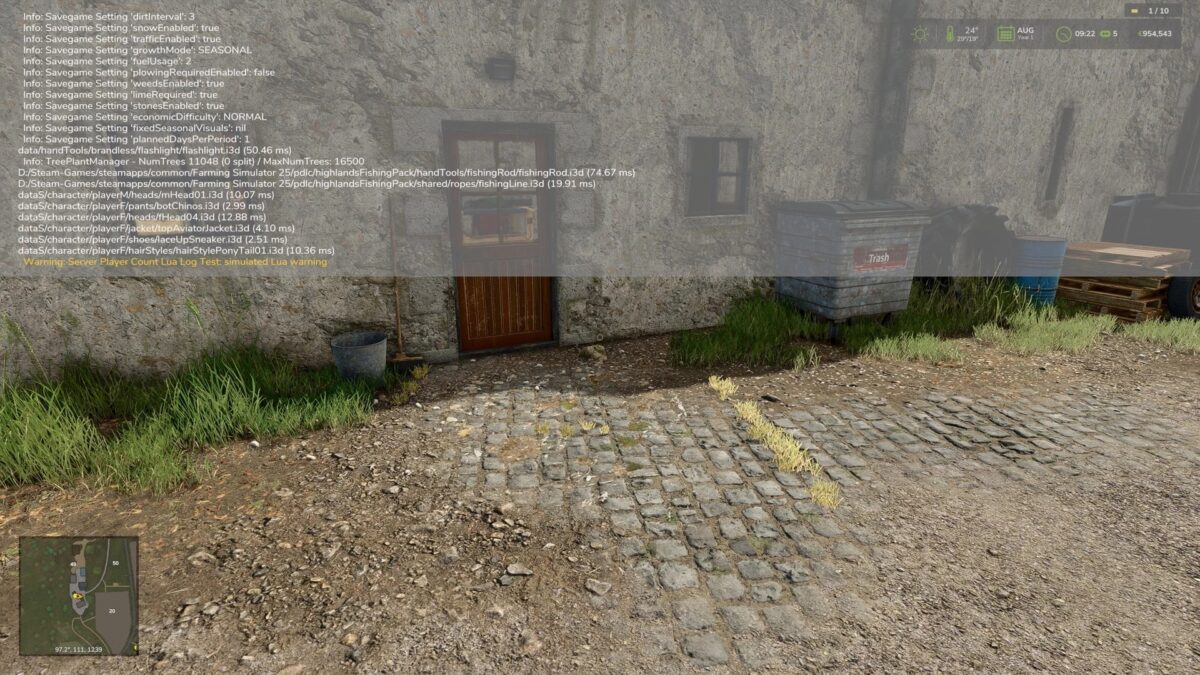
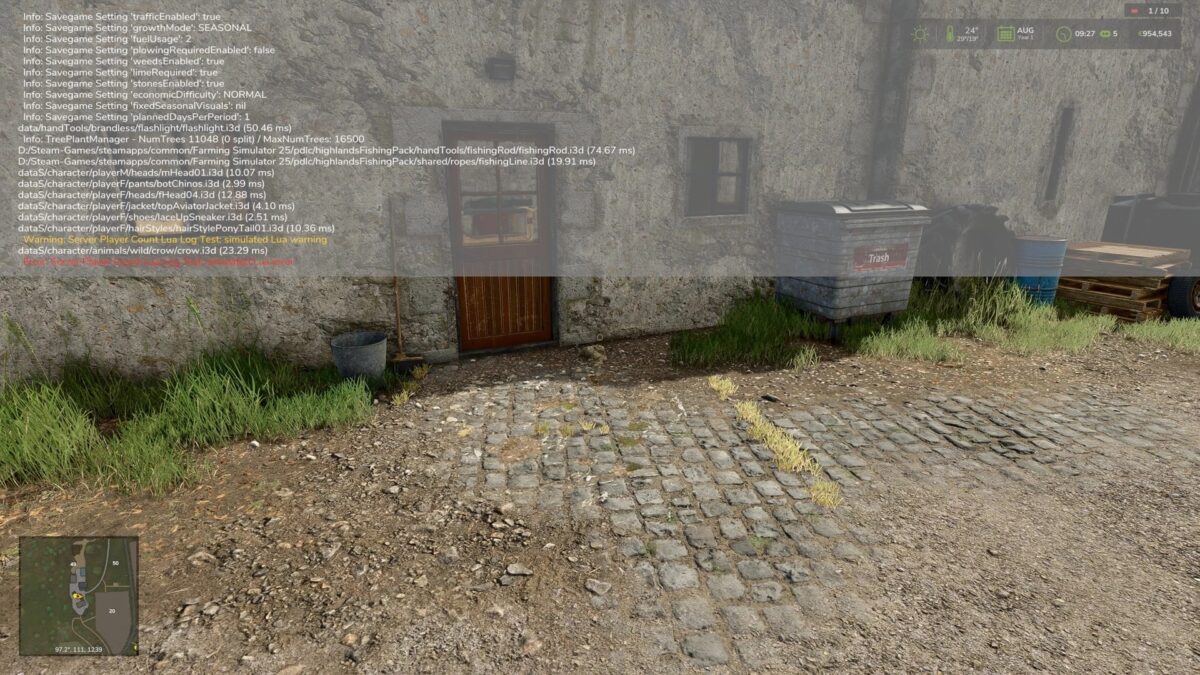
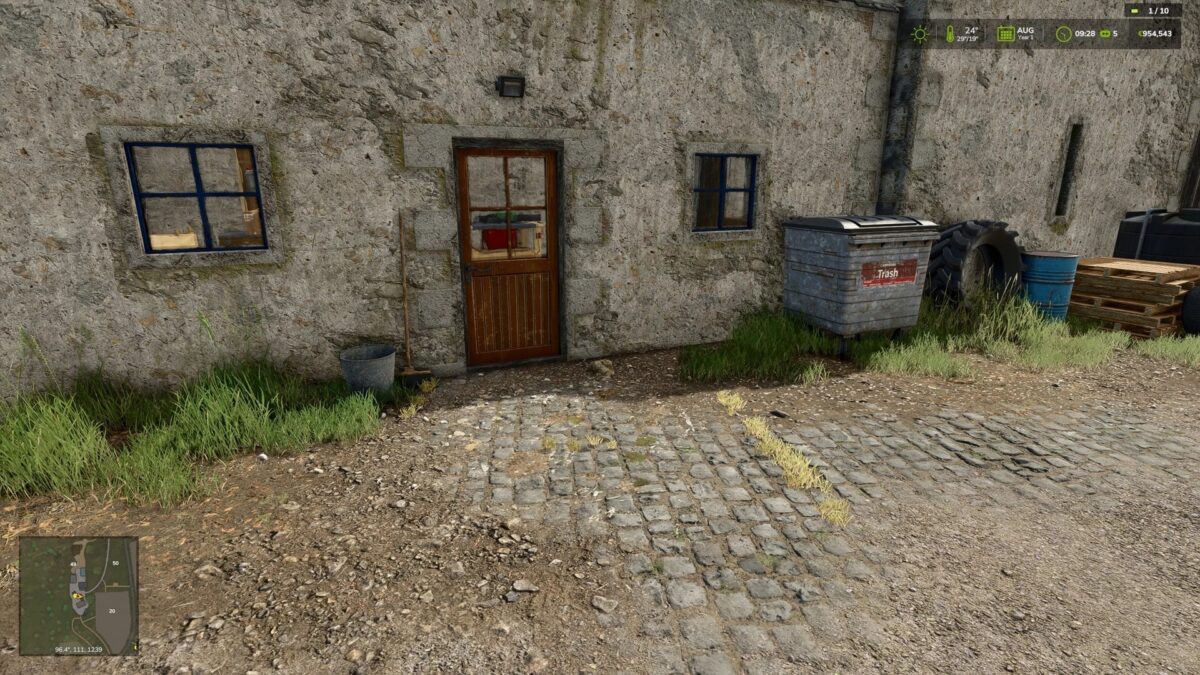
Shows the current player count directly in the HUD on multiplayer servers.
The display consists of a compact player count with a status indicator:
– Green: no Lua warning or Lua error detected
– Yellow: Lua warning detected Red: Lua error detected The status indicator can be reset in the game settings if a detected message has been checked and is not critical.
Note: In singleplayer, the HUD display is hidden automatically if the mod was enabled there by mistake.
Additional detections may be added later if log data can be evaluated more cleanly in-game.
Credits:
Nalathan