

Number of Players on Servers v 1.0

Number of Players on Servers v 1.0
About the mod:
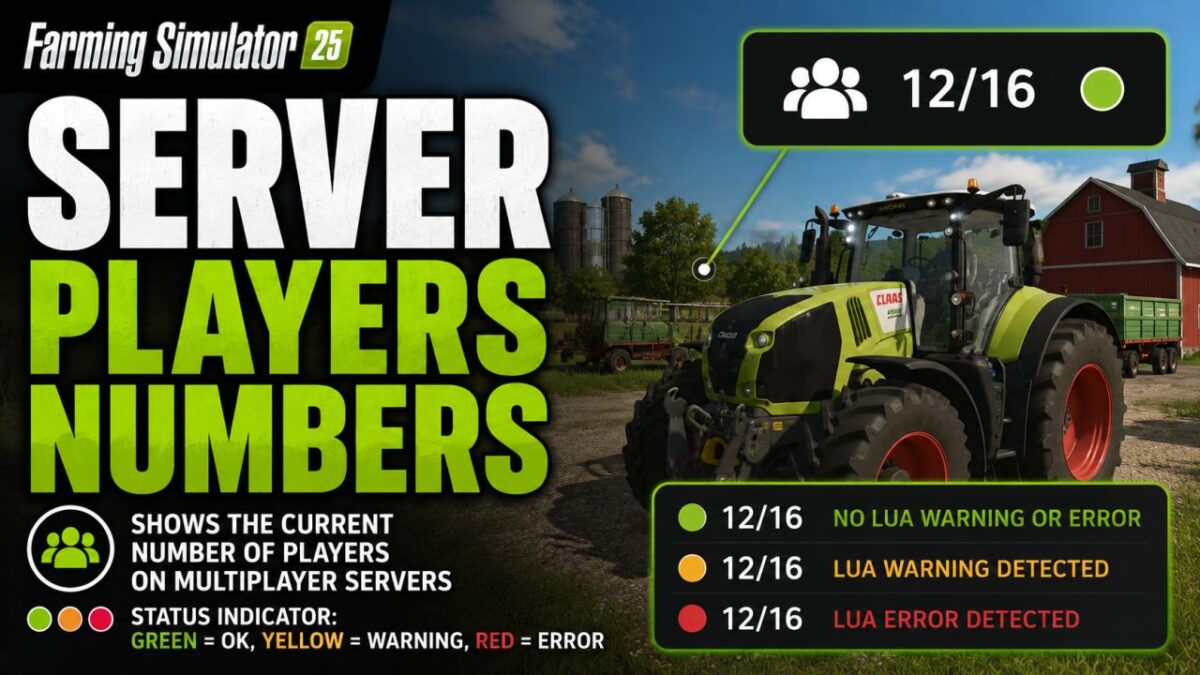
Displays the current number of players directly in the HUD on multiplayer servers.
The display consists of a compact player count with a status indicator:
Green: no Lua warning or Lua error detected
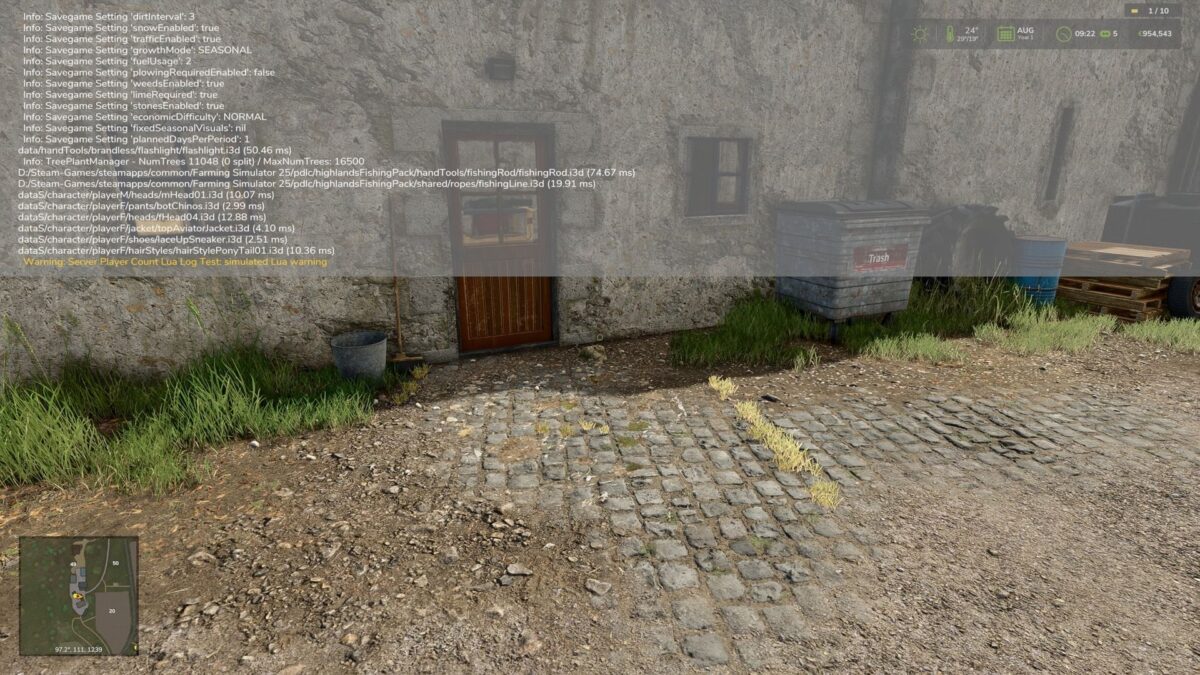
Yellow: Lua warning detected
Red: Lua error detected
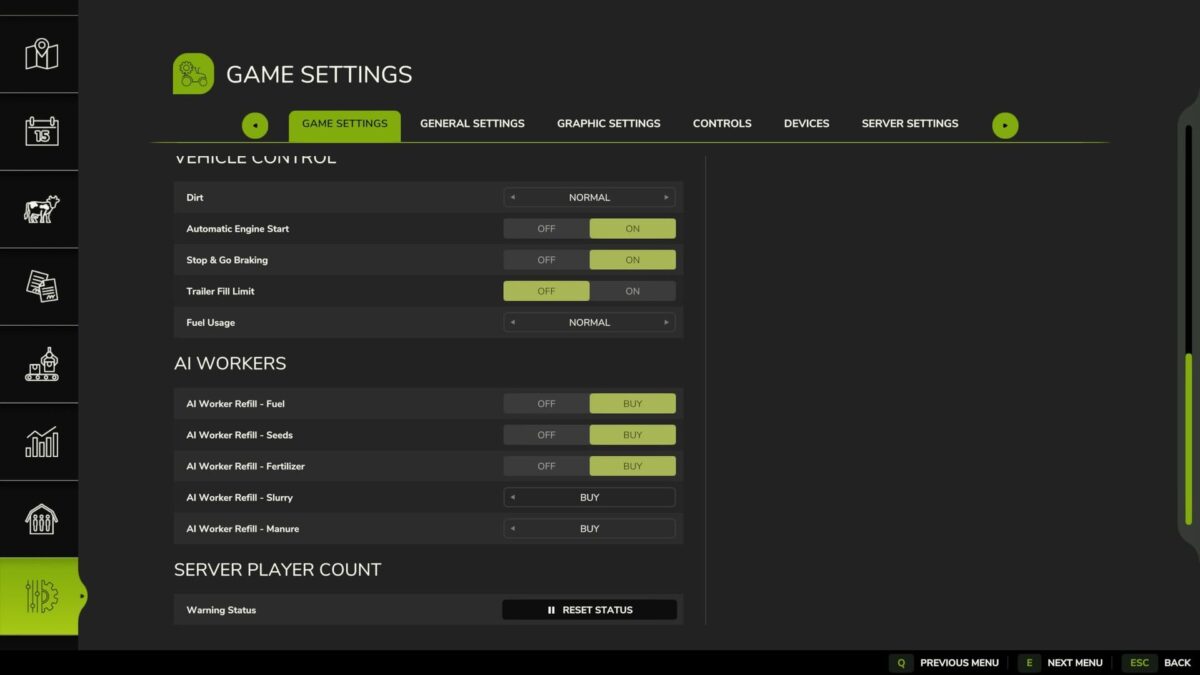
The status point can be reset in the game settings if a detected message has been reviewed and is non critical.
Note: In single-player mode, the HUD display will be automatically hidden if the mod was accidentally activated there.
Further detections may be added later if log data can be analyzed more cleanly in the game.
Credits:
Nalathan