
Field Notes v 2.0
About the mod:
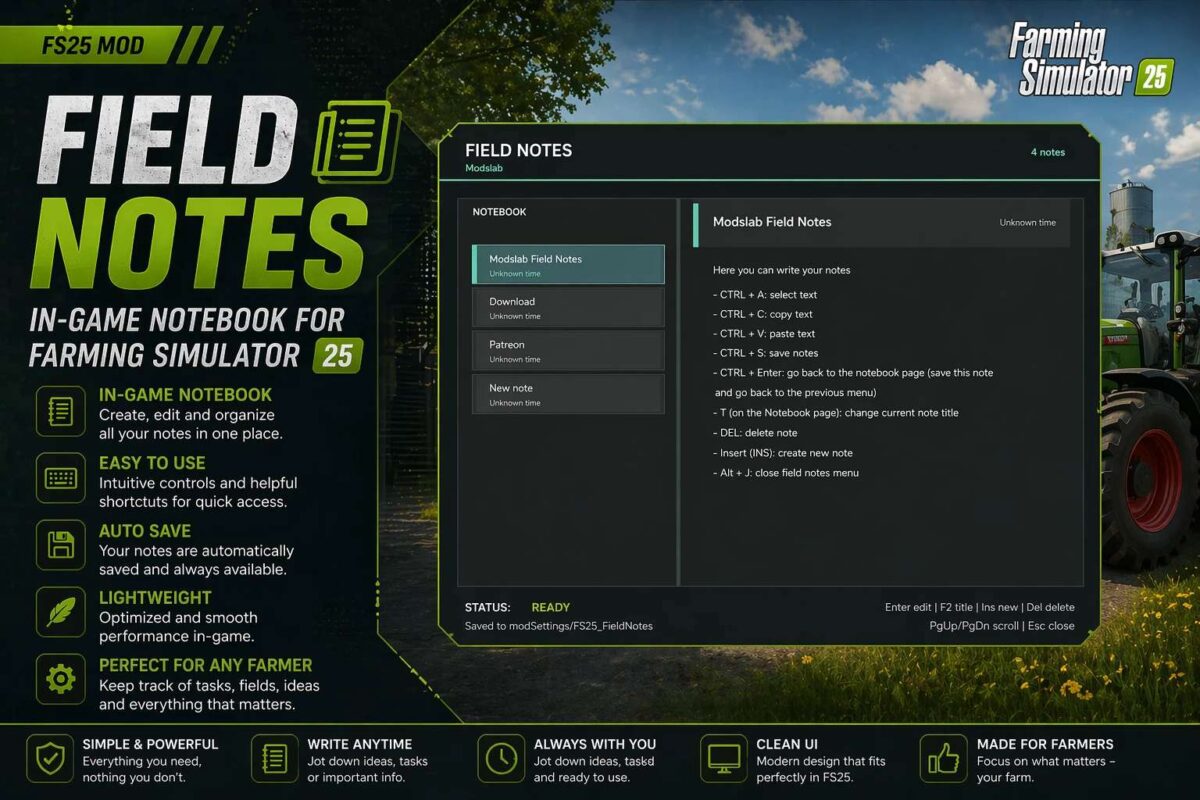
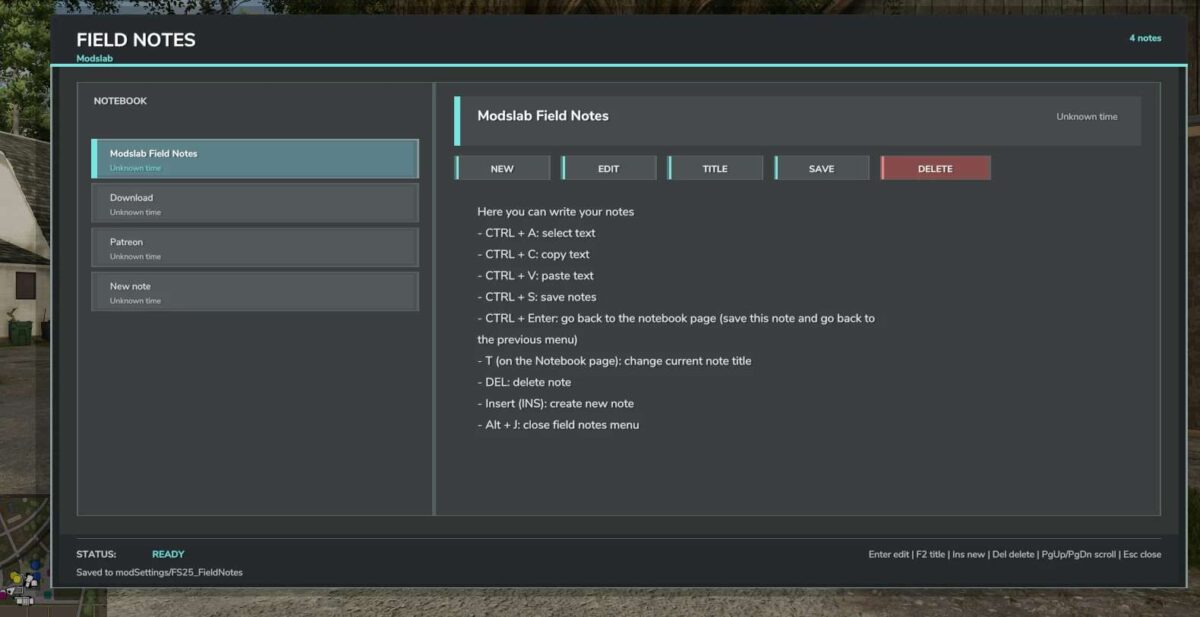
Field Notes adds a separate notebook where you can create and manage your notes.
You can:
– Create multiple notes
– Write, save, and delete anything you want
– Select, copy, and paste text (basic editor functions)
To open, press Alt + J.
Version 2.0:
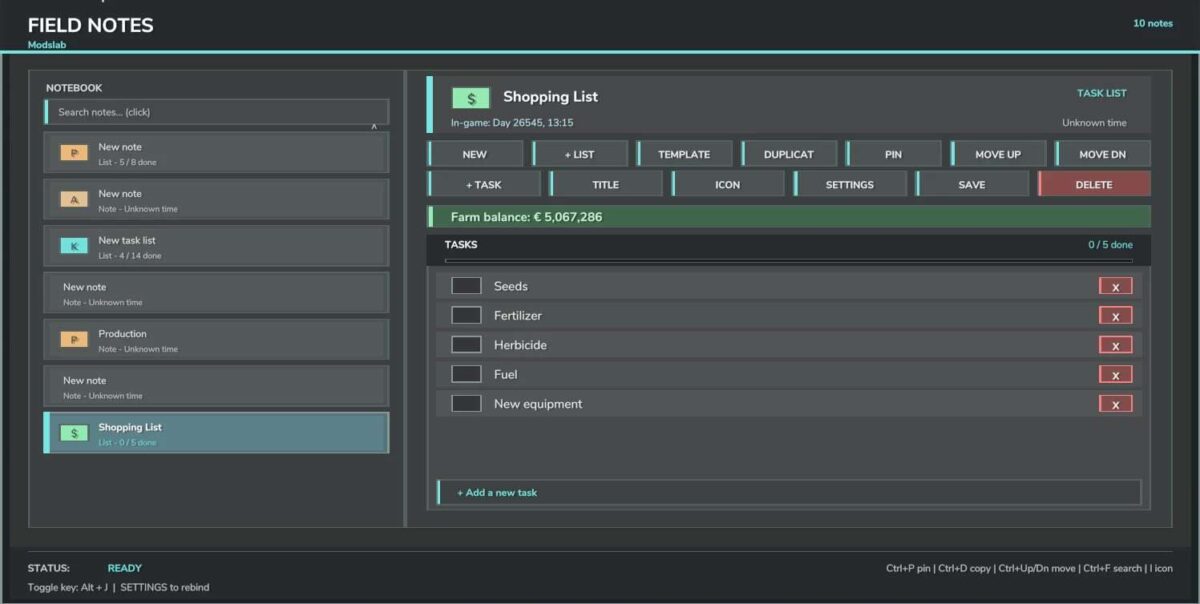
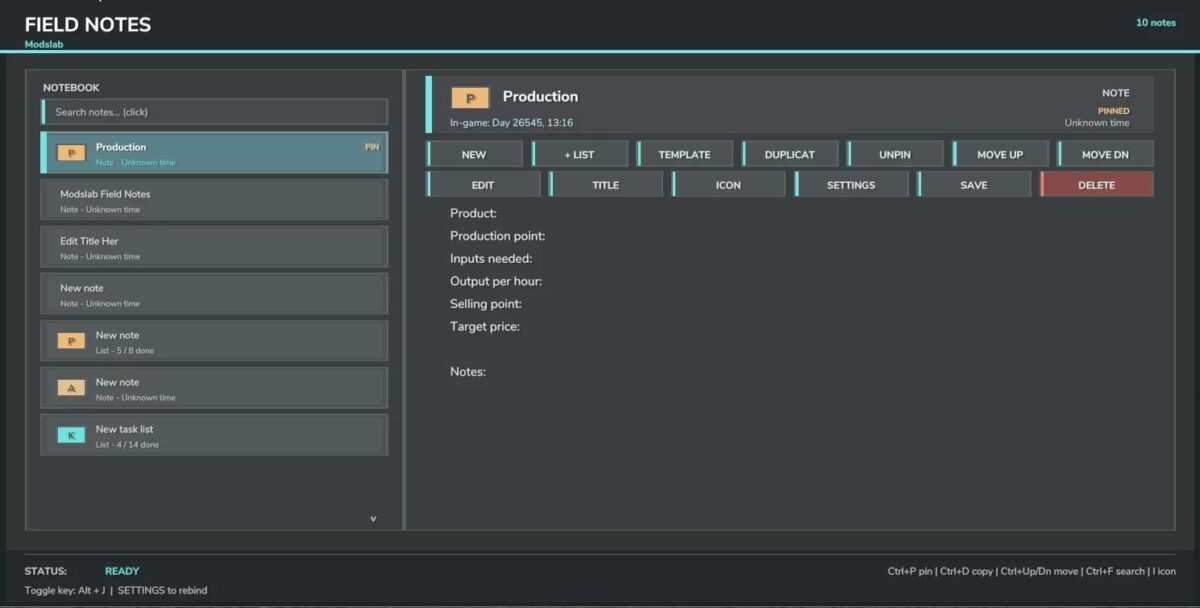
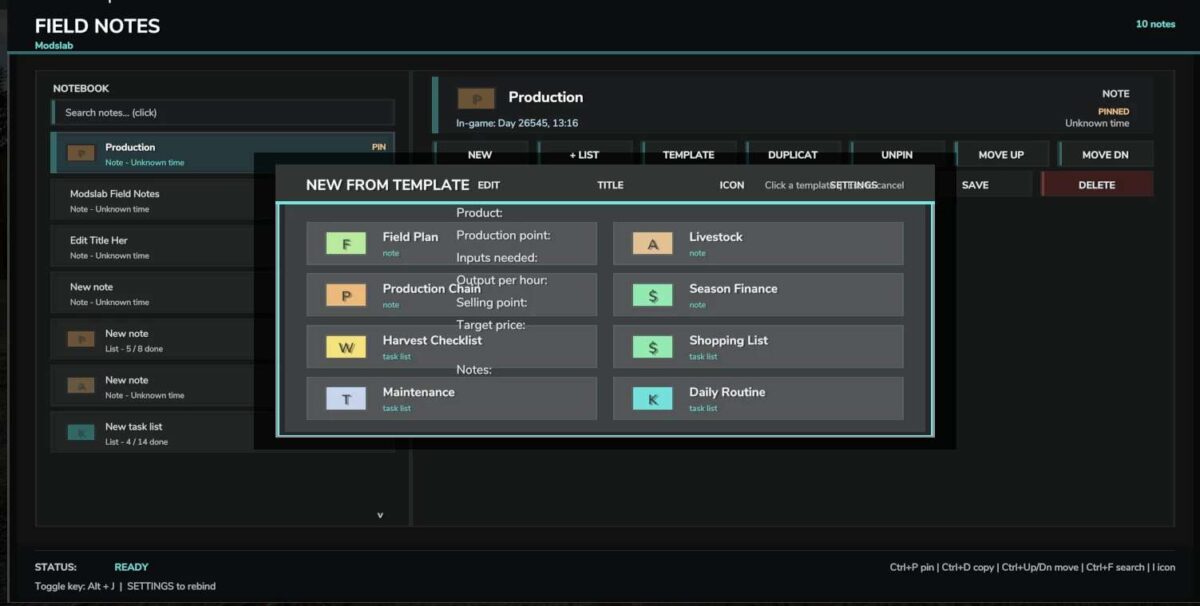
* Added note templates for production, animal husbandry, and more
* Fixed hotkey incompatibility
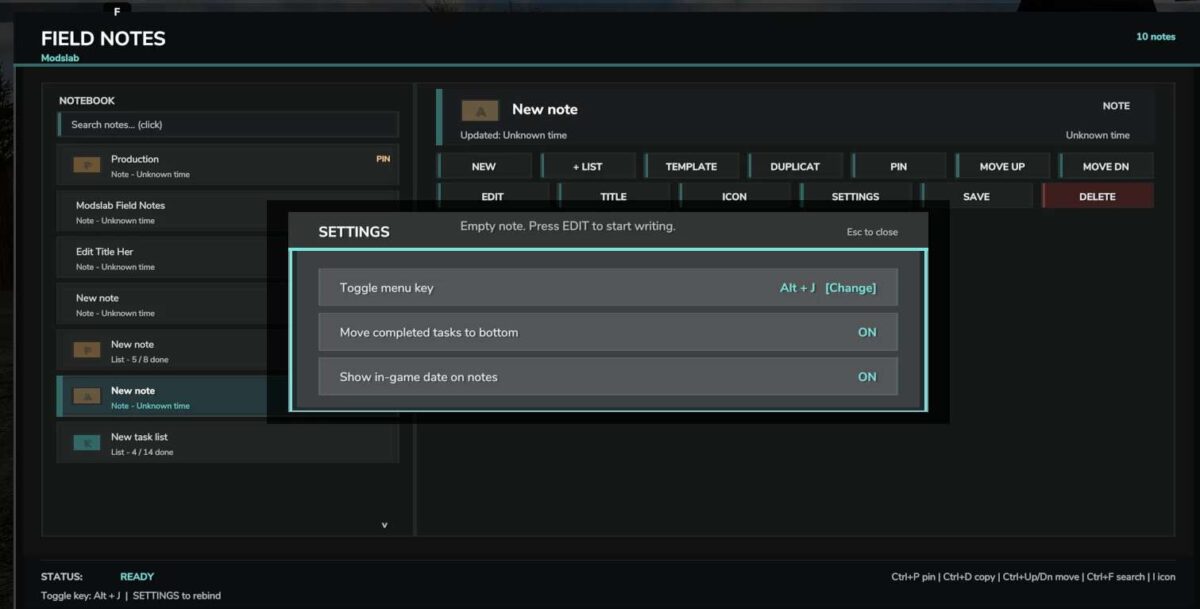
* Added the ability to pin notes to the top
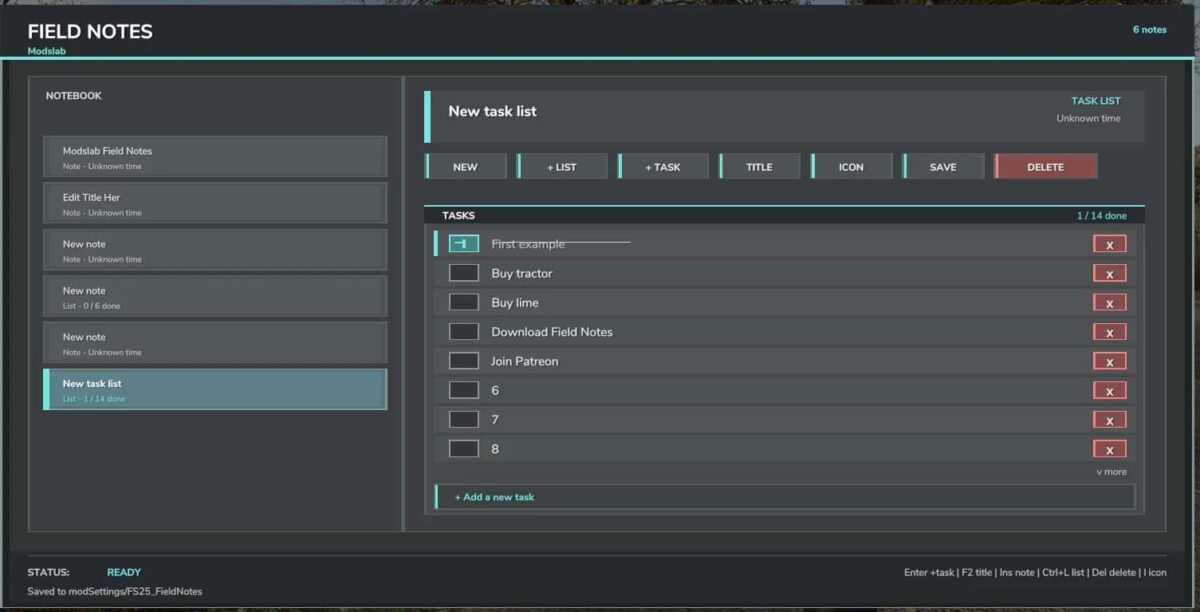
* Completed tasks now move to the very bottom of the list
* Several visual improvements
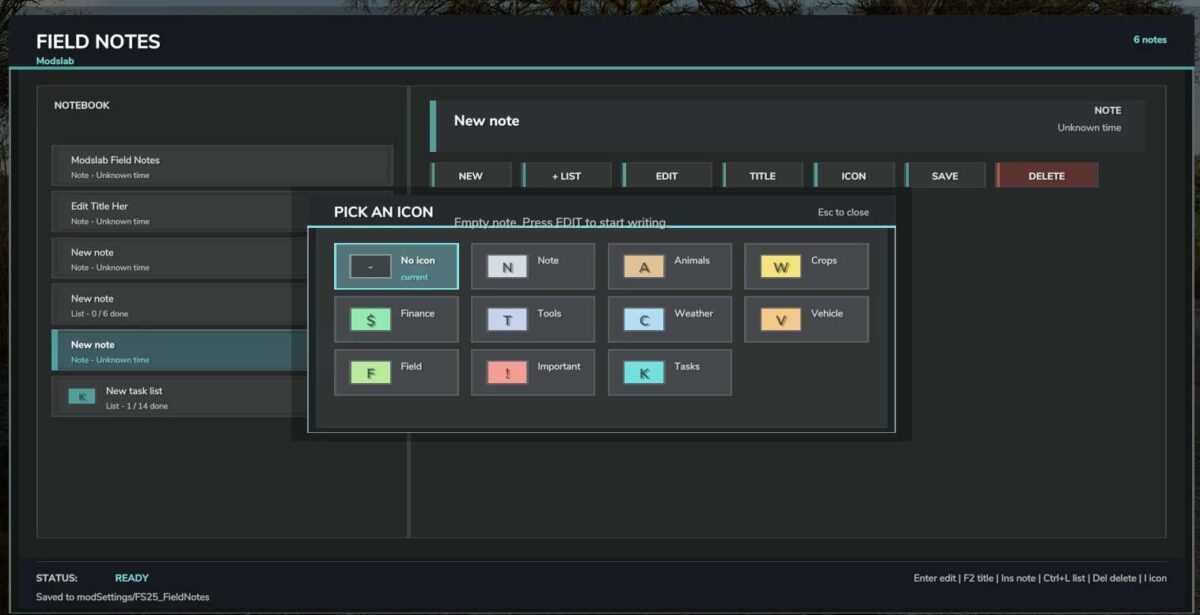
* New icons
* Other improvements
Credits:
Modslab
How to install FS19 mods?
Firstly find a mod which you like and want to download. Then download a mod to your PC. Mods are usually in .zip format file. But sometimes it can be in .rar. If a mod file is a .zip format no needed additional actions. If a file is in .rar, then you must unarchive mod with software like WinRar or Zip7. Windows 10 users no need to use software for archives, Win10 itself has a feature to unarchive files.
The next step is to find mods folder in your PC. Usually, it is in Documents/My Games/Farming Simulator 19/2019. Open the "mods" folder and put downloaded .zip archive or unarchived .rar file to this folder.
Last step. Enjoy of FS19 mods!