

Realistic Weather Lite v 1.4

Realistic Weather Lite v 1.4
HOW THE MOD WORKS (Features)
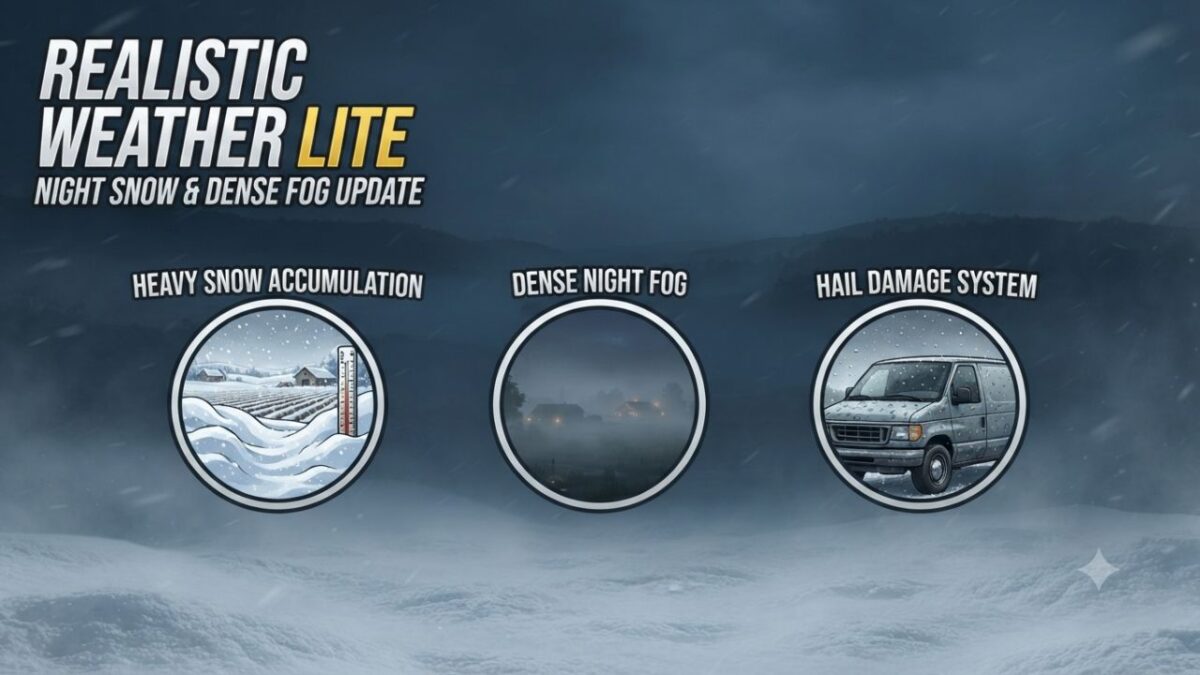
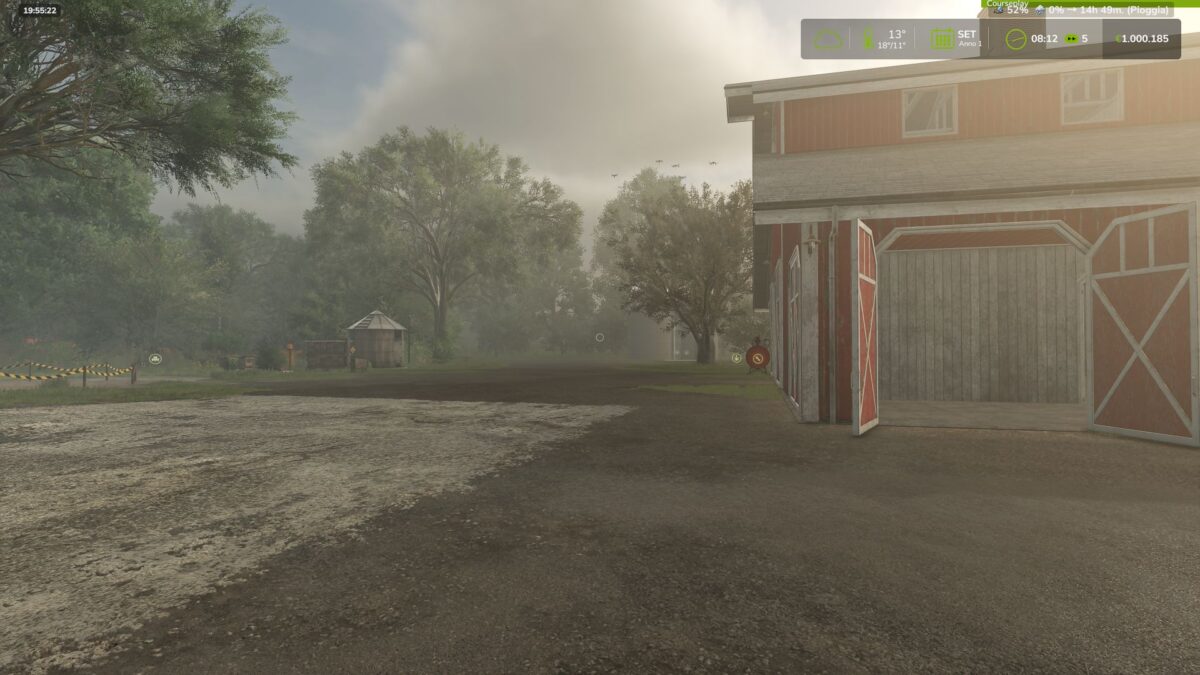
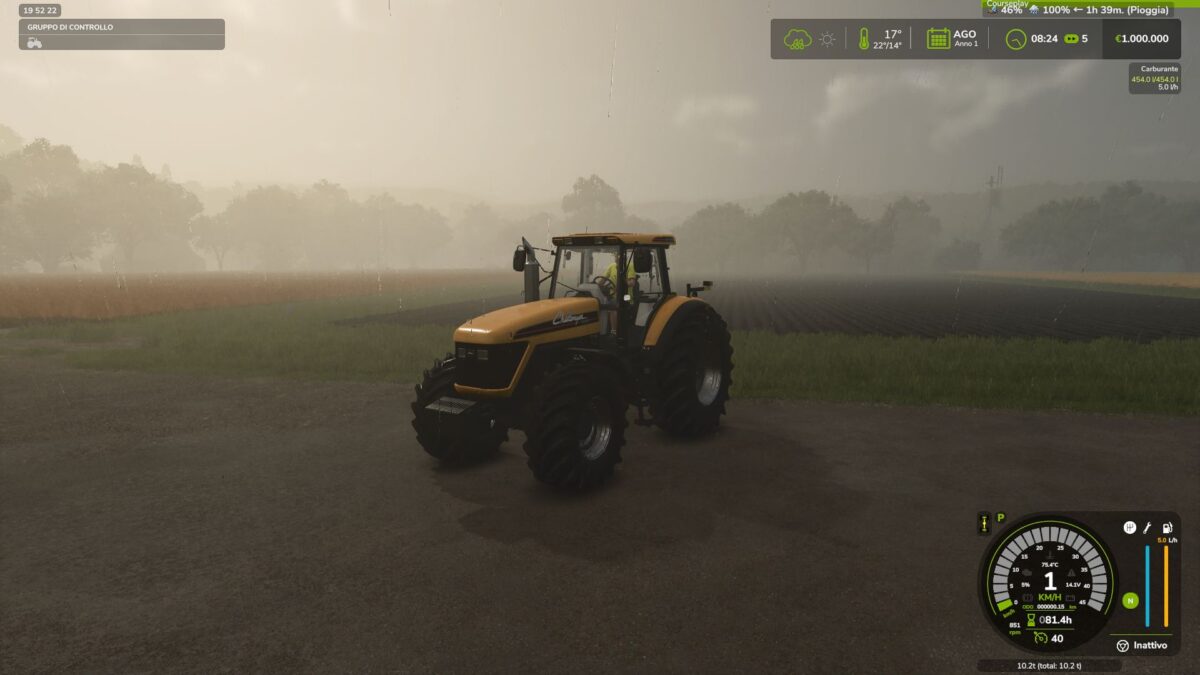
Dense & Dynamic Fog: Very thick and rare fog, generated randomly during rain, snow, or cold winter mornings, with a density and height much higher than the base game.
Atmospheric Transitions: Climatic changes and realistic effects during bad weather.
Advanced Snow Accumulation: Detailed management of snow depth on the ground and random blizzards with significant snowdrifts.
Hail & Vehicle Damage: Hailstorms cause wear and visual damage to uncovered vehicles (fully compatible with advanced damage management mods like Advanced Damage System).
Version 1.4:
* Introduces a complete overhaul of winter mechanics, an enhanced fog simulation model based on real time environmental physics, new HUD indicators, and key compatibility updates
Detailed Changes:
1. Snow System & Dynamic Accumulation Rework
Intensity-Based Depth Scaling: Snow accumulation is no longer static. Depth now scales proportionally with snowfall severity.
Accumulation Caps: Standard snowfall events peak at a maximum depth of 50 cm. Severe blizzards and intense winter storms can now push accumulation over 1.0 meter.
Realistic Snow Fog Synergy: Snowfall no longer guarantees instant 100% dense fog. Visibility drops dynamically depending on storm severity light snow creates subtle haze (~45%), while severe blizzards trigger dense white-outs (~95%).
2. HUD & User Interface Additions
Real-Time Snowfall Tracker: Added live HUD metrics displaying active snowfall status.
Predicted Snow Limit Display: The HUD now calculates and displays the expected maximum snow depth (in centimeters) for the current weather event, allowing players to prepare fields and clearance equipment in advance.
3. Refined Dense Fog Physics
Elimination of False Triggers: Overhauled global activation logic (fogRoll). Simple cloudy days no longer trigger accidental fog.
Wind Speed Dissipation: Integrated active wind vectors. Wind speeds exceeding 5.5 m/s (~20 km/h) actively dissipate fog or prevent its formation entirely.
Probabilistic Winter Fog: Removed unconditional winter fog forced density. Winter fog now strictly depends on active humidity, snowfall, or cold morning dew points (04:00-11:00 window).
Dynamic Density Transitions: Implemented smoothSpeed scaling tied to game speed (timeScale), ensuring smooth visual transitions during normal gameplay (1x) and fast-forwarding, with map-wide coverage up to 120 meters.
4. Compatibility, Stability & Settings Status
Temporary Settings Menu Hibernation: In-game mod settings options have been temporarily disabled in version 1.4.0.0 to prevent UI mapping conflicts and ensure maximum overall stability.