

Dynex Nova V1 (Prefab) v 1.0

Dynex Nova V1 (Prefab) v 1.0
About the mod:
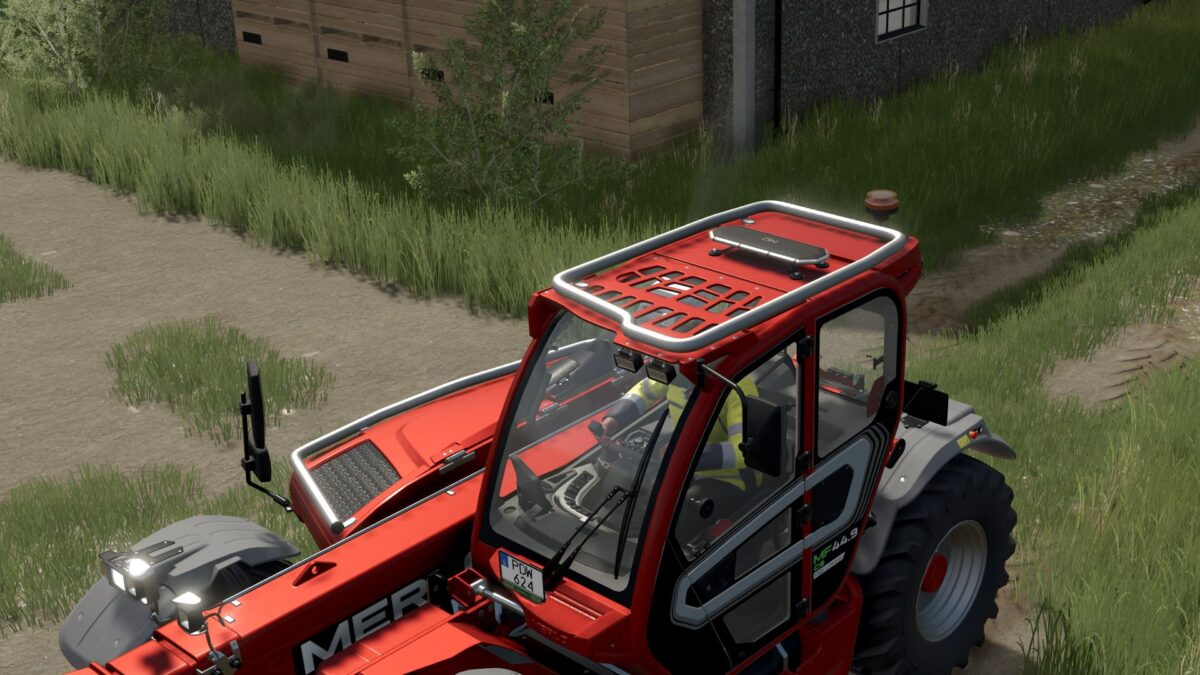
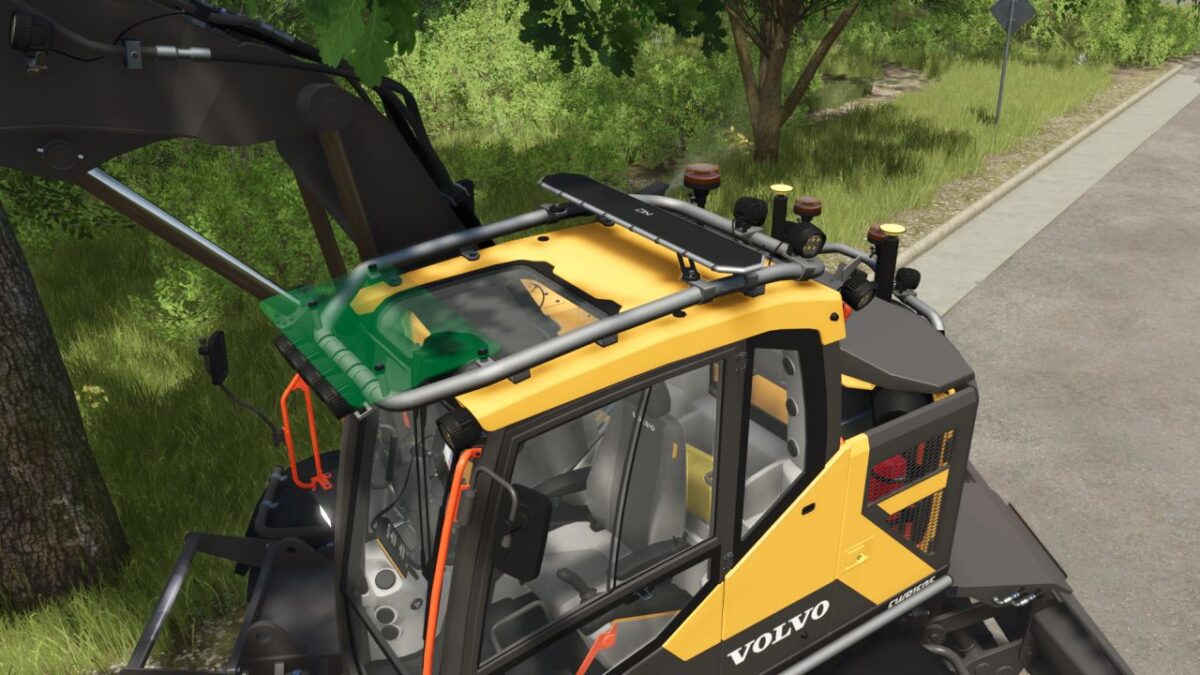
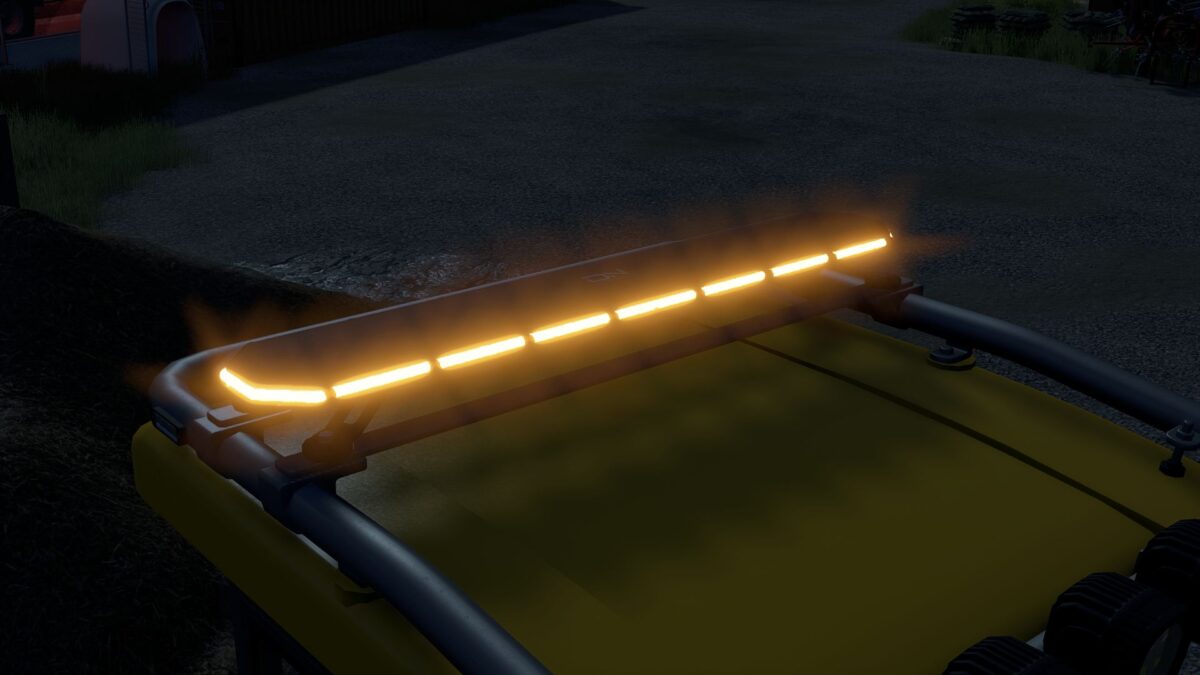
The Dynex Nova V1 is a modern and realistically designed LED strobe bar for Farming Simulator 25.
It features a slim and robust design and is suitable for a wide range of vehicles and machinery.
Three different sizes are included:
– 631 mm
– 1223 mm
– 1519 mm
The package also includes XML help files and a written installation guide.
The guide explains step by step how to correctly install the strobe bar into your vehicle and set it up in the vehicle XML.
Please read the included installation guide carefully before installing the strobe bar.
Dynex Nova V1 – designed for Farming Simulator 25.
Credits:
FippeM123