2022 Dodge RAM TRX v 1.1.0.1

FS25 mods

2022 Dodge RAM TRX v 1.1.0.1
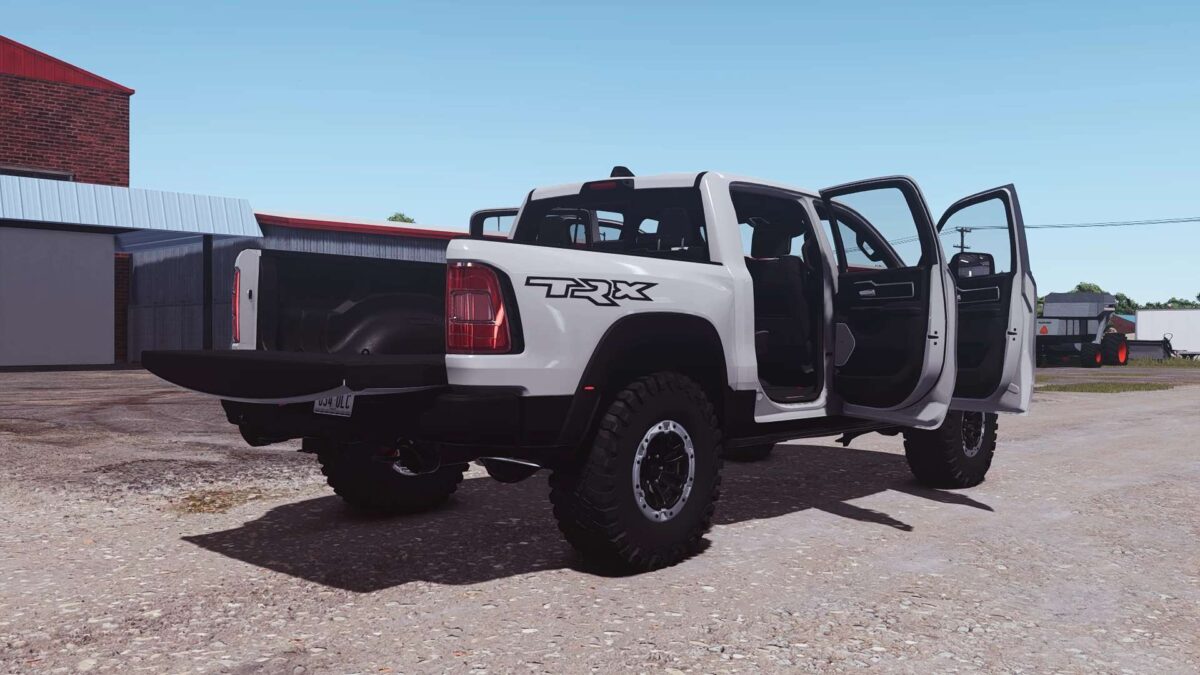
About the mod:

Specifications:
Brand: Dodge
Model: TRX
Price: 78 500$
HP: 702

Configurations:
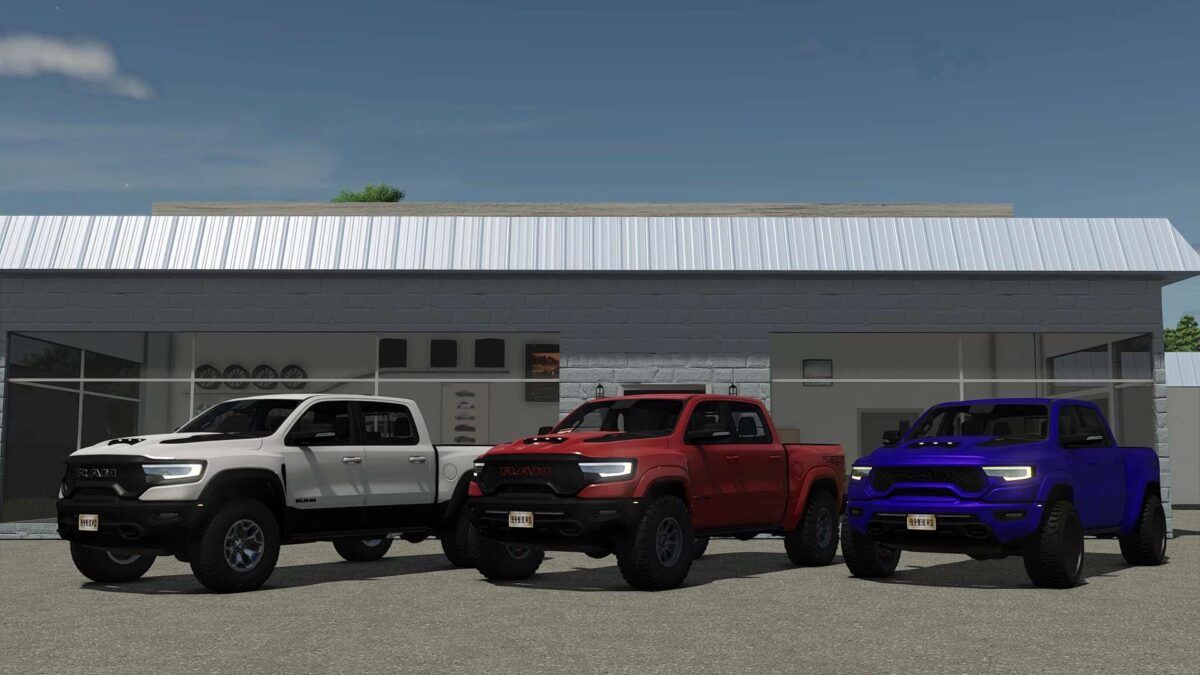
Exterior Color
Bumpers Color
Front Grill Color
Front Emblem Color
Rim Color
Trim (Plastic or Painted)
Bumpers (Plastic or Painted)
Rack
Lightbars
“For Sale” sign
Hitch
DRL Lights color

Animations:
Tailgate
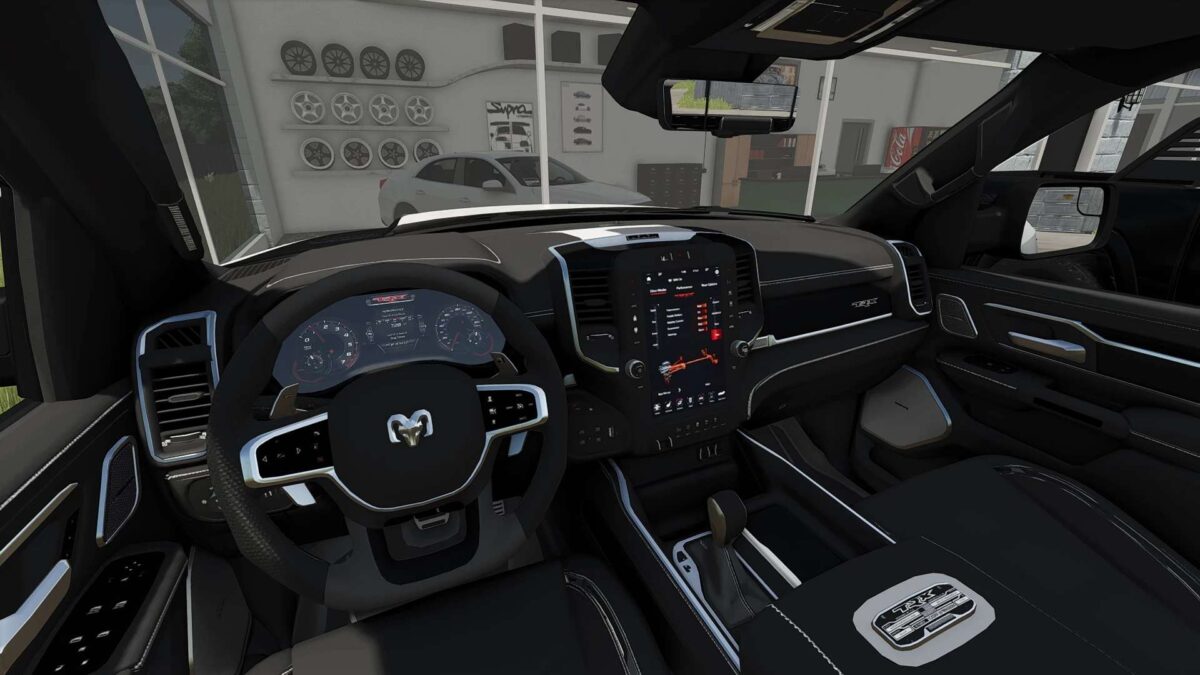
Interior animations (pedals, needles,levelers, light switches and more)
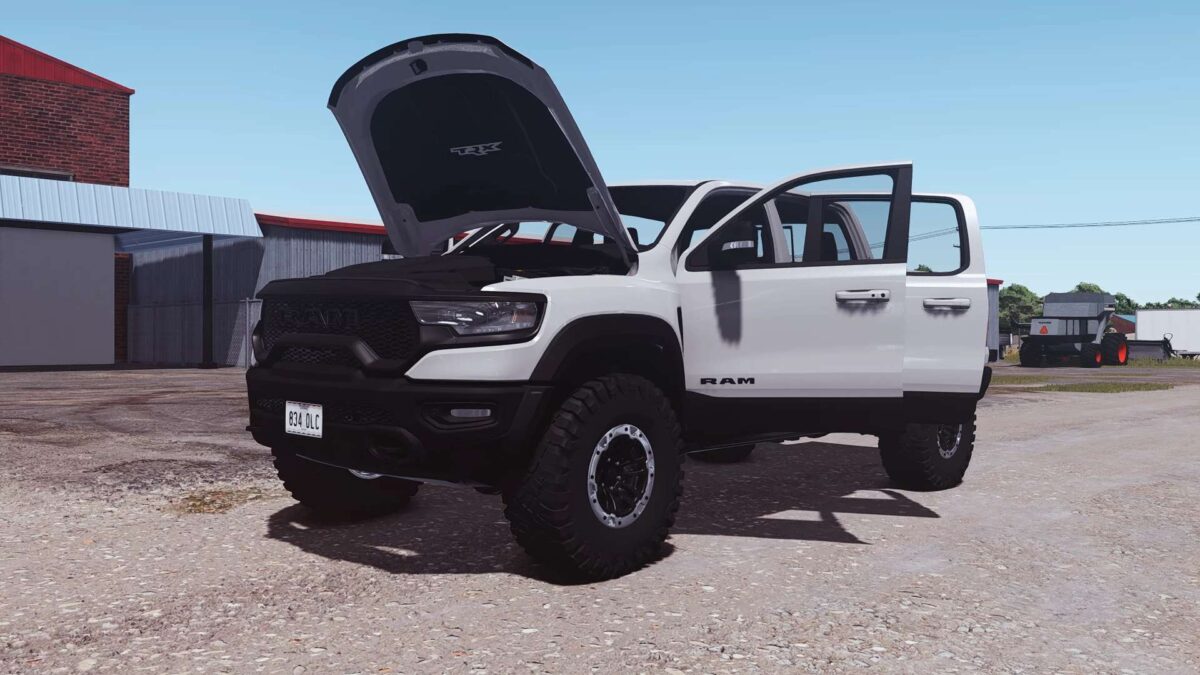
Doors and Hood animations will be added when the IC come out.

Additional Features:
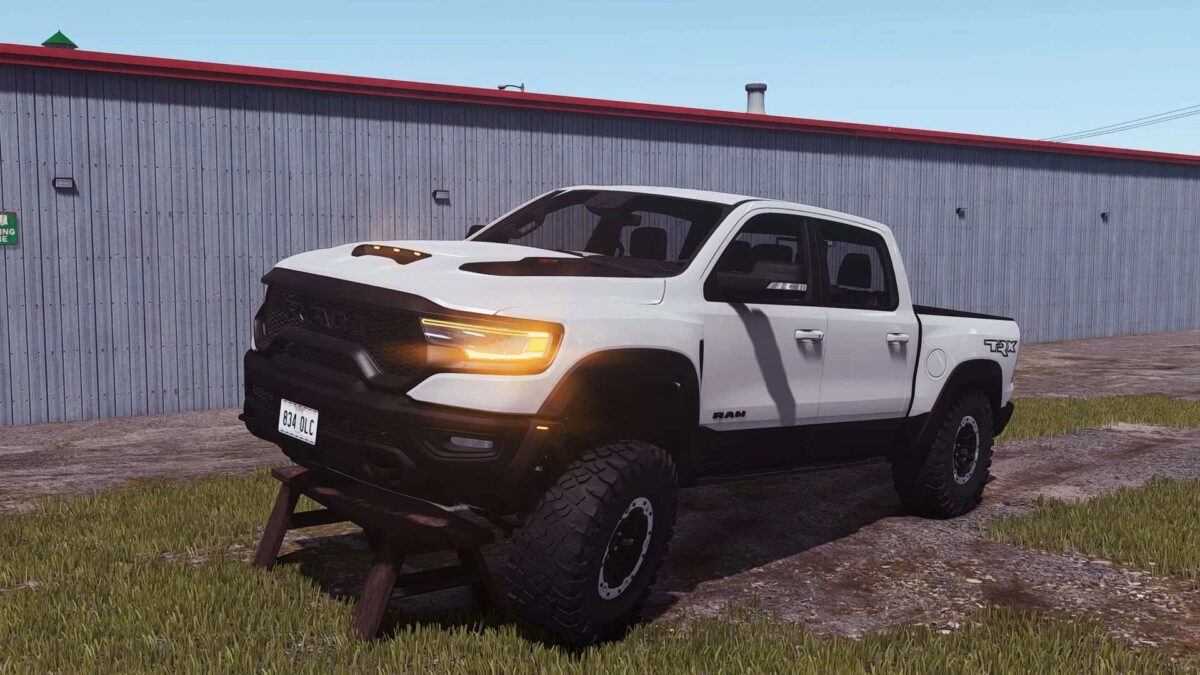
Custom wear/dirt for all parts including rims/tires
Dynamic Suspension
Custom sounds
Factory Exterior Colors
“Cast Shadows” on all lights
License Plates
Tension Belts
Goosneck hitch (just drive near the trailer/plow and it will attach)

Version 1.1.0.1:
* Added new sounds
* Added back the door animations
* Added IC support
* Added the “trailerCar” attacher type

Credits:
E55 Modding

How to install FS19 mods?

Firstly find a mod which you like and want to download. Then download a mod to your PC. Mods are usually in .zip format file. But sometimes it can be in .rar. If a mod file is a .zip format no needed additional actions. If a file is in .rar, then you must unarchive mod with software like WinRar or Zip7. Windows 10 users no need to use software for archives, Win10 itself has a feature to unarchive files.

The next step is to find mods folder in your PC. Usually, it is in Documents/My Games/Farming Simulator 19/2019. Open the "mods" folder and put downloaded .zip archive or unarchived .rar file to this folder.

Last step. Enjoy of FS19 mods!

Leave a Reply

Your email address will not be published. Required fields are marked *