

Auto Grove v 1.0

Auto Grove v 1.0
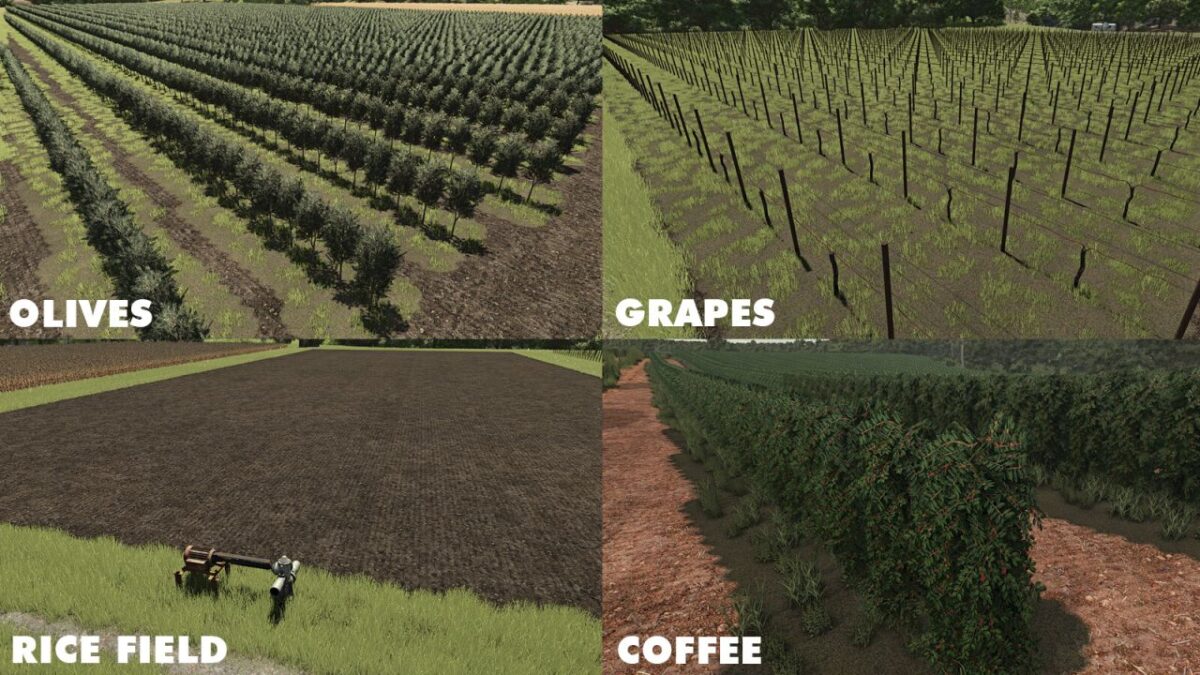
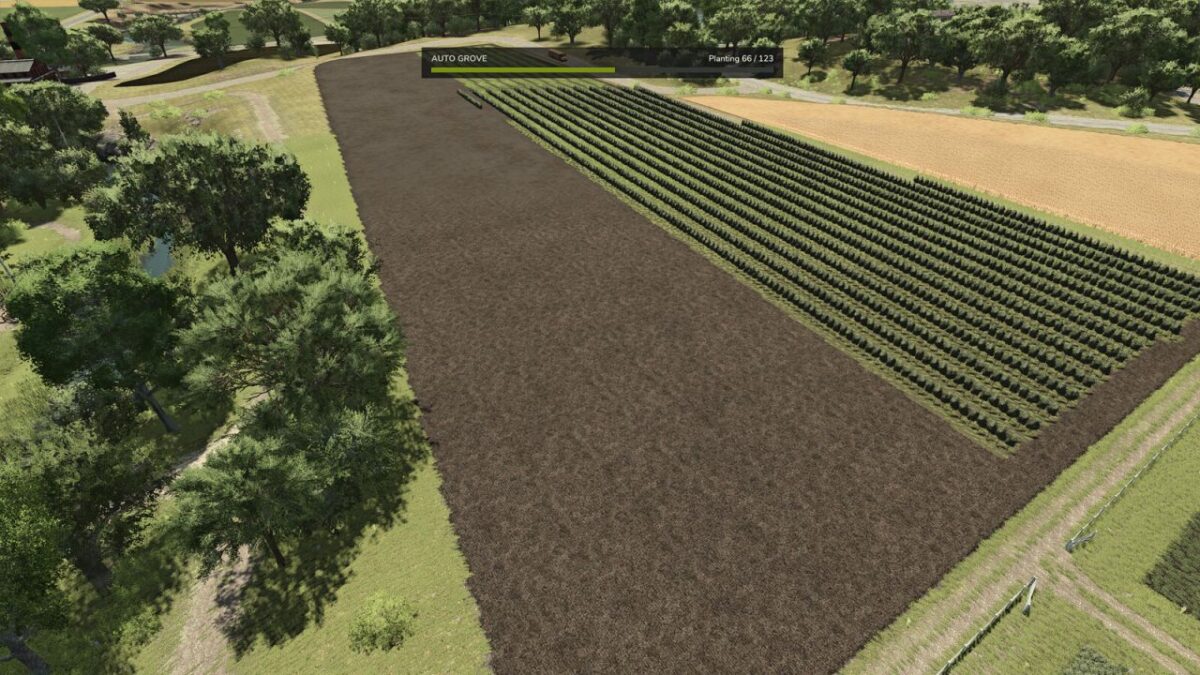
Plant a whole vineyard, olive grove or coffee grove in one go and build complete rice fields the same way.
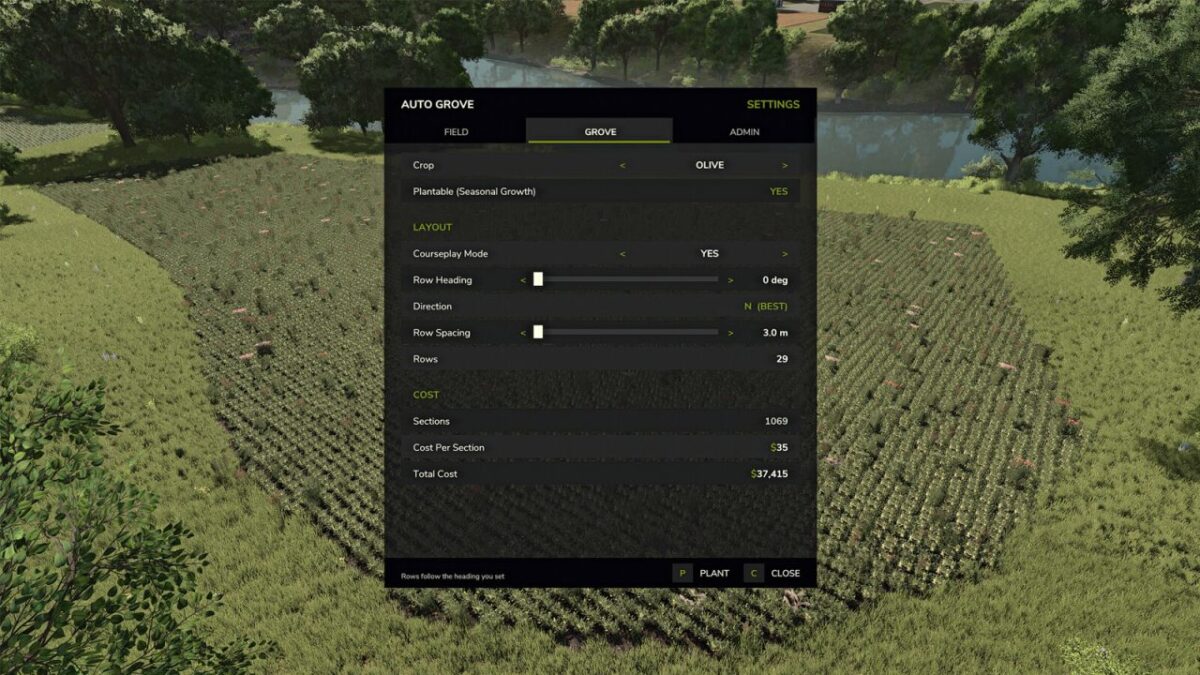
Pick one of your fields, choose your crop, set the direction you want the rows to run, and the grove is laid out for you evenly spaced, aligned to your heading and fitted to the shape of the field. No more placing every trellis section by hand. Choose rice, and the whole rice field is built from your field’s real shape ground leveled, ridge raised and water pump placed automatically.
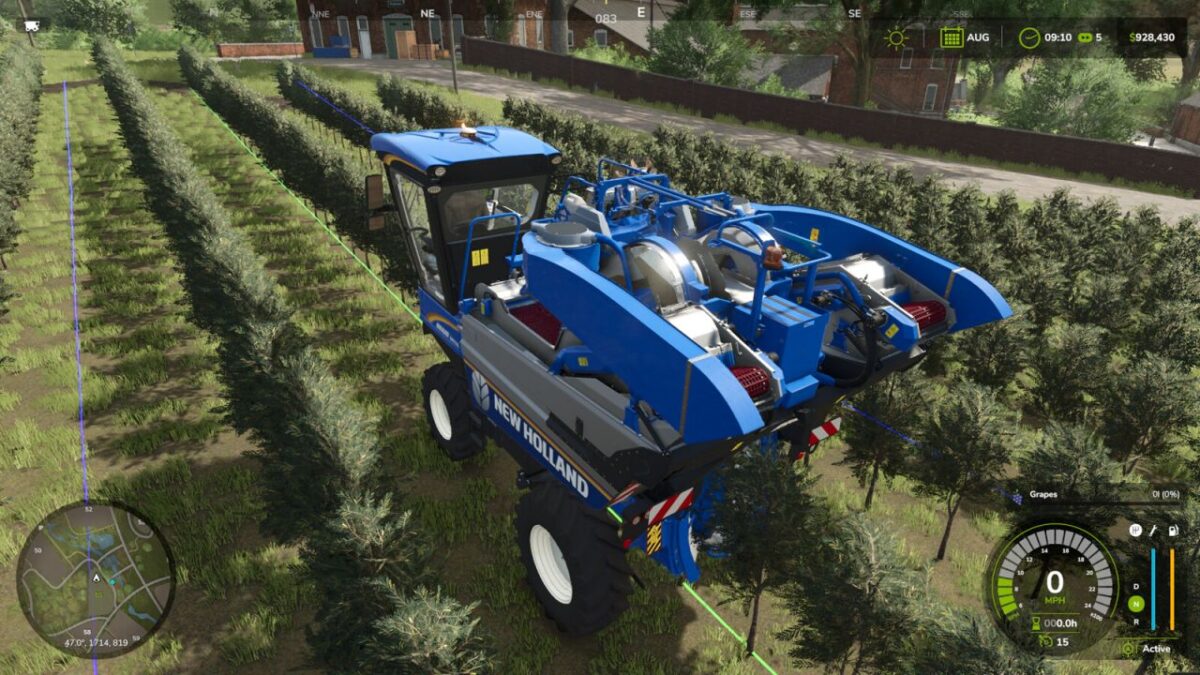
The grove is built from the game’s own orchard placeables at standard spacing, so the finished result is exactly what you would have built yourself and everything that works in a hand-built vineyard works here too, including guidance steering.
Features:
Whole-field planting on any field your farm owns: grapes, olives, coffee (on maps that grow it, like Recanto da Alvorada) and rice fields (on maps that sell them)
Combined and extended fields are detected from the actual ground: plow two fields together, or grow a field with the ground tools, and the whole combined area is planted
Adjustable row spacing, from the crop’s standard spacing up to 10 m for wider alleys and bigger equipment
Set the row direction in degrees, or let the mod suggest the best angle for the shape of the field
Courseplay Mode keeps the row heading on 5 degree steps, so a generated course lines up with the rows you planted switch it off and the mod picks the absolute best angle for the field instead, and tells you what the difference is before you commit
Planting follows the game’s seasonal calendar, exactly like vanilla sowing
Live preview of rows, sections and the exact cost before you commit
Rows follow the field boundary, including irregular and concave shapes
The field is cleared and tilled before planting, so no old crop is left between the rows
Priced at the vanilla rate 25 per grape section, 35 per olive section, map prices for coffee and rice and charged only for what was actually planted
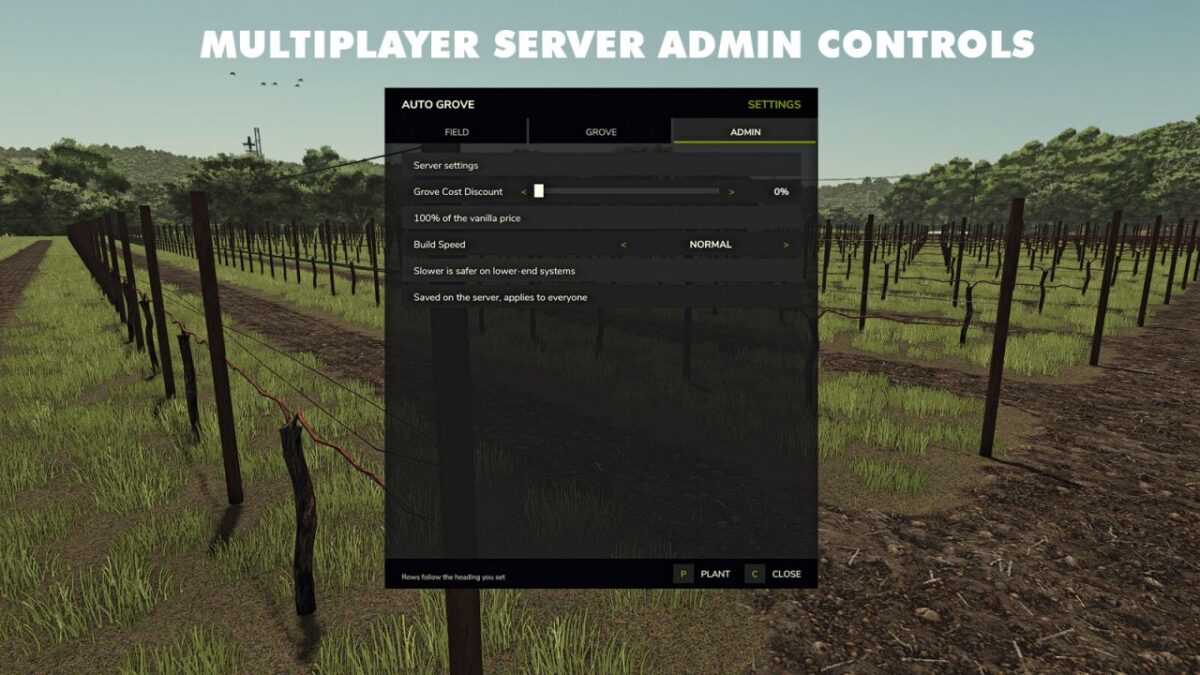
Server owners can set a discount from 0 to 100 percent
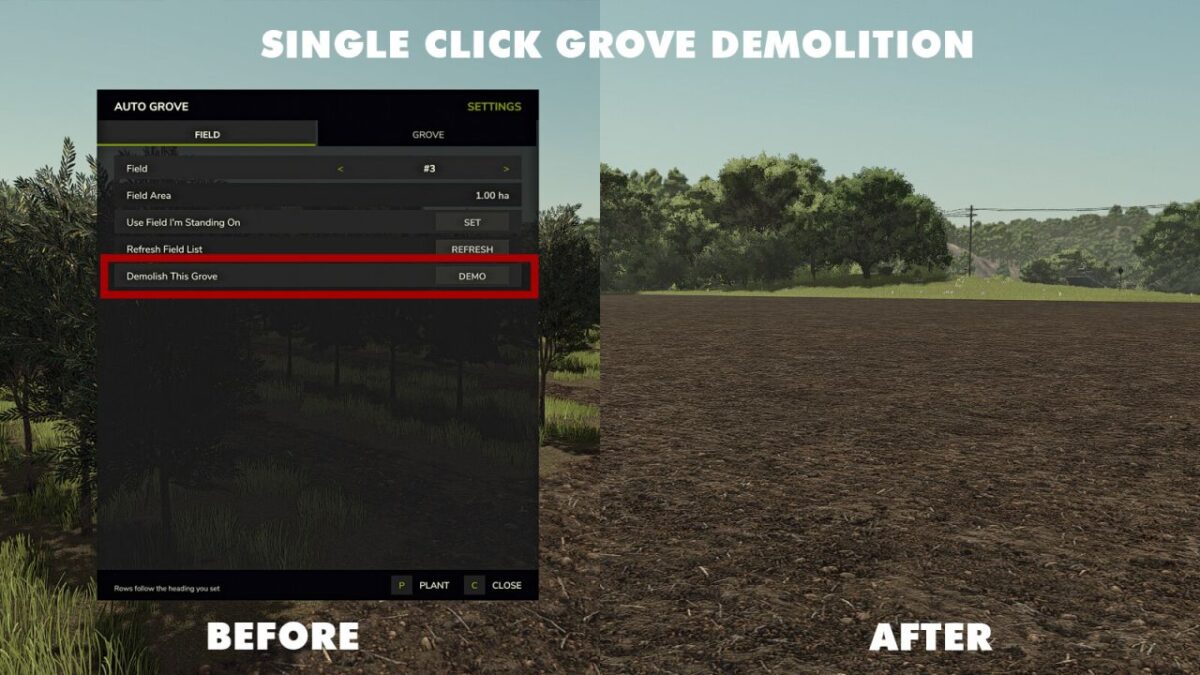
Demolish a grove or rice field in one action and get a clean cultivated field back
Groves that run onto a neighbouring field are trimmed back rather than destroyed
On-screen progress while a grove is built, so you can close the panel and carry on farming
Requires Farm Manager rights, so farm hands cannot reshape your fields
Full multiplayer support, with every request checked on the server
Press F6 to open the settings. There are no console commands and nothing to edit in a text file.