

Ford Transit MK8 v 1.8.0.1

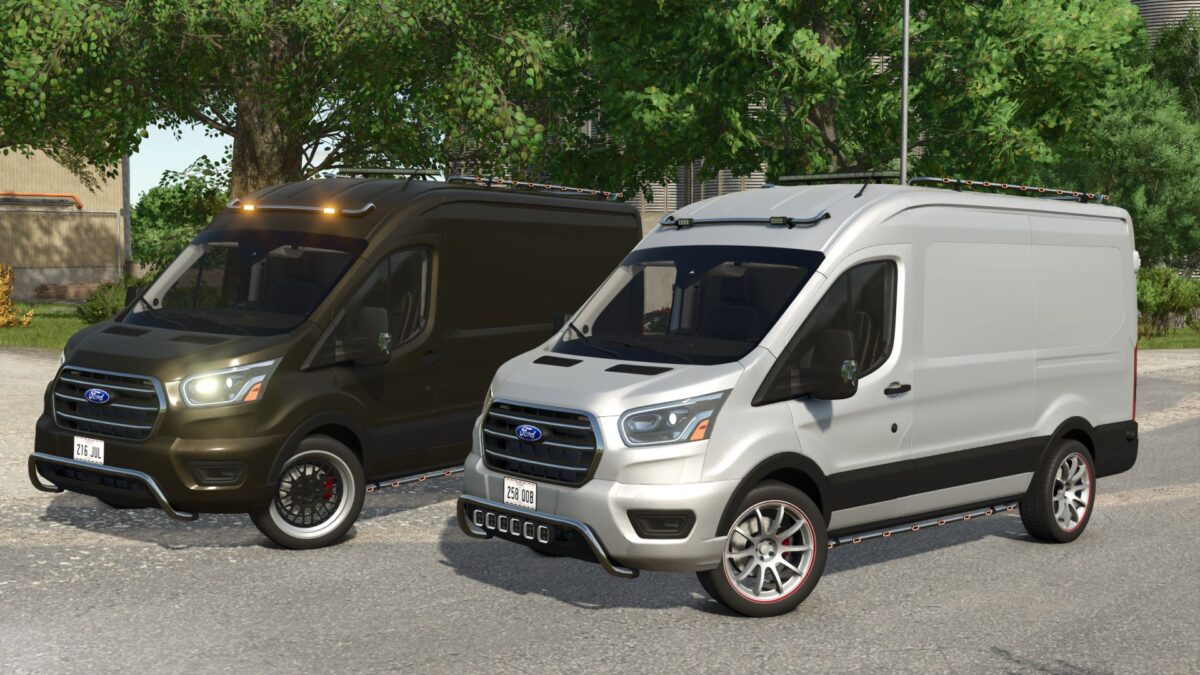
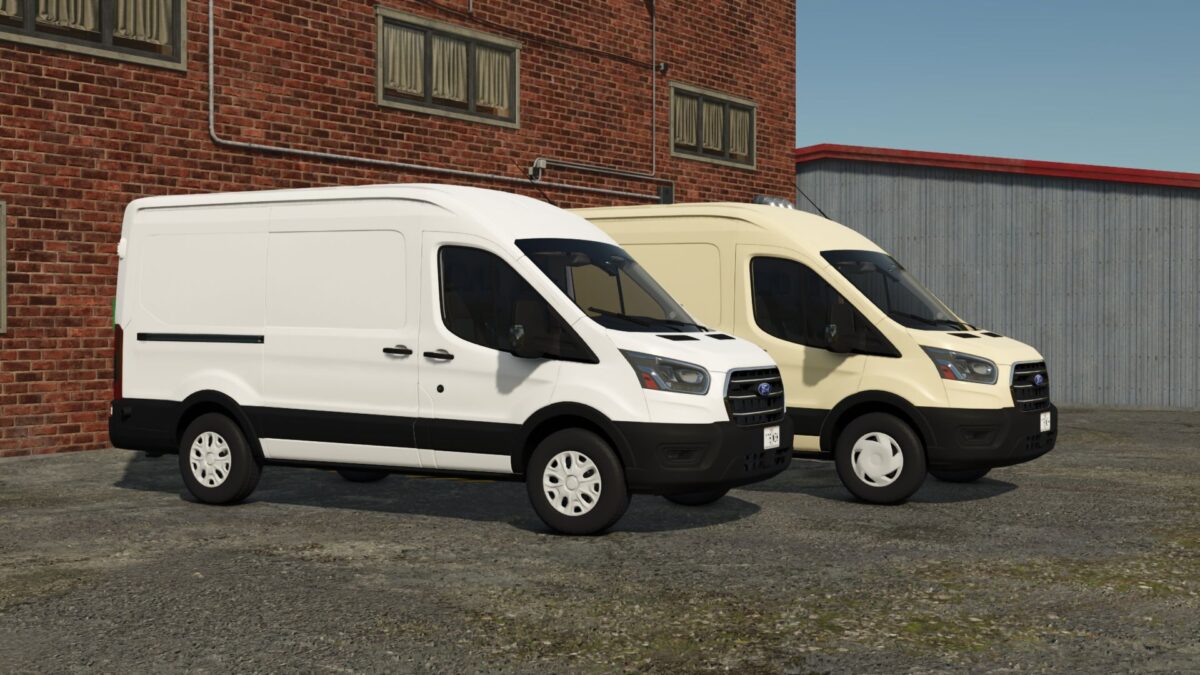
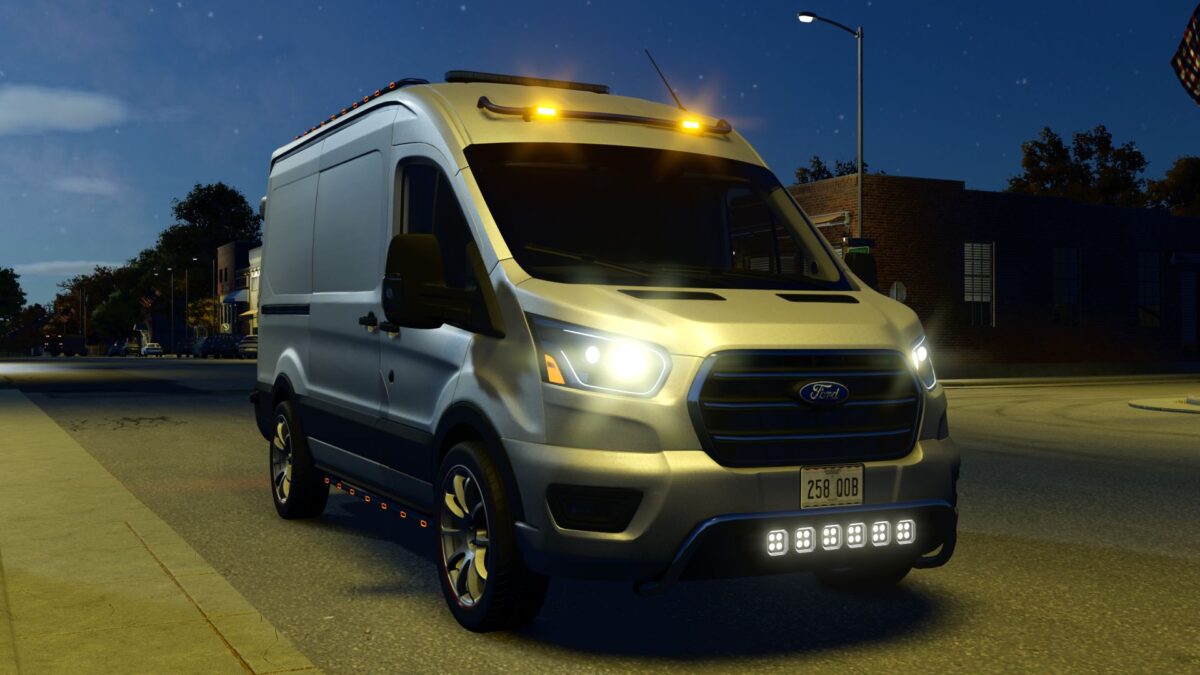
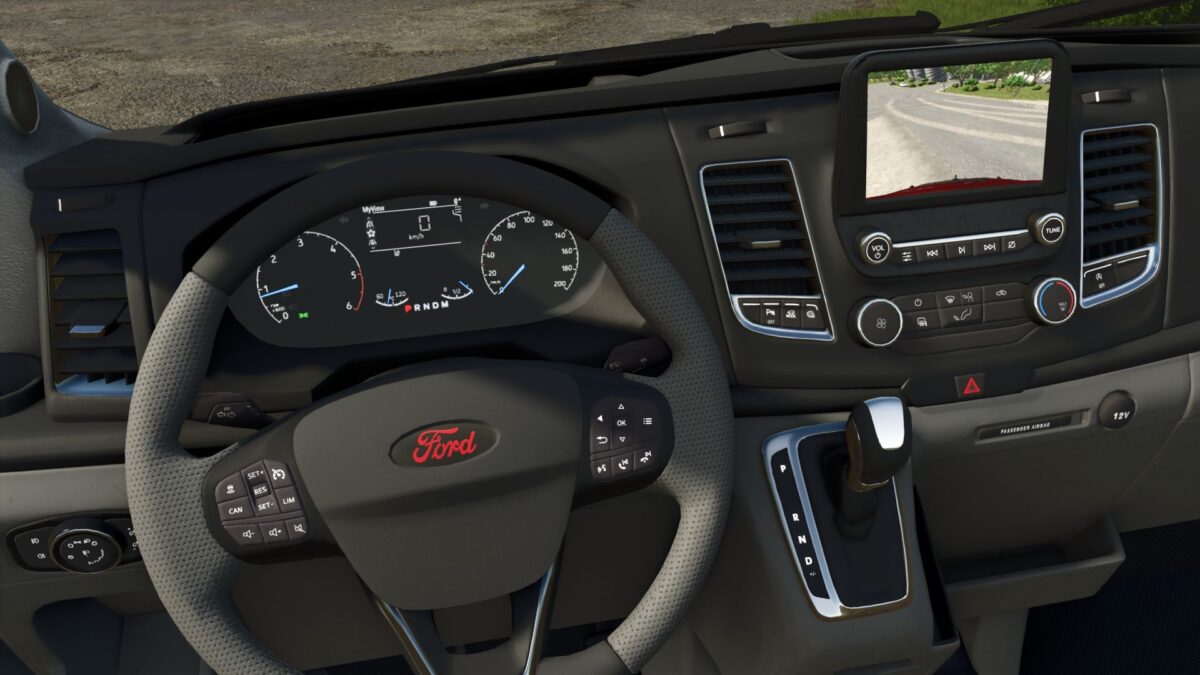
Ford Transit MK8 v 1.8.0.1
– Power 188 hp;
– Fuel tank capacity: 80 l.;
– Cost: 57660 $;
– Speed 180 km/h;
– Selectable rims;
– Selectable front bumper;
– Selectable roof bar;
– Selectable front barr;
– Selectable front Strobe/Lightbar;
– Selectable passenger seat;
– Selectable number plates;
– Selectable body & rims сolor;
– Animated dashboard, turn switches, gear shift lever, driveshafts, wipers;
– Fully animated dynamic suspension;
– Passenger support;
– Interactive Control support;
– Mercedes-Benz Trucks Pack support (rearview camera) ;
When configured in a store, the side door is open to allow the autoloading area to be configured.
If you have problems with the camera (the external camera is inside the van) see “Required mods”
To open the doors, fold the mirrors, and activate the rearview camera, Interactive Control is required!
Version 1.8.0.1:
* Added the ability to adjust vehicle ride height
* Added gear shift lever animation
* Minor 3D model improvements