

British Fill Units v 1.3.1.0


British Fill Units v 1.3.1.0
Finally, grain measured like grain.
British Fill Units is a UK-style farming localisation mod for Farming Simulator 25.
The mod brings authentic British farming terminology and realistic metric units to the game by replacing litre-based displays for solid materials with kilograms and tonnes, while localising selected terminology to better reflect UK farming practices.
From Canola becoming OSR (Oilseed Rape) to Corn becoming Maize, British Fill Units helps Farming Simulator feel more familiar to British players while standardising units across many areas of the game.
Features
Displays solid materials in kg below 1 tonne.
Displays solid materials in t at and above 1 tonne.
Liquids remain displayed in litres.
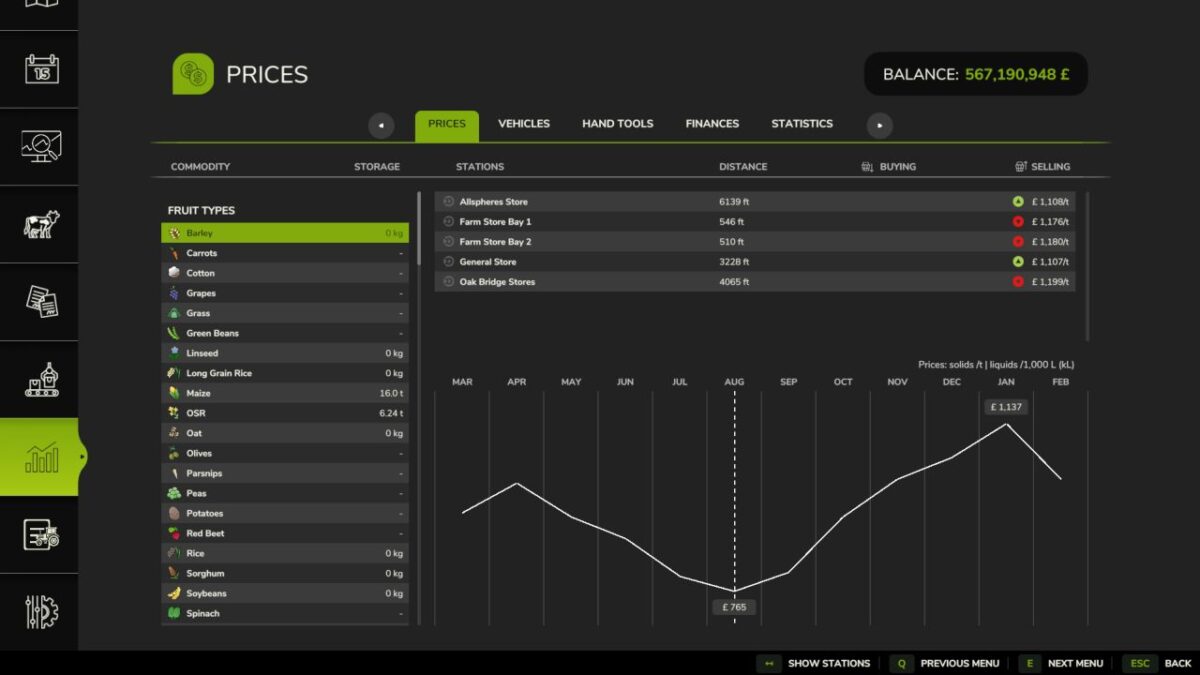
Solid material prices displayed per tonne.
Liquid prices displayed per 1,000 L (kL).
Storage capacities displayed using realistic mass values.
Vehicle and trailer capacities displayed using realistic mass values.
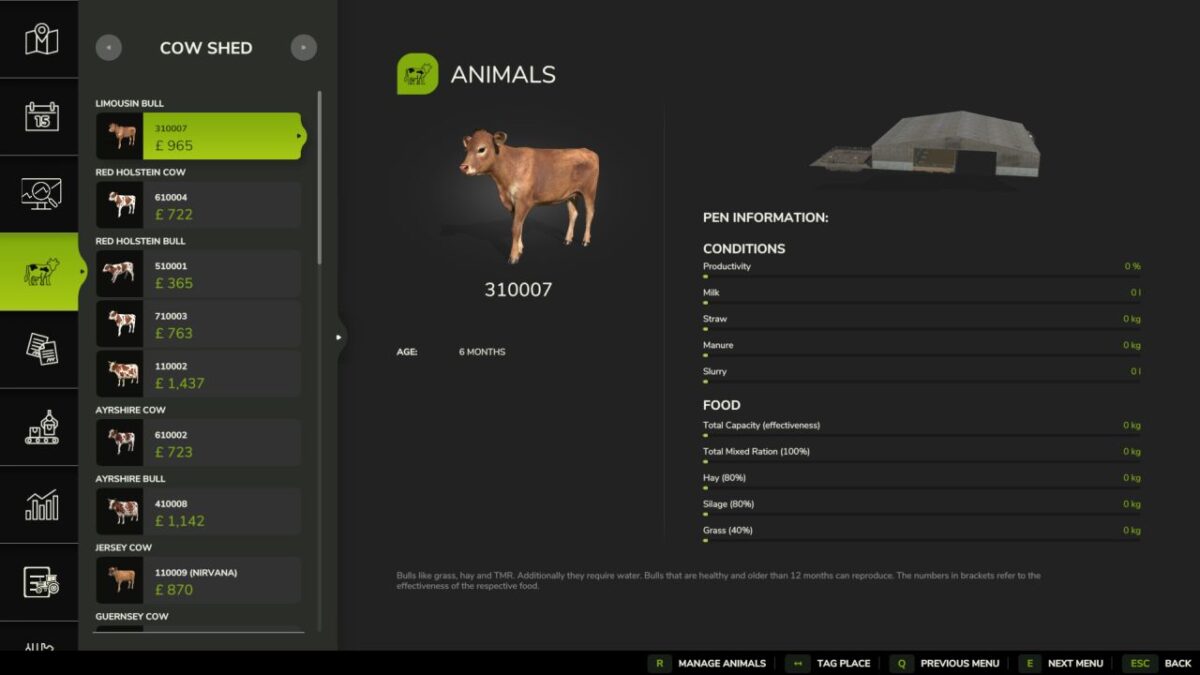
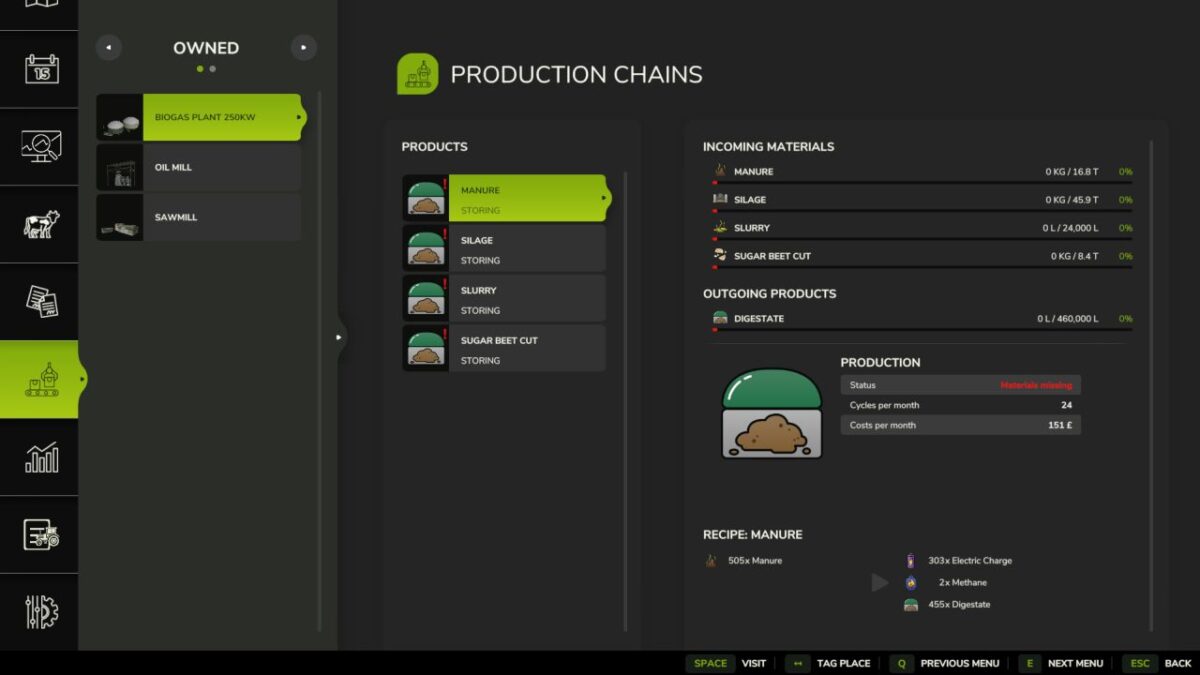
Supports Storage, Prices, Productions, Construction, Vehicle Shop, Object HUDs and compatible livestock systems.
Localises British farming terminology, including OSR (Oilseed Rape) and Maize where supported.
Compatible with the latest Farming Simulator 25 update.
Compatible with supported third-party mods, including Realistic Livestock.
Version 1.3.1.0:
* Fixed price trend indicators being cleared immediately after initial Prices page population: indicators now bind on first open without requiring scrolling
* Fixed livestock masses being incorrectly normalised as kg/L, causing animals and loaded livestock trailers to weigh 1/1000 of their intended mass
* BFU density resolution no longer mutates GIANTS fillTypeDesc.massPerLiter values
* Added BFU local resolved-density caching/views for compatibility with community fill types without changing global game descriptors
* Reduced repeated TextElement fill type/terminology work with hot path caches
* Reduced redundant FillLevelsDisplay HUD rewrites when BFU fill data has not changed