

John Deere 6230/6250R 2019 v 1.2

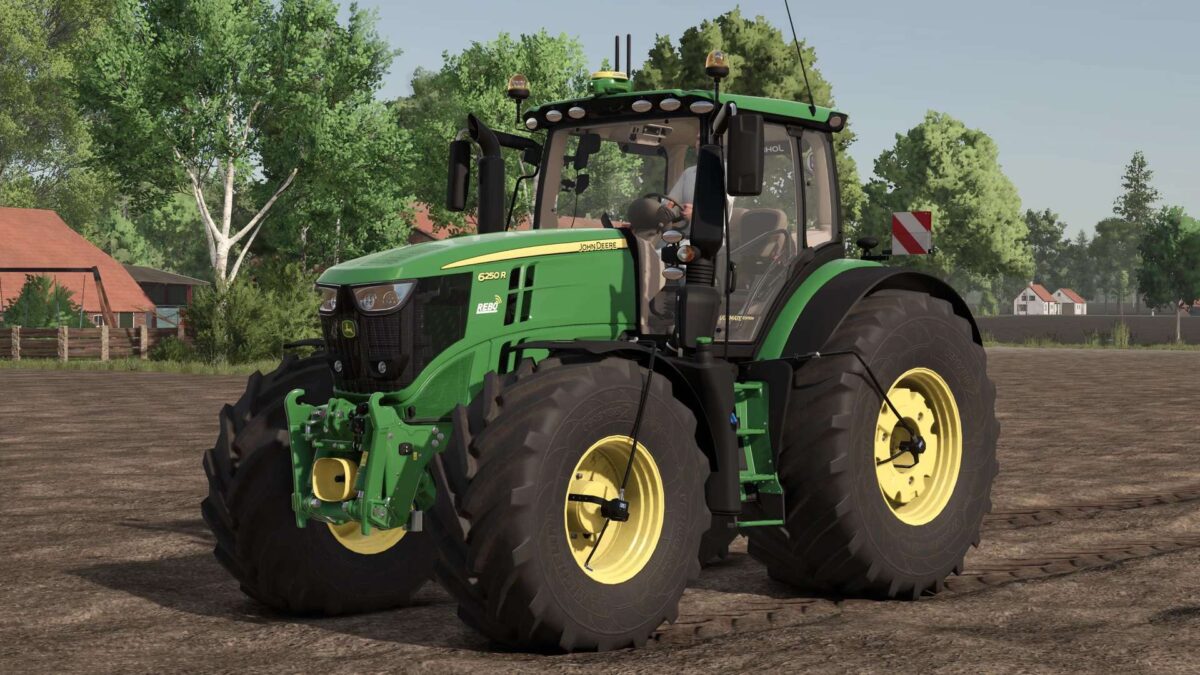
John Deere 6230/6250R 2019 v 1.2
Price: €233,500
Power: 230 hp
Top speed: 40–50 km/h
Configurations:
– Tire type
– Rim color
– Front attachment
– PTG tire inflation system
– Additional work lights
– Beacons
– StarFire 6000RTK and 7500RTK
– Warning signs
– Front fenders
– Roof hatch
– Control scheme
– Cross-lever
– Samson SlurryMaster 6000 and 8000
– G4 and G5 displays
– Premium and Ultimate editions
– Decoration (cooler, hood ornament/deer, floor mat)
– REBO dealership decals (more dealers coming in the next update)
– Hood Color
– Rim color
– Isaria PRO Compact (Precision Farming DLC)
Extra:
– Camera display with 5 work cameras (MB DLC required to use the cameras)
Engine configurations:
– 6230R 40 km/h (230 hp + 50 hp IPM)
– 6250R 40 km/h (250 hp + 50 hp IPM)
– 6230R 50 km/h (230 hp + 50 hp IPM)
– 6250R 50 km/h (250 hp + 50 hp IPM)
Animations:
– Steering column (fold/extend)
– Left door
– Right door
– Rear window
– Roof hatch
– Driver’s seat
– Passenger seat
– Attach/detach StarFire
– Attach/detach Samson terminals
– Switch between G4 and G5 displays
Version 1.2:
* Samson SlurryMaster 8000 reworked