

Better Bale Physics v 1.0.0.1

Better Bale Physics v 1.0.0.1
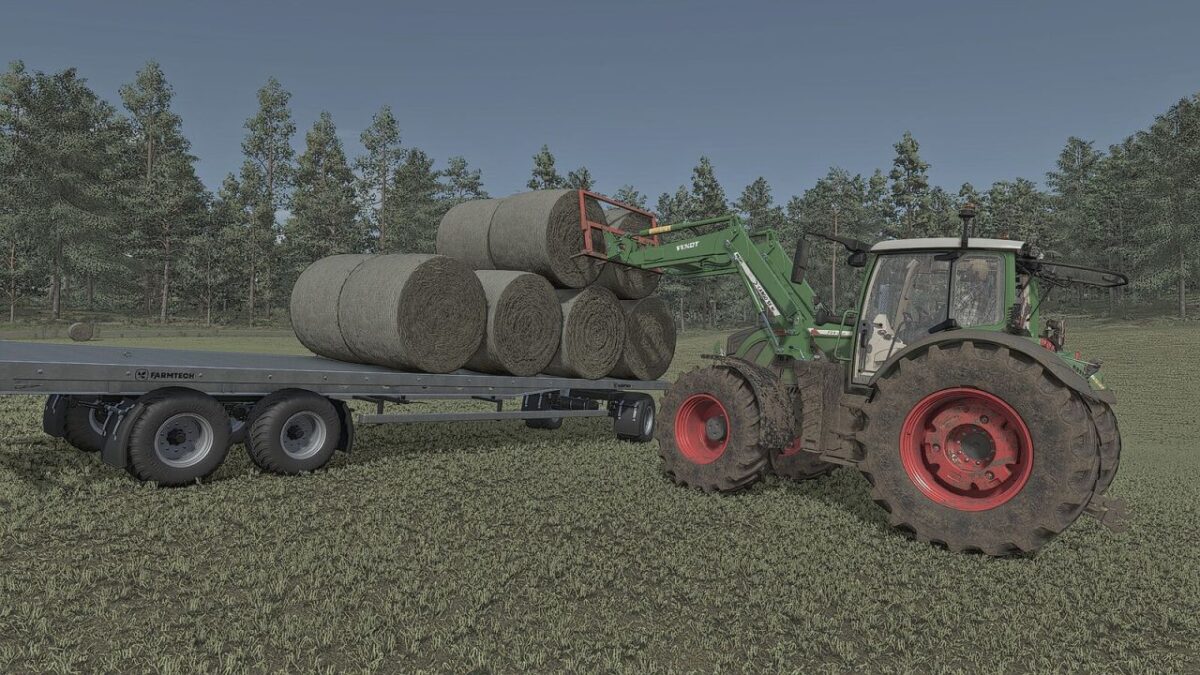
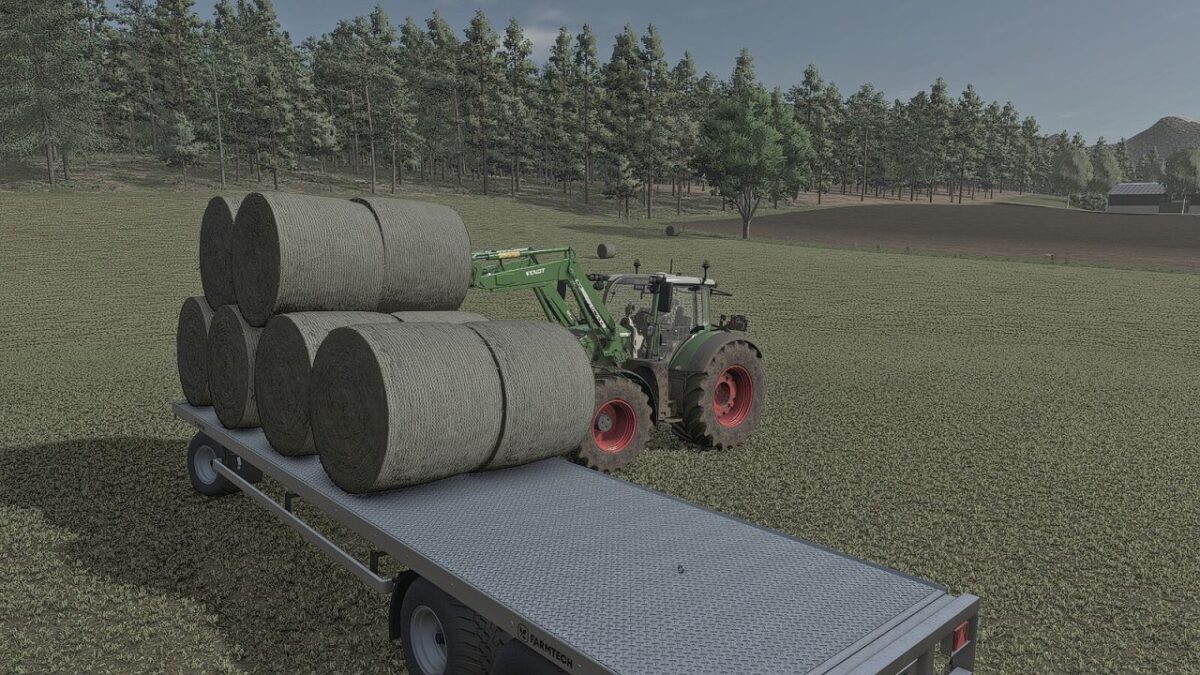
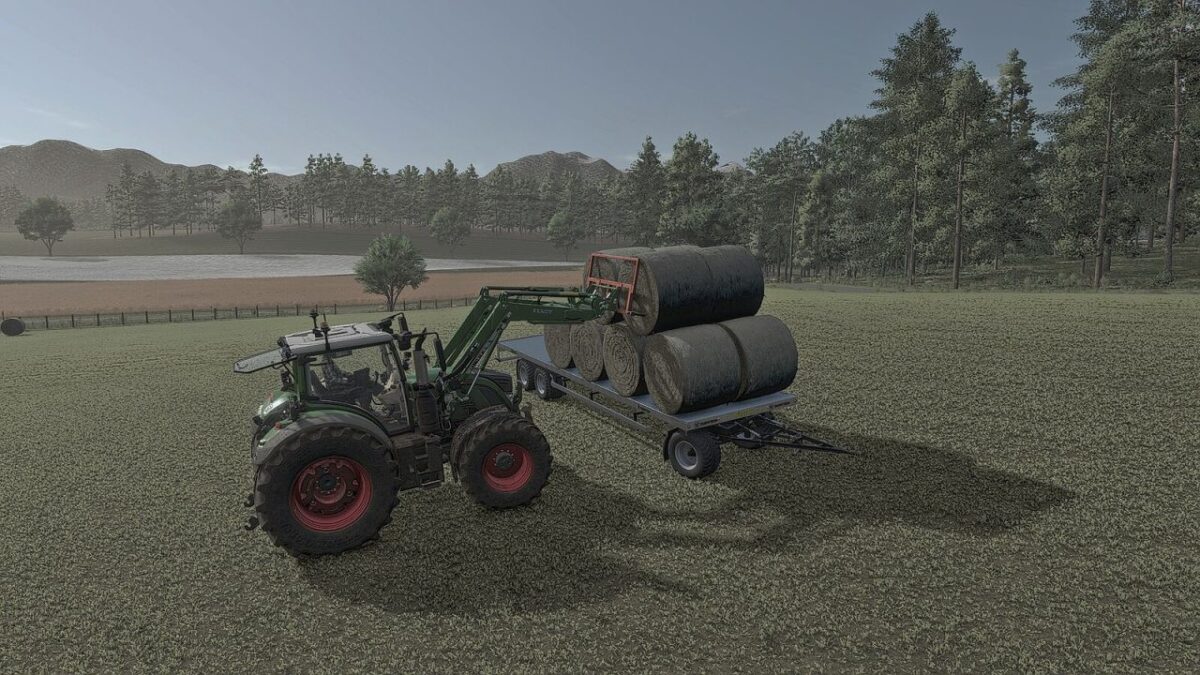
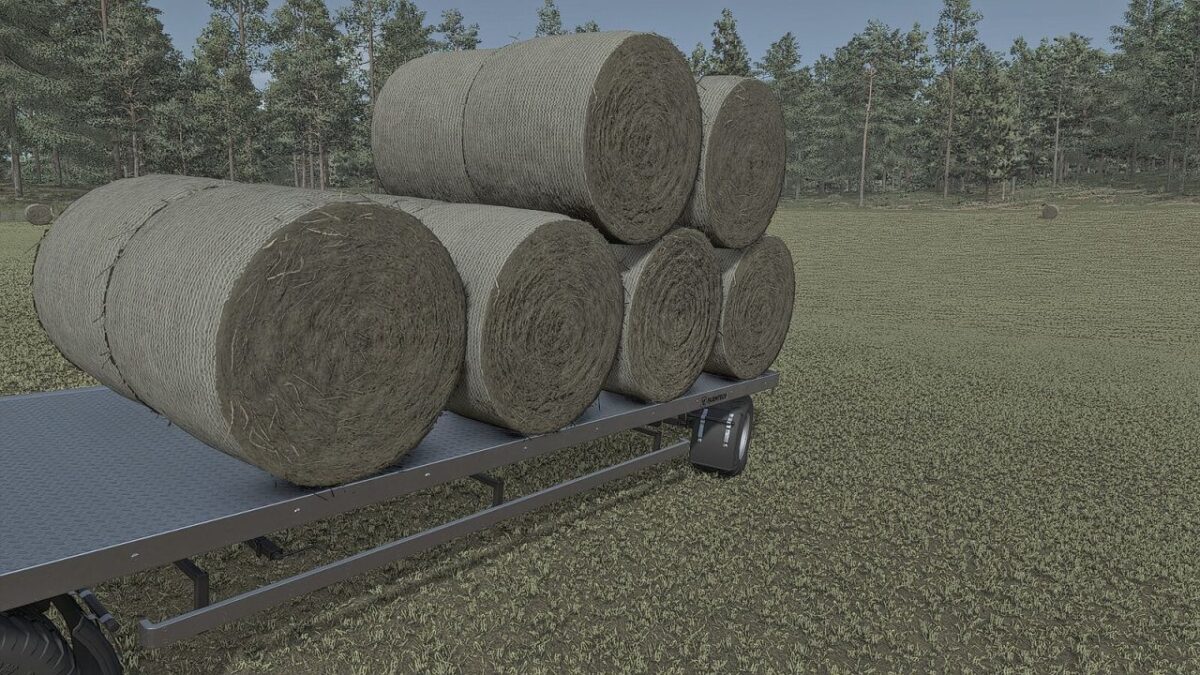
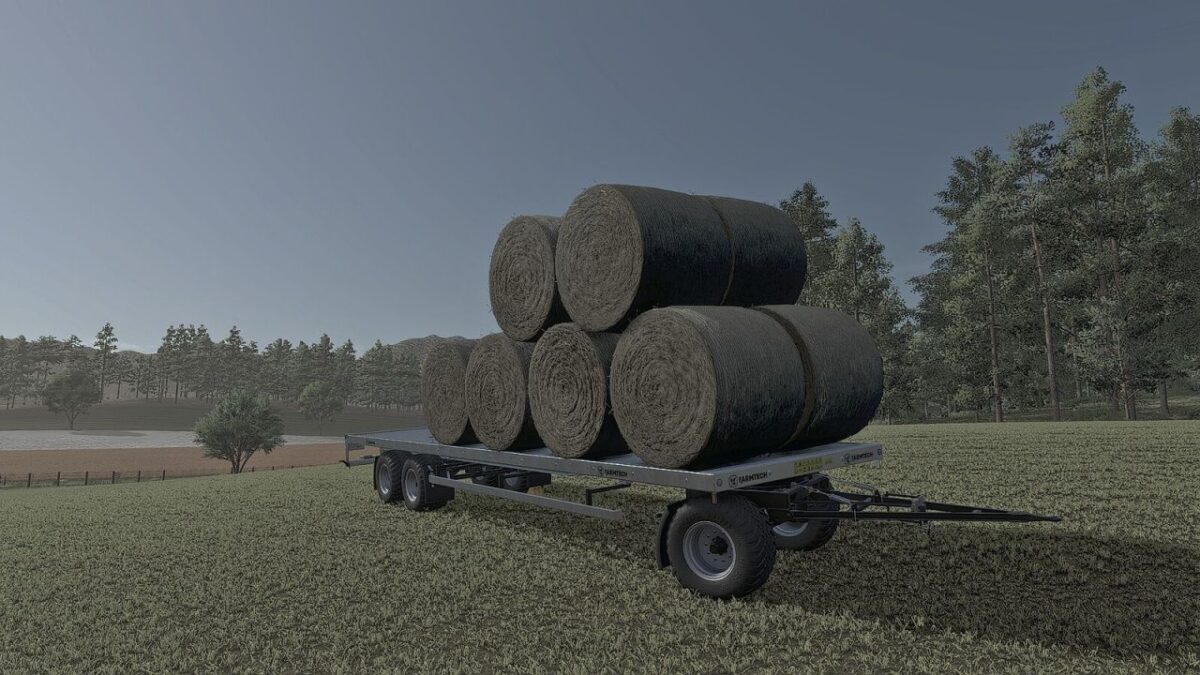
Better Bale Physics improves bale physics in Farming Simulator 25 by reducing unnecessary jitter, slow sliding and the tendency of stacked bales to move apart on their own.
The mod detects when a bale has been set down and has settled on the ground or a stable bale stack. It then freezes the bale in place. Normal physics are restored when a vehicle or bale fork approaches, when the bale is picked up, or when its support is removed.
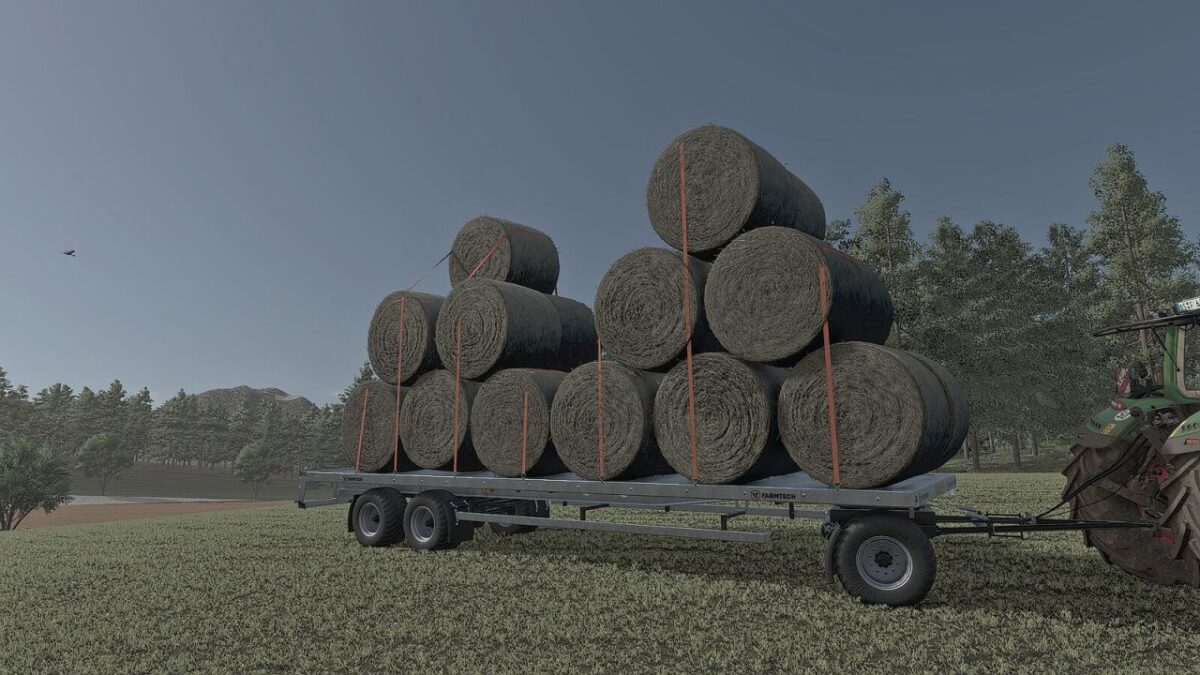
Fastened tension belts lock bales relative to their vehicle, allowing secured bales to follow the trailer. Unfastening the belts releases the lock. Loose bales on vehicles remain movable.
Features
Reduces unnecessary bale jitter and movement
Stabilizes stacked bales after they have settled
Reduces unwanted slow rotation
Normal physics remain active when bales are moved
Works automatically without additional configuration
Supports round and square bales
Compatible with base-game and modded bales
Suitable for large bale stacks and storage areas
No additional HUD or shop configuration required
Better Bale Physics provides calmer and more reliable bale behavior, making bale stacking and storage much easier and more enjoyable.
Version 1.0.0.1:
* Added automatic freezing after a placed bale has settled
* Added automatic release when a bale fork or vehicle approaches, and when a bale is picked up
* Added rigid tension-belt locking relative to the carrier, with release when the belts are unfastened
* Prevented freezing while carrying, on vehicles, or without stable support
* Added support checks and release of nearby stacked bales during pickup