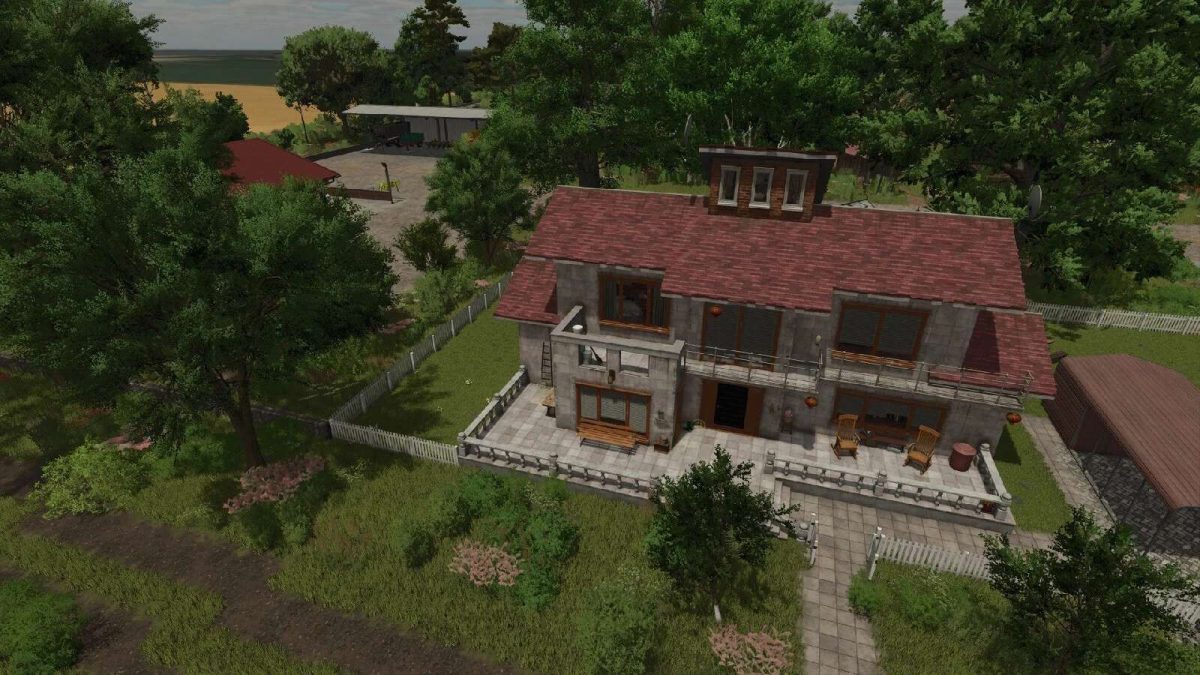
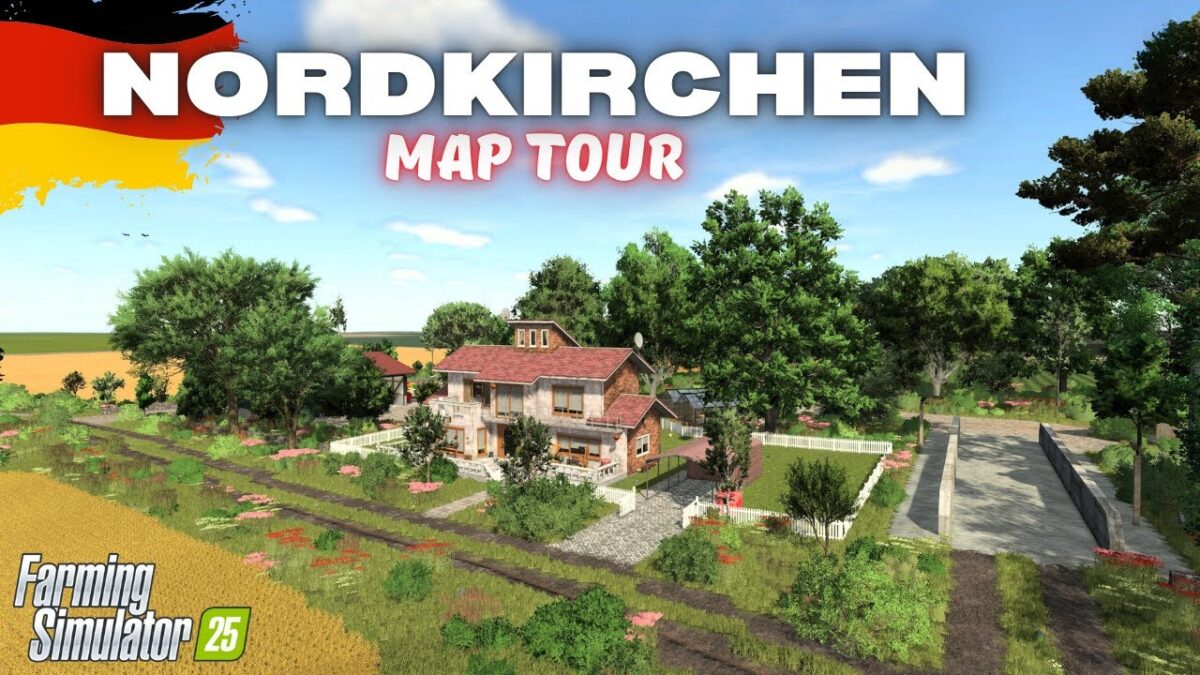
Nordkirchen Map v1.3.0.3

FS25 mods

Nordkirchen Map v1.3.0.3
About the mod:

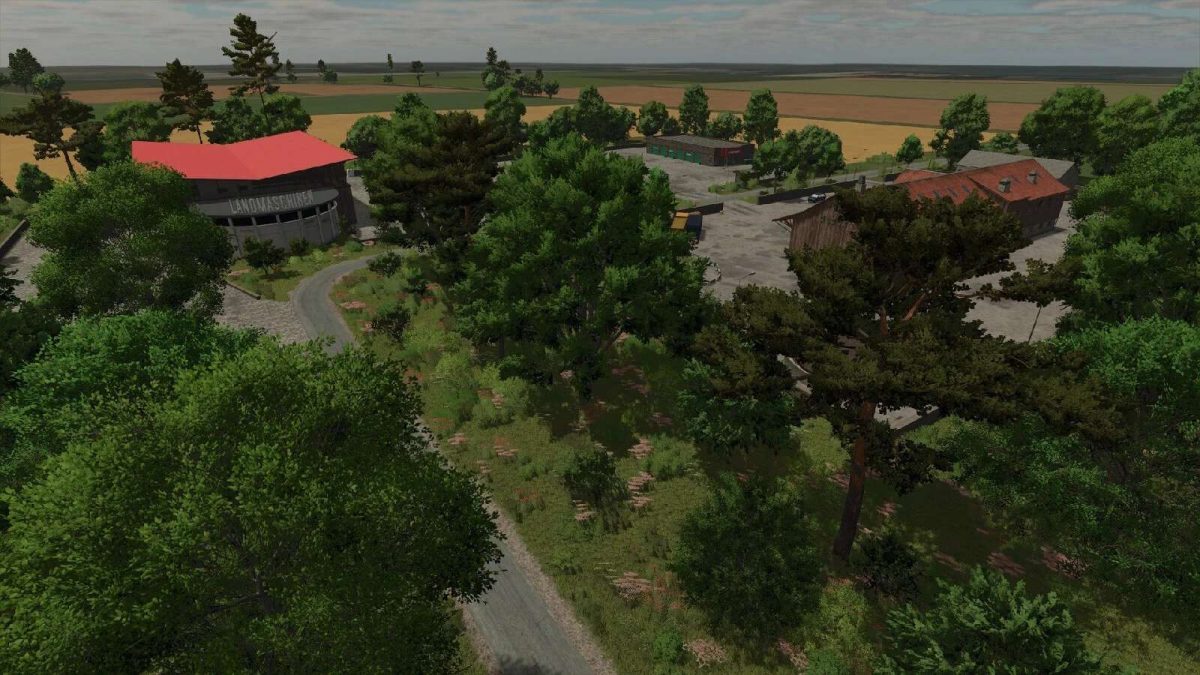
– Standard area for cultivation and farming
– 63 fields (287 ha / ⌀4.56 ha)
– 7 meadows/pastures
– 8 forest areas with 10,383 trees
– 9 places to buy products and 13 places to sell them
– 4 productions
– One fixed 1MW BGA
– 50 gathering items
– 9 additional crops: rye, triticale, spelt, green rye, vetched rye, field grass, silage maize, humus active and mustard
– Stubble destruction for: Barley, rapeseed, maize, oats, sorghum, soybeans, sunflowers, wheat, rye, triticale, spelt, green rye and vetch rye
– There are 84 soil textures and 77 trees as well as the decorative grass (meadow) available for designing

Version 1.3.0.3:
* Rain, hail, snow and dust particles adjusted for Patch 1.24

Credits:
FrechDachs93

How to install FS19 mods?

Firstly find a mod which you like and want to download. Then download a mod to your PC. Mods are usually in .zip format file. But sometimes it can be in .rar. If a mod file is a .zip format no needed additional actions. If a file is in .rar, then you must unarchive mod with software like WinRar or Zip7. Windows 10 users no need to use software for archives, Win10 itself has a feature to unarchive files.

The next step is to find mods folder in your PC. Usually, it is in Documents/My Games/Farming Simulator 19/2019. Open the "mods" folder and put downloaded .zip archive or unarchived .rar file to this folder.

Last step. Enjoy of FS19 mods!

Leave a Reply

Your email address will not be published. Required fields are marked *