

Two Villages Map v 1.0.0.1

Two Villages Map v 1.0.0.1
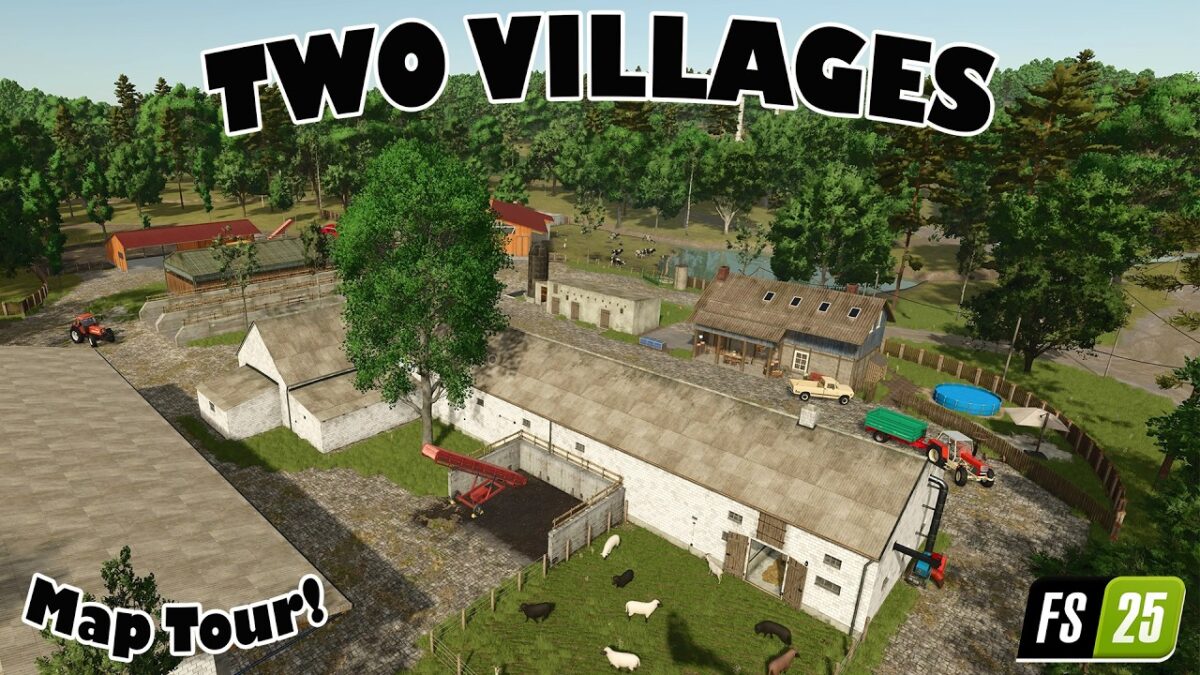
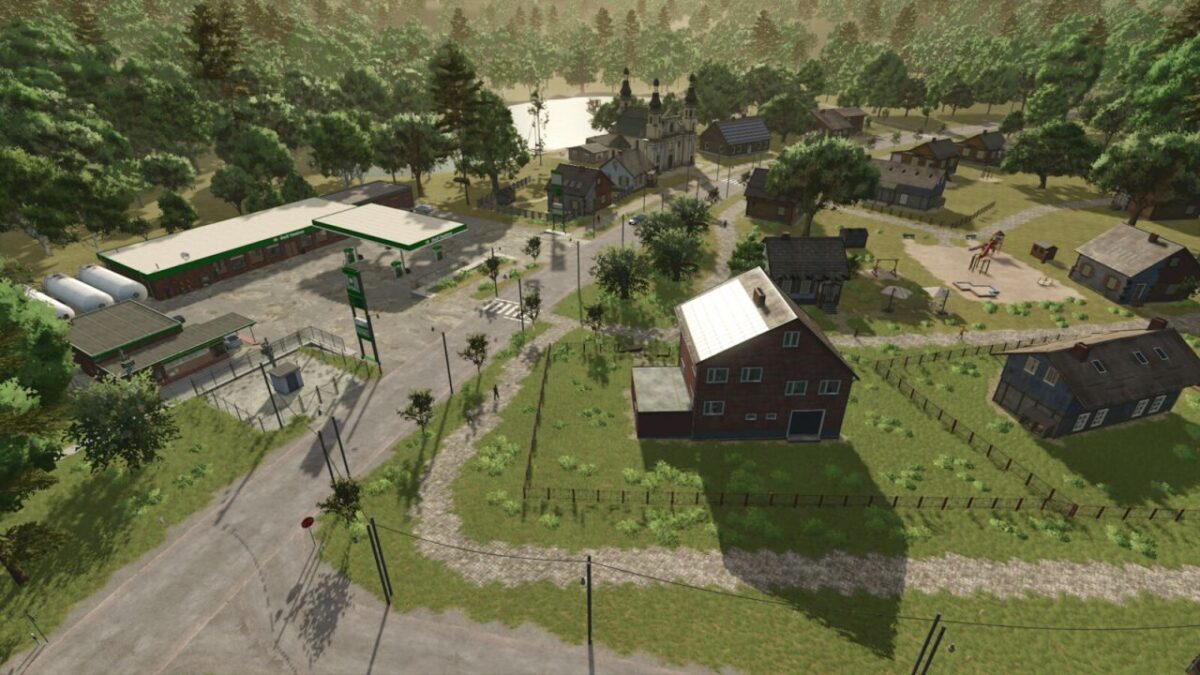
– This is a small map with two villages and several fields surrounded by beautiful forests.
– Several production facilities are included, all of which are purchasable
– A farm supply store for selling crops and buying supplies is also included
– A large vehicle dealership, similar to a gas station, is also present
– The map also features multi crop options
Crops for threshing:
Rye
Triticale
Spelt
Corn
Crops for chopping or mowing:
Green rye
Vetch rye
Field grass
Silage corn
Clover
Alfalfa
Cover crops:
Humus enriching
Mustard
Version 1.0.0.1:
* Added another gas station near the vehicle dealer
* Added a composting plant for self production
* Added various sounds
* Various minor map adjustments
* Empty pallets can now be produced at the sawmill
* Added a farm silo
* Installed a water station where water and compost can be purchased
* Added a new walk in farmhouse
* Holzingen now has a village shop where you can sell your produce
* A new field for grass harvesting has been added