

2024 BMW X5 xDrive40i v 2.1.3.0

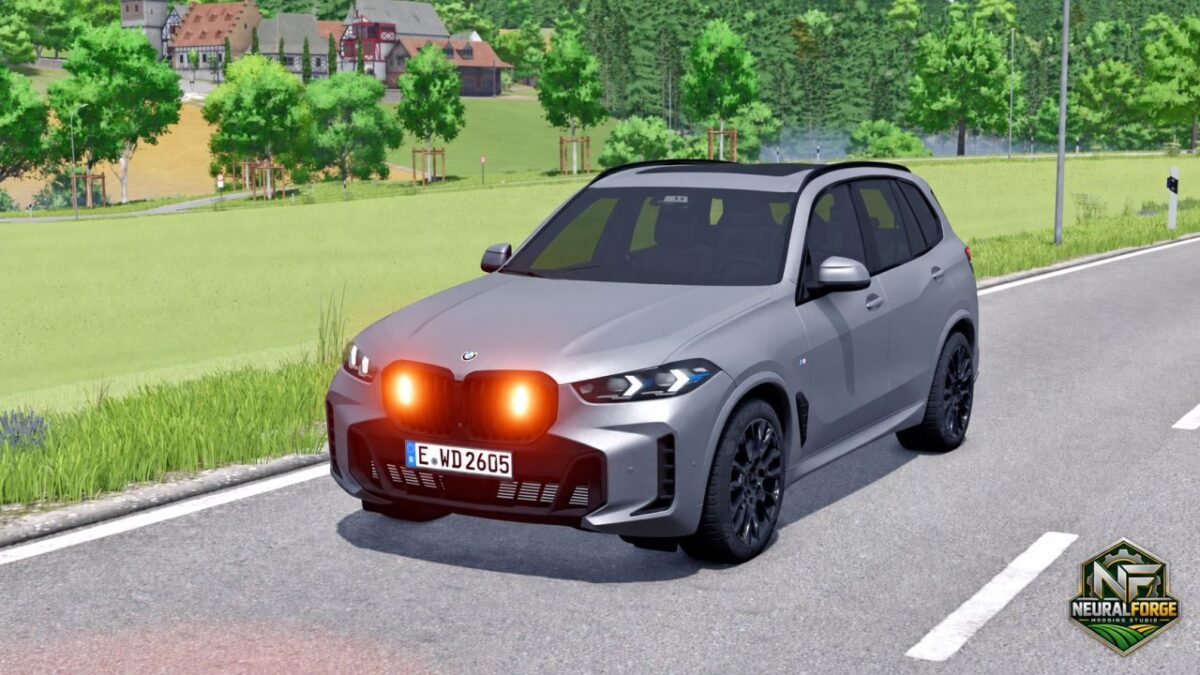
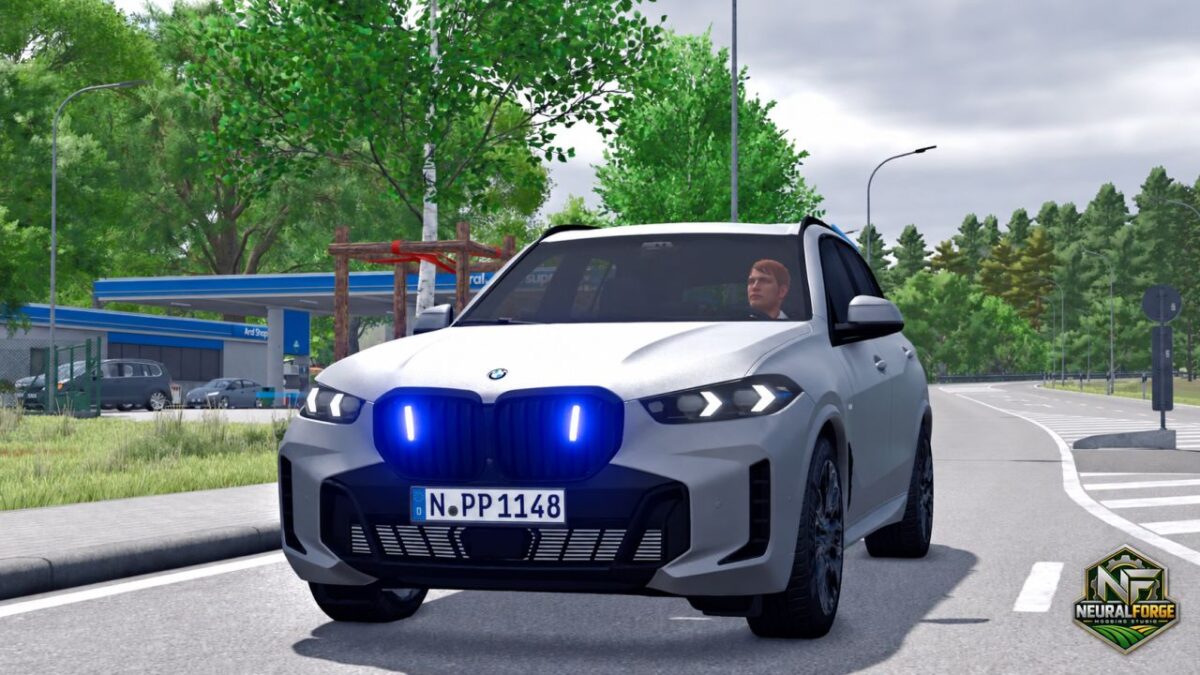
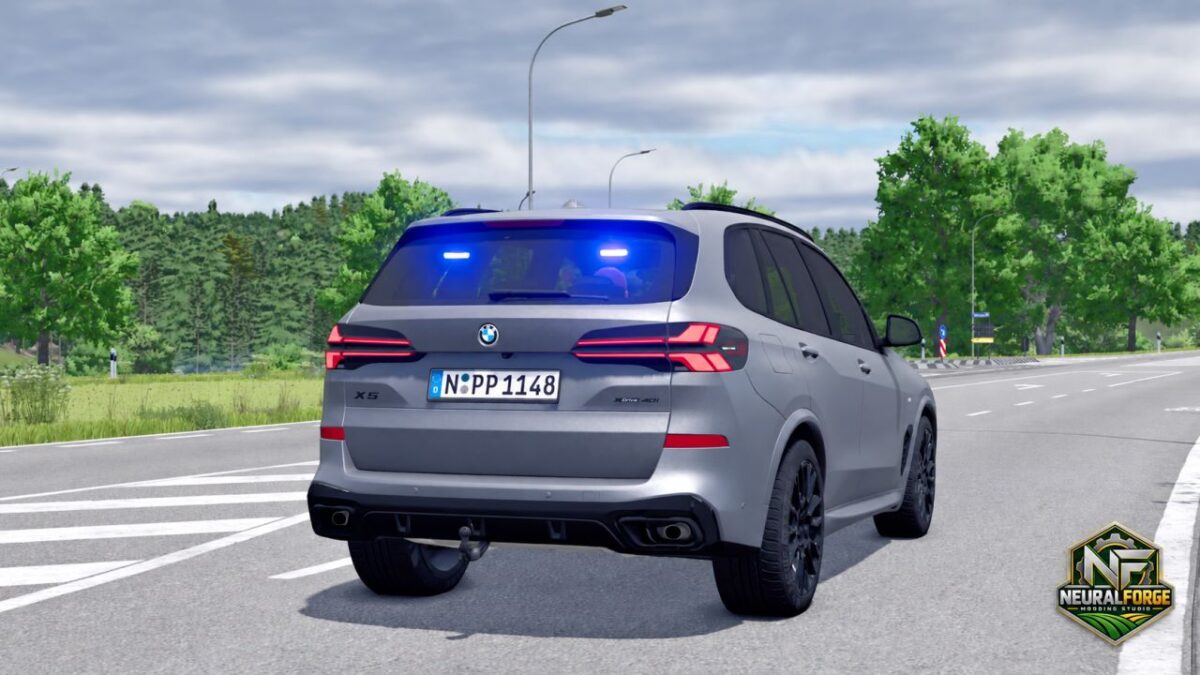
2024 BMW X5 xDrive40i v 2.1.3.0
SPECIFICATIONS
– Base price: €70,000
– Power: 381 hp
– Maximum speed: 260 km/h
– Fuel capacity: 60 L
– Category: Cars
CONFIGURATIONS
– No LED Flashers
– LED Flashers
– Orange / Blue light configuration
– German Siren or Italian Carabinieri Siren (Only in combination with blue lights)
– Multiple exterior color options
– Optional trailer hitch
– Front and rear license plates
FUNCTIONALITY:
– Sirens are available only with the blue-light configuration
– Siren activation requires the blue strobes to be active
– Orange warning lights block siren operation
– Switching off the blue lights automatically disables the siren
INTERACTIVE CONTROL
– Front left door — open / close
– Front right door — open / close
– Rear left door — open / close
– Rear right door — open / close
– Engine — start / stop
– Radio — on / off
– Left turn signal — on / off
– Right turn signal — on / off
– Hazard lights — on / off
– Vehicle lights — on / off
REQUIREMENTS & COMPATIBILITY
– Farming Simulator 25
– Interactive Control supported
– Vehicle Assistance System required for siren functionality
– Standalone vehicle package
Version 2.1.3.0:
* Standardized BMW shop option naming and warning light presentation
* Renamed LED flasher configuration to Haensch Sputnik SL with: None / Only front / Only back / Front & back
* Renamed roof beacon configuration to Haensch Comet with: None / Magnetic roof mount
* Renamed warning light color selector to Light color with: Orange / Blue
* Standardized siren selector to Siren with: German siren / Italian siren
* Standardized accessory labels to Towbar and Vehicle color
* Removed the generic Yes/No UI flag from the Haensch Comet configuration so the explicit option names are shown
* License plates remain handled by the native FS25 LicensePlates system using the existing front and rear plate nodes
* No warning light output, beacon position, siren logic, vehicle physics or other functional behavior changed