Farm Office & Crop Insurance v 1.0

FS25 mods

Farm Office & Crop Insurance v 1.0
About the mod:

Farm Office & Crop Insurance — V0.4 Public Beta Test
Hello everyone! Here is v0.4 of my farm management mod for FS25, now available for public beta testing.

This mod introduces a realistic system inspired by actual farming practices:

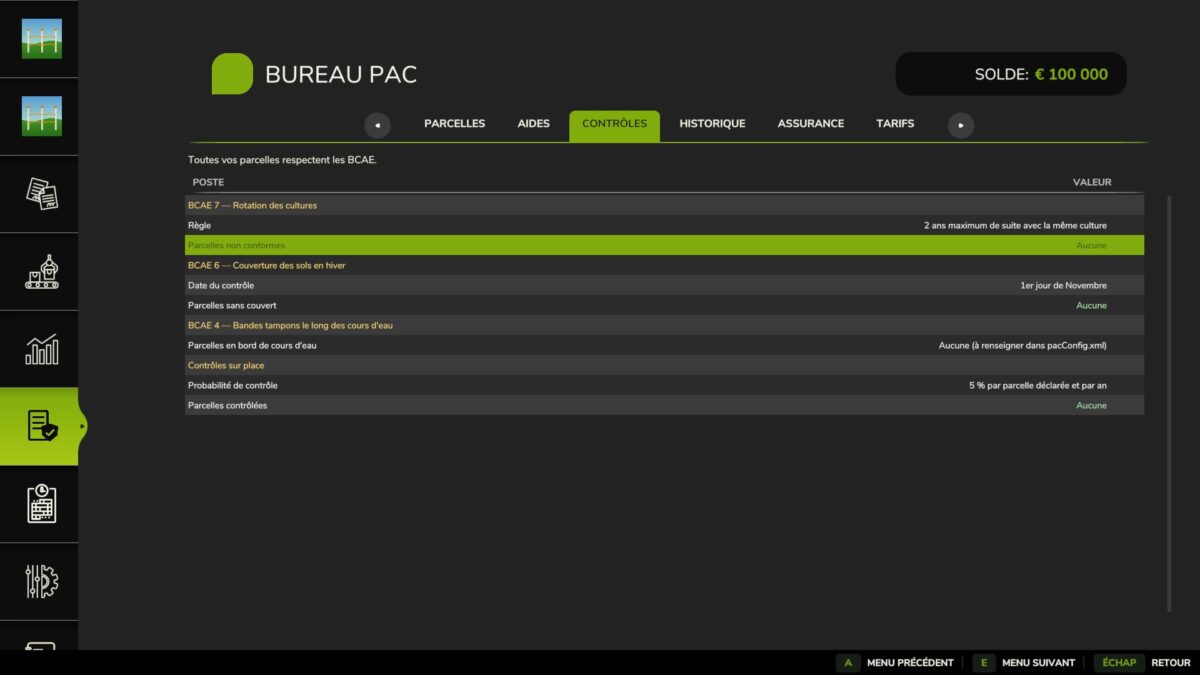
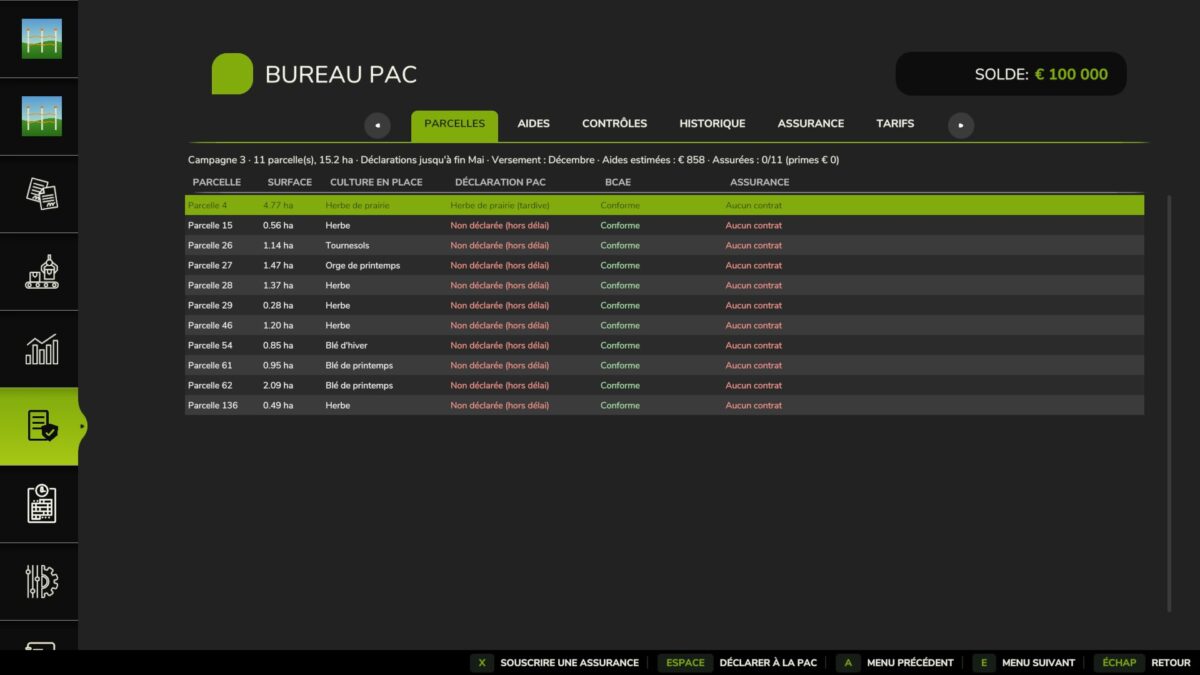
CAP Office (FS25_PACOffice): Field declarations, monitoring of GAEC standards (rotations, cover crops, buffer strips), subsidy and grant calendar.

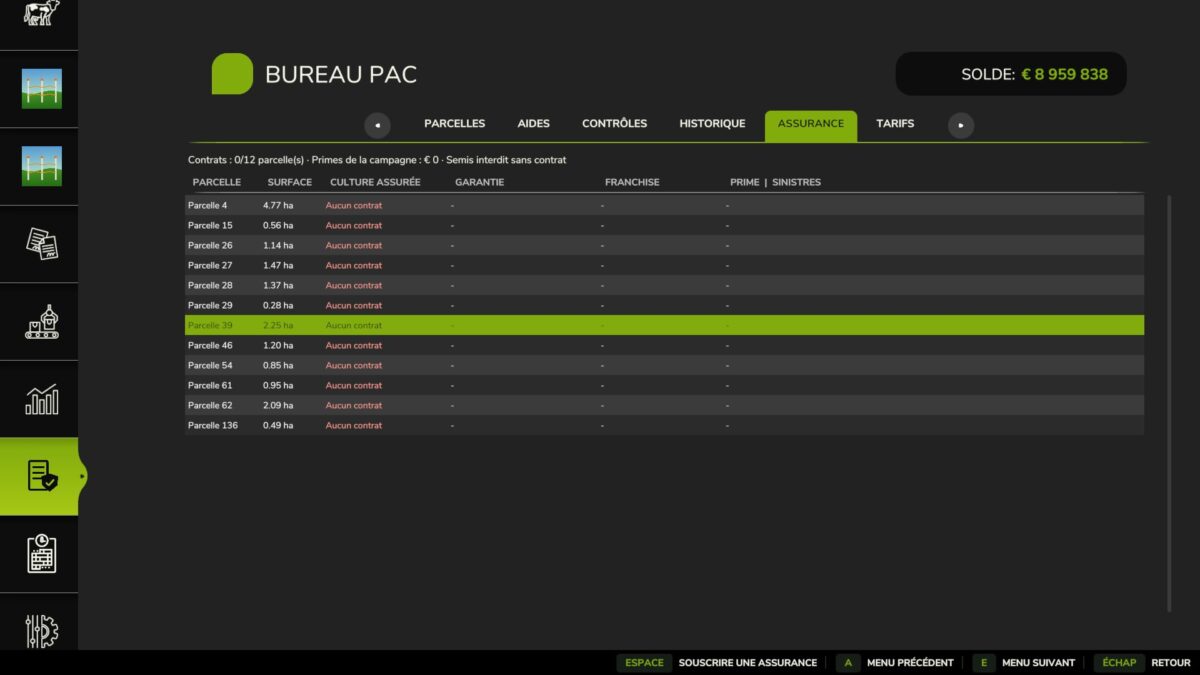
Crop Insurance (FS25_PACInsurance): Optional independent module to insure your crops against weather-related risks (hail, frost, drought), with sowing blocked if they are not insured.

Important for testers:
As this is a beta version, some mechanics (such as subsidy payments in December or in-game claims) need to be tested under real conditions.

The archive has been unzipped
Have fun everyone and enjoy testing on FS25!

Credits:
Team Savoie Modding

How to install FS19 mods?

Firstly find a mod which you like and want to download. Then download a mod to your PC. Mods are usually in .zip format file. But sometimes it can be in .rar. If a mod file is a .zip format no needed additional actions. If a file is in .rar, then you must unarchive mod with software like WinRar or Zip7. Windows 10 users no need to use software for archives, Win10 itself has a feature to unarchive files.

The next step is to find mods folder in your PC. Usually, it is in Documents/My Games/Farming Simulator 19/2019. Open the "mods" folder and put downloaded .zip archive or unarchived .rar file to this folder.

Last step. Enjoy of FS19 mods!

Leave a Reply

Your email address will not be published. Required fields are marked *