

Farm Limit Manager v1.0.0.0

Farm Limit Manager v1.0.0.0
About the mod:
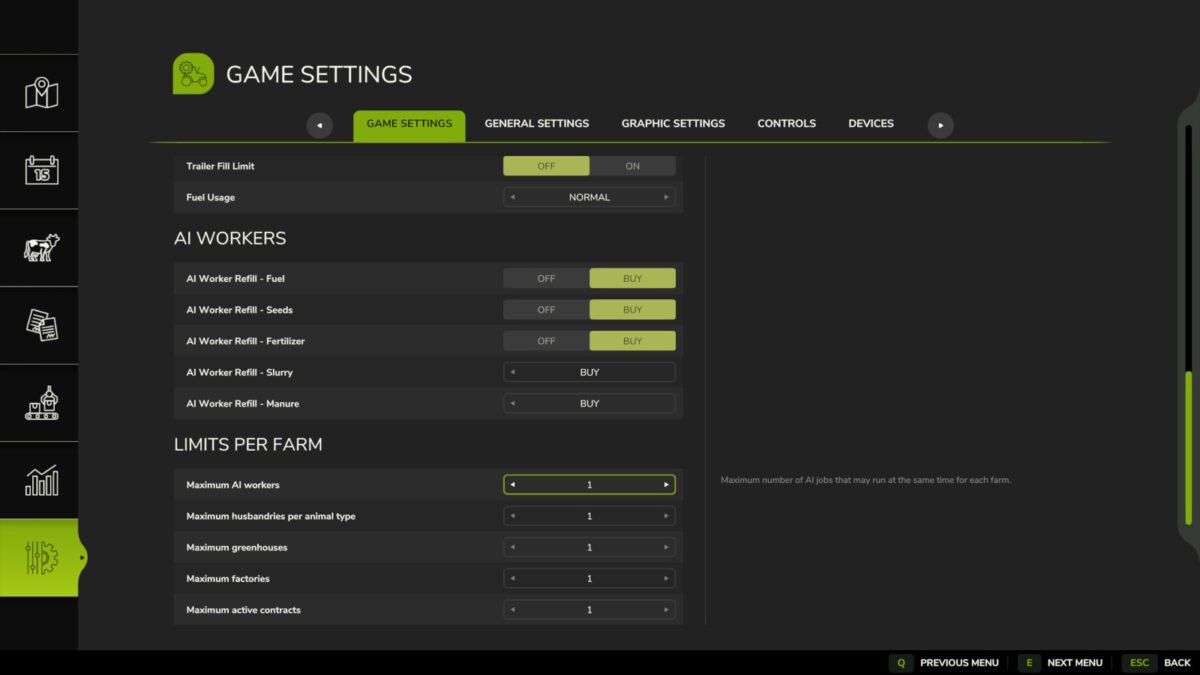
Farm Limit Manager gives server administrators configurable per-farm limits for multiplayer sessions.
The administrator can set values from 0 to 10 for:
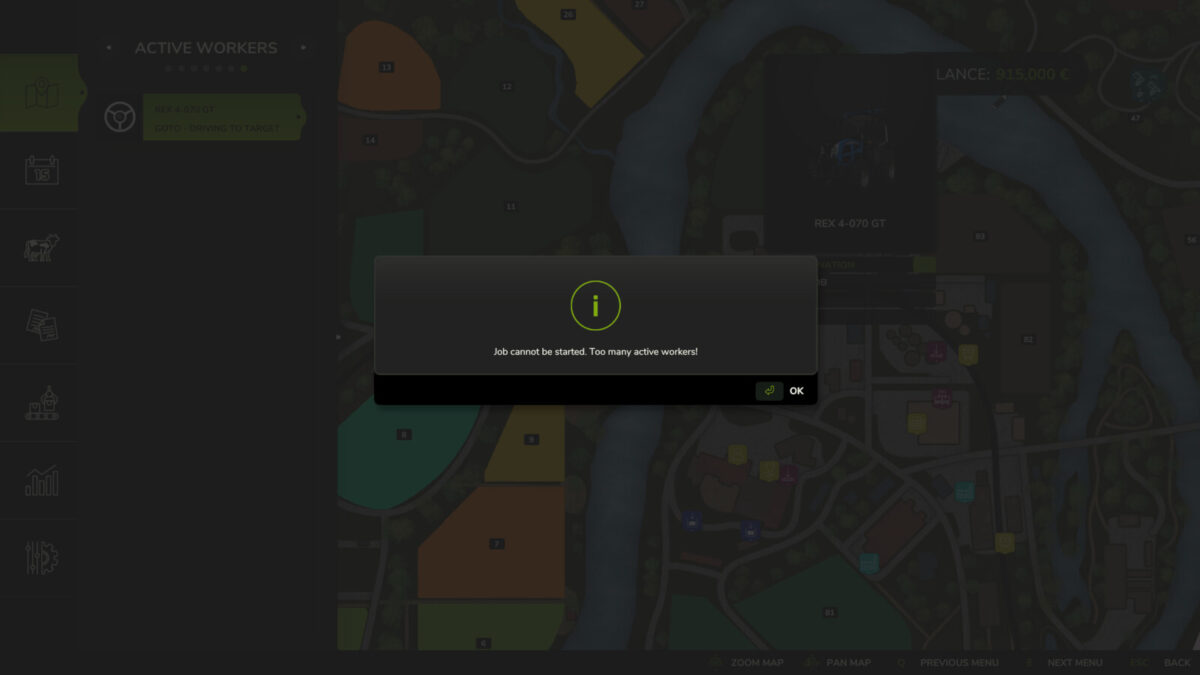
– Simultaneous AI workers per farm.
– Animal husbandries per animal type and farm.
– Greenhouses per farm.
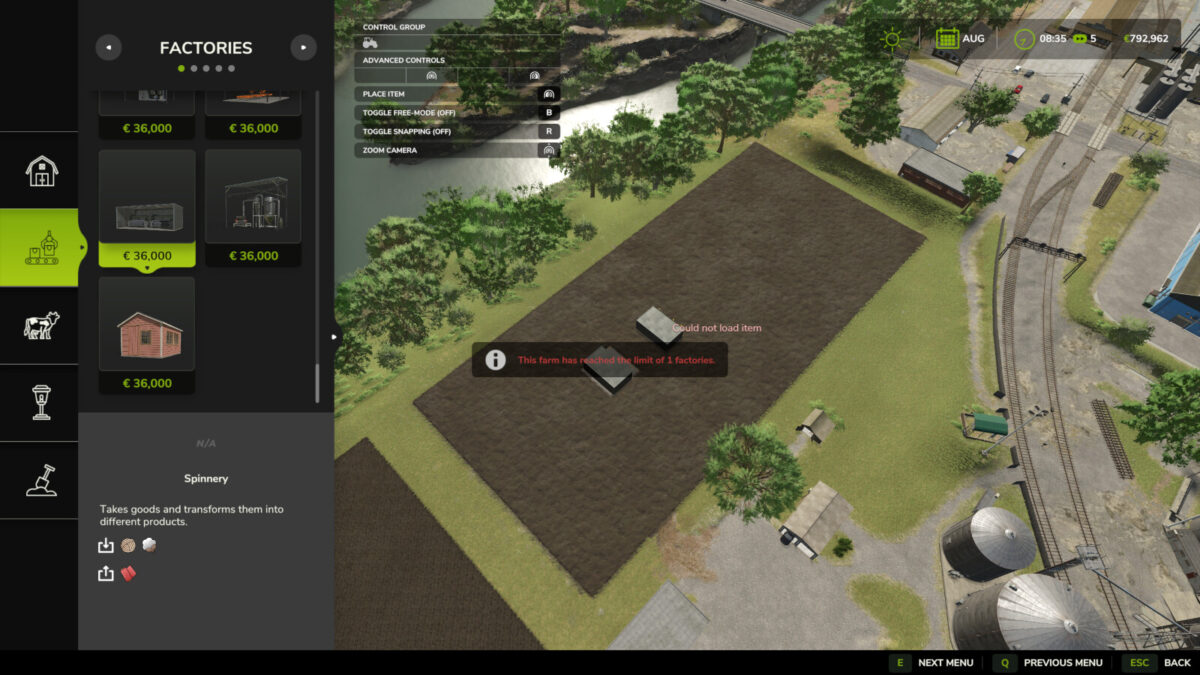
– Factories per farm.
– Active contracts per farm.
The settings are available in a dedicated Game Settings tab and are protected by administrator permissions. Limits are stored with the savegame and synchronized in multiplayer. Existing buildings are never removed when a limit is lowered; only new jobs and purchases are blocked.
Credits:
Boschiero