

Continue Driving After Exit v1.1.0.0

Continue Driving After Exit v1.1.0.0
This mod is intended for players who use small or older machinery and want to make activities such as manually loading small bales feel more realistic.
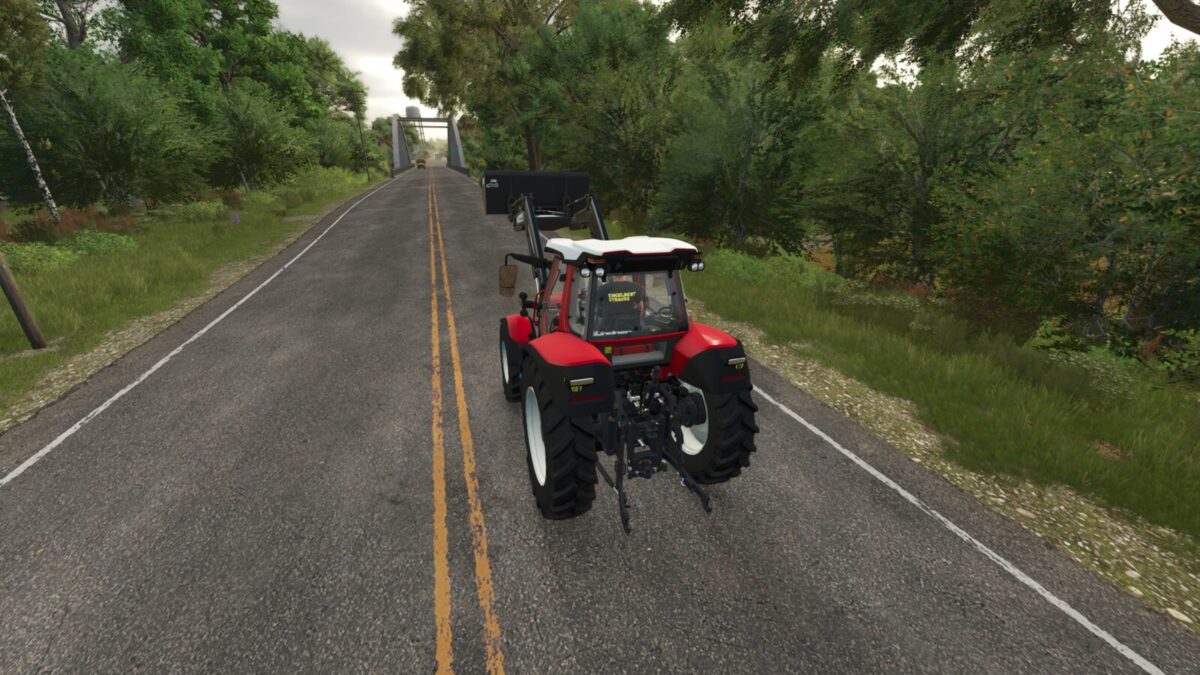
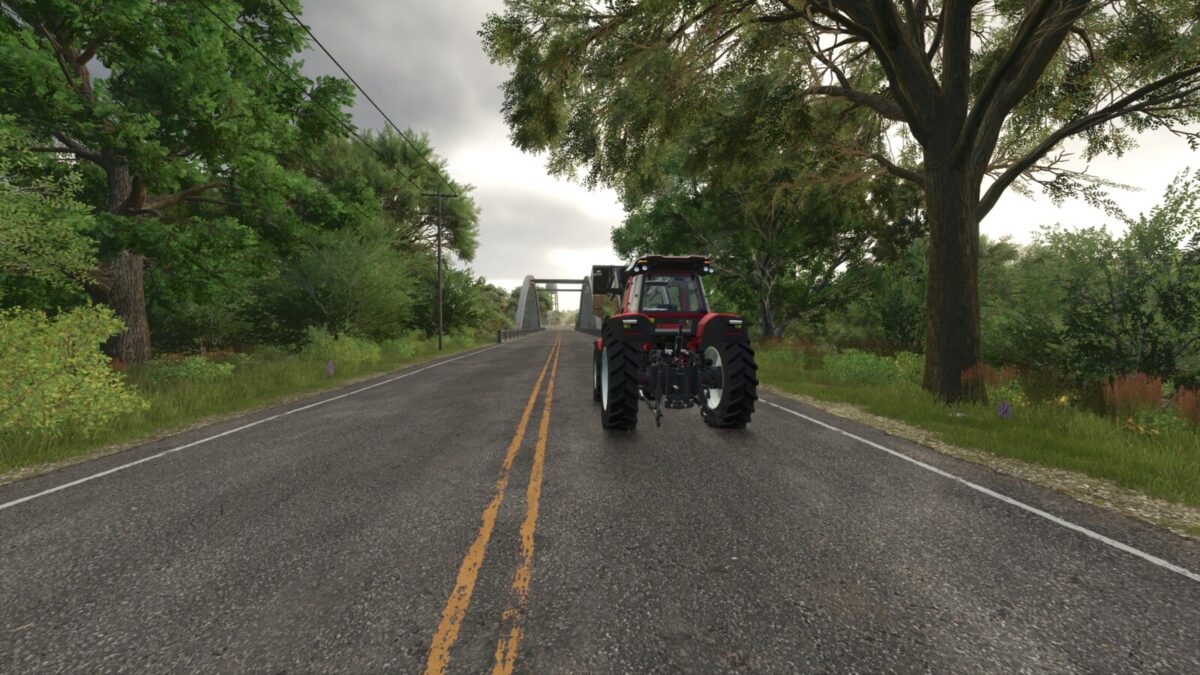
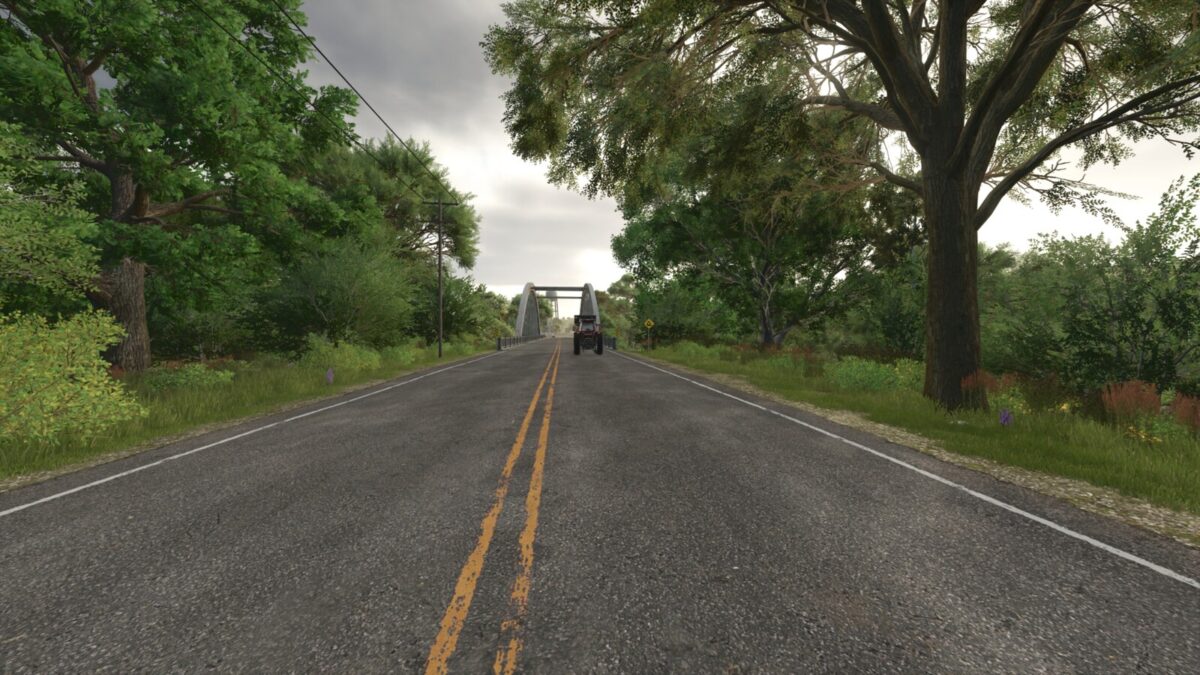
When automatic engine start is disabled, cruise control is active, and the selected cruise control speed is no more than 10 km/h, the vehicle continues driving at that speed in the direction that was active when the player exited. For example, a tractor with a trailer can slowly move alongside the player while small bales are loaded by hand — similar to using a hand throttle and creeper gears.
The continued driving ends when the player enters the vehicle again. This mod does not provide AI, obstacle or collision avoidance, or guidance steering. Use it only in clear, open areas and keep the vehicle under supervision at all times.
When automatic engine start is enabled, the normal game behavior is preserved.
New in version 1.1.0.0:
– Continued driving is now processed server-side for hosts and clients in multiplayer.
– Synchronization and cleanup of the continued-driving state were improved.