
Manual Machine Hydraulics Control v1.0.0.0

FS25 mods

Manual Machine Hydraulics Control v1.0.0.0

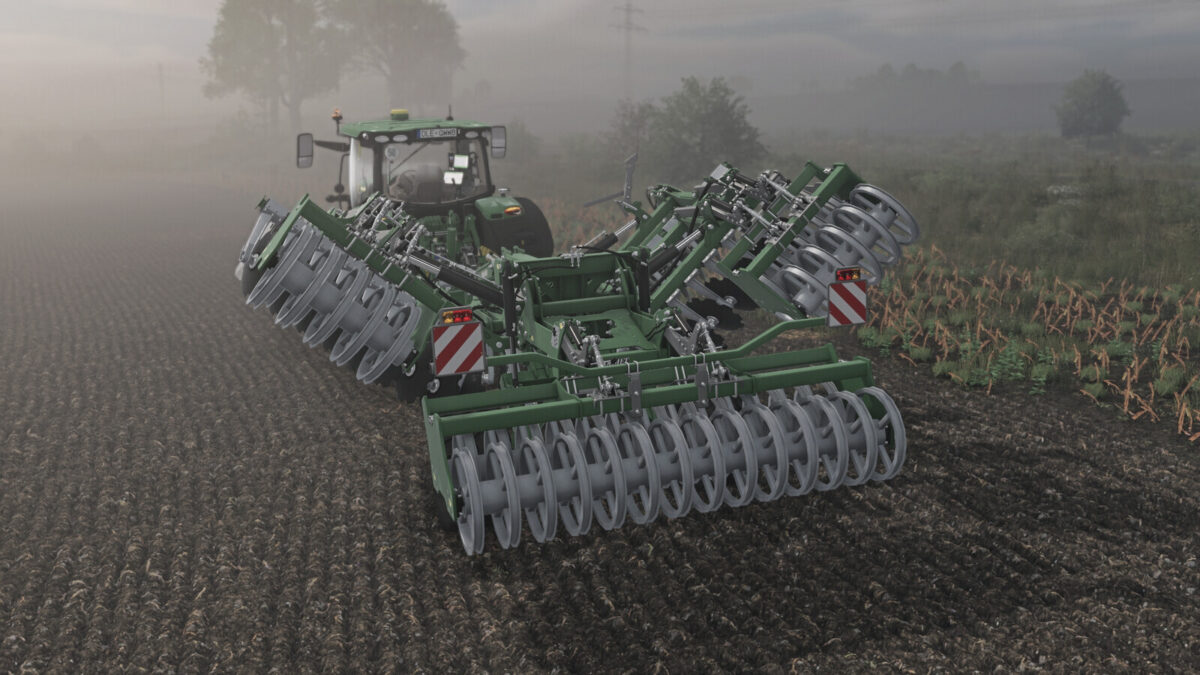
Manual Machine Hydraulics Control v1.0.0.0
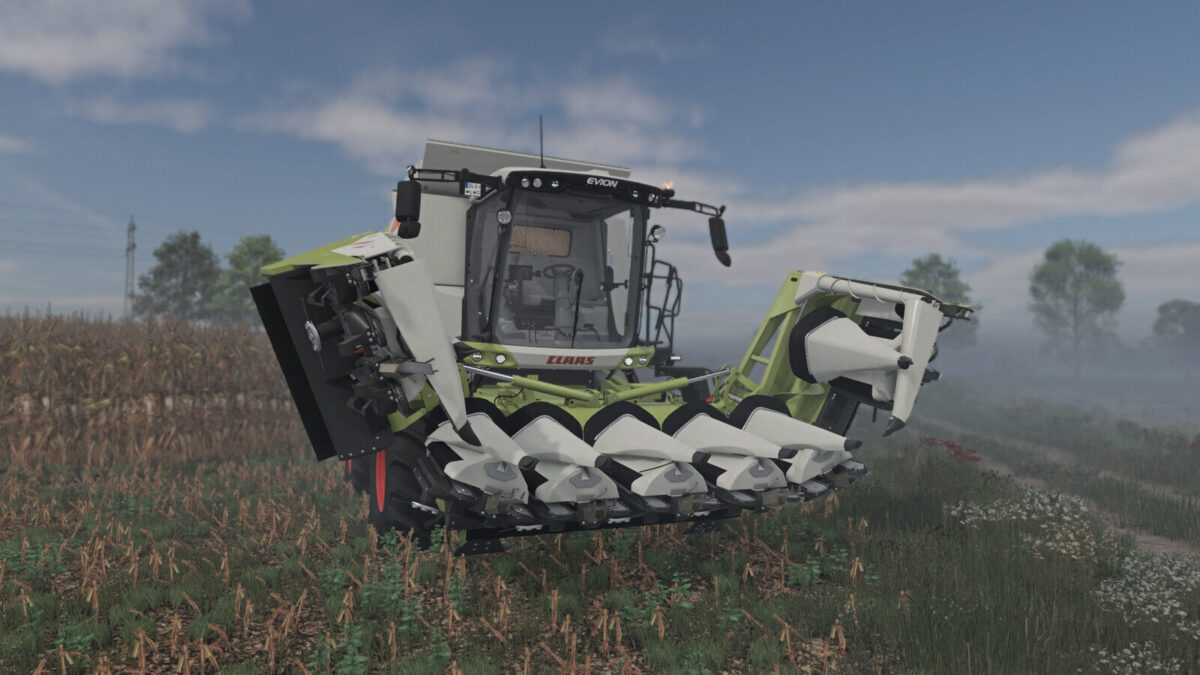
Manual Machine Hydraulics Control v1.0.0.0
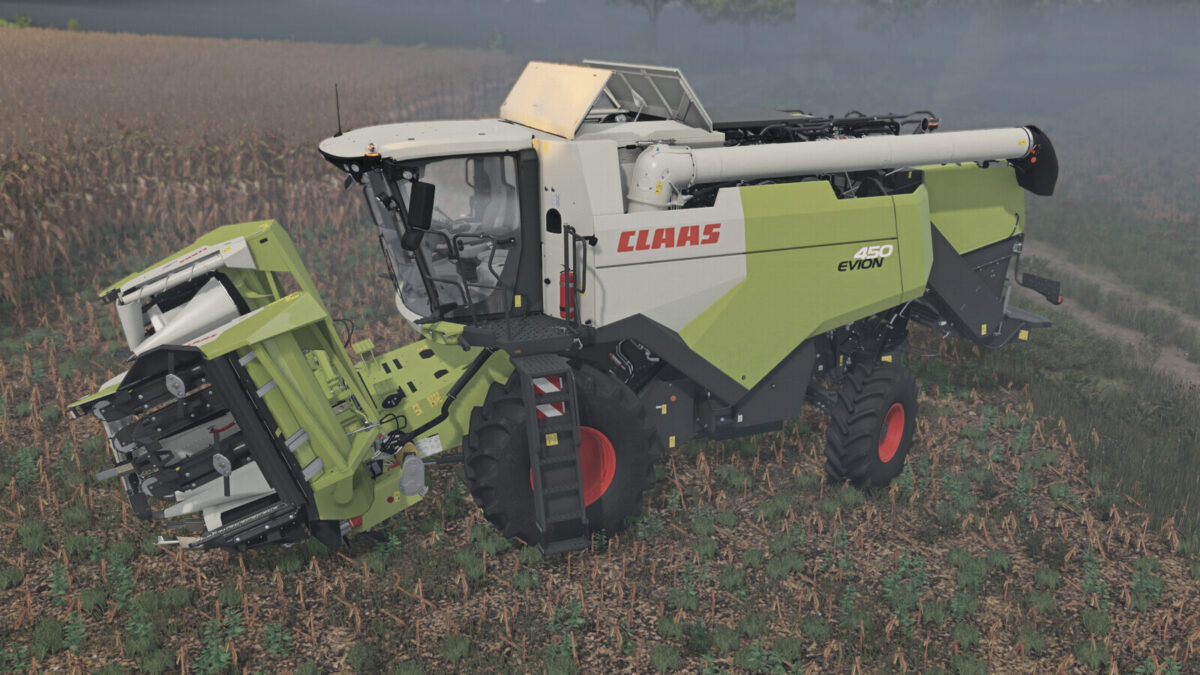
Manual Machine Hydraulics Control v1.0.0.0
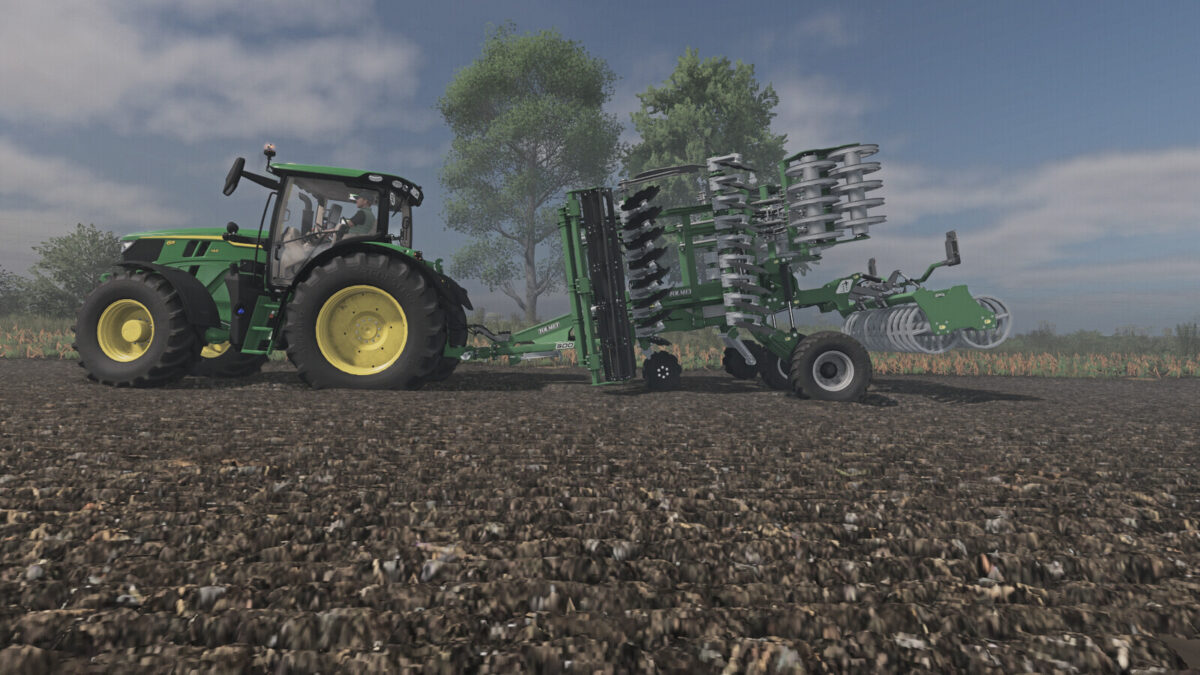
Manual Machine Hydraulics Control v1.0.0.0
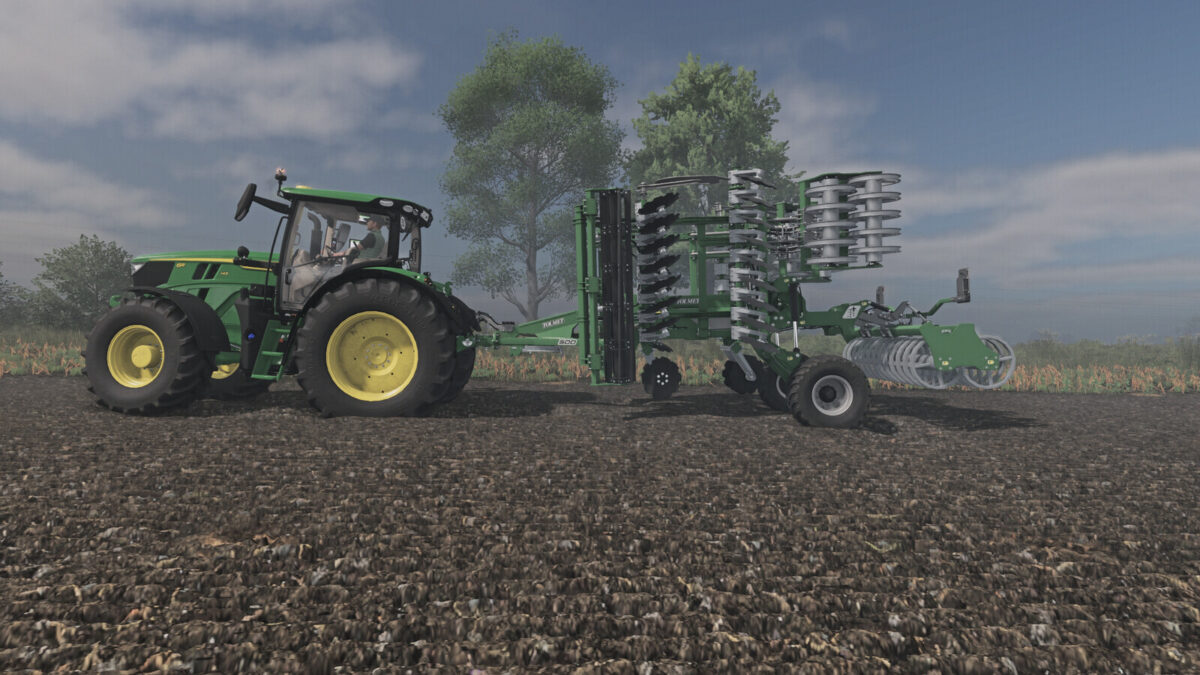
About the mod:

Manual, stepless linkage and implement folding control.
Numpad +: raise | Numpad -: lower
Numpad *: unfold | Numpad /: fold
Manual linkage and folding can be enabled independently in the game settings.
With manual linkage enabled, an attached implement stays at its current height.
Controls require a running engine.
[PLEASE NOTE]
When using semi-mounted machines and combine harvesters with headers, it is advisable to also use the default V button,
so that the machine can adapt to the ground.
For tractors with manual gear changes, the Numpad + and Numpad – keys can be assigned simultaneously to change gears.
If manual lifting or lowering does not work, change the modifier or gearbox function assignments in the game’s control settings.

Credits:
JMZ

How to install FS19 mods?

Firstly find a mod which you like and want to download. Then download a mod to your PC. Mods are usually in .zip format file. But sometimes it can be in .rar. If a mod file is a .zip format no needed additional actions. If a file is in .rar, then you must unarchive mod with software like WinRar or Zip7. Windows 10 users no need to use software for archives, Win10 itself has a feature to unarchive files.

The next step is to find mods folder in your PC. Usually, it is in Documents/My Games/Farming Simulator 19/2019. Open the "mods" folder and put downloaded .zip archive or unarchived .rar file to this folder.

Last step. Enjoy of FS19 mods!

Leave a Reply

Your email address will not be published. Required fields are marked *