
Old Cattle And Pig Barn v1.0.0.0

FS25 mods

Old Cattle And Pig Barn v1.0.0.0

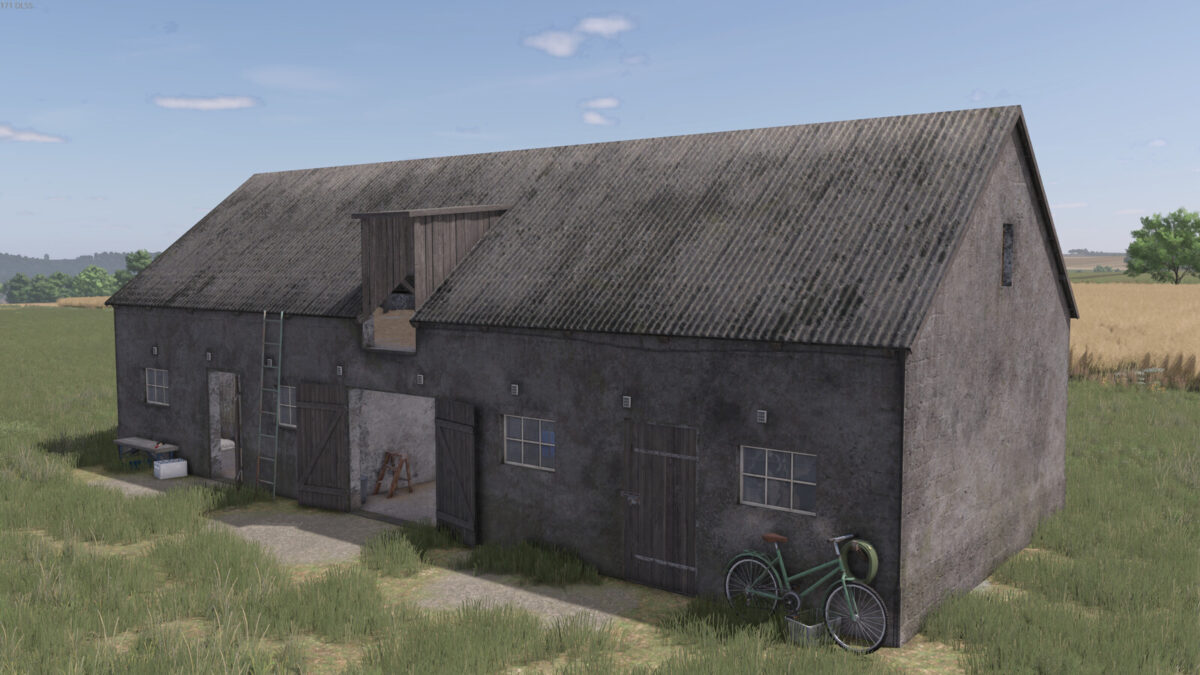
Old Cattle And Pig Barn v1.0.0.0
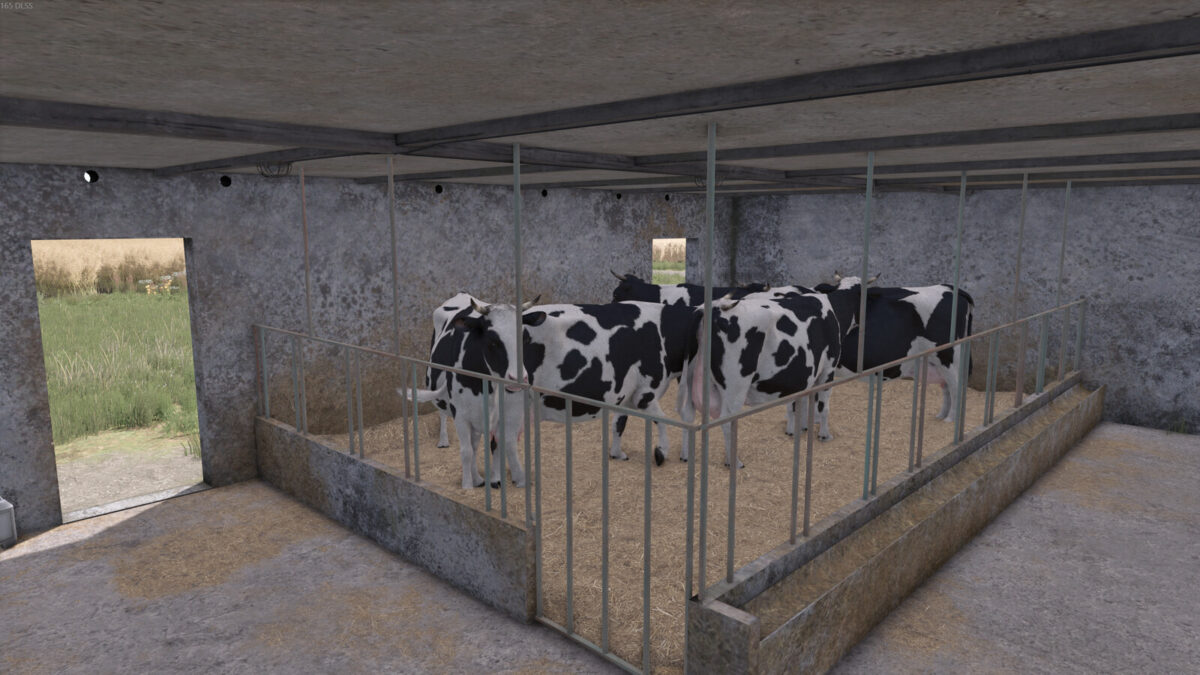
Old Cattle And Pig Barn v1.0.0.0
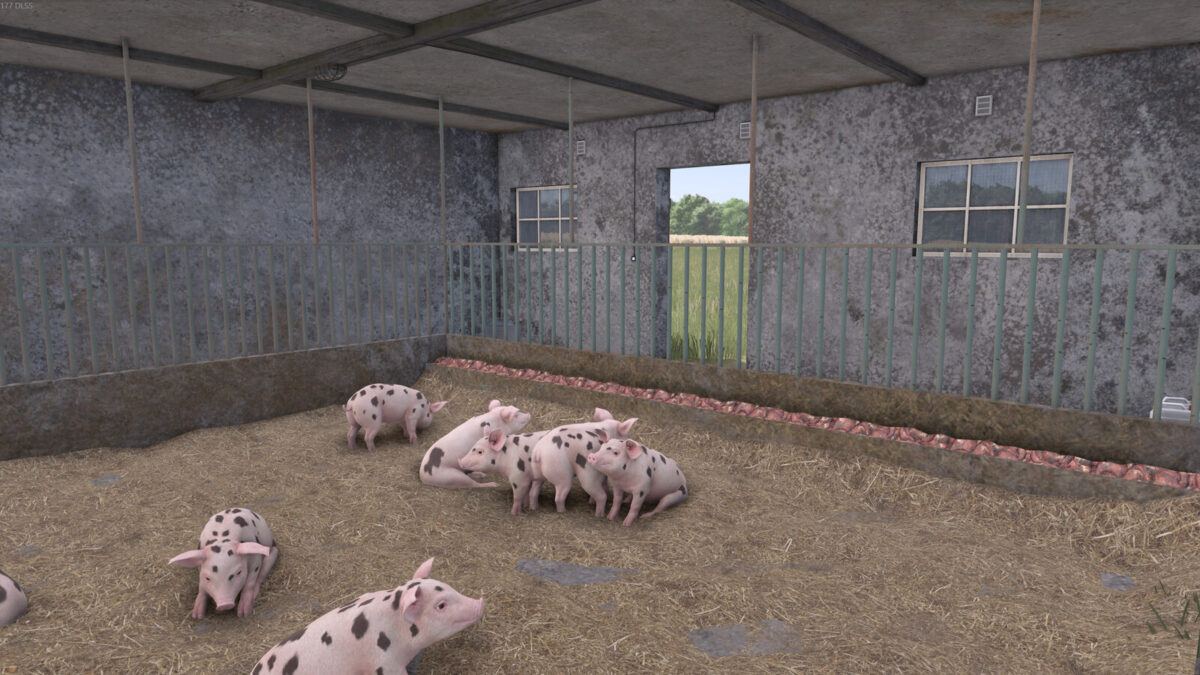
Old Cattle And Pig Barn v1.0.0.0
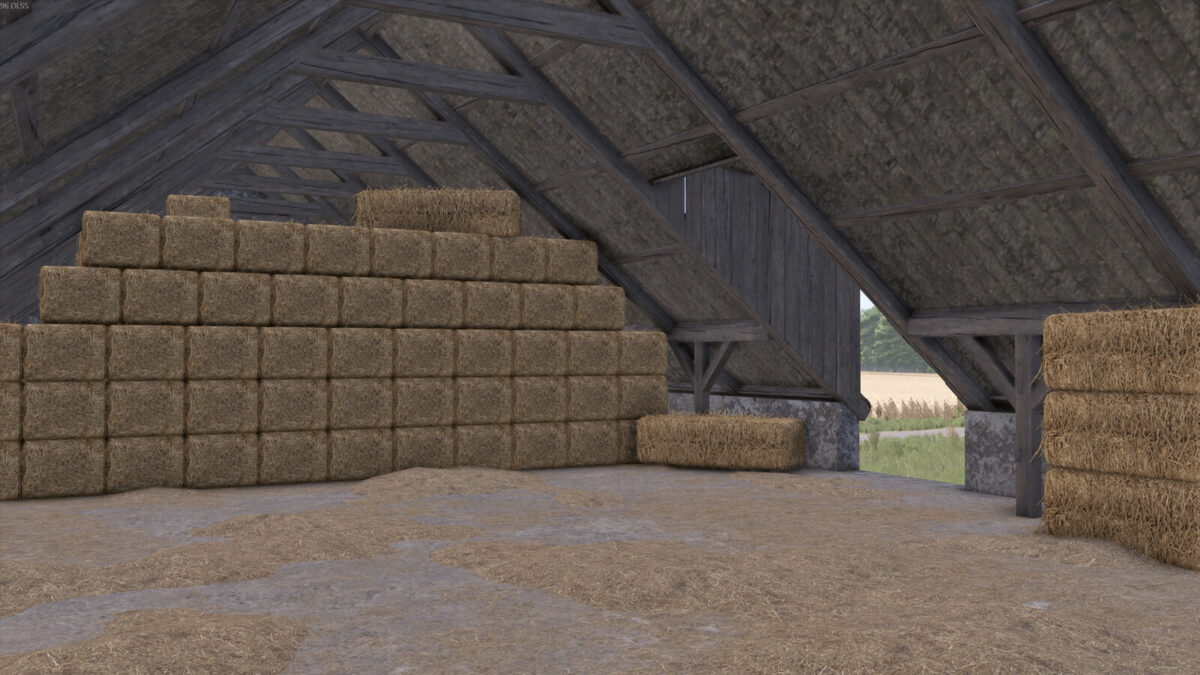
Old Cattle And Pig Barn v1.0.0.0
About the mod:

Old Cattle And Pig Barn
Cowshed:
– Number of animals: 10 cows
– Price: $54.000
– Maintenance cost: $70/day
– Bale storage: about 570 bales
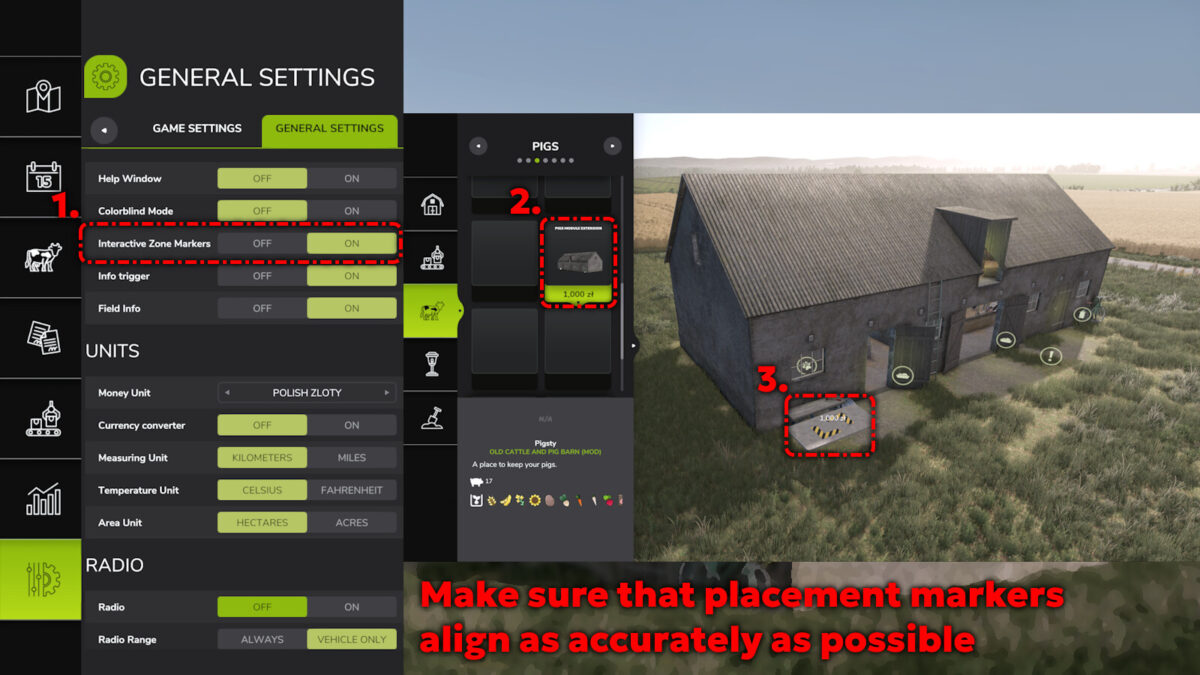
Pigsty (placed separately):
– Number of animals: 17 pigs
– Price: $1.000
– Maintenance cost: $30/day
In front of the double doors is a trigger for sliding the ladder, which allows access to the loft.
Instructions for placing/removing* the building:
1. Place the cowshed at the chosen spot, preferably on level ground.
2. In the “pigs” category, you’ll find the pigsty module.
3. Place the pigsty module at the appropriate designated spot (for best results, place it while looking from above and do NOT rotate it).
4. Standing at the designated placement spot, hide the reference by clicking the Left Mouse Button.
*Removing the pigsty module is only possible after removing the cowshed.

Credits:
VN11

How to install FS19 mods?

Firstly find a mod which you like and want to download. Then download a mod to your PC. Mods are usually in .zip format file. But sometimes it can be in .rar. If a mod file is a .zip format no needed additional actions. If a file is in .rar, then you must unarchive mod with software like WinRar or Zip7. Windows 10 users no need to use software for archives, Win10 itself has a feature to unarchive files.

The next step is to find mods folder in your PC. Usually, it is in Documents/My Games/Farming Simulator 19/2019. Open the "mods" folder and put downloaded .zip archive or unarchived .rar file to this folder.

Last step. Enjoy of FS19 mods!

Leave a Reply

Your email address will not be published. Required fields are marked *