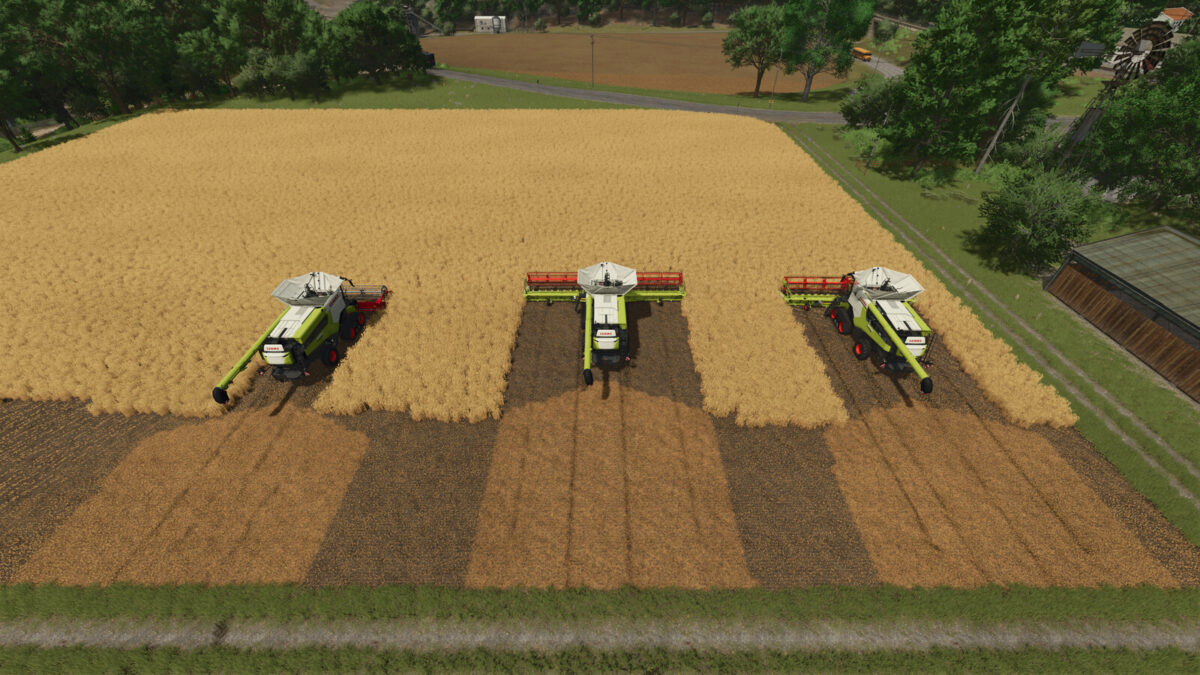
Dynamic Combine Spread Width v1.0.0.0
About the mod:
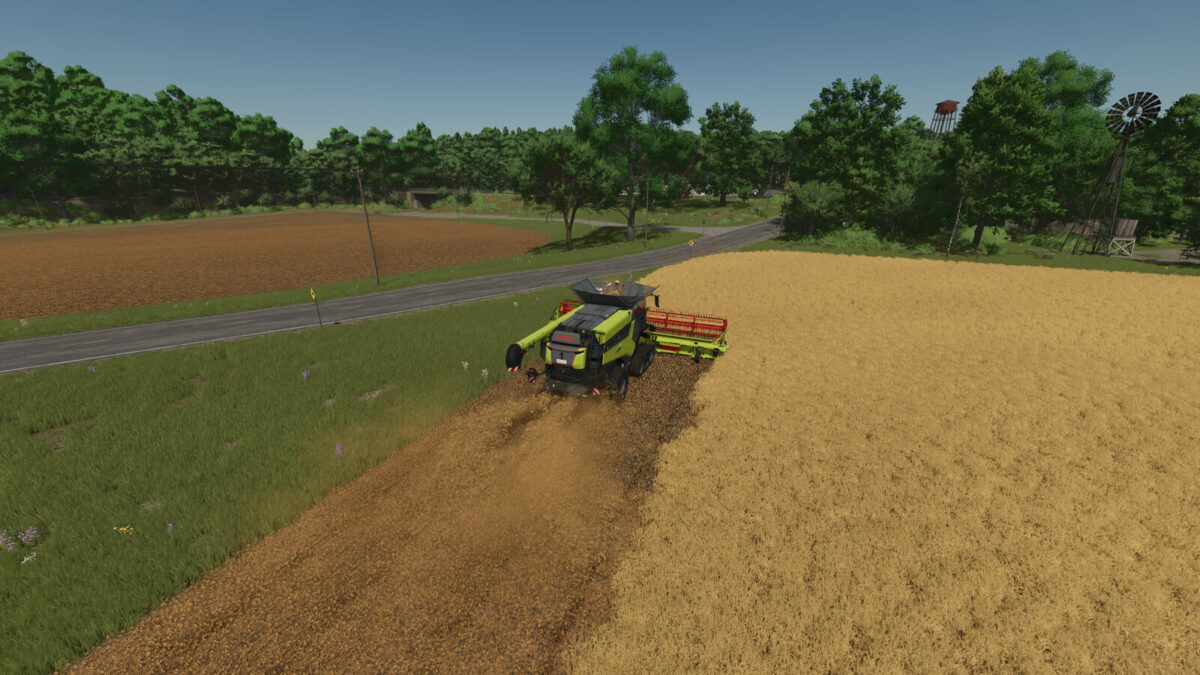
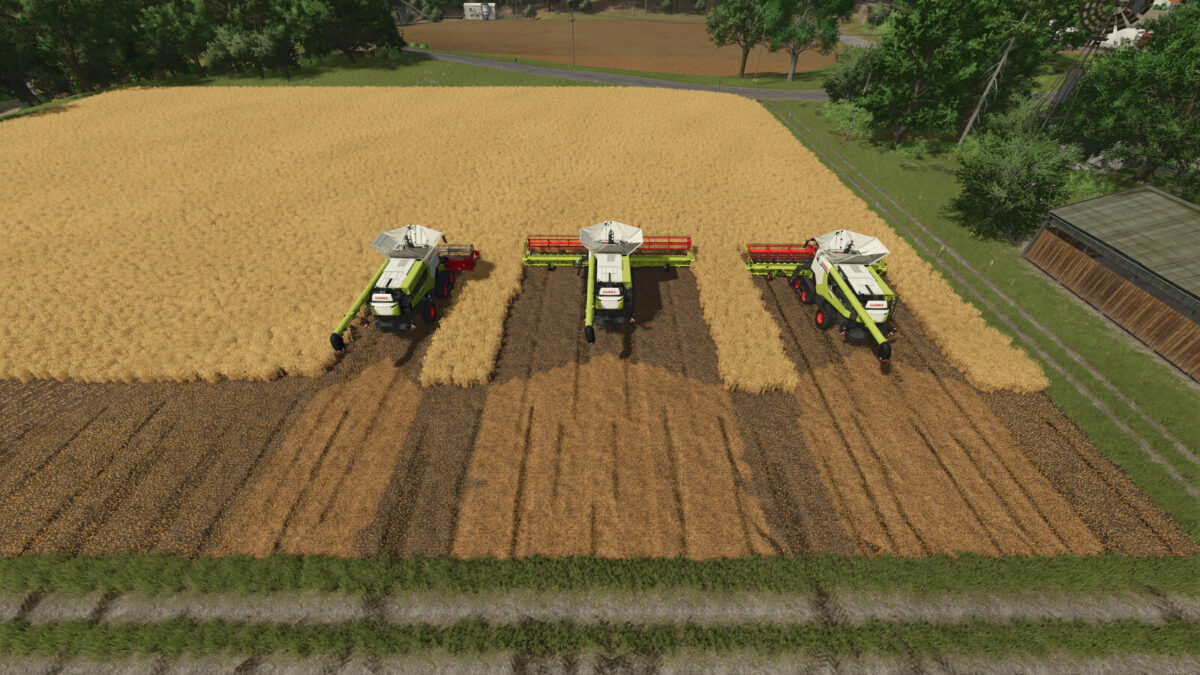
Automatically adjusts the chopped-straw spread width to the working width of the attached header.
The width is calculated directly from the header work areas, supporting headers from other mods and moving work areas.
The narrow straw swath remains unchanged.
Credits:
Razak
How to install FS19 mods?
Firstly find a mod which you like and want to download. Then download a mod to your PC. Mods are usually in .zip format file. But sometimes it can be in .rar. If a mod file is a .zip format no needed additional actions. If a file is in .rar, then you must unarchive mod with software like WinRar or Zip7. Windows 10 users no need to use software for archives, Win10 itself has a feature to unarchive files.
The next step is to find mods folder in your PC. Usually, it is in Documents/My Games/Farming Simulator 19/2019. Open the "mods" folder and put downloaded .zip archive or unarchived .rar file to this folder.
Last step. Enjoy of FS19 mods!