

Door Time Switch v1.0.0.0

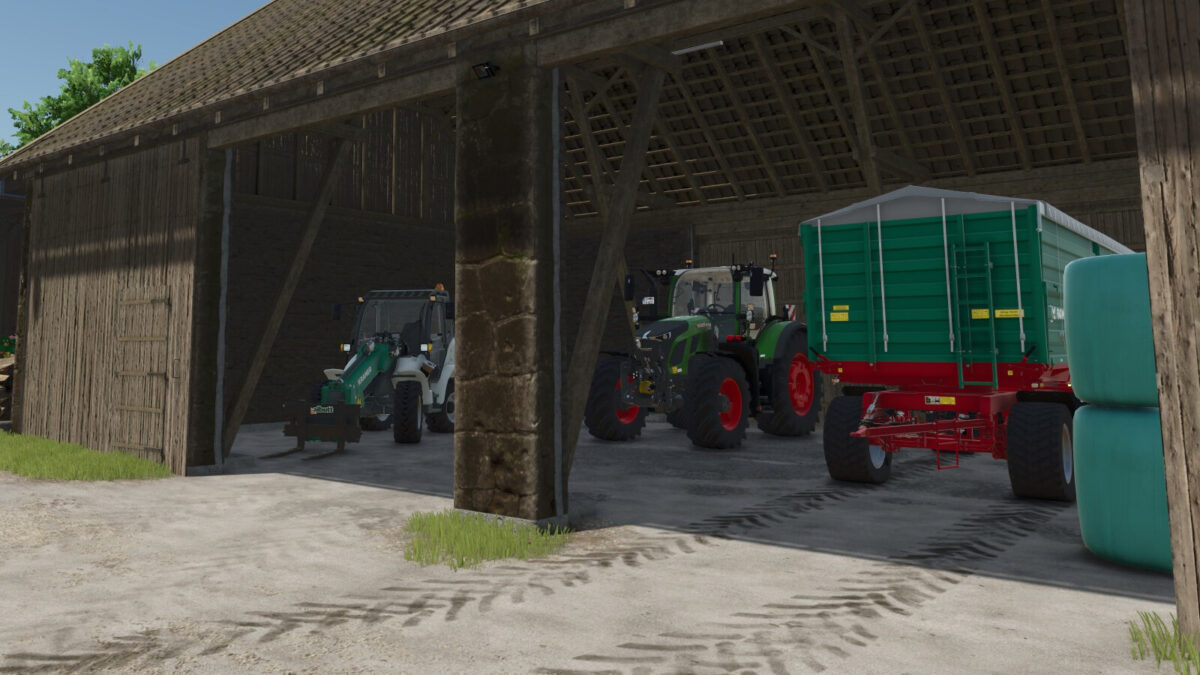
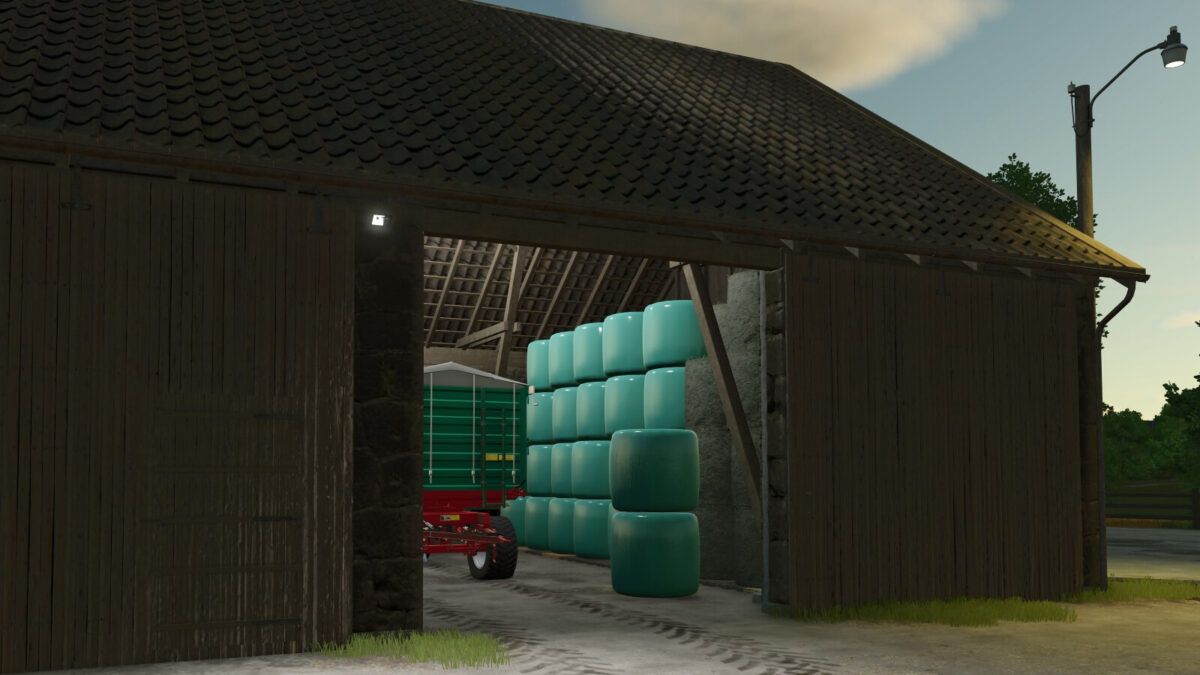
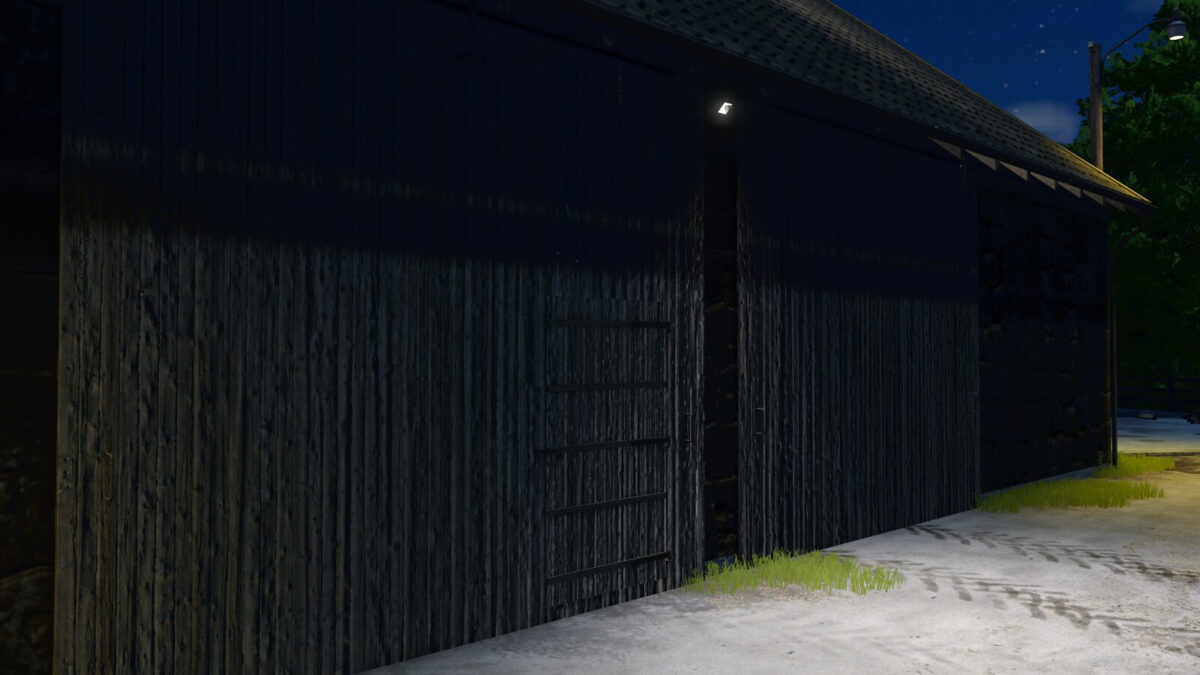
Door Time Switch v1.0.0.0
About the mod:
Add a time switch to the doors and gates of your sheds and animal barns. Only buildings on land owned by a player farm are included. Shed doors and gates are closed from 22:00 and reopened from 05:00. Animal barns use different switching times for each animal type (cows: 21:30–05:30; sheep: 18:30–07:30; pigs: 21:00–07:00; chickens: 19:00–05:00; horses: 19:00–07:00).
At opening time, only doors and gates that a player previously opened manually and left open are reopened. This selection remains saved until the respective door or gate is closed manually.
Credits:
MeiQey