

Dynamic Vehicle Camera v1.0.0.0

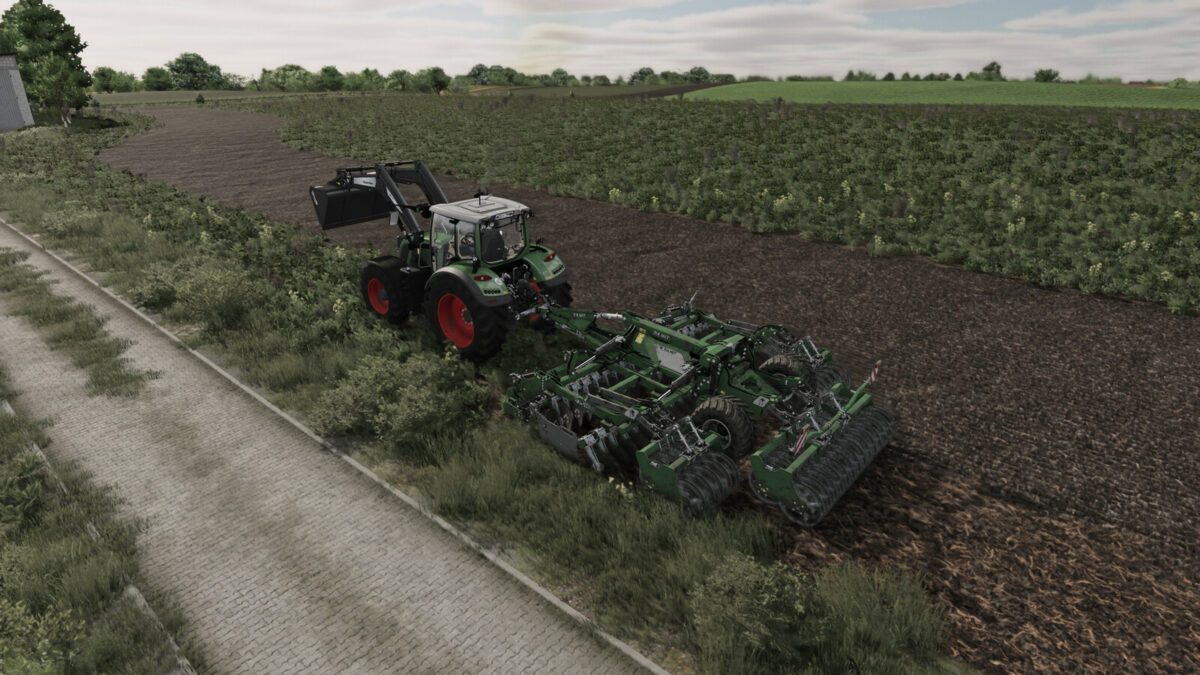
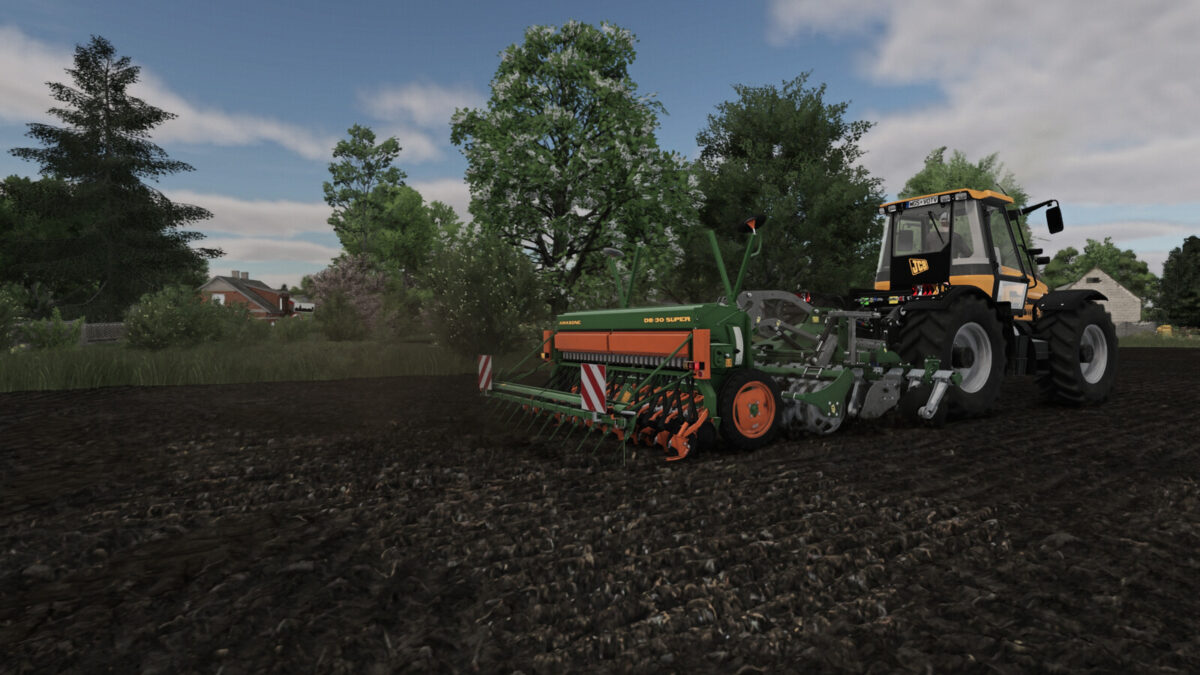
Dynamic Vehicle Camera v1.0.0.0
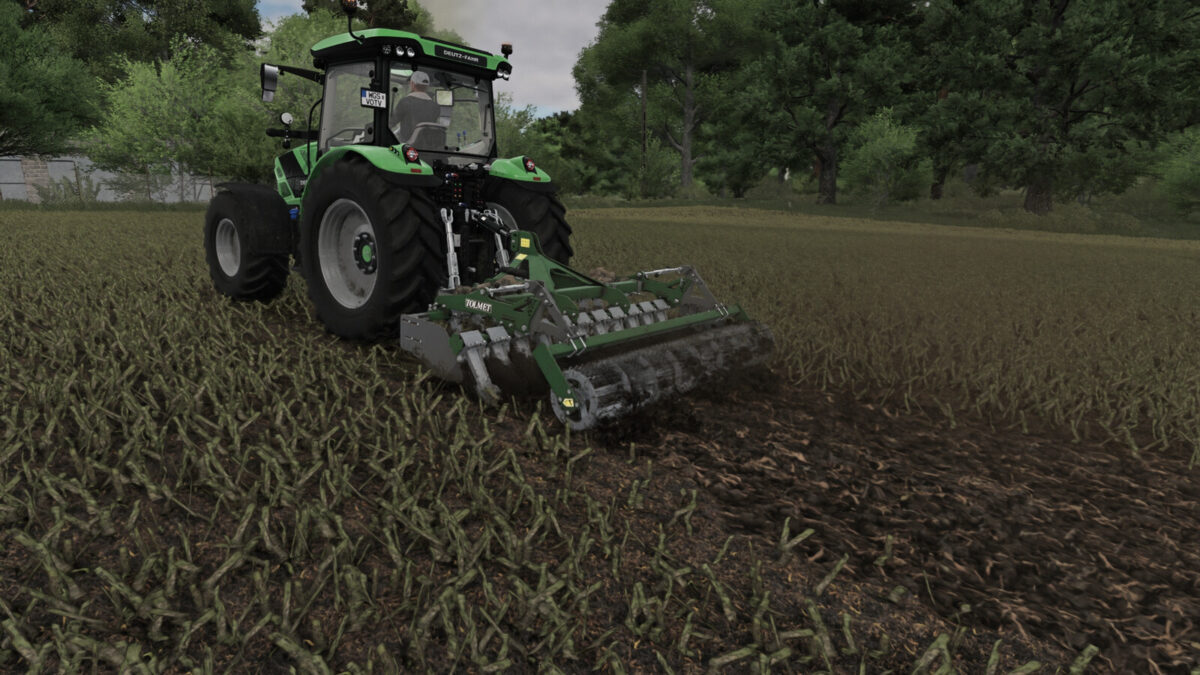
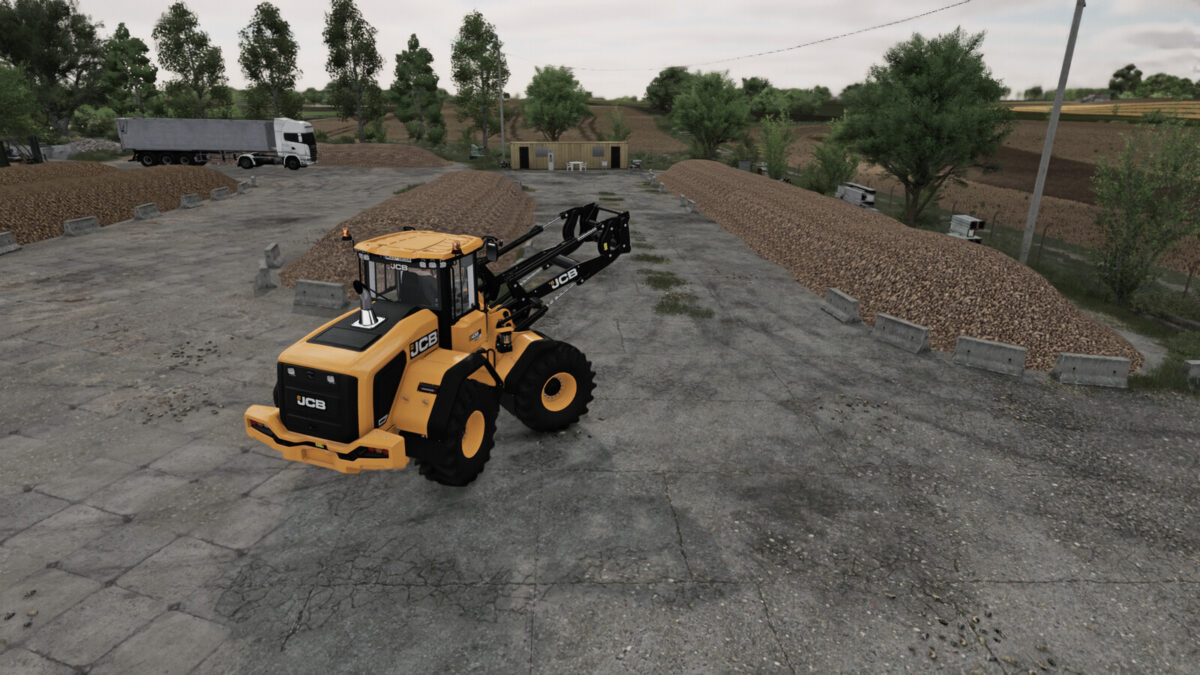
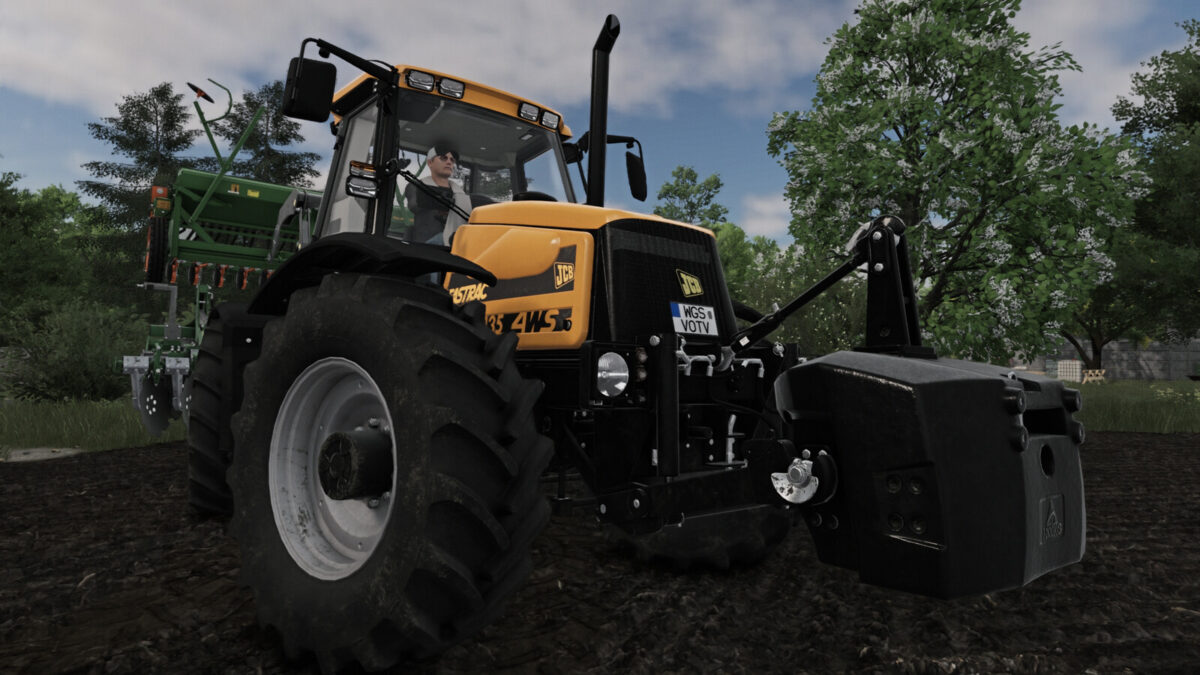
Dynamic third-person vehicle camera inspired by MudRunner and SnowRunner.
Features:
– camera heading inertia while turning,
– automatic 180-degree camera turn while reversing,
– smooth automatic recentering,
– manual 360-degree orbit that stays at the selected angle,
– tracking the vehicle, an attached implement or the whole combination independently of dynamic rotation,
– adjustable camera-local lateral offset,
– modes: chase camera, long-range chase and bumper view (on some vehicles, the bumper view is disabled for compatibility reasons)
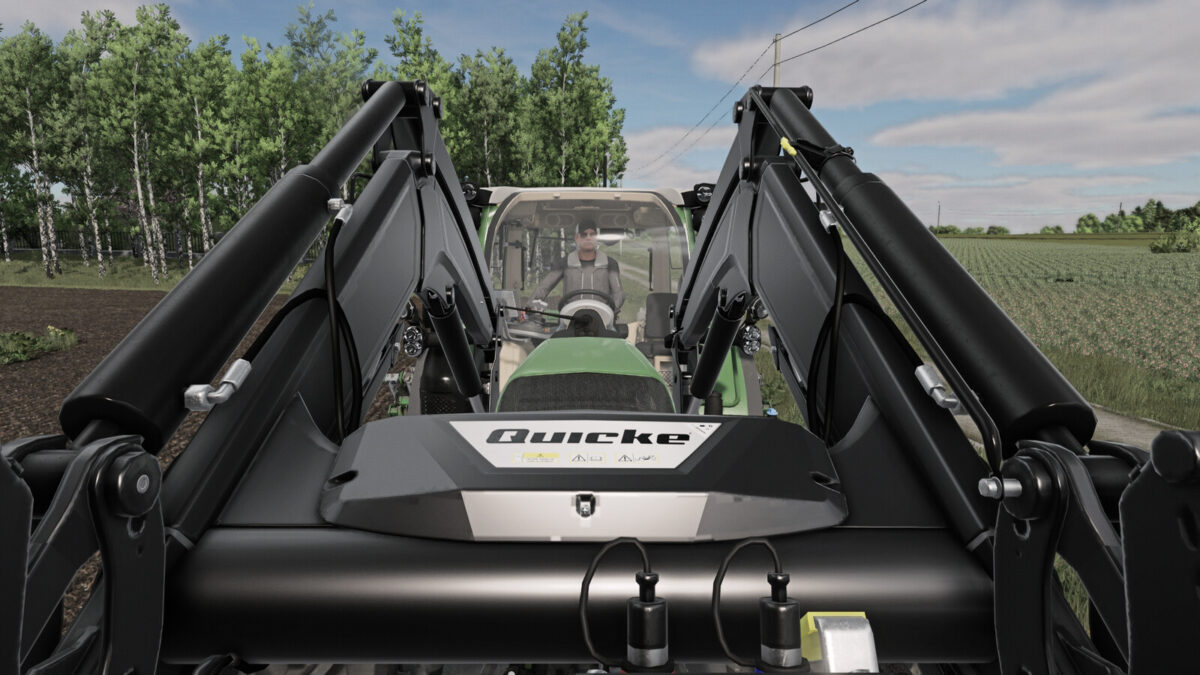
Loader boom camera: follows a supported tool attachment joint with a 0.5 m forward offset. Available through the camera mode action when a suitable joint is present, including on attached front loaders. Mouse look remains available.
Default controls:
Left Shift + 1 – enable/disable dynamic rotation
Left Shift + 2 – change tracking target
Left Shift + 3 – change camera mode
Left Shift + 4 / 5 – fine lateral camera adjustment
Left Shift + 6 – reset camera position and lateral offset
Left Shift + 7 / 8 – move camera down / up in 0.1 m steps
All actions can be reassigned in the standard Controls menu. They are hidden from the in-game help display by default; an optional unassigned action can toggle their visibility.