

Wooden Farm Storage Pack v1.0.0.1

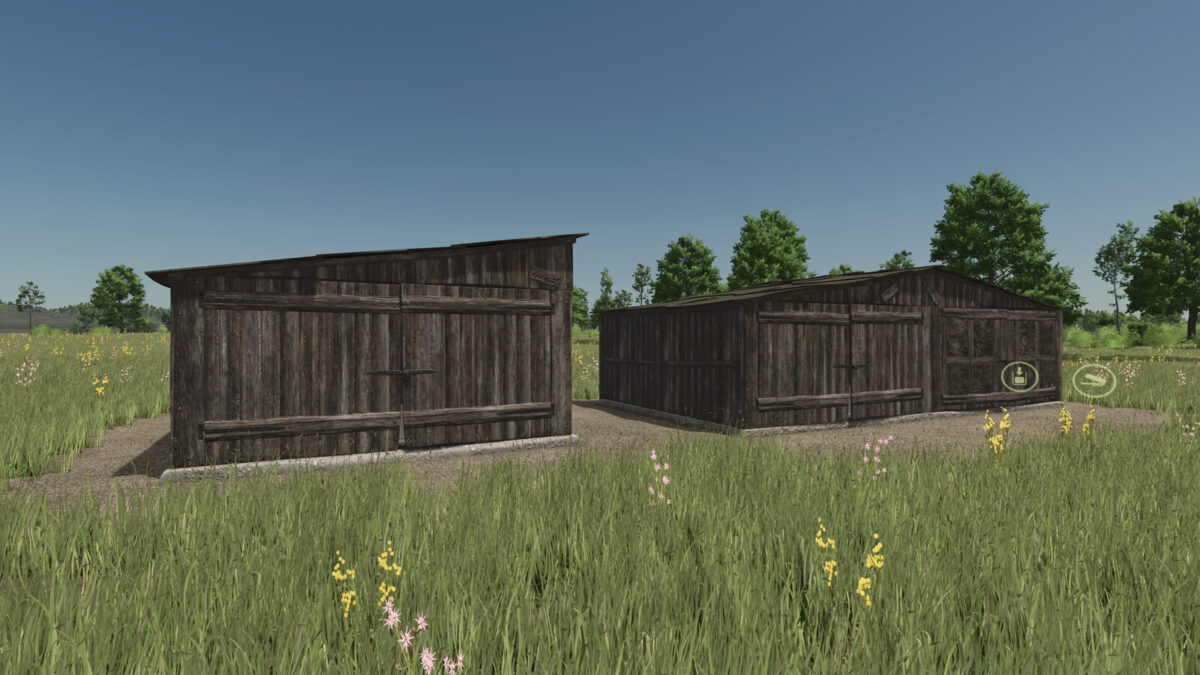
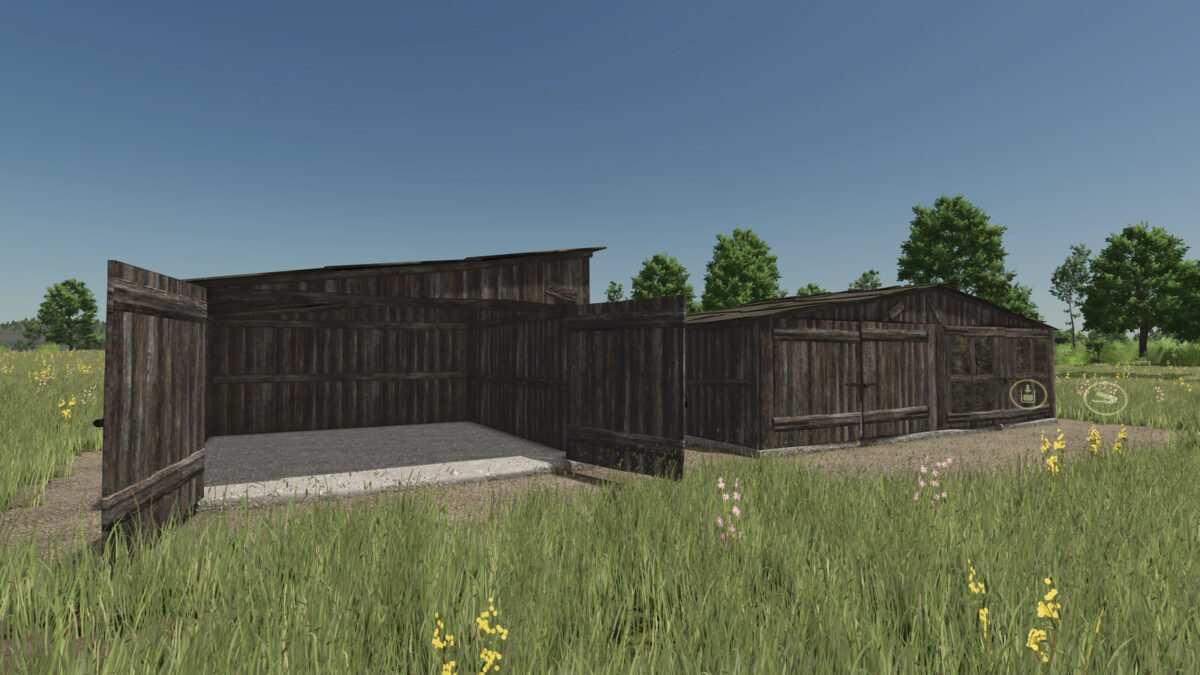
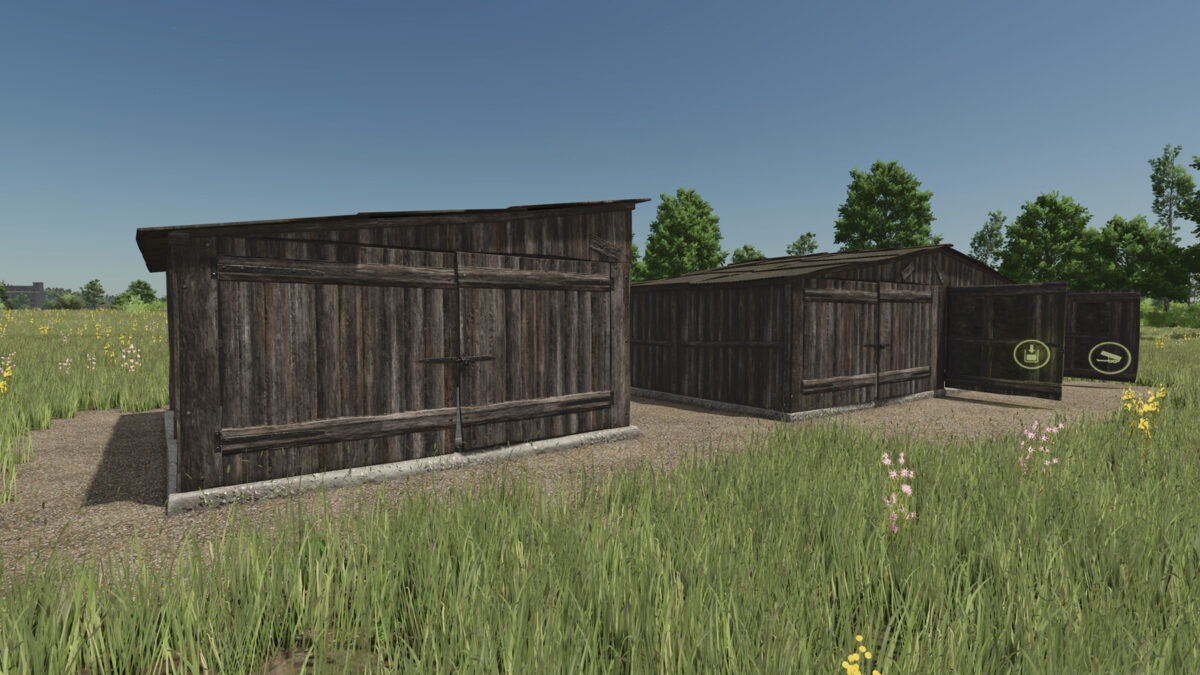
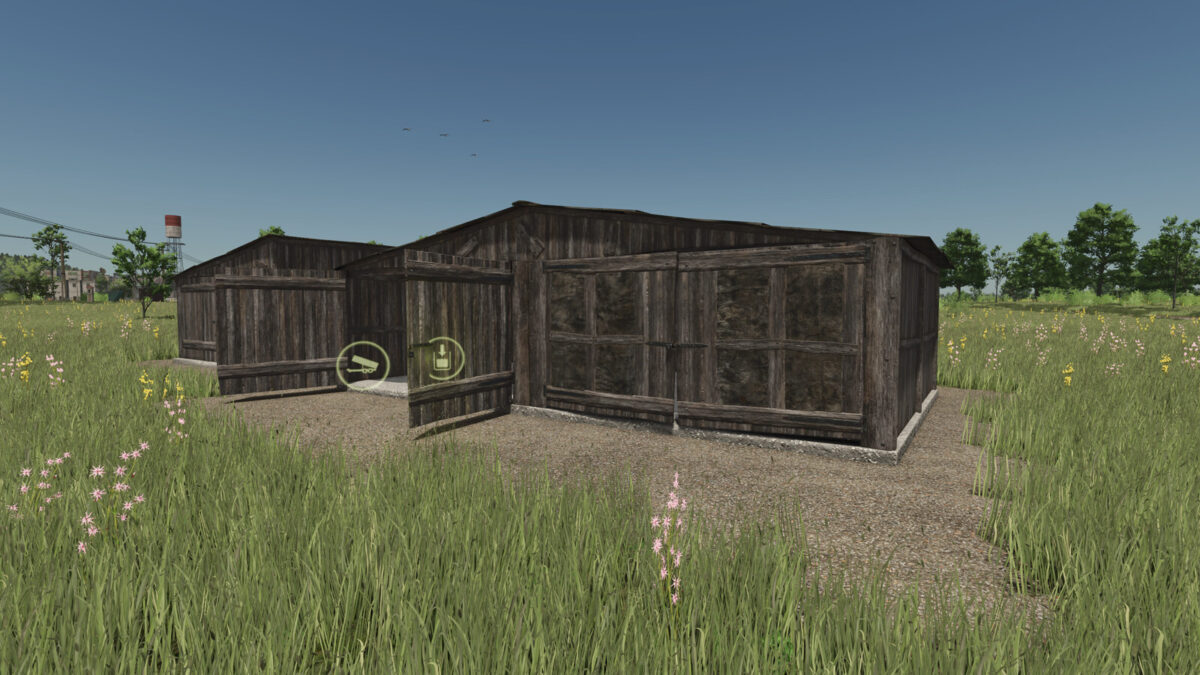
Wooden Farm Storage Pack v1.0.0.1
About the mod:
Wooden Farm Storage can keep your: BEETROOT, CARROT, PARSNIP, POTATO, SUGARBEET, SUGARBEET_CUT, SUGARCANE, PEA, SPINACH, GREENBEAN, ONION, WOODCHIPS, CHAFF, GRASS_WINDROW.
– Storage building accepts, bulk, pallets or bales.
– You can load from the storage only in bulk.
Shop Category: Silos
Main Capacity: 400000 liters
Building Cost: 750 $
Daily Upkeep: 10 $
Shop Category: Silos Extencions
Extension Capacity: 250000liters
Building Cost: 250 $
Daily Upkeep: 10 $
Changelog: 1.0.0.1
– Added suport for: ONION, WOODCHIPS, CHAFF, GRASS_WINDROW
– Improved Mod description.
Credits:
morfei1