

Multiplayer Achievements – Per Player v1.0.0.0

Multiplayer Achievements – Per Player v1.0.0.0
Enables selected Farming Simulator 25 achievements in multiplayer.
Depending on the achievement, progress is tracked per player, per farm or for the entire server.
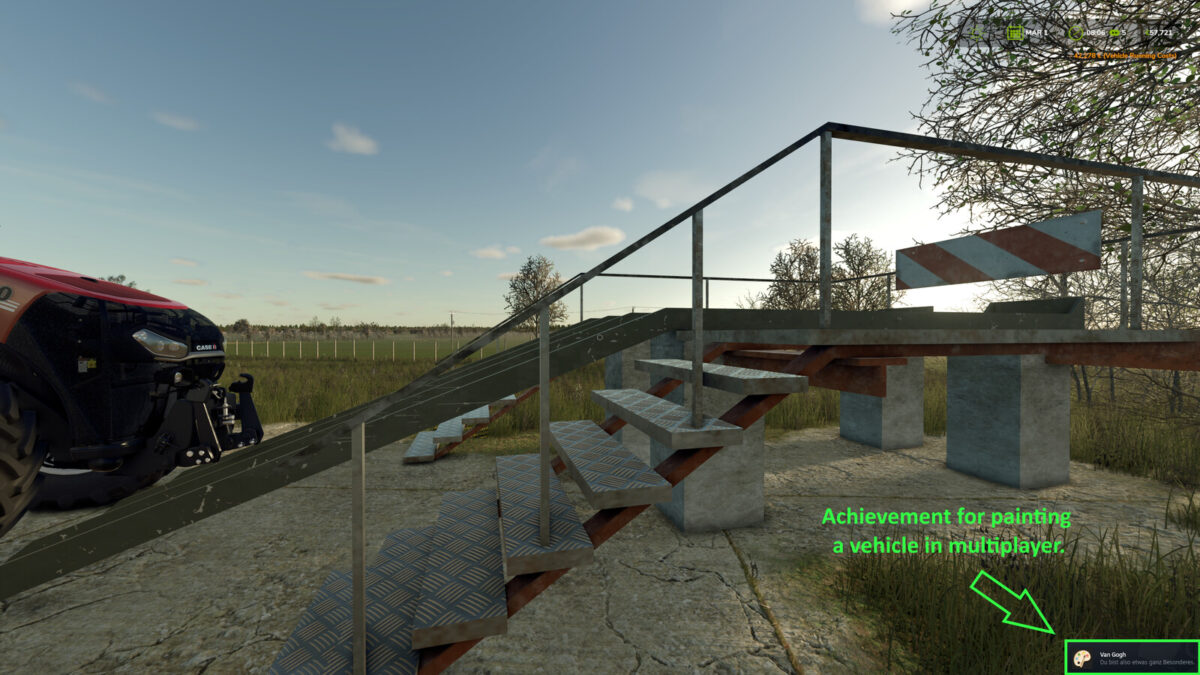
Personal progress includes field work, driving, bale wrapping, riding, forestry, repairs, repainting, playtime, completed contracts, purchases and attributable deliveries.
Actions by other players or AI helpers do not count towards these personal achievements.
Farm progress includes verified wealth and natural births of cows, sheep, pigs and chickens.
Members of the same farm share this progress; different farms are tracked separately.
Collectibles count server-wide for all players and farms in the current savegame, including players who join later.
Known money cheats, free console spawns and console-spawned animals are excluded from the relevant counters.
Existing money and earlier births are not counted retroactively.