

Louisiana Map v1.0.1.0

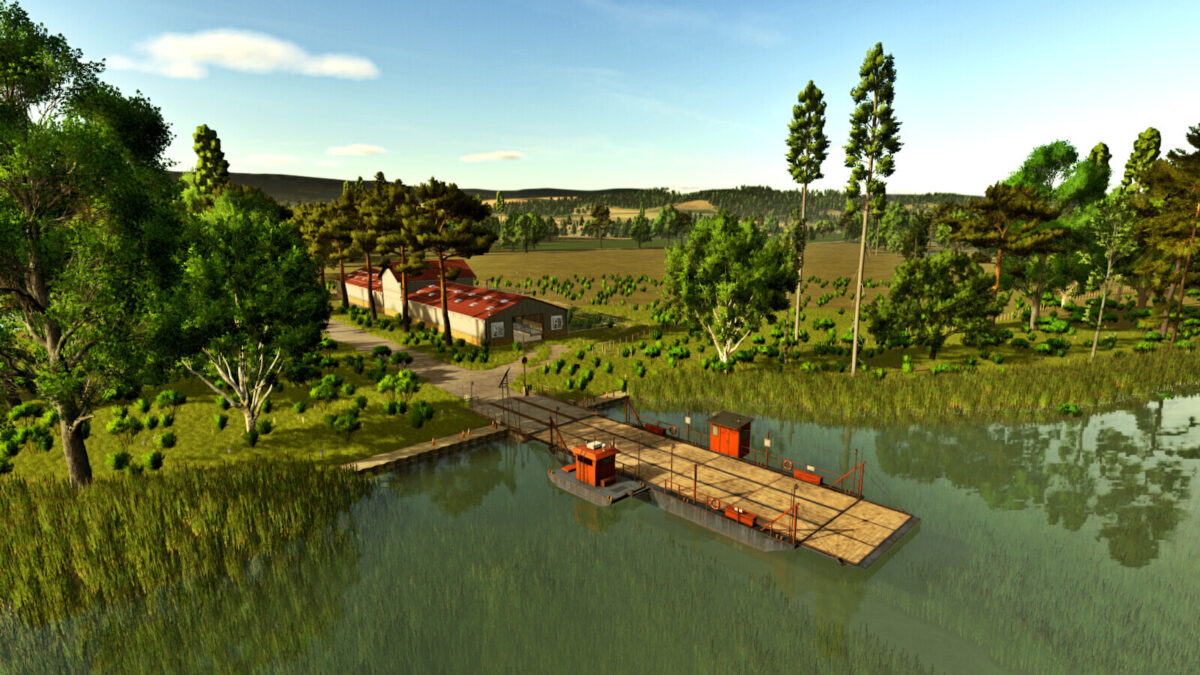
Louisiana Map v1.0.1.0
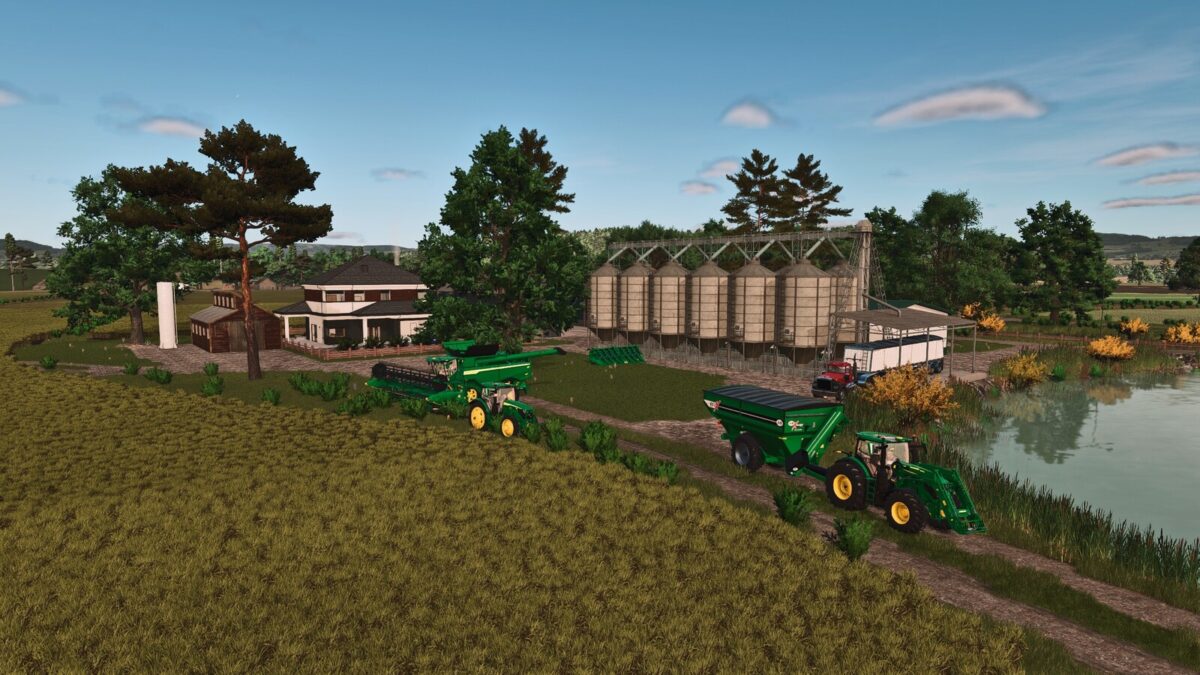
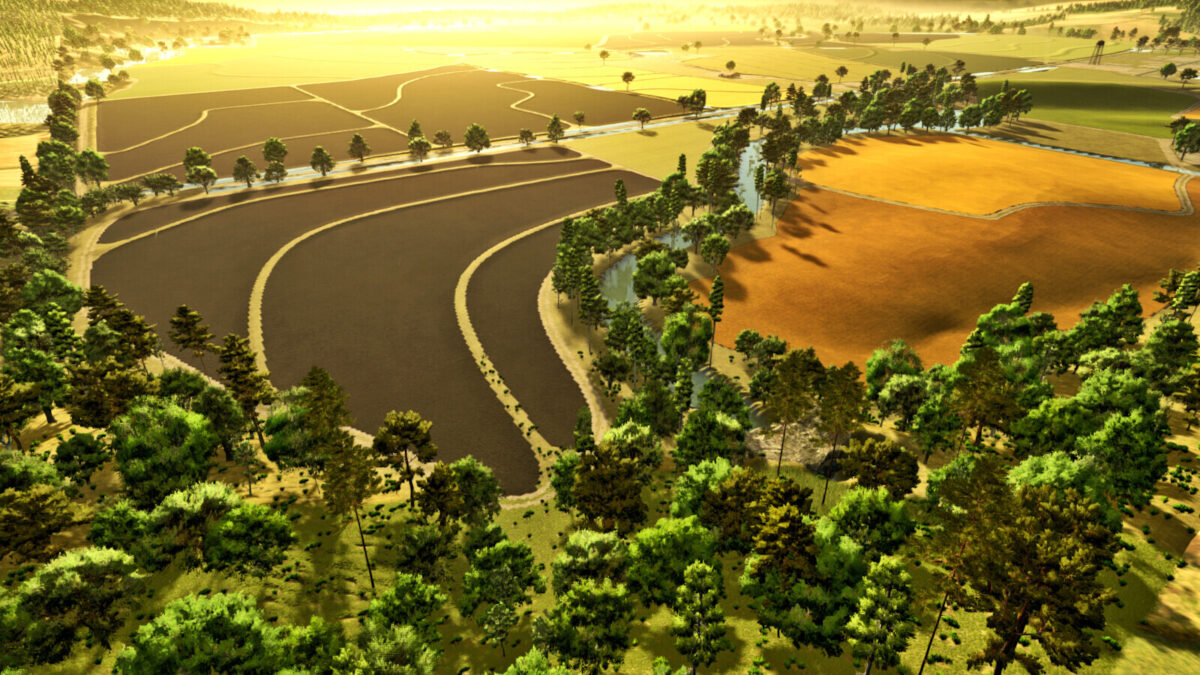
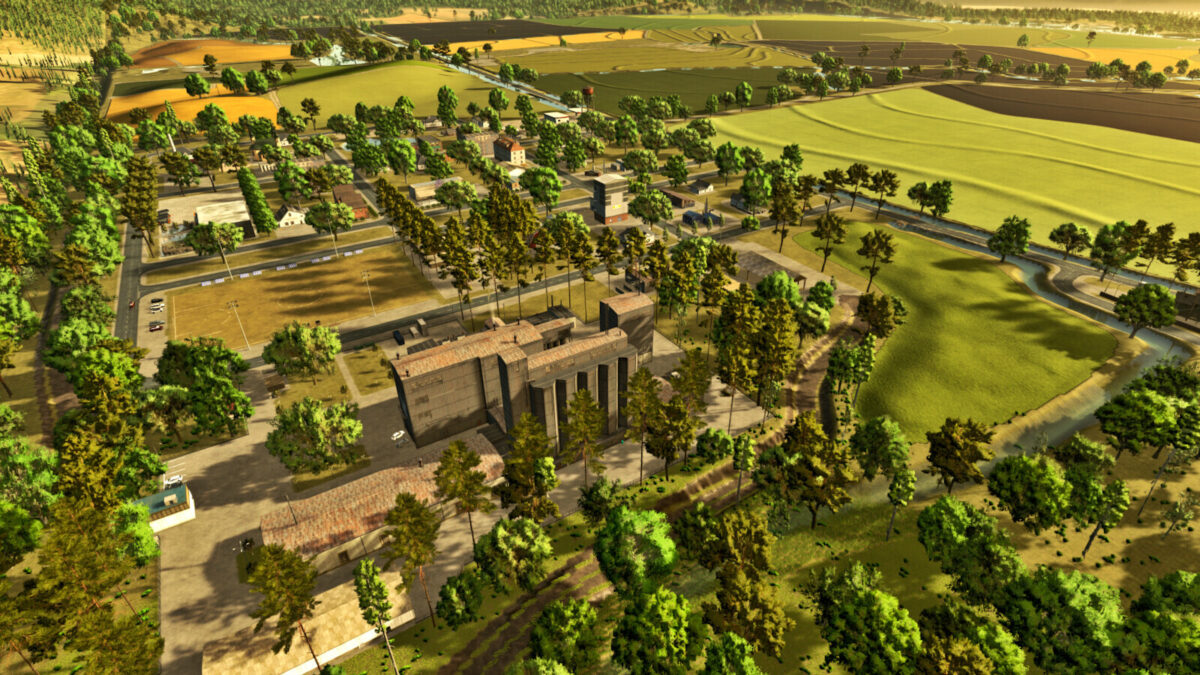
This map features the real terrain of a region in the state of Louisiana, United States, known for its strong agricultural tradition.
With extensive areas dedicated to rice cultivation, the region also features livestock farming and corn production for silage. The detailed environment accurately reflects the local geography, providing an authentic and immersive experience for players who want to explore agricultural activities in this part of the country.
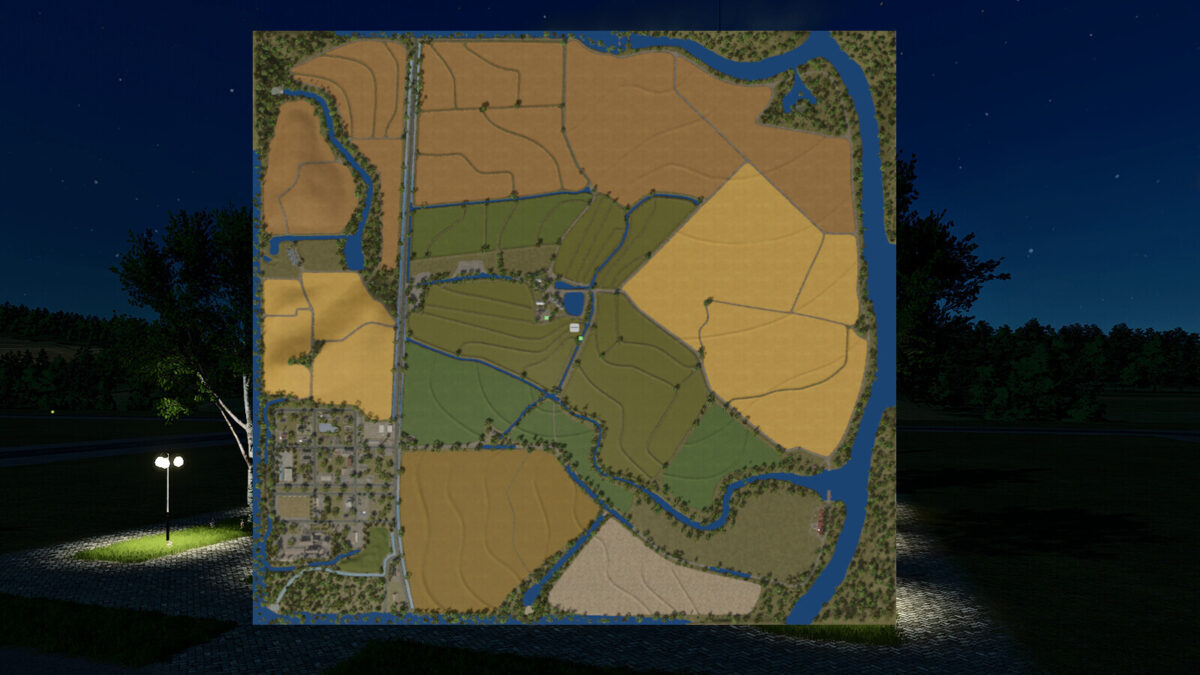
– There are 53 purchasable areas, some of them located within the town and others consisting of forestry land.
– There are 27 fields, with missions available on 26 of them.
– Average field size: approximately 9.20 hectares (22.73 acres).
– In addition, there are two purchasable forestry areas.
– Water can be collected from all rivers and streams across the map to fill your trailers and supply your animals.
# Changelog 1.0.1.0
## New Features and Fixes
* Added missions to all fields that previously did not have contracts available.
* Reworked the following textures:
* Soil
* Seeded soil
* Plowed soil
* Direct drilling
* All crops on the map
* Implemented Crop Destruction for players who have this feature enabled.
* Fixed distance rendering (LOD) issues in several areas of the map.
* Fixed an issue where asphalt was not displayed on consoles.
* Reworked all road markings.
* Reworked all snow markings to improve the appearance of the map during winter.
## Important
A new savegame is required for all these changes to take full effect.
Thank you to everyone who provided feedback and helped identify these issues. Enjoy the update!