

Flexible Combi Seeder v1.1.0.0

Flexible Combi Seeder v1.1.0.0
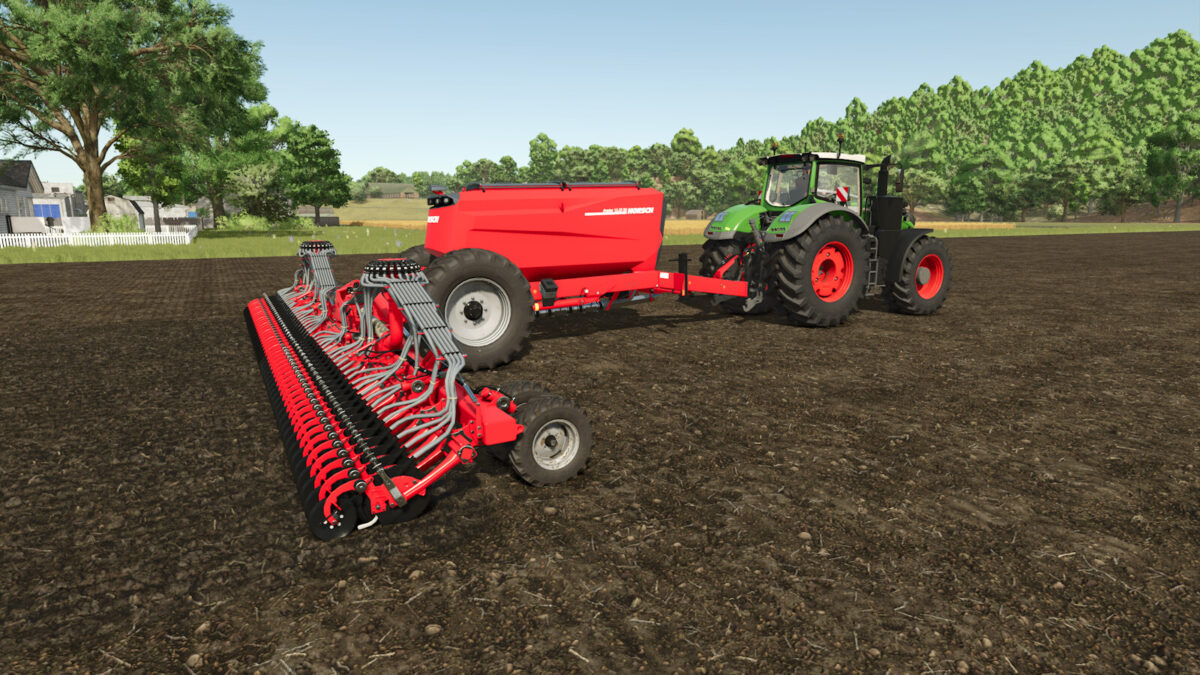
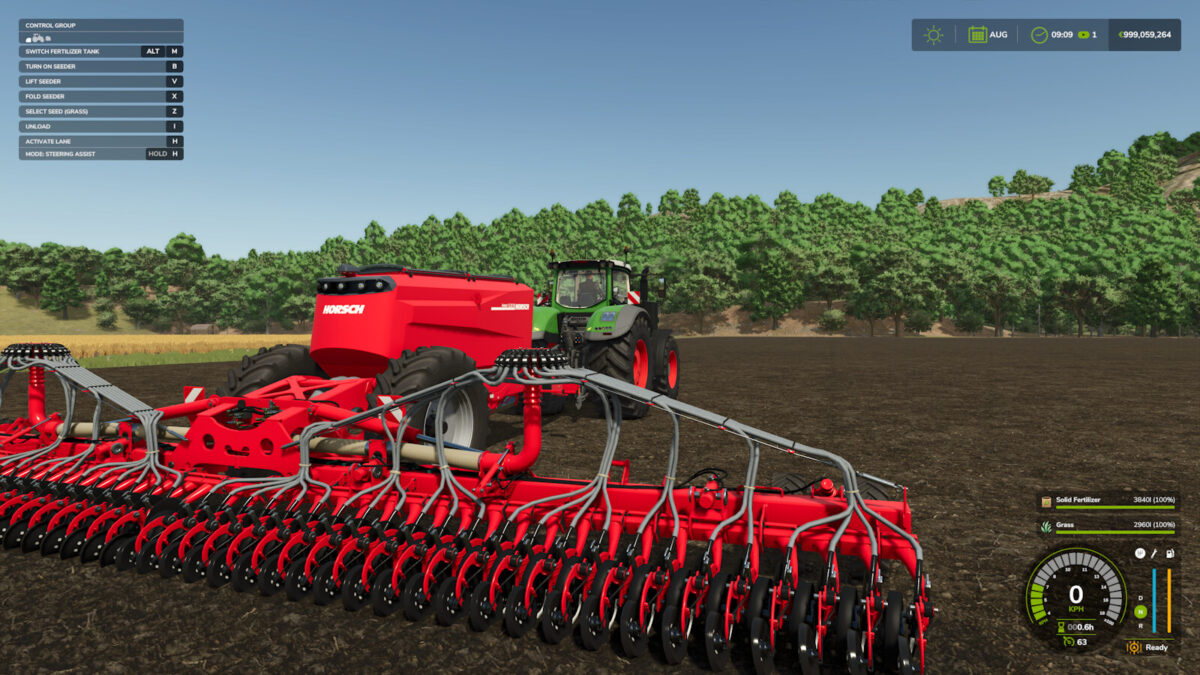
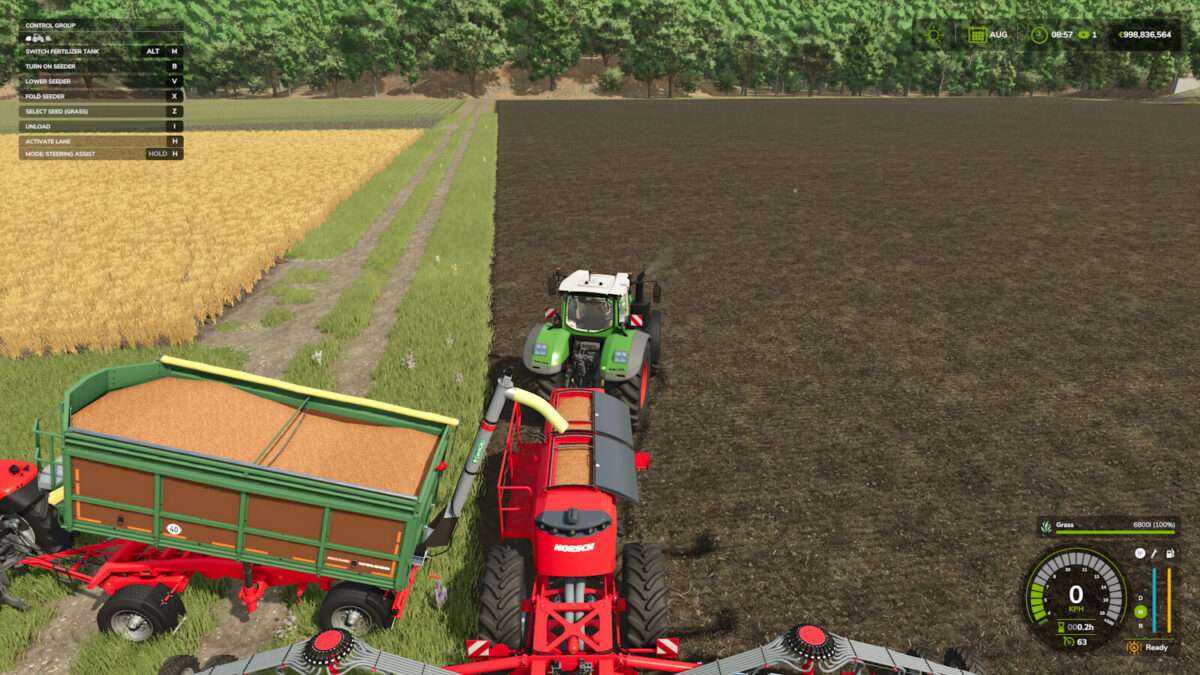
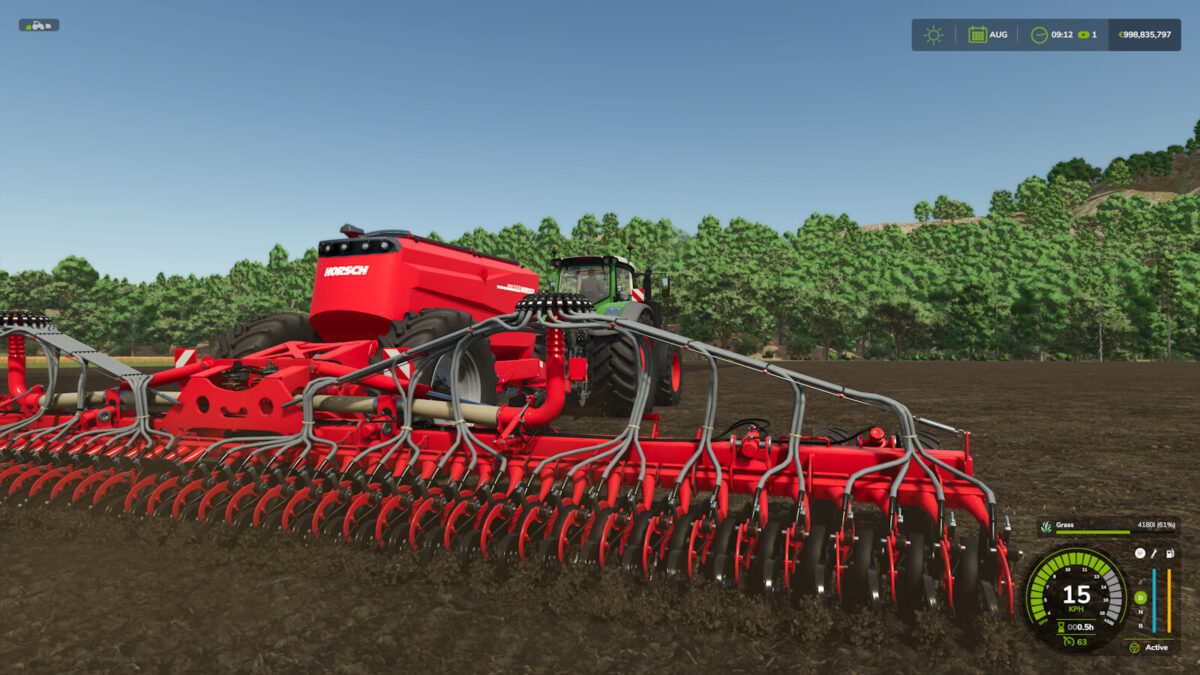
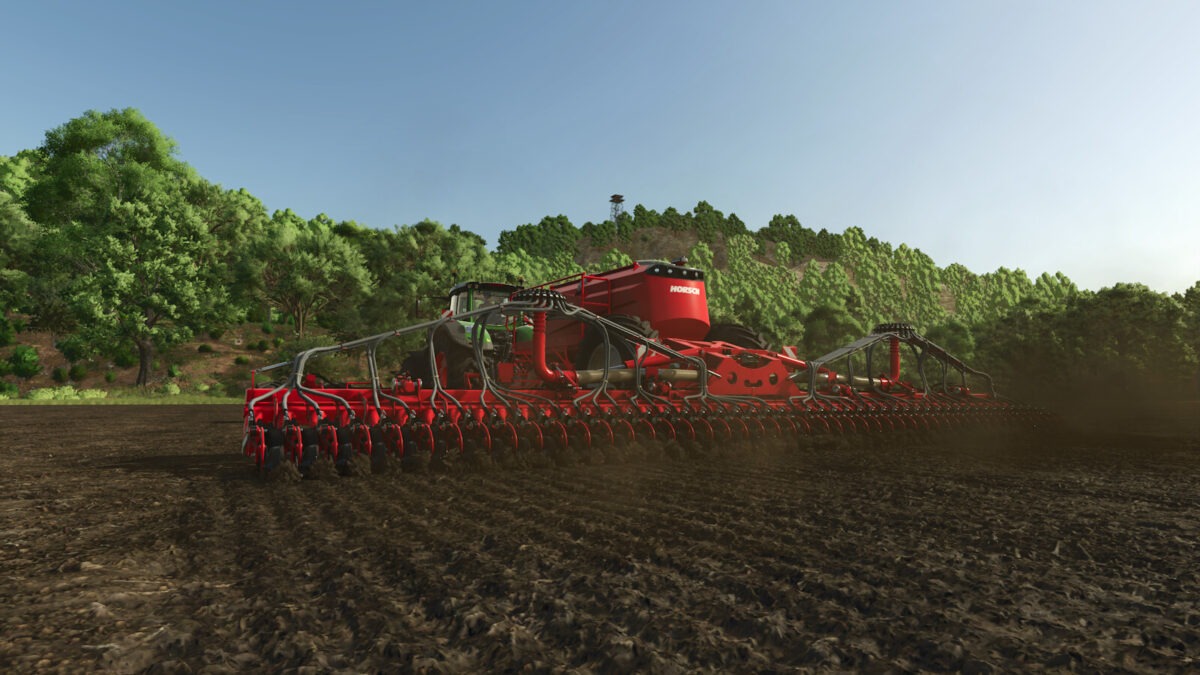
With this mod, you can use both tanks for seed on combi seed drills with a separate mineral fertilizer tank. This option is also available on real combi seed drills with a flexible twin-chamber hopper. This lets you carry more seed and refill less often.
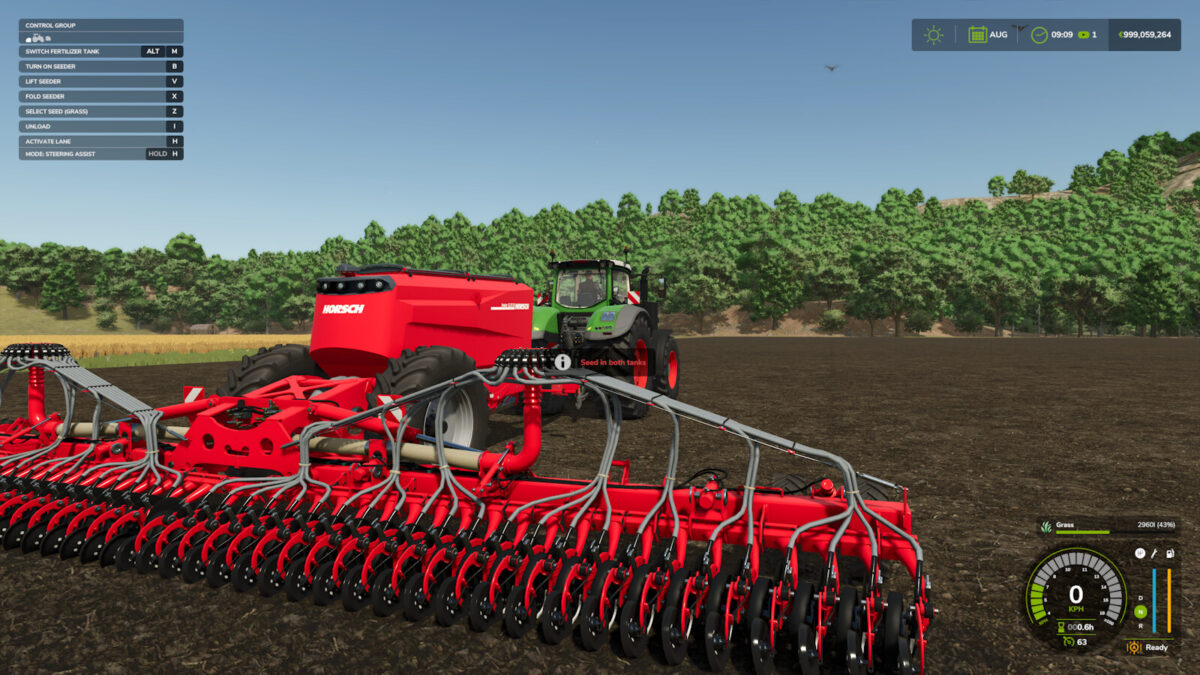
Press Left Alt + M to switch the fertilizer tank between fertilizer and seed. The tank must be empty before switching.
In seed mode, both tanks can only contain the same seed type. Regular seed and crop-specific seed cannot be mixed. When the active tank is empty, the machine automatically switches to the other tank. Separate liquid fertilizer tanks are not switched over.
In seed mode, fertilization is disabled.
Changes 1.1.0.0:
– Fixed an issue that prevented combi seed drills from loading crop-specific seed when using Real Seeders
– Crop-specific seed can now be used in both tanks
– In seed mode, both tanks can only be filled with the same seed type
– Improved seed display for crop-specific seed and empty tanks
– Big bags and pallets are detected again after switching modes or unloading