

Merlo MF 44.9CS-170-CVTRONIC v1.2.0.0

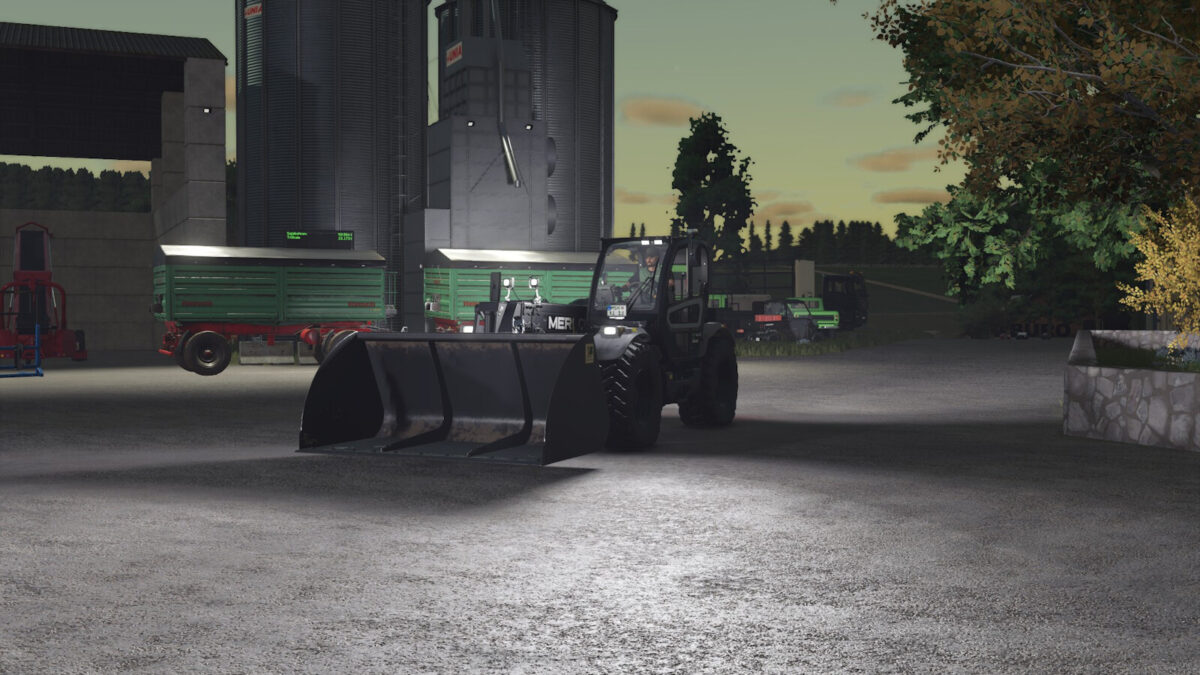
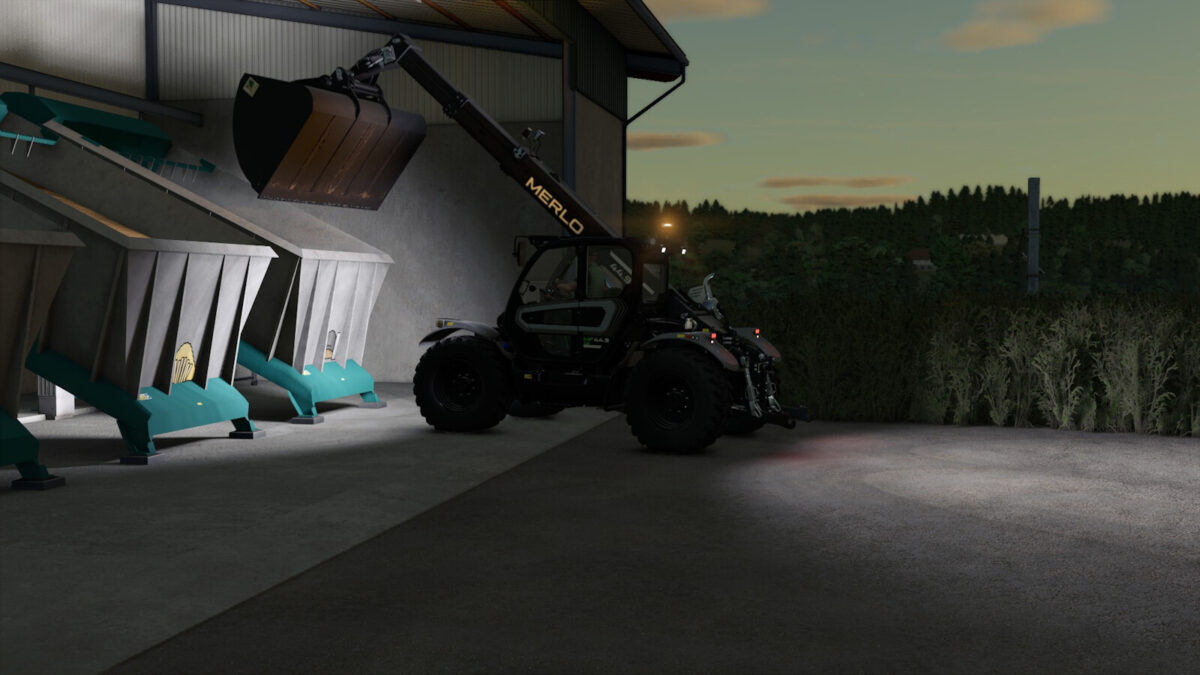
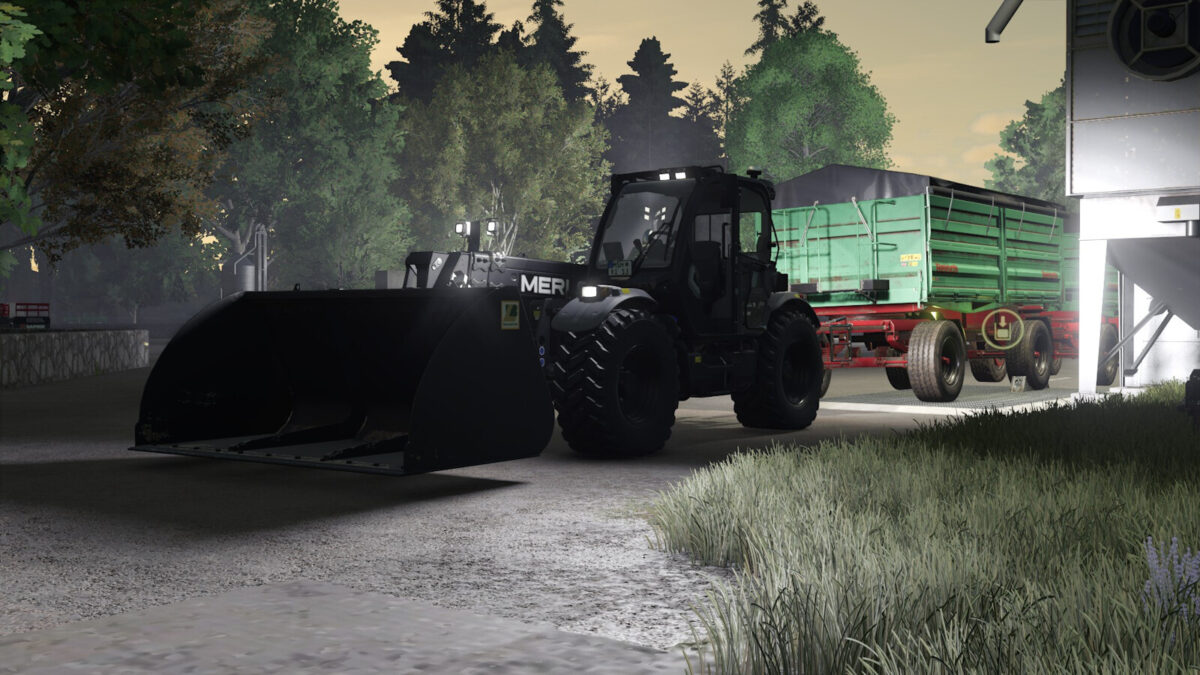
Merlo MF 44.9CS-170-CVTRONIC v1.2.0.0
Shop category: Telehandlers
Price: $149,500
Power: 170 – 270 hp (selectable)
Top speed: 43 km/h
What has been done:
Color selection:
– Hood color
– Rim color
– Design color
Engine configurations:
– FPT NEF 45 170 hp (Standard)
– FPT NEF 45 200 hp (Chip tuning with adjusted acceleration)
– FPT NEF 67 270 hp (6-cylinder engine with strong acceleration)
Interactive Control:
– Open/close door
– Start/stop engine
– Selectable steering mode
– Rear hydraulics up/down
– Cabin light on/off switchable
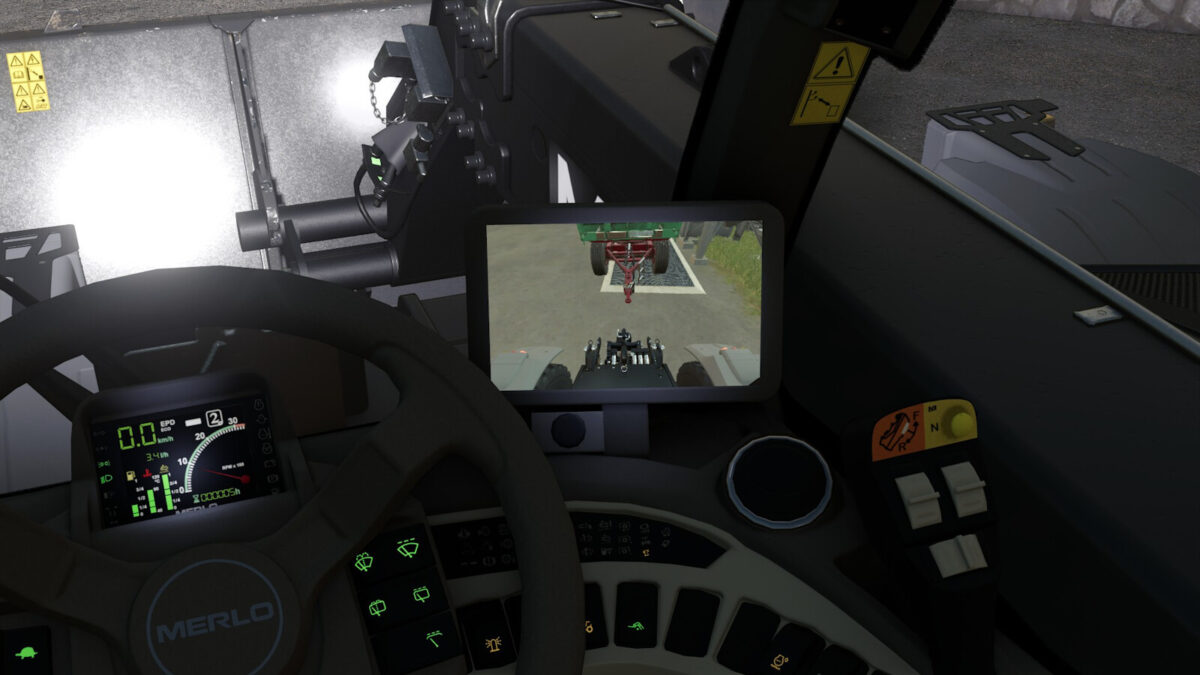
Backup camera:
– Built-in (only active when reverse gear is engaged)
* Mercedes-Benz DLC required for the backup camera.
New beacon light installed
version 1.2.0.0
– Added two new engine configurations (FPT NEF 45 200 hp chip tuning and FPT NEF 67 270 hp 6-cylinder) with optimized acceleration.
– Fixed various bugs and errors.
version 1.1.0.0
– New visual backup camera installed.
– Small fix made to icon_multifarmer449.