

Lieshof 4x Map v1.0.0.0

Lieshof 4x Map v1.0.0.0
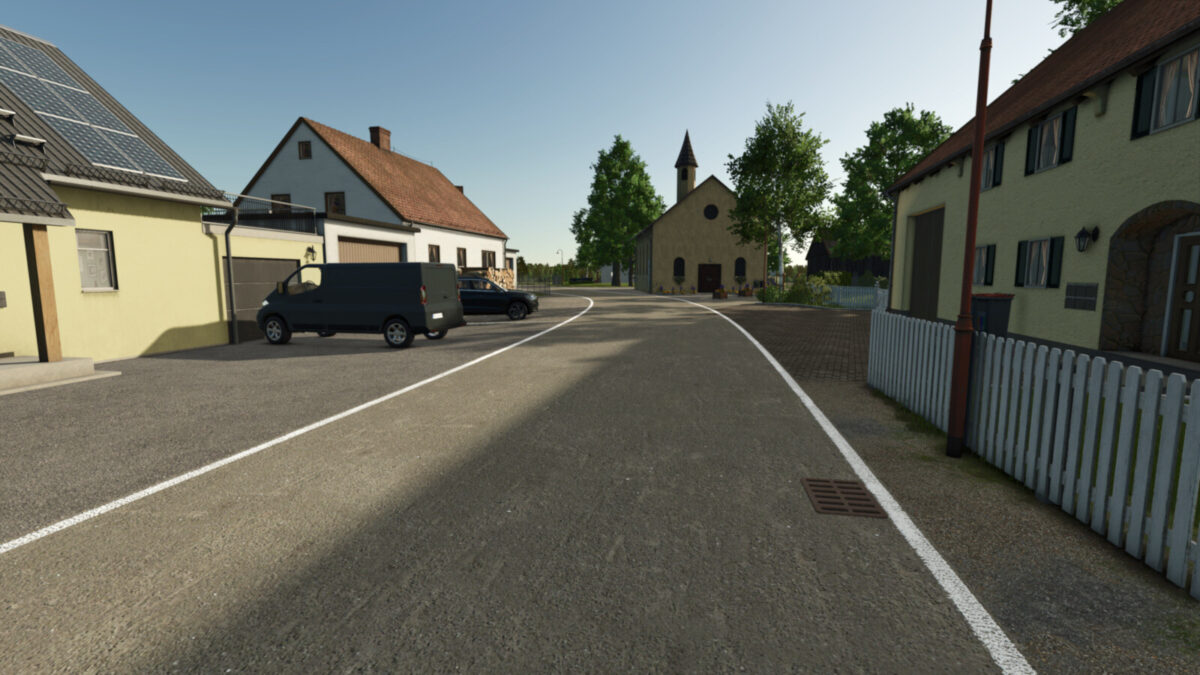
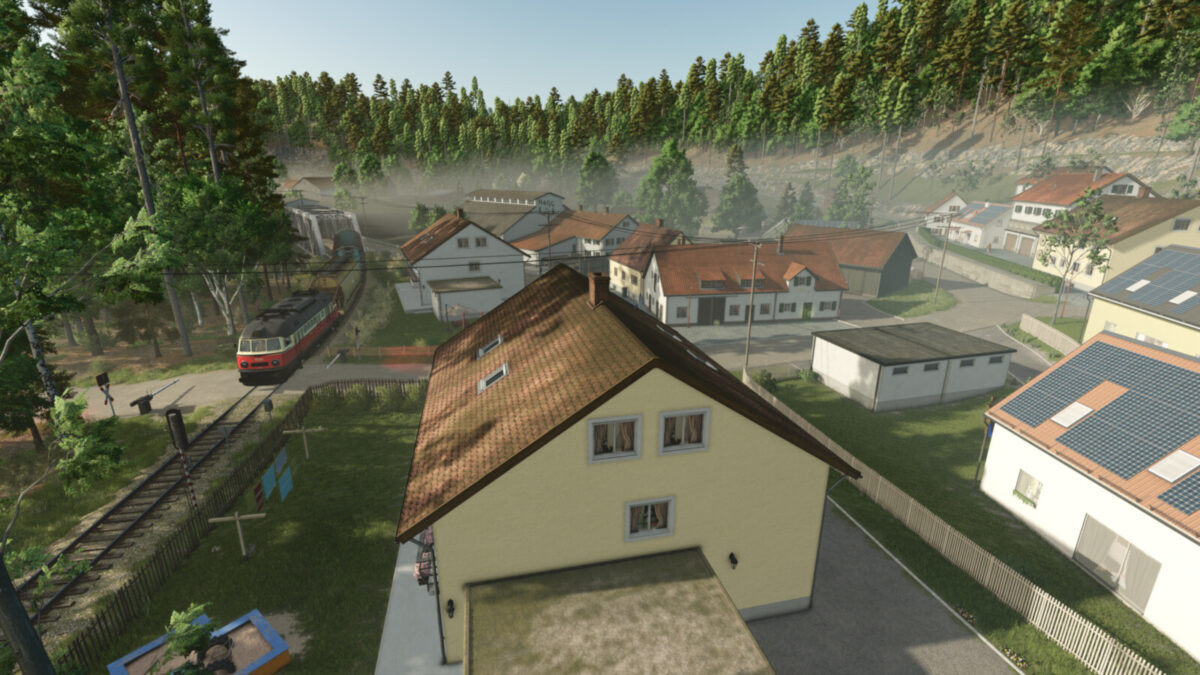
Welcome to the 4x map Lieshof.
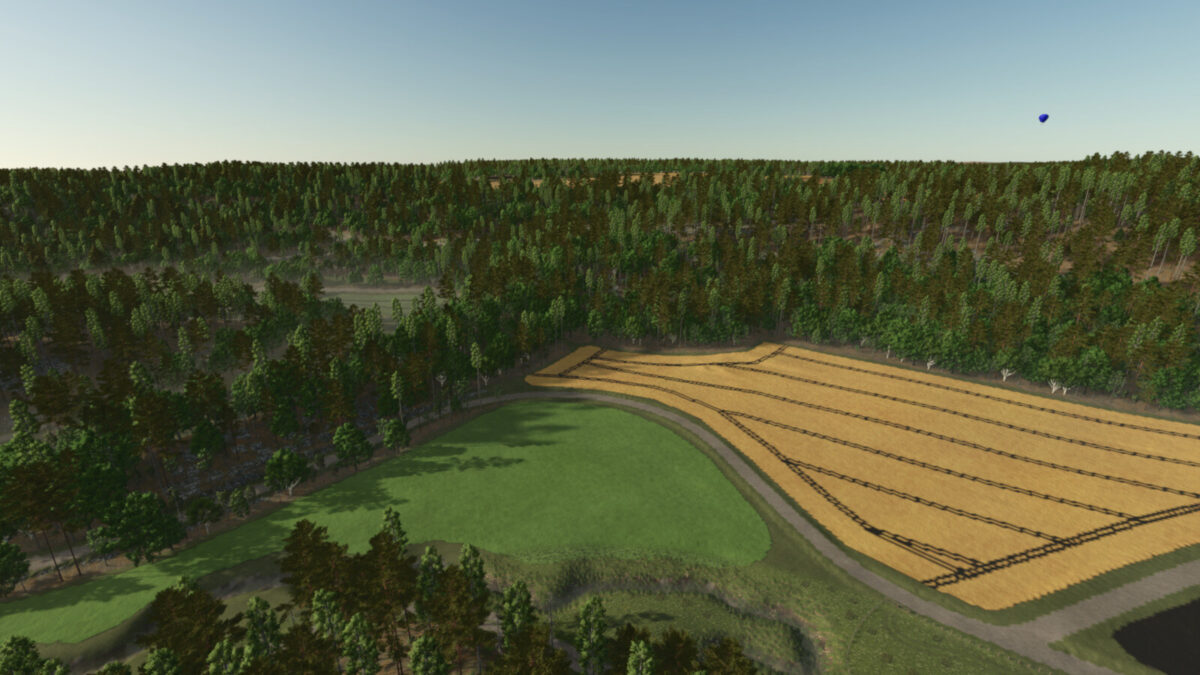
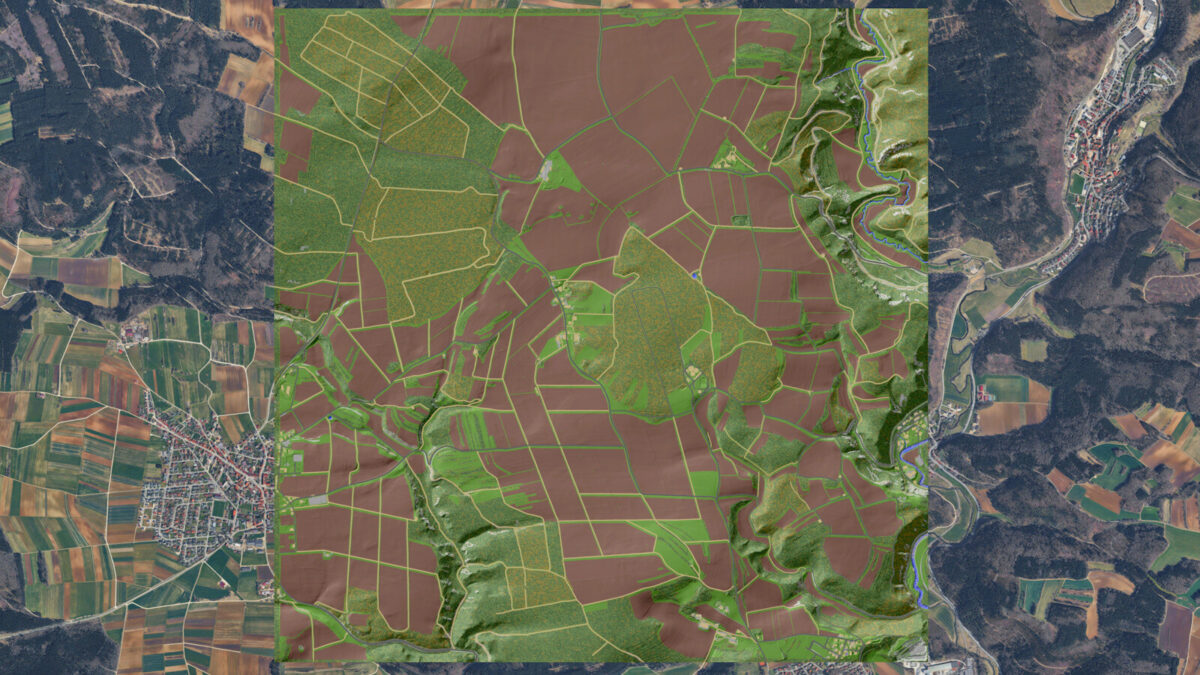
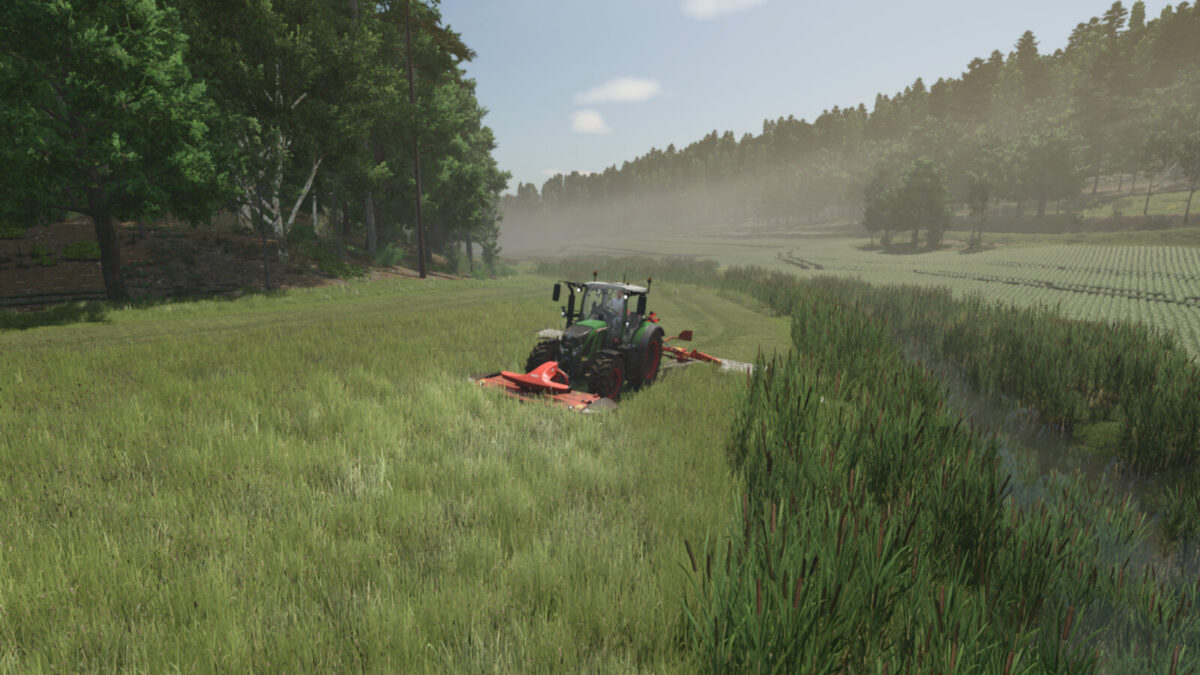
The landscape of fields, meadows and forests is a recreation of the area between the municipalities of Veringenstadt, Harthausen and Hermentingen in the heart of the Swabian Alb.
The region is fully integrated into a functioning economic network: selling and purchasing points ensure that products can be processed or sold directly.
This creates a closed and realistic economic cycle that makes everyday agricultural life tangible.
The farms in the center of the map are the Lieshof farms, which mainly cultivate this beautiful region.
The Felahtal valley in particular presents a real challenge. Its partly narrow, irregular and difficult-to-cultivate fields require careful planning and suitable equipment.
Anyone who wants to work successfully here must take the characteristics of the landscape into account and organize their operations efficiently. This effort is rewarded by the fertile land.
You can expect:
– 9 pre-built farms with different types of livestock farming (all farms can be completely demolished)
– 1 biogas plant
– 1 gravel plant
– 212 fields (723 ha) ranging from 0.2 ha to 40 ha
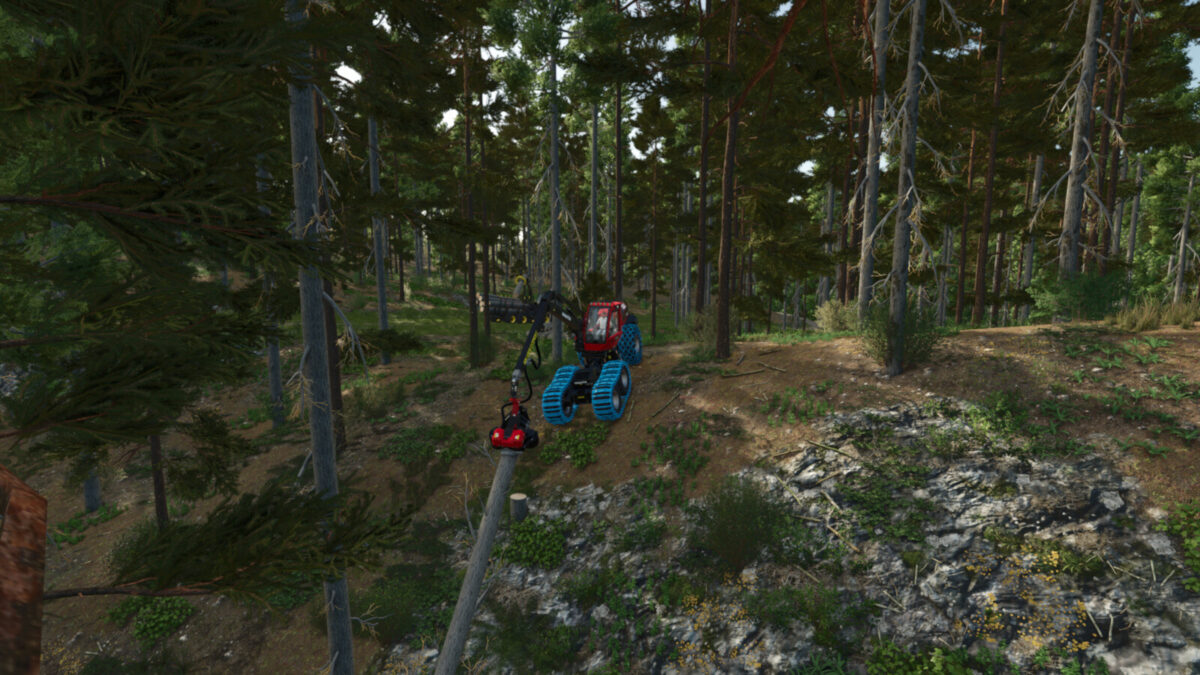
– 30 forests (252 ha) ranging from 1.8 ha to 38 ha
– A total cultivable area of 975 ha
– 254 purchasable plots of land
– Suitable for small to large machinery, although operating large machines requires an experienced driver
– A varied landscape ranging from flat to steep terrain with a maximum elevation difference of 140 m
– Various selling points and production facilities
– Collectibles that are displayed at the vehicle dealer
– The rest is yours to discover
Players starting the game in “New Farmer” mode begin on a small dairy farm with a starting vehicle fleet in the municipality of Hermentingen.
Additional map feature from the WeekendFarmer map template:
– 32 ground angles
– Additional crops: rye, spelt, triticale, green rye, vetch rye, mustard, Humus Active, silage maize, flowering cover crop, winter wheat, spring wheat, winter barley, spring barley, clover and alfalfa
– Stubble destruction
– More paintable textures
– Cotton and sugarcane are not planted by the AI
– District-specific license plates
– Modified lime texture
– Special in-game help
– New crops with feeding recipes added