

Old Homeland v1.0.0.0

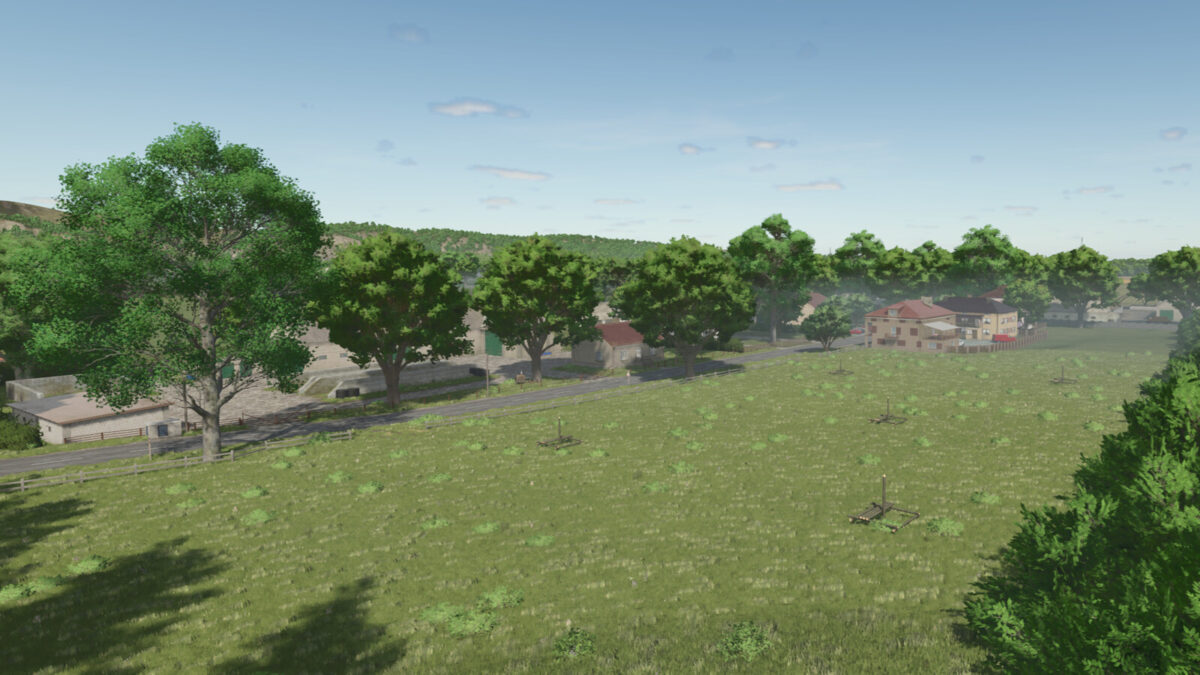
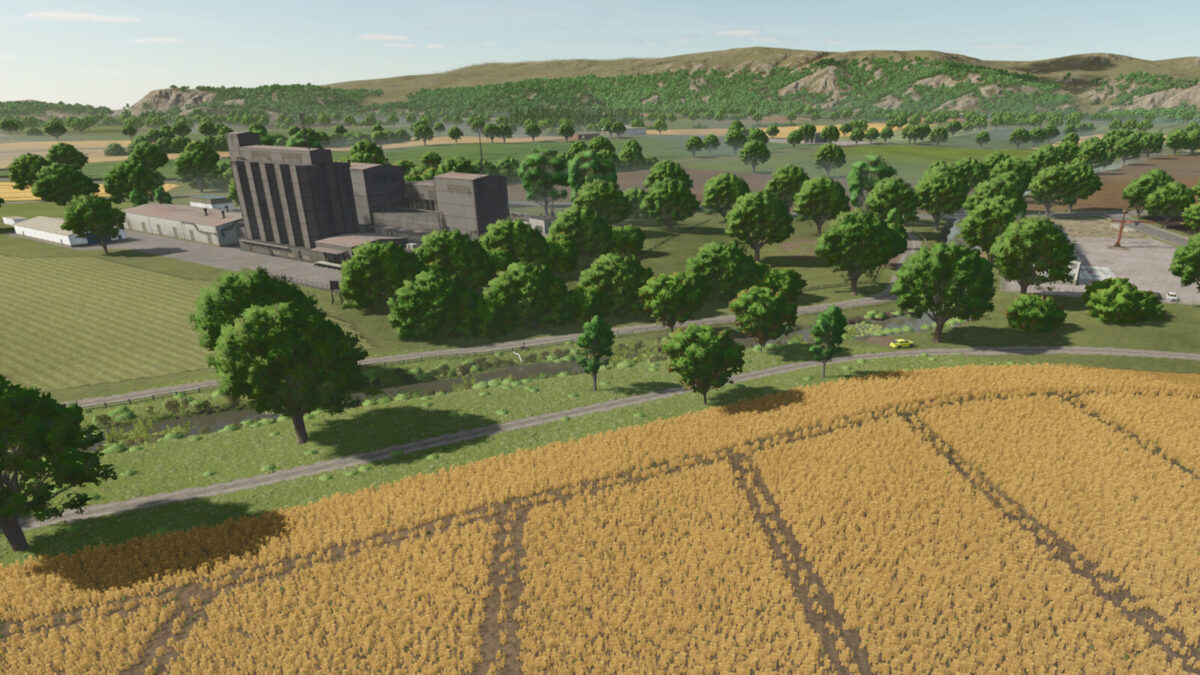
Old Homeland v1.0.0.0
Welcome to Old Homeland, a fictional map
created from scratch with a great deal of time and effort.
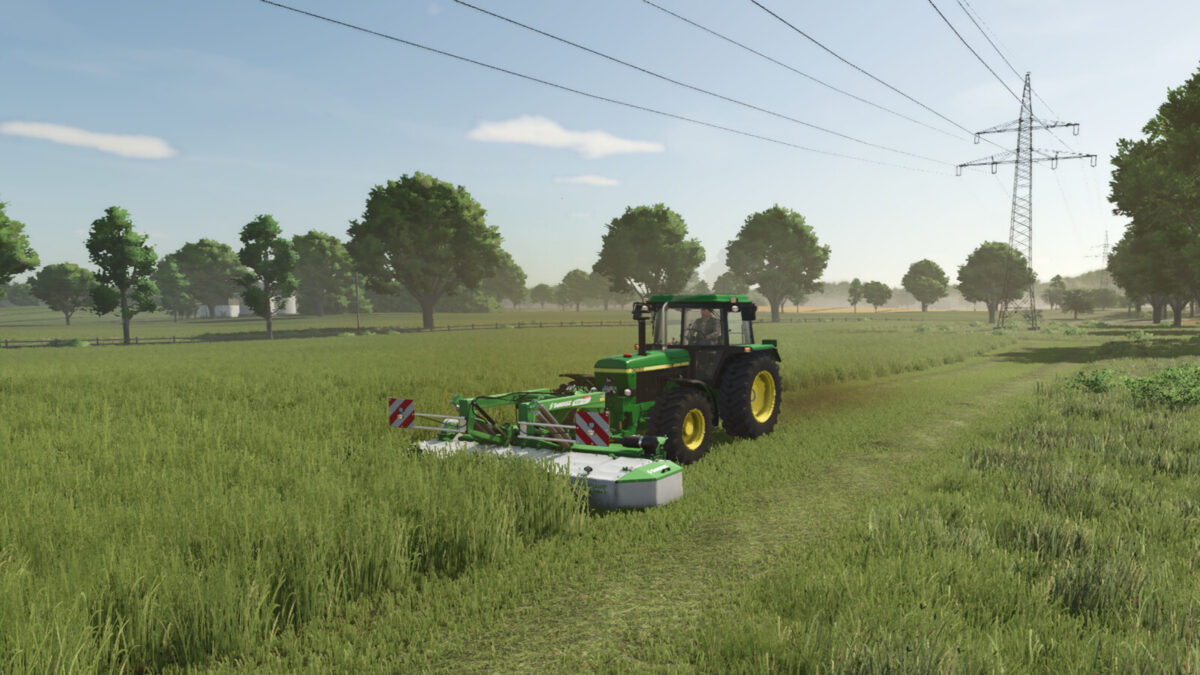
Whether you want to specialize in farming, manage vast herds of livestock, or explore the dense forests as a forester
— here you’ll find your new virtual home!
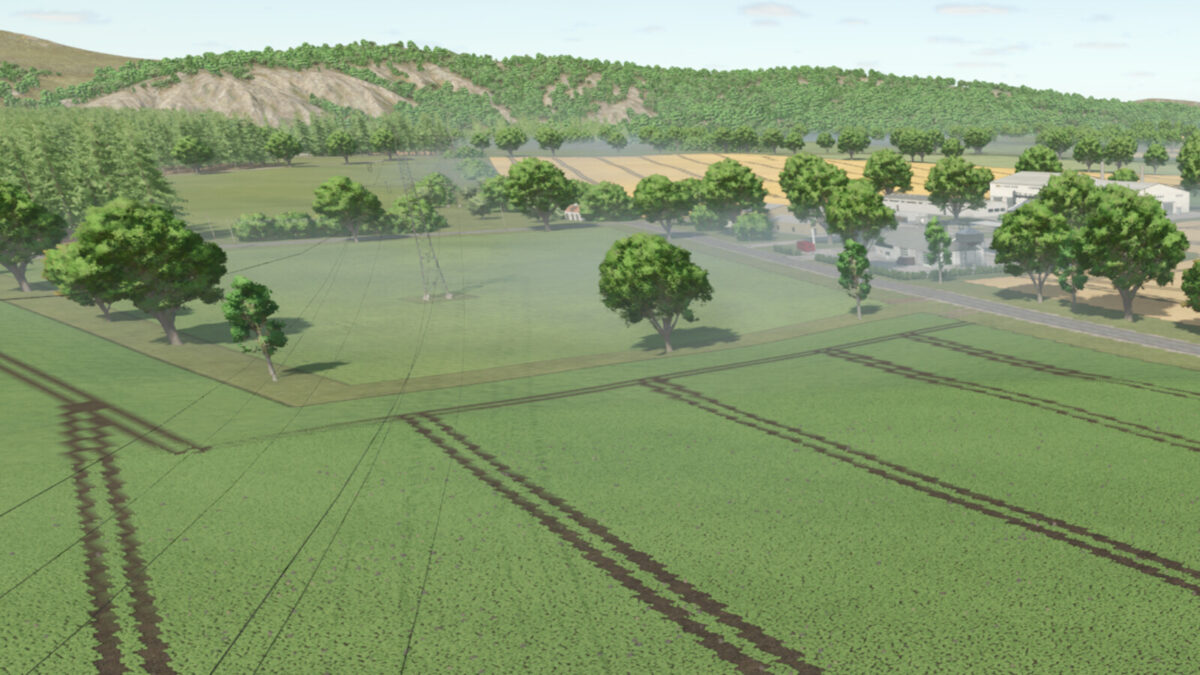
The map offers a diverse landscape ranging from flat to hilly
and is ideal for both single-player adventurers and experienced multiplayer teams.
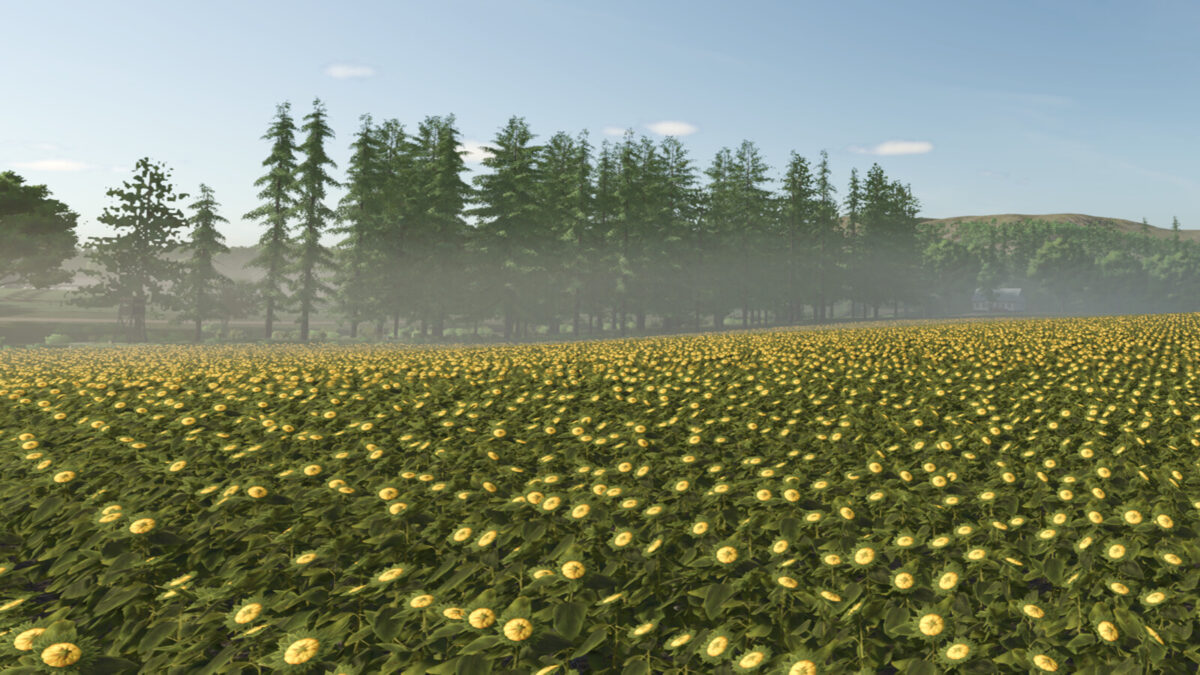
The map is based on Weekend Farmers and therefore includes multi-crop options.
Whether you specialize in farming, tend to farm large numbers of crops, or simply want to focus on the environment, you’ll find your new virtual home here!
The map features a varied landscape of flat to hilly terrain and is perfect for both single-player adventurers and experienced multiplayer teams.
The map is based on Weekend Farmers and therefore includes multi-crop options.
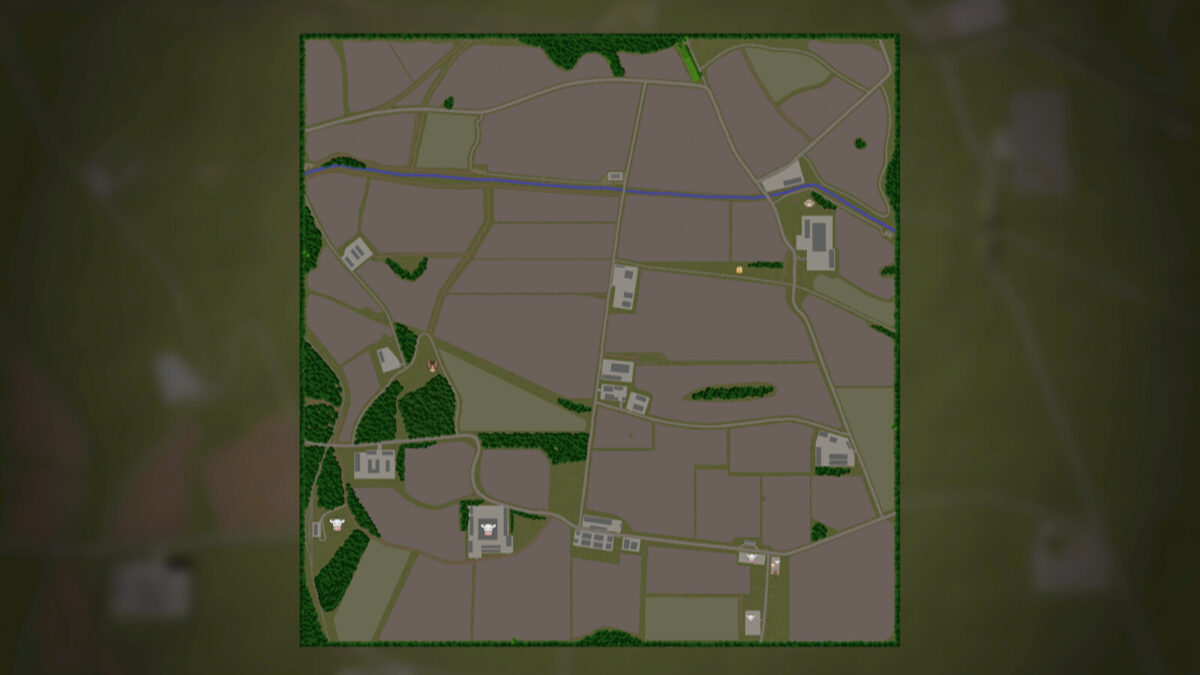
The map includes:
– More paintable textures (also in-game)
– Modified lime texture
– 50 fields (0.6ha-16ha)
– 7 grass fields
– 9 fellable forests 73-81
– 5 farms (small to large)
– 3 separate pastures 67-69
– A slightly different BGA (Biogas Plant)
– Beet harvester
– Wood factory
– Tree nursery
– Multi-factory
– 2 building plots 71, 72
– Compost silo 58
– Greenhouses 56
– Bees 70
– 2 drive-through silos 57
– 2 seed and 2 fertilizer factories
(These factories, only the triggers, are also available in the shop)
– Warehouses for goods 60, 61
– Grass drying 62-66
– Several selling points
– Soil map for precision farming
– P.S. The courtyards can be demolished, but the decorations can’t.
A little tip from me: leave the courtyards standing and simply don’t buy them
and use them for decoration.