
Work Speed Booster v1.0.0.0

FS25 mods

Work Speed Booster v1.0.0.0

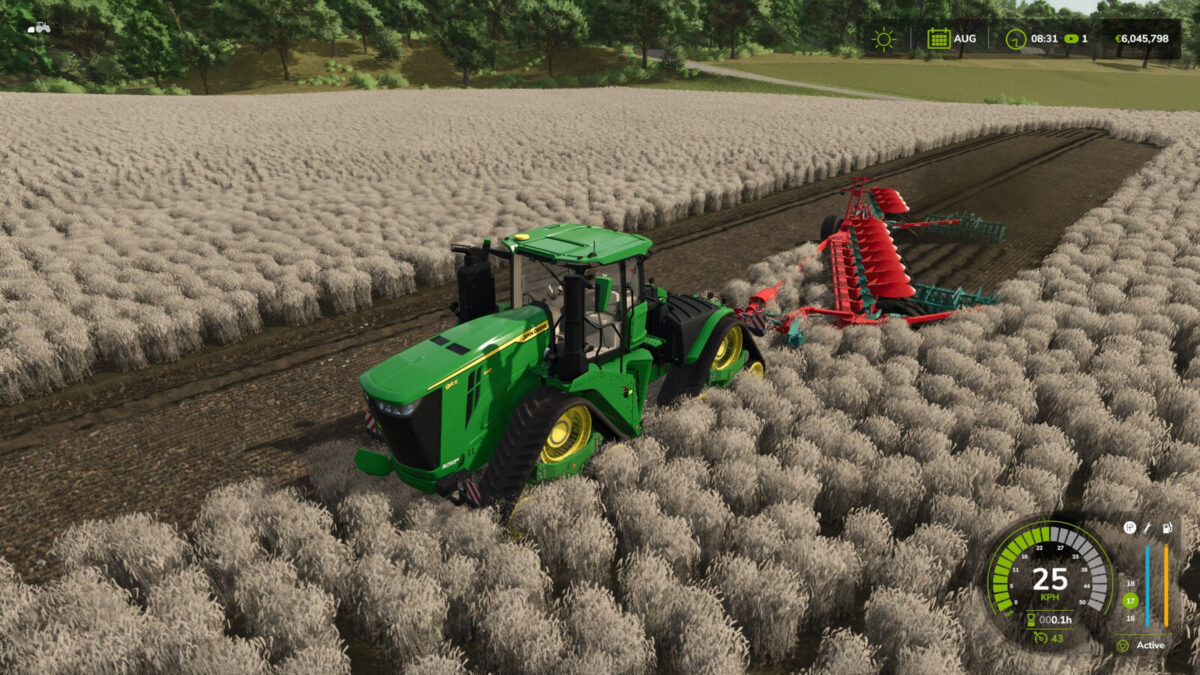
Work Speed Booster v1.0.0.0
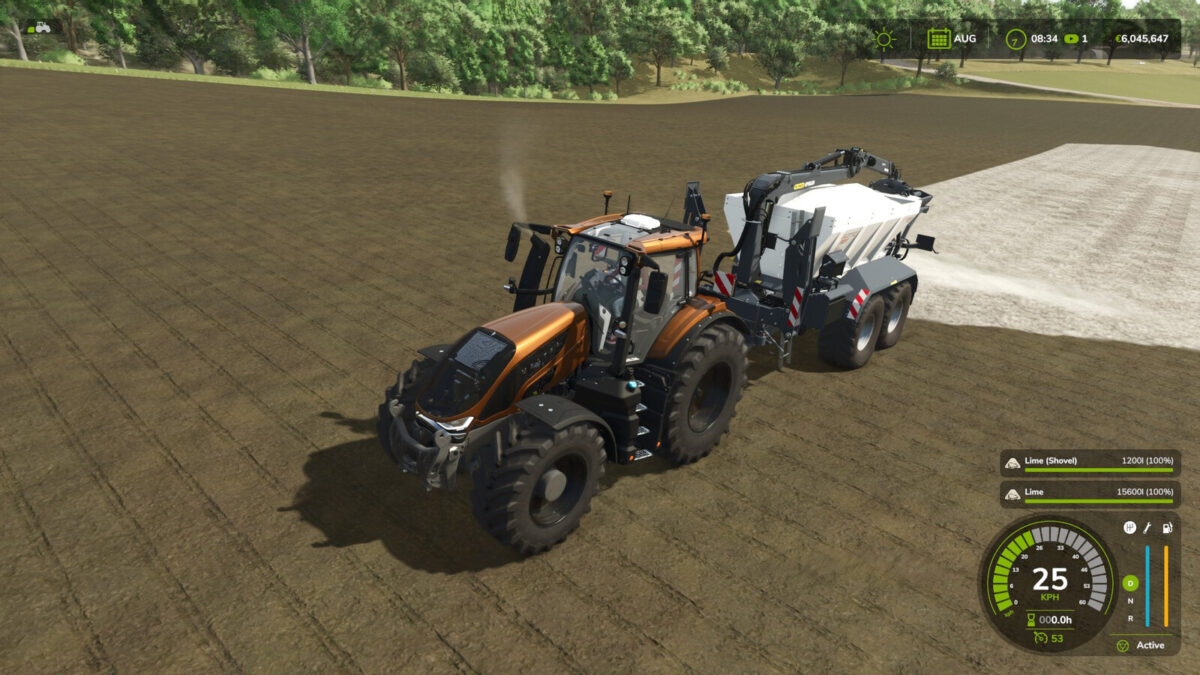
Work Speed Booster v1.0.0.0
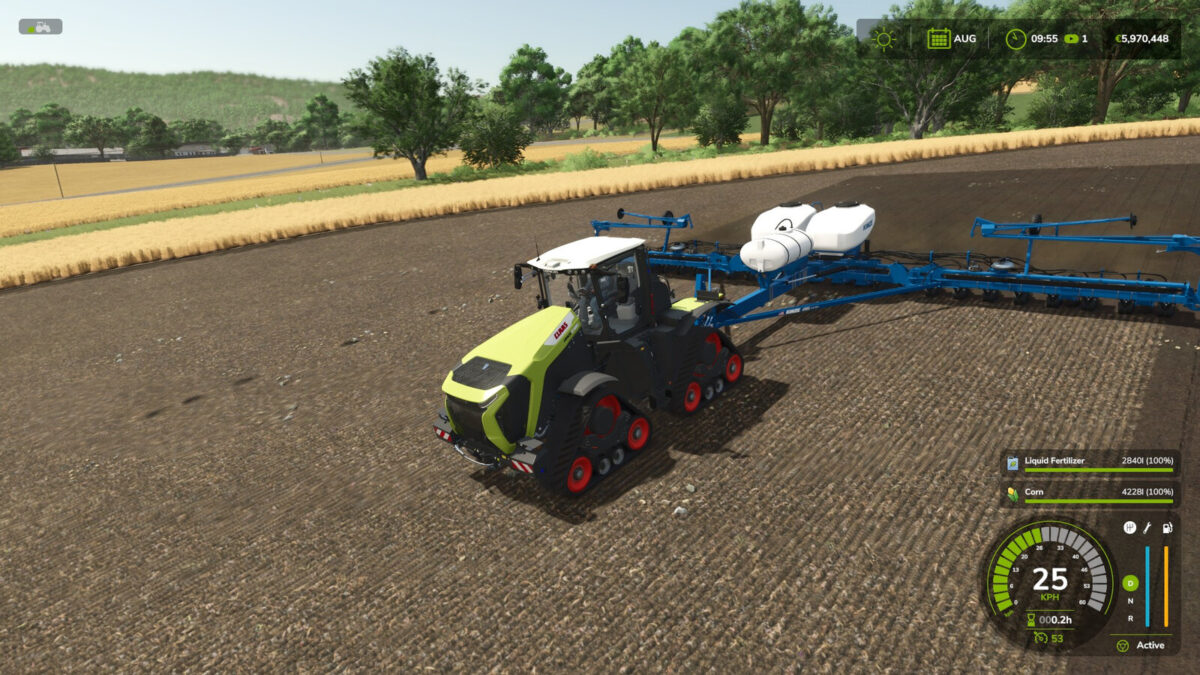
Work Speed Booster v1.0.0.0
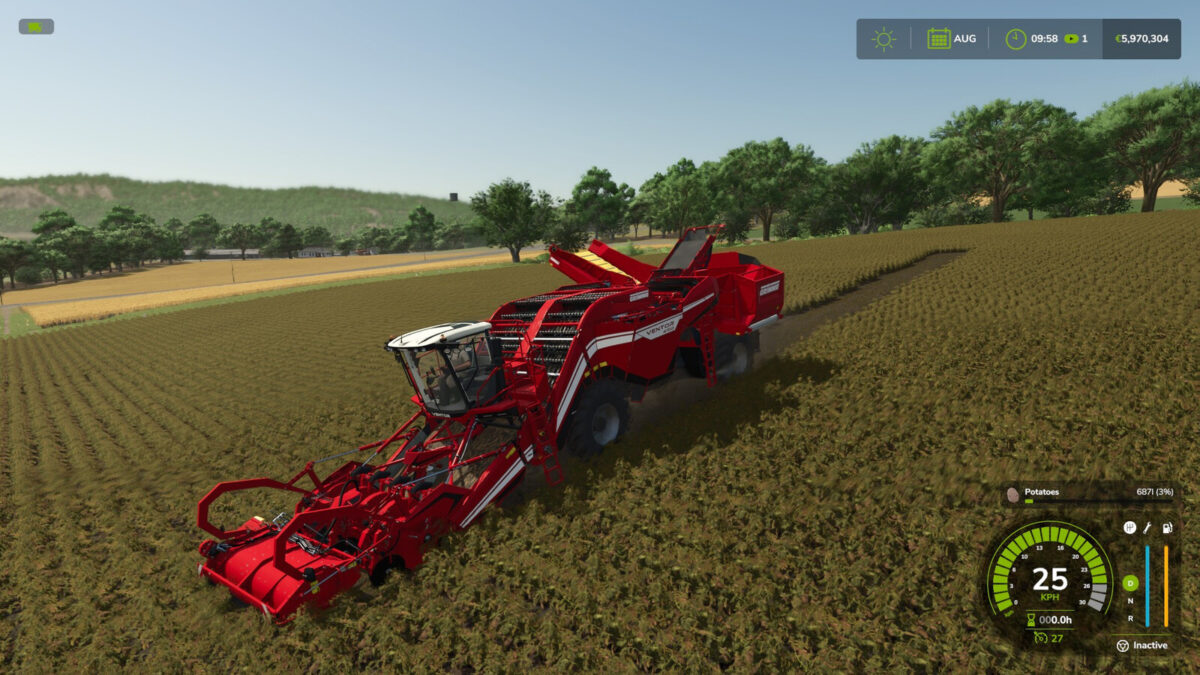
Work Speed Booster v1.0.0.0
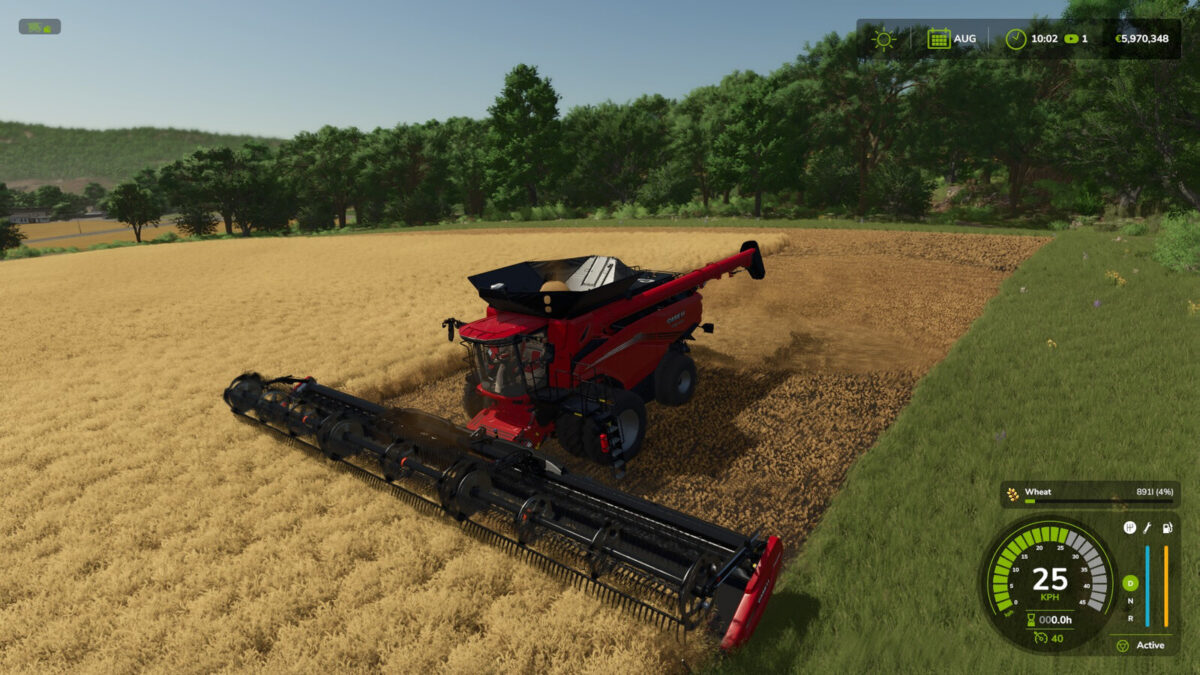
Work Speed Booster v1.0.0.0

About the mod:

Work Speed Booster lets you select a rounded maximum working speed for compatible agricultural equipment, up to 25 km/h.
Attach a genuine field-work implement and press Left Alt + L to cycle through the useful values above its original limit and OFF. The selection is stored with the vehicle and is available during manual work and with compatible AI helpers.
Only the permitted working-speed limit is affected. Transport speed, engine power, vehicle physics and cruise control remain untouched. Actual speed may be lower during acceleration, turns, slopes or other operating conditions. Transport trailers and cargo bodies do not activate the control.
Default control:
Left Alt + L: select maximum working speed.
Multiplayer supported.

Credits:
Max Games

How to install FS19 mods?

Firstly find a mod which you like and want to download. Then download a mod to your PC. Mods are usually in .zip format file. But sometimes it can be in .rar. If a mod file is a .zip format no needed additional actions. If a file is in .rar, then you must unarchive mod with software like WinRar or Zip7. Windows 10 users no need to use software for archives, Win10 itself has a feature to unarchive files.

The next step is to find mods folder in your PC. Usually, it is in Documents/My Games/Farming Simulator 19/2019. Open the "mods" folder and put downloaded .zip archive or unarchived .rar file to this folder.

Last step. Enjoy of FS19 mods!

Leave a Reply

Your email address will not be published. Required fields are marked *