

Capacity Upgrade v1.0.0.0

Capacity Upgrade v1.0.0.0
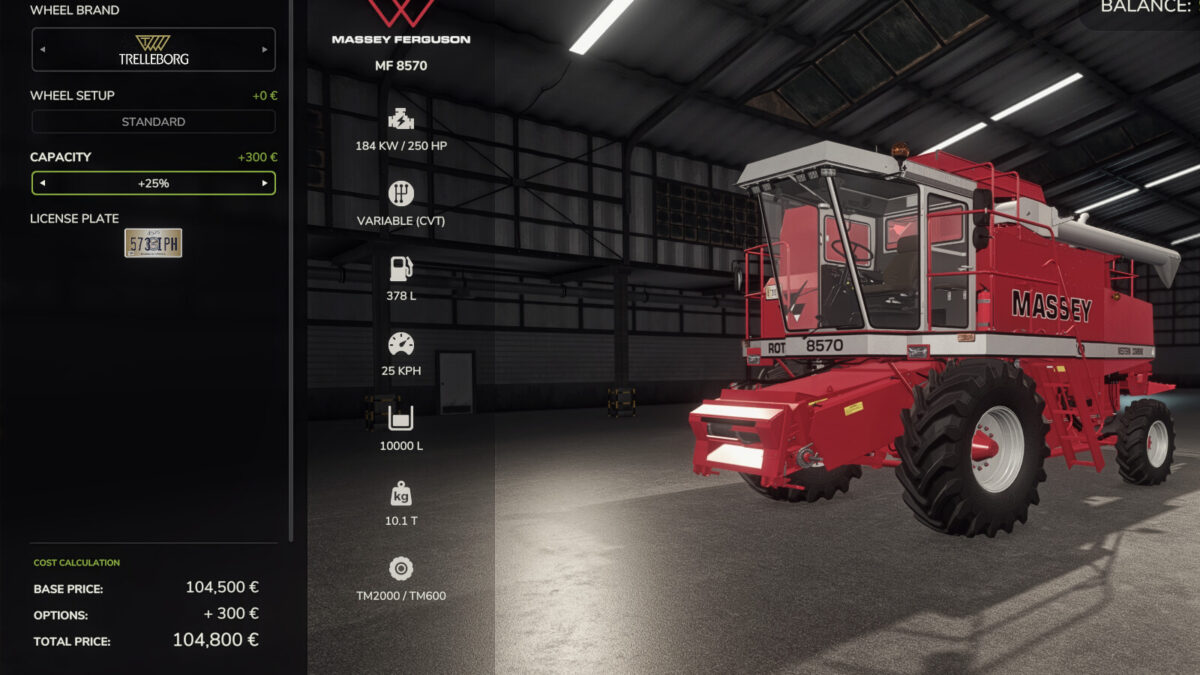
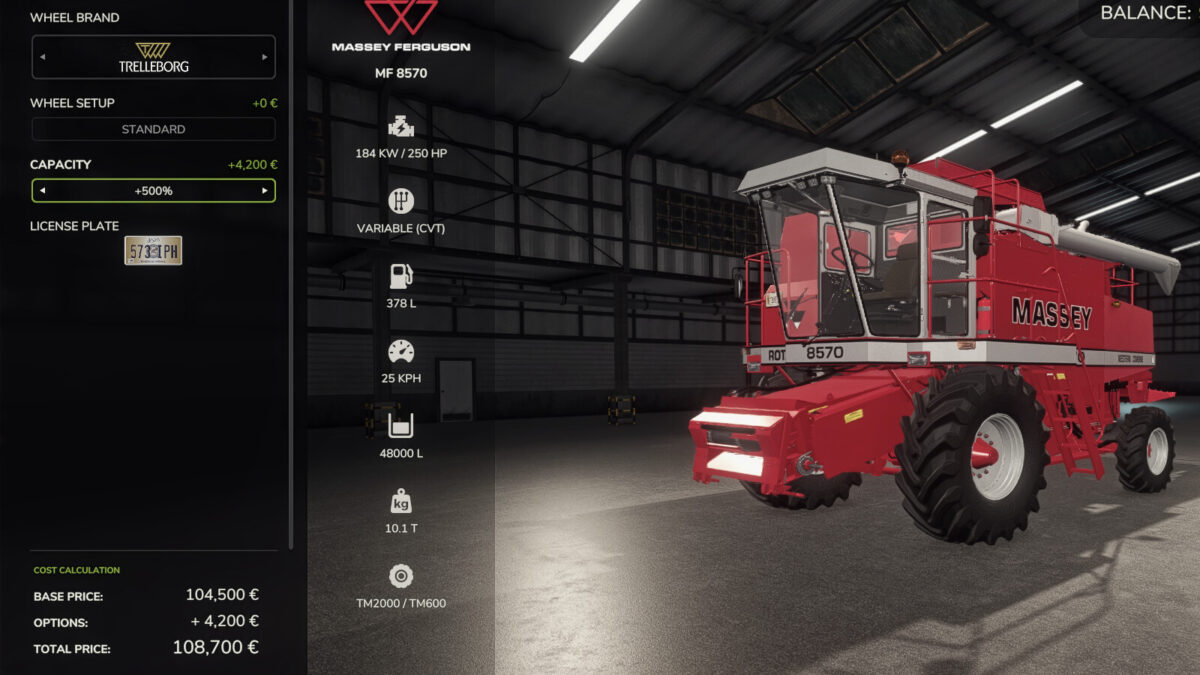
Adds a “Capacity” configuration row to every vehicle that carries something worth carrying. Pick it when you buy the machine, or change it later in the workshop. No duplicate machines in the shop, and it works on mod vehicles too.
Seven levels: Stock / +25% / +50% / +100% / +150% / +200% / +500%. Each level costs a share of the vehicle’s own price, so taking it to the top adds only 4% of the sticker price.
Only the capacity that matters is changed. Which tanks those are is not a guess: the game already decides it for the shop, and the mod uses the same list. Crop tanks, seed hoppers, sprayer and slurry tanks, mixer drums and auger wagons are upgraded; diesel, DEF and air tanks are never touched. Tractors therefore have no row at all, and neither do balers.
The load’s weight grows exactly as it always did up to the original capacity, then stops. A half-full trailer feels like a half-full trailer, a machine loaded past its stock capacity never gets heavier – so an upgraded vehicle stays driveable instead of dragging fifty tonnes around, without losing the difference between empty and full.
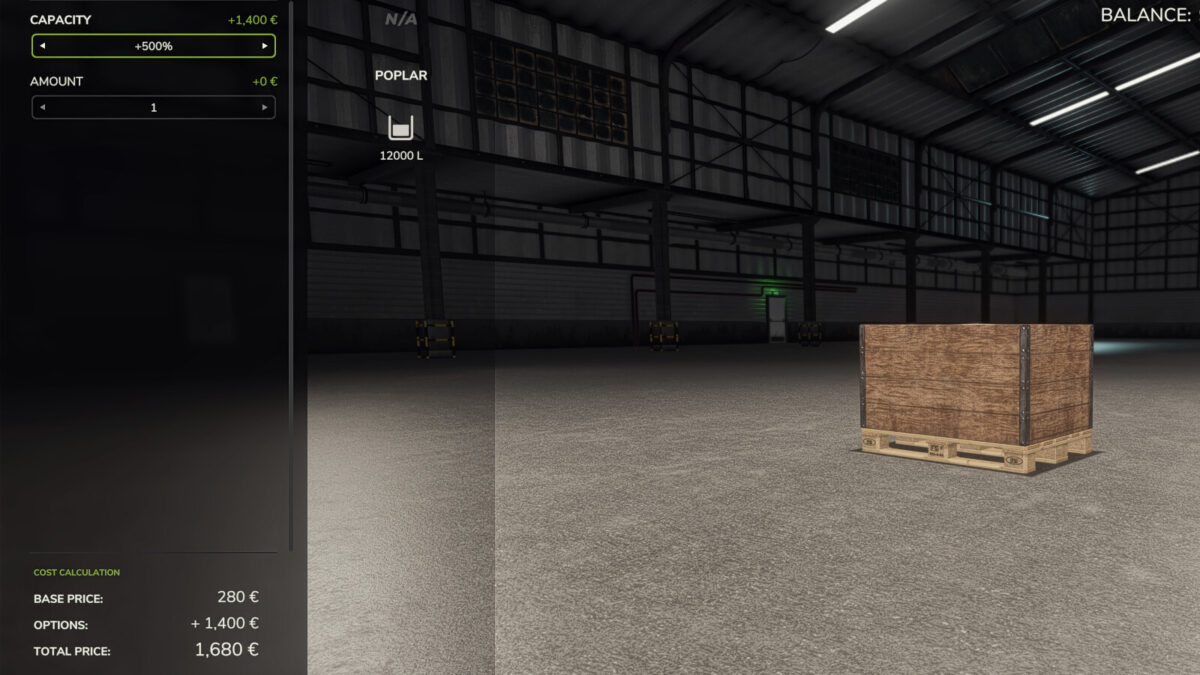
Goods bought full count too: seed, fertiliser, lime and animal feed big bags, liquid fertiliser and herbicide IBCs, mineral feed, silage additive, liquid seed treatment, and seed potato, sugar cane, poplar, tree sapling and rice sapling pallets. A pack can be bought at any level, priced by its contents (six times the fertiliser costs six times the big bag), and arrives full. A tree planter – which carries none of its own and feeds straight from the pallet it holds – goes far further on one load, and the rice planter’s seedling trays grow as well.
Because this is a real configuration, the shop and workshop prices, the savegame and multiplayer sync are all handled by the game itself.