

Mid Sugar Mill v1.0.0.0

Mid Sugar Mill v1.0.0.0
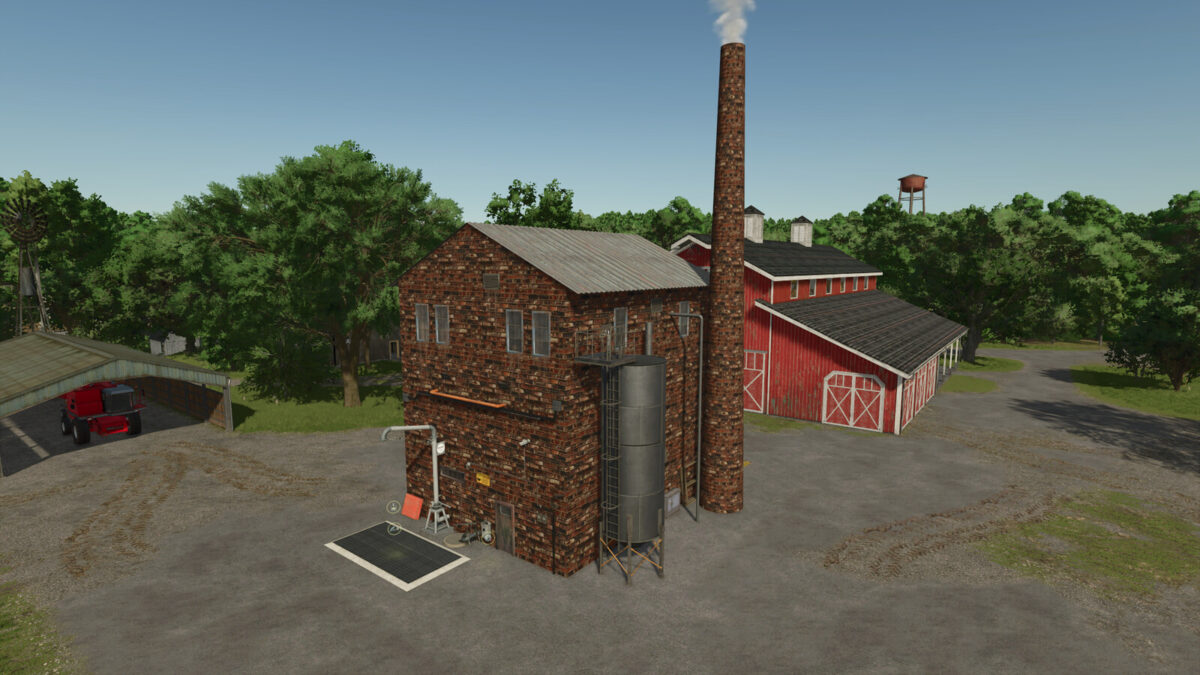
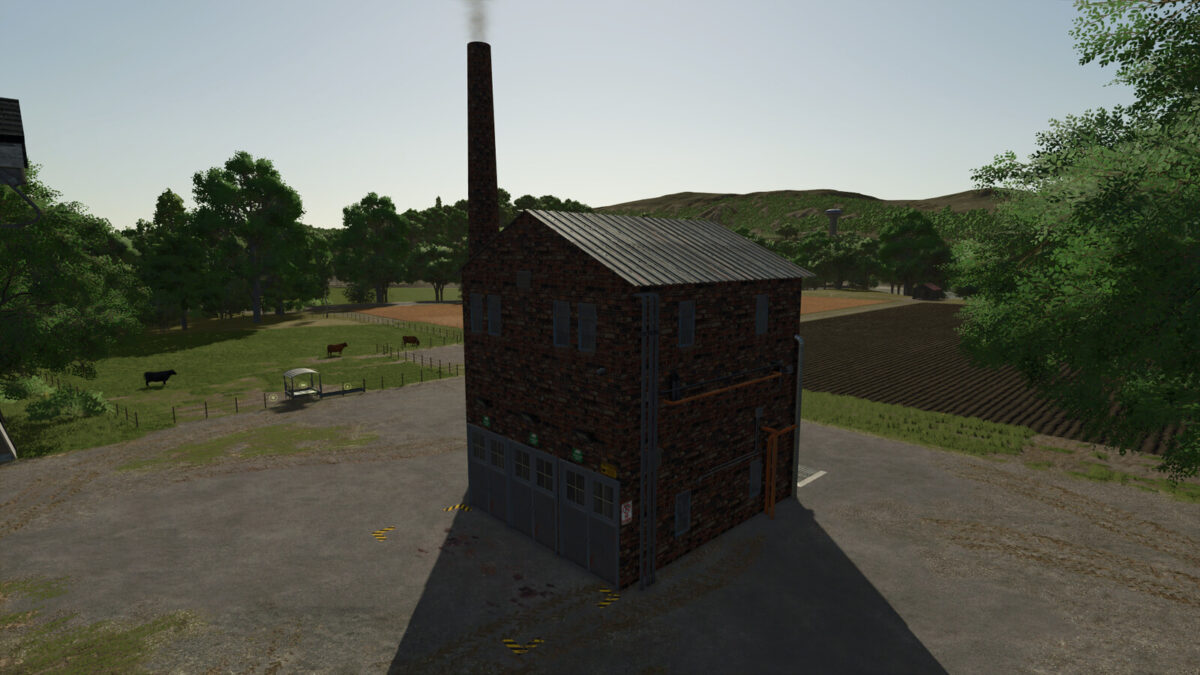
Expand your farm with a compact Central European sugar refinery in a traditional industrial style. Process sugar beet, beet pulp, or sugar cane into sugar. Production also uses water, and processing sugar beet creates beet pulp as a byproduct that you can further use in other production chains.
Main features:
– processing of sugar beet, beet pulp, and sugar cane
– production of sugar
– beet pulp as a byproduct
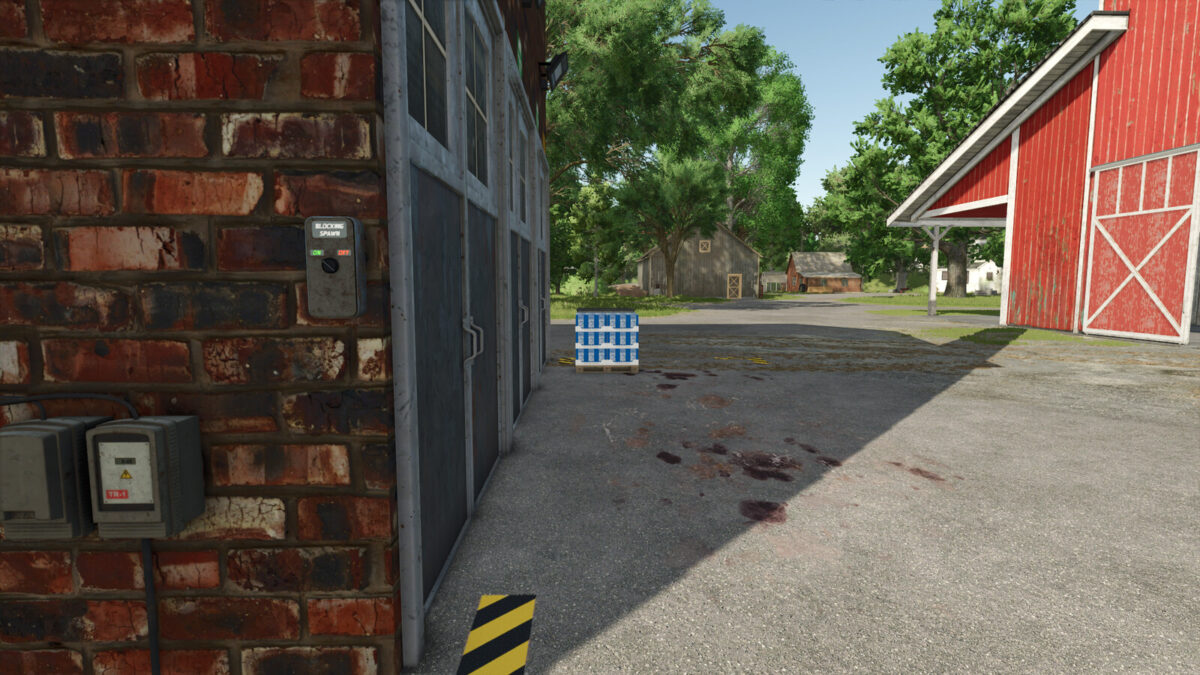
– blocking pallet spawning
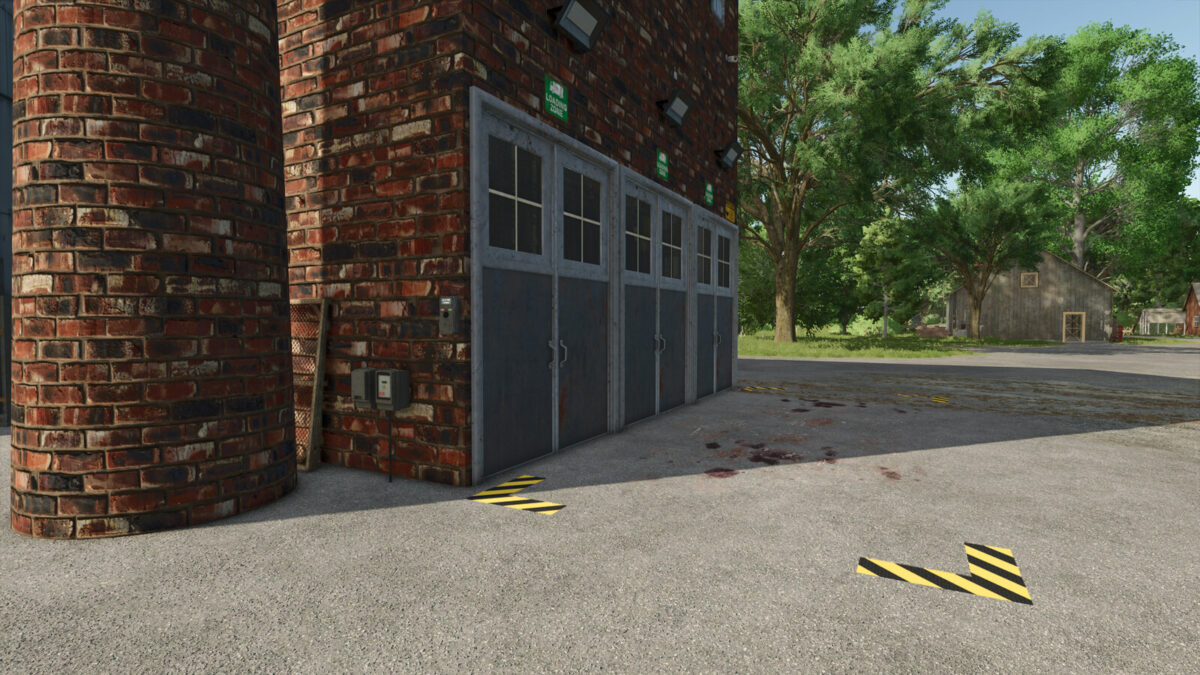
– realistically themed industrial building
– suitable for all farm sizes
– designed with an emphasis on simple logistics and smooth operation
– DLC Straw Harvest Pack expands the recipes with an additional byproduct (molasses)
Recipes:
With DLC Straw Harvest Pack:
– Sugar beet + water -> sugar + molasses + beet pulp
– Sugar cane + water -> sugar + molasses
Without DLC Straw Harvest Pack:
– Sugar beet + water -> sugar + beet pulp
– Sugar cane + water -> sugar