Silage Cutting Pliers v1.0.0.1
About the mod:
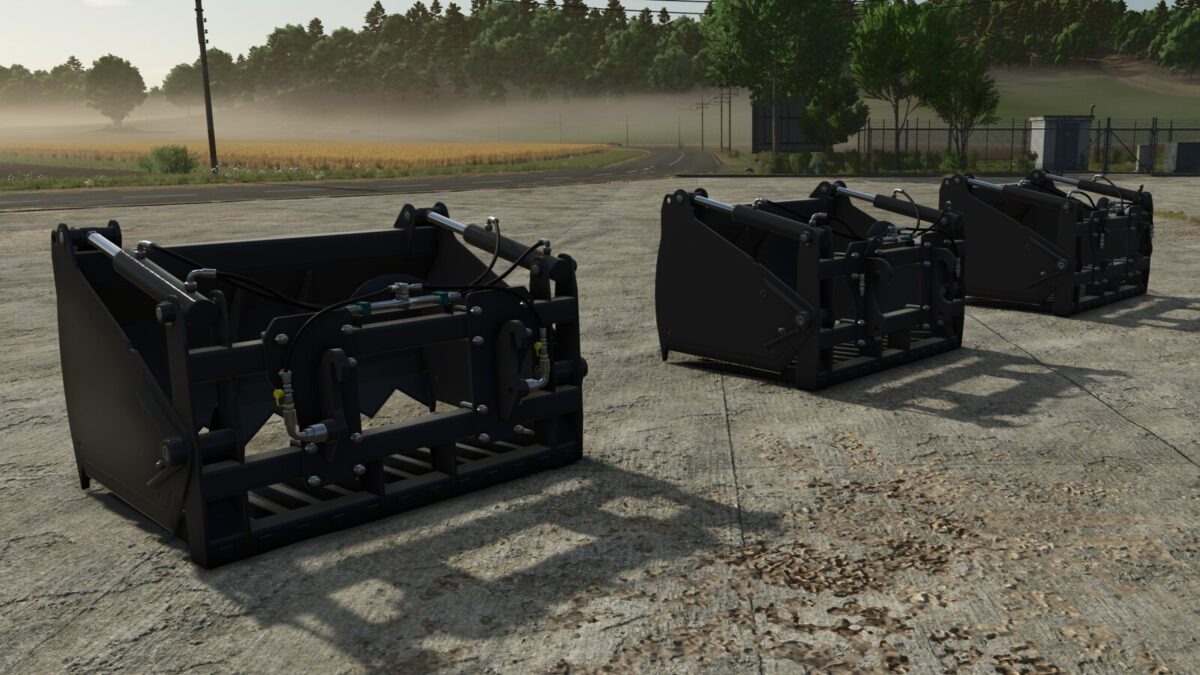
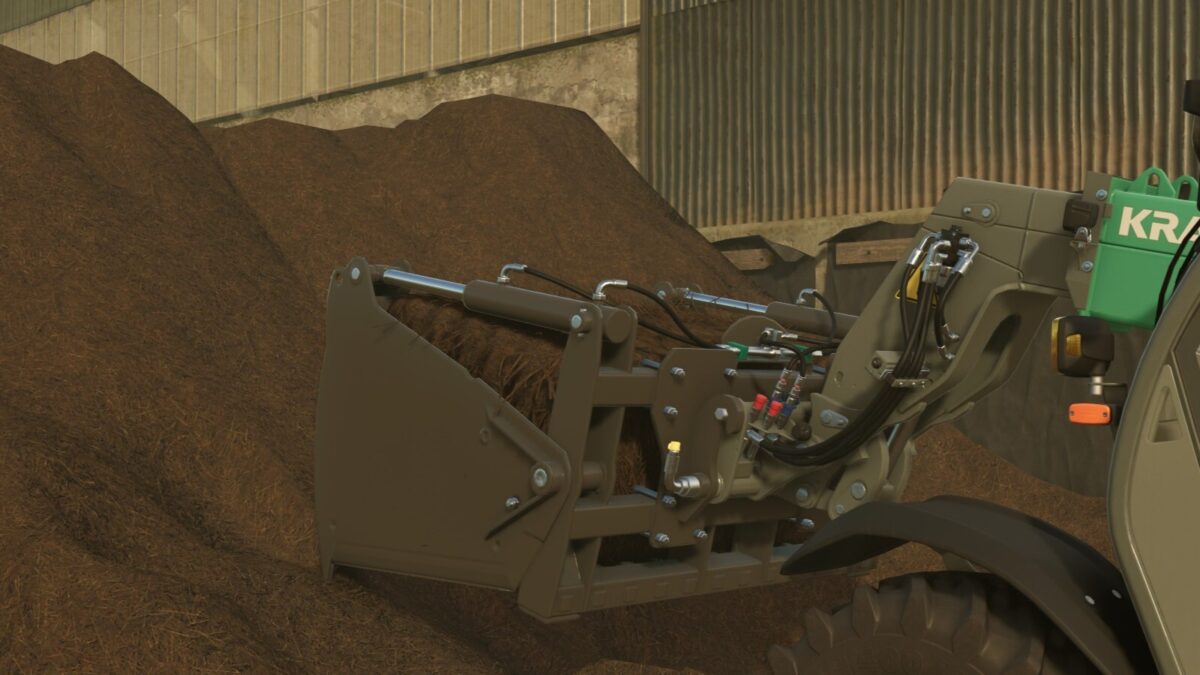
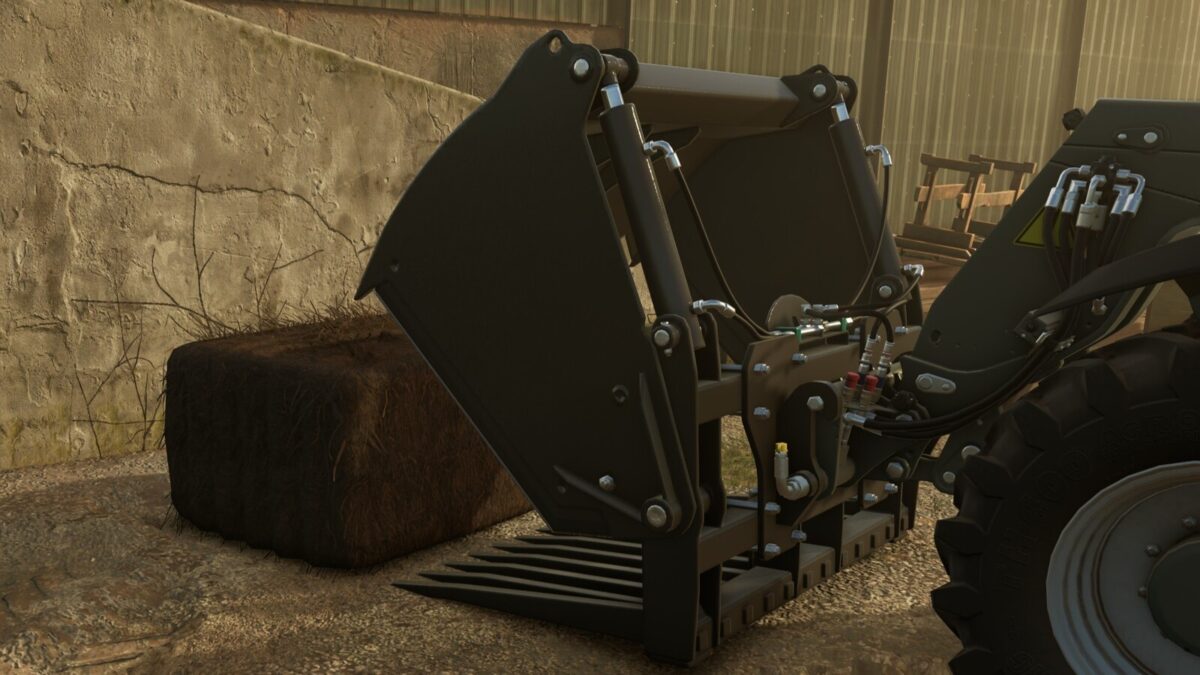
With these silage cutting tongs, you can either cut a silage block into an 180-cm rectangular bale or, as with the standard silage cutting tongs, pick up silage and other materials.
Category: Front Loader Tools
Price: $5,500
Capacity: 3,143 L or a bale cutter for 1.8-meter square bales of silage
Configuration: Front-loader mount, telescopic loader mount, or Kramer mount (Kramer 5507, KT557 by AlexL353_modding)
Changelog 1.0.0.1:
Fixed trigger filling issue with the bale cutter
Credits:
AlexL353_modding
How to install FS19 mods?
Firstly find a mod which you like and want to download. Then download a mod to your PC. Mods are usually in .zip format file. But sometimes it can be in .rar. If a mod file is a .zip format no needed additional actions. If a file is in .rar, then you must unarchive mod with software like WinRar or Zip7. Windows 10 users no need to use software for archives, Win10 itself has a feature to unarchive files.
The next step is to find mods folder in your PC. Usually, it is in Documents/My Games/Farming Simulator 19/2019. Open the "mods" folder and put downloaded .zip archive or unarchived .rar file to this folder.
Last step. Enjoy of FS19 mods!