

Production Pallet Manager v1.0

Production Pallet Manager v1.0
About the mod:
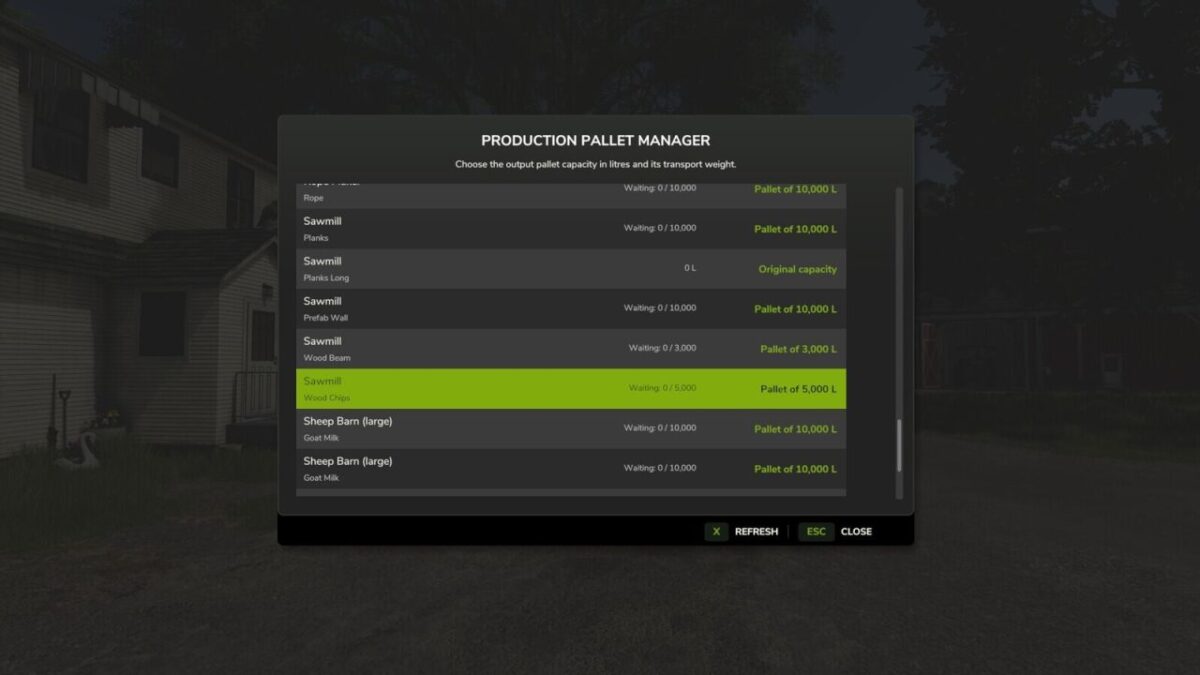
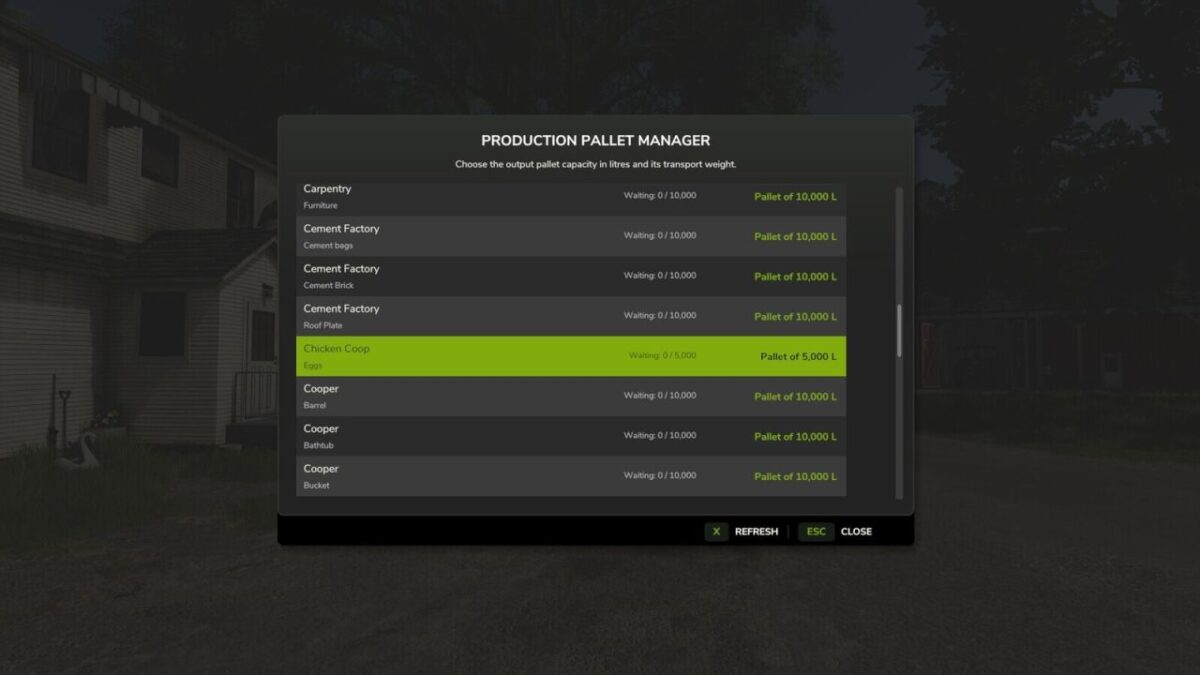
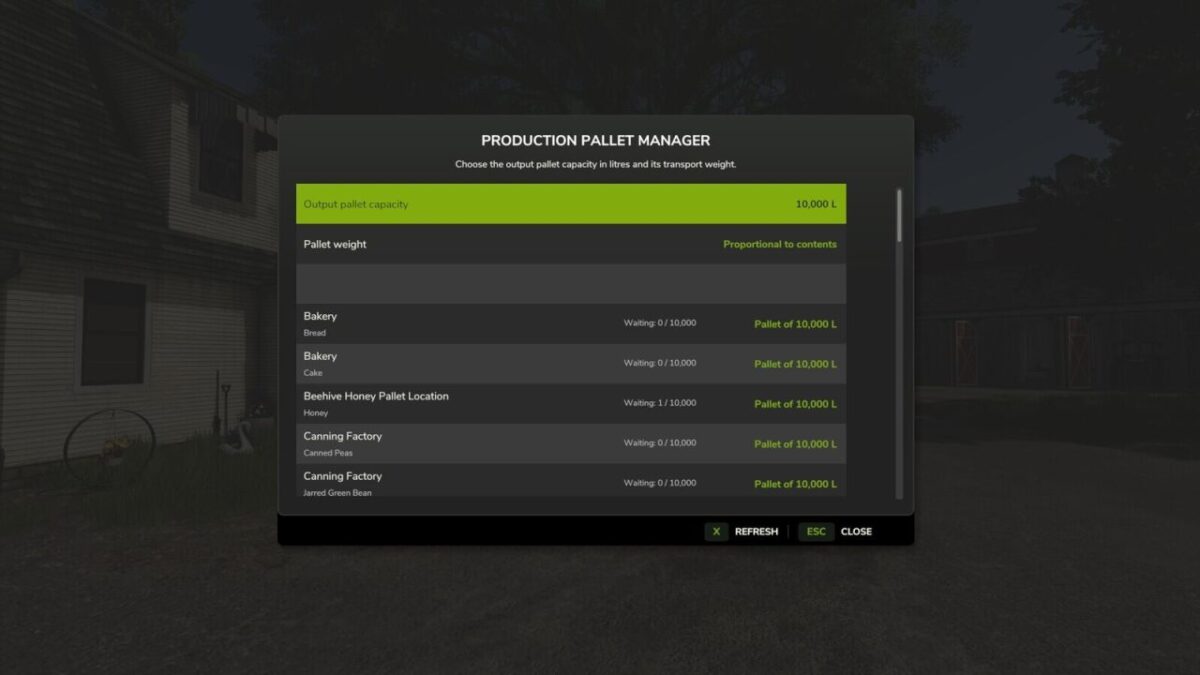
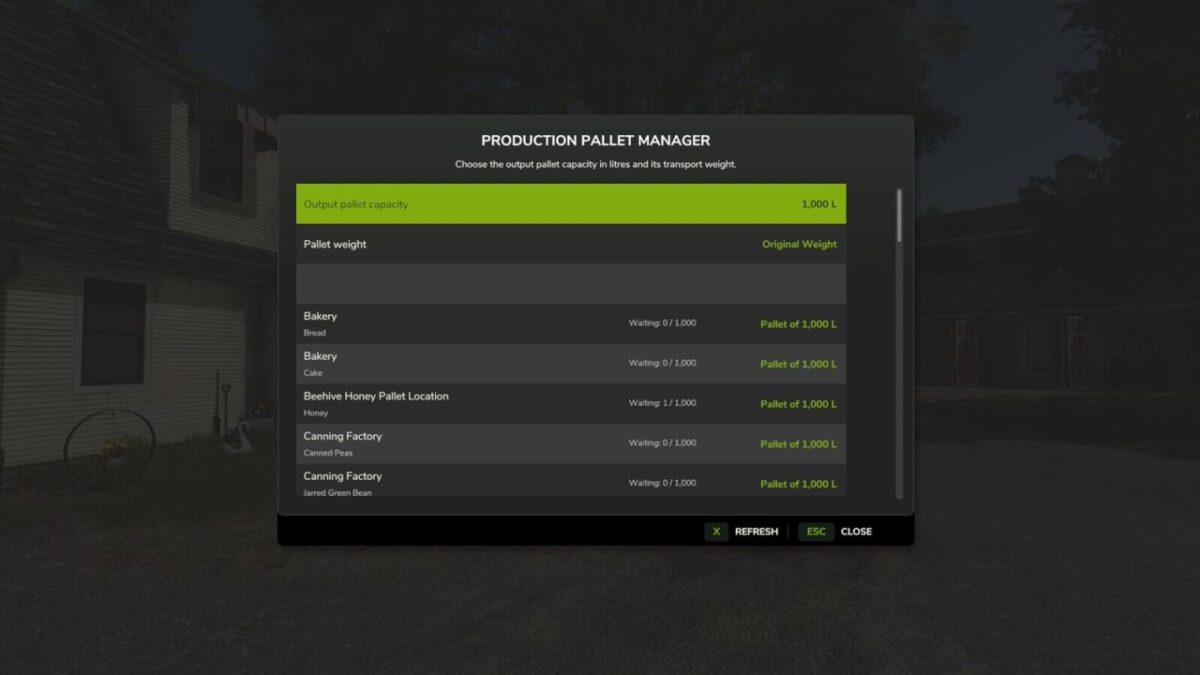
Production Pallet Manager lets you choose how many litres are placed in each pallet produced by factories, animal facilities and beehives.
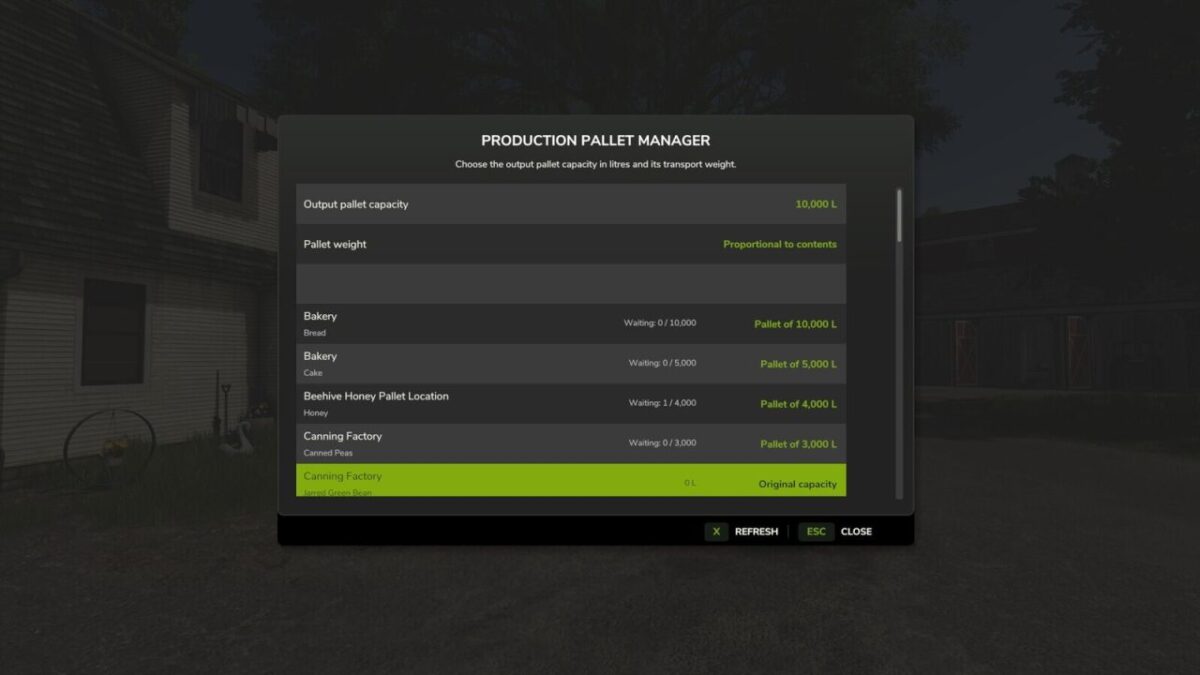
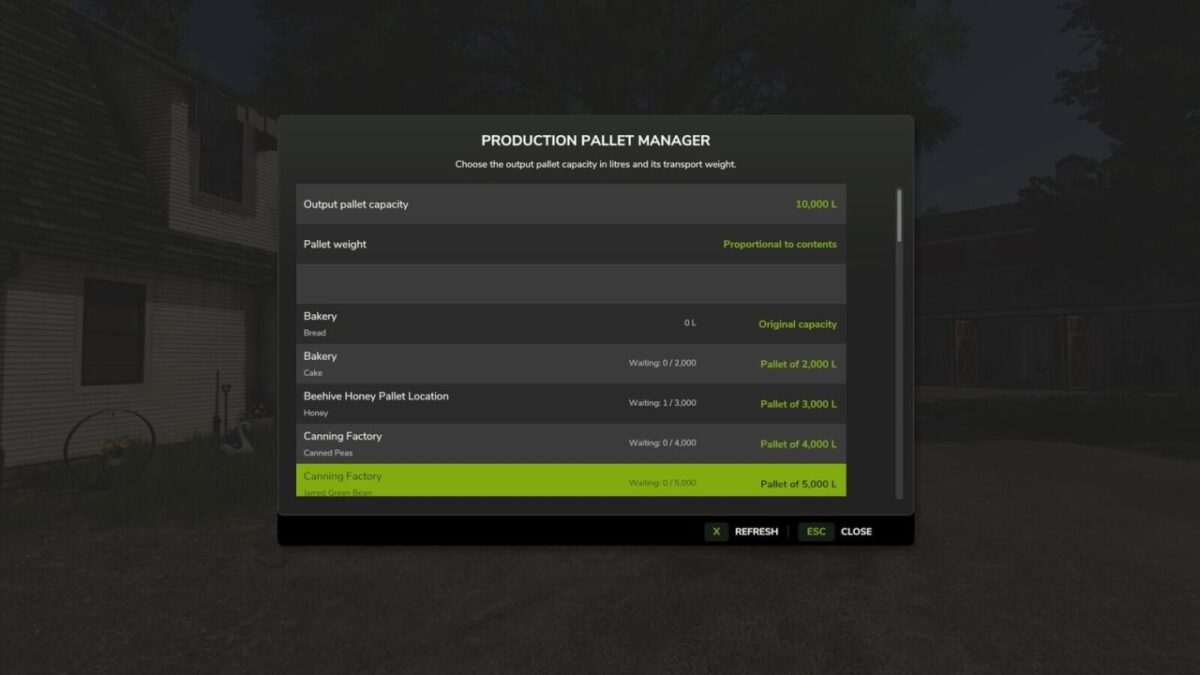
Set one capacity for the whole farm or choose a different value for each product, from 1,000 to 10,000 litres.
You can keep the original transport weight for easier handling or use weight proportional to the contents.
Lowering a value can immediately release product already waiting when the spawn area is free.
Settings are saved separately for each farm and synchronized in multiplayer.
Default control: Left Alt + F.
Credits:
Max Games