

Chip N’ Wood Sawmill v1.1.0.0

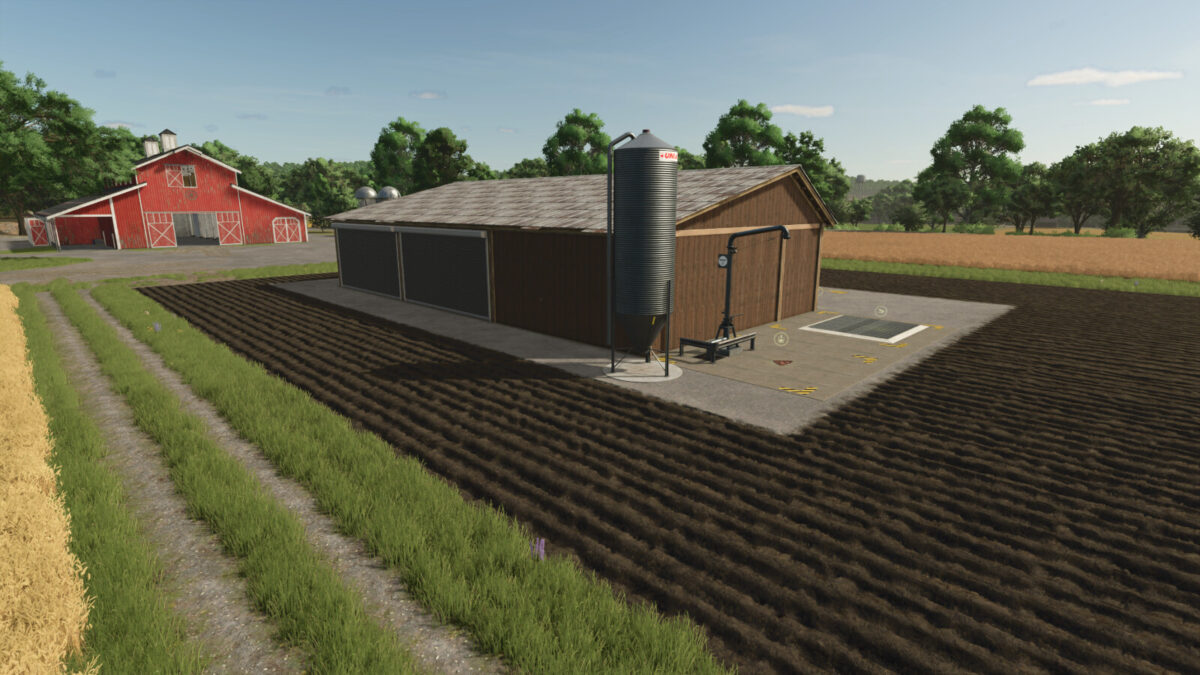
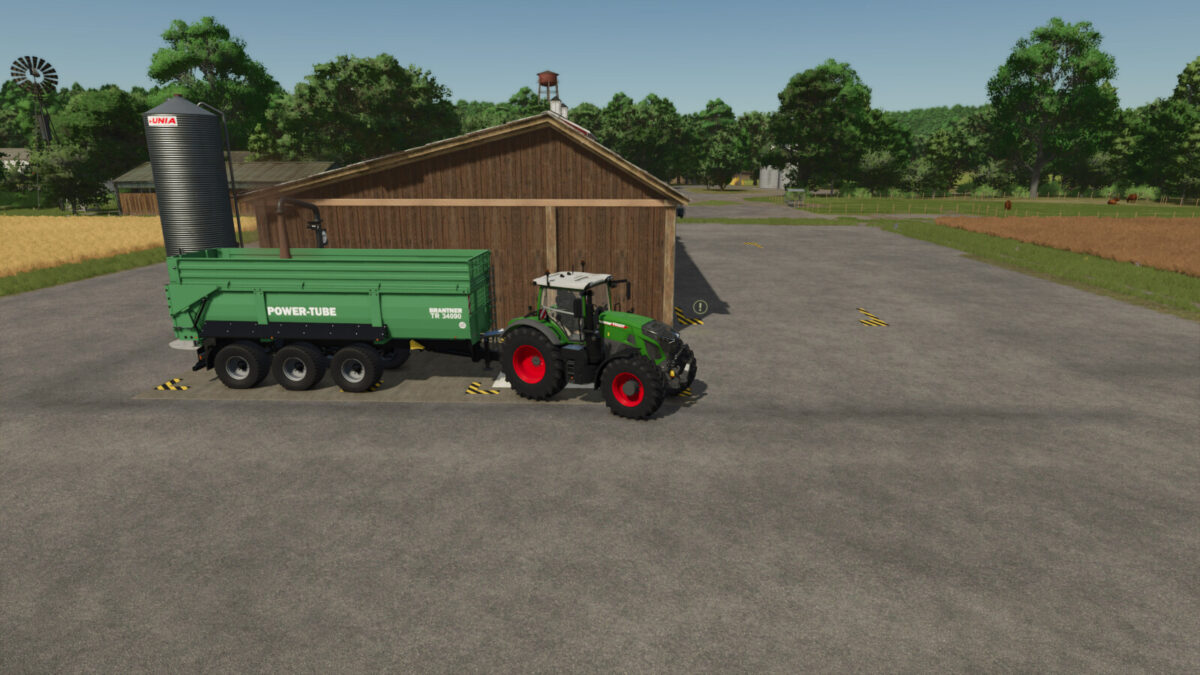
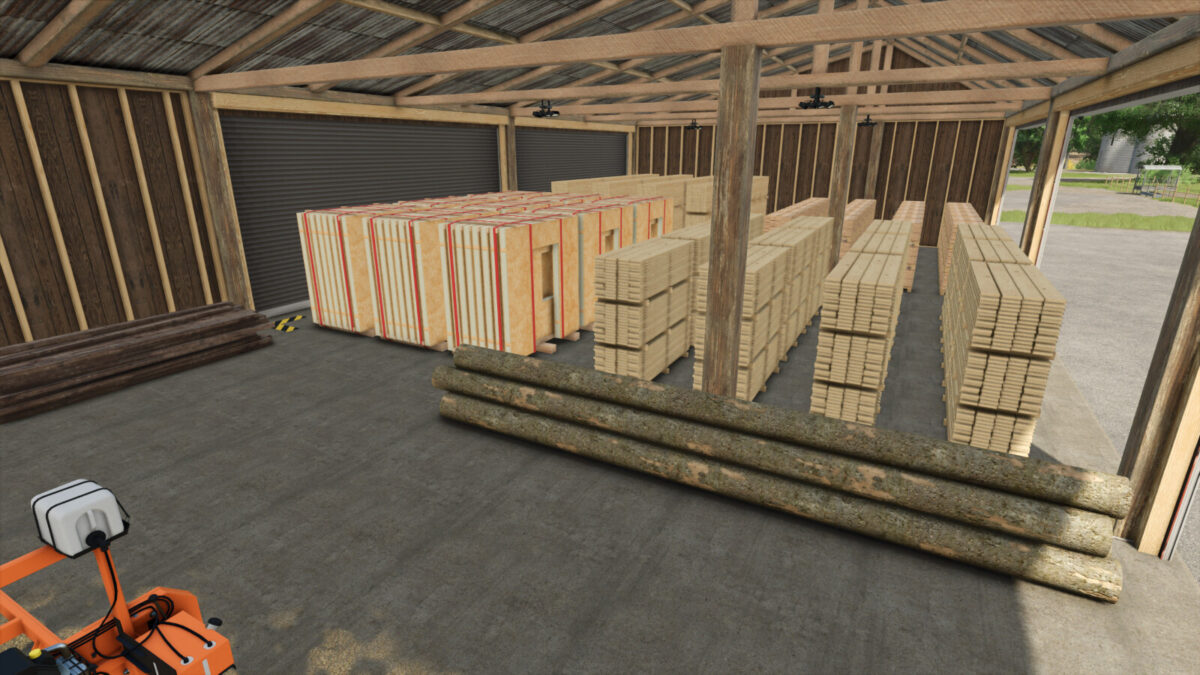
Chip N’ Wood Sawmill v1.1.0.0
Category: Production Sites
Price: $75,000/$125,000
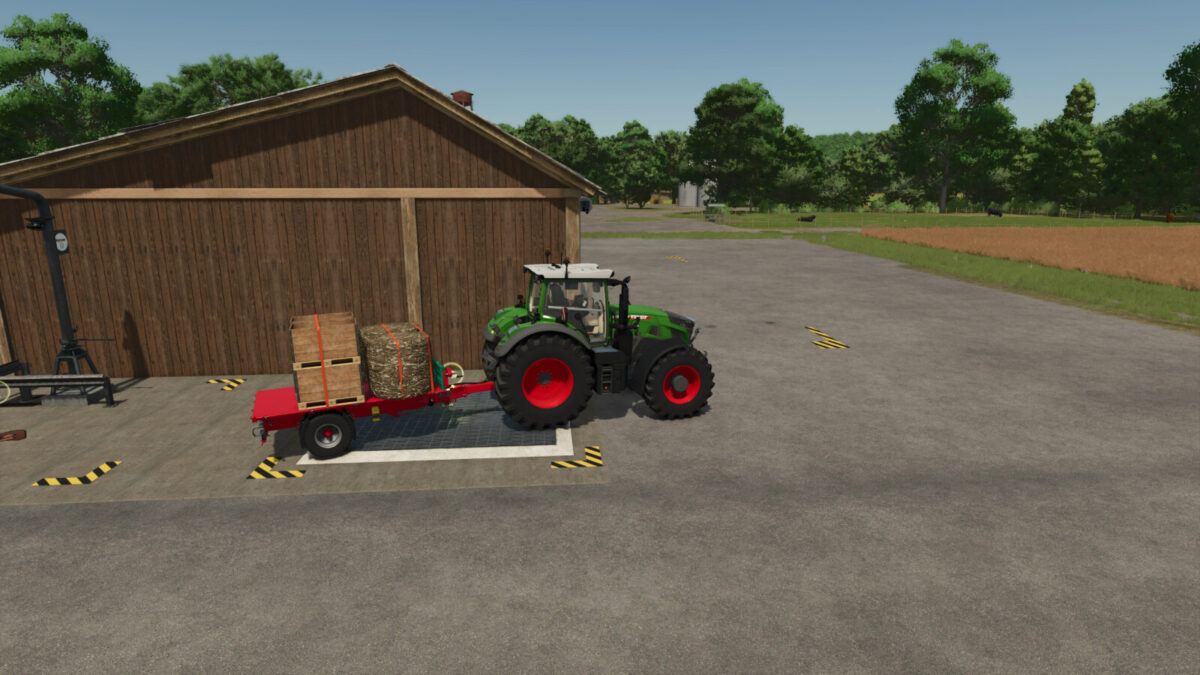
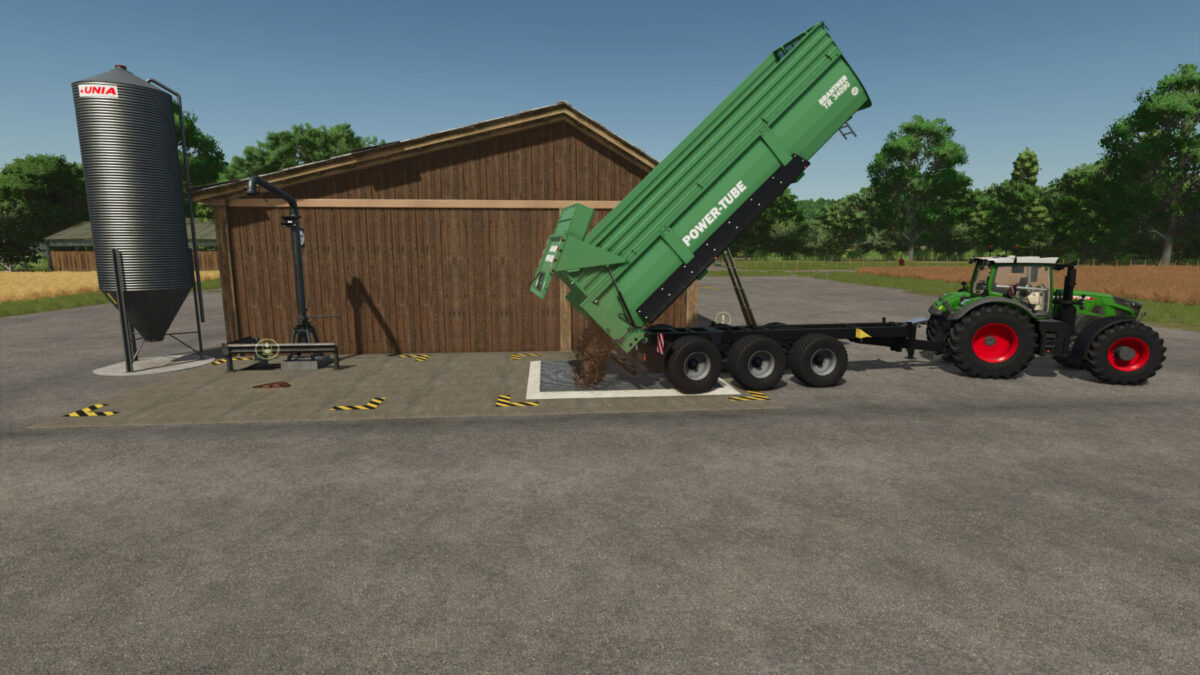
Sawmill that can take both wood and woodchips for producing goods. Pallets spawn stacked. Sawmill takes woodchips in bulk, baled and pallets as well as logs. Recipies for all products have a woodchip and wood option.
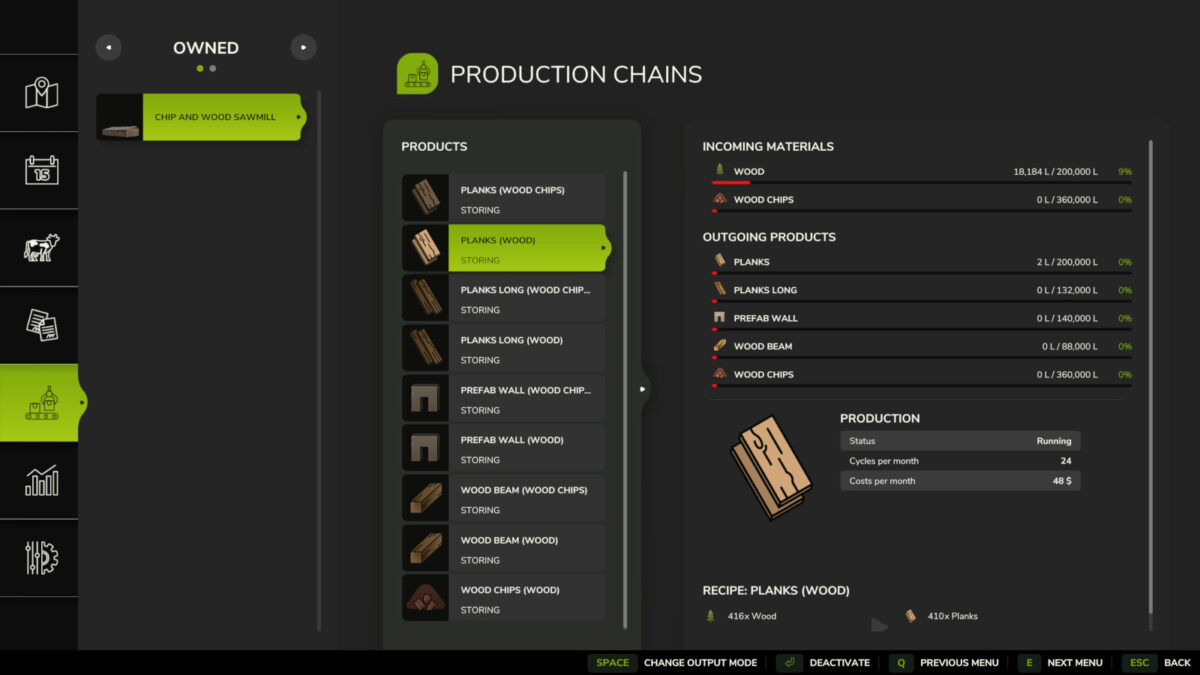
Incoming Materials: Wood, Wood Chips
Outgoing Materials: Planks, Long Planks, Woodchips, Prefab Walls, Wood Beams.
Configurations: Realistic which is base game speed. Unrealistic which is 10 times faster.
Note: If woodchip storage is full you cannot create products from wood that produce woodchips as an additional output.
Recipies:
Planks:
Input: 416 wood or 1200 woodchips
Output: 410 planks and 120 woodchips (if wood was used)
Monthly cycles: 24/240(unreal)
Long Planks:
Input: 416 wood or 1200 woodchips
Output: 275 long planks and 120 woodchips (if wood was used)
Monthly cycles: 24/240(unreal)
Beams:
Input: 416 wood or 1150 woodchips
Output: 410 beams and 150 woodchips (if wood was used)
Monthly cycles: 24/240(unreal)
Prefab Walls:
Input: 412 wood or 1200 woodchips
Output: 100 prefab walls
Monthly cycles: 24/240(unreal)
Woodchips:
Input: 1000 wood
Output: 3150 woodchips
Monthly cycles: 24/240(unreal)
Update 1.1.0.0: (Does not require new save)
-add configuration options to remove doors.
-adjusted door trigger area to make it a smaller area.
-file size optimization.
Update 1.0.1.2: (Does not require new save.)
-added lights around the exterior that are automatic
-added recipe for wood distribution between sawmills
-added AI pathing so they don’t get lost
Update 1.0.1.1: (Does not require new save.)
-added wood trigger to support multiplayer selling
Update 1.0.1.0:
-Removed wood activation trigger
-Relocated Production Managment trigger
-Updated Store Icons
-optimized files
Note: Does not require new save
Update 1.0.0.1:
-Added container and palletized wood to accepted fill types
-Adjusted door trigger area
-Adjusted light trigger area