Fill Type Tooltips v1.0

FS25 mods

Fill Type Tooltips v1.0
About the mod:

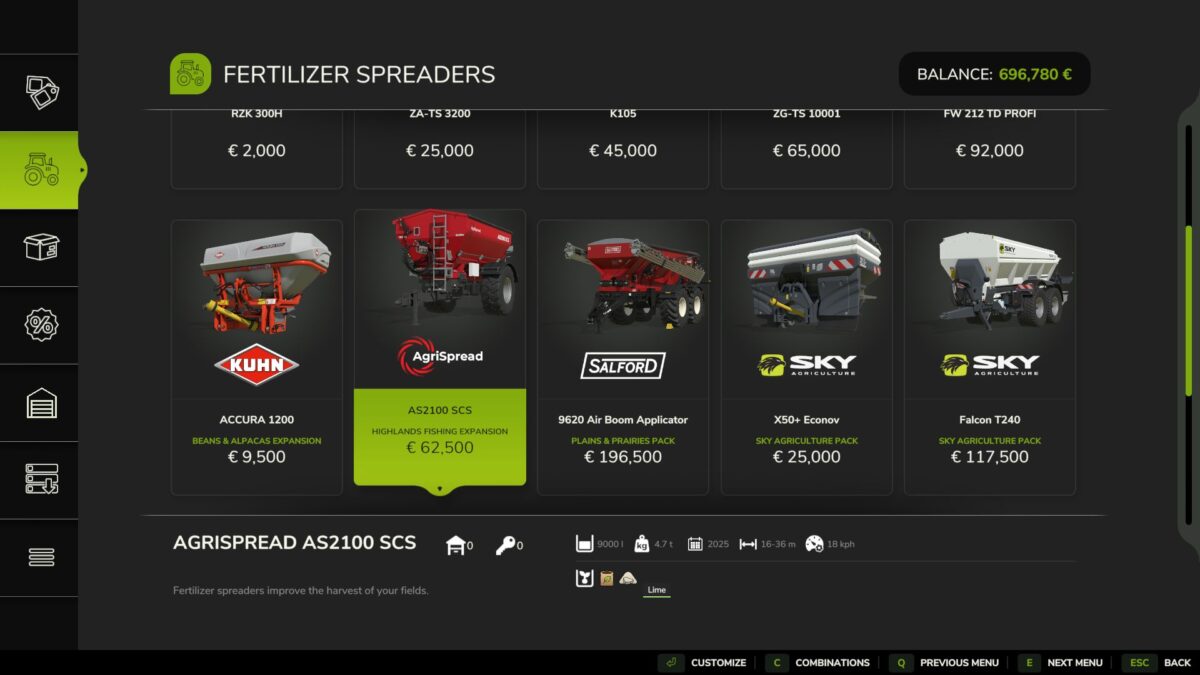
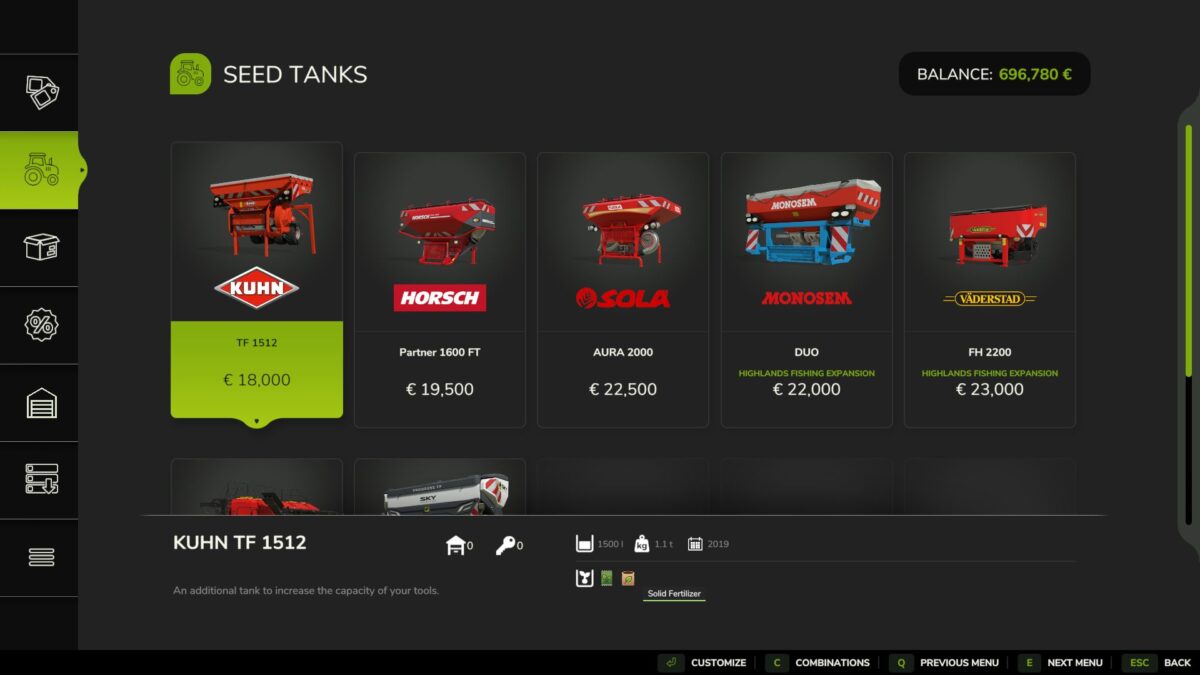
In the shop, trailers and tools only show small icons for the fill types they can carry, without any text. With this mod, hover the mouse over a fill type icon and a small tooltip shows the name of the fill type.

FEATURES
Small tooltip next to the mouse with the fill type name
Works in the shop and in the other menus that show fill type icons
Names come from the game, so they appear in your game language
Shared icons show every fill type that uses them
No keys, no settings: just hover

INFO
Multiplayer supported
Languages: English, German, French
Do not unzip the file, put FS25_FilltypeTooltips.zip directly in your mods folder

Credits:
EpicPryda

How to install FS19 mods?

Firstly find a mod which you like and want to download. Then download a mod to your PC. Mods are usually in .zip format file. But sometimes it can be in .rar. If a mod file is a .zip format no needed additional actions. If a file is in .rar, then you must unarchive mod with software like WinRar or Zip7. Windows 10 users no need to use software for archives, Win10 itself has a feature to unarchive files.

The next step is to find mods folder in your PC. Usually, it is in Documents/My Games/Farming Simulator 19/2019. Open the "mods" folder and put downloaded .zip archive or unarchived .rar file to this folder.

Last step. Enjoy of FS19 mods!

Leave a Reply

Your email address will not be published. Required fields are marked *