

Golden Opportunities v1.0.0.0

Golden Opportunities v1.0.0.0
Golden Opportunities starts with the basics and a plan: build the rest of the map TOGETHER.
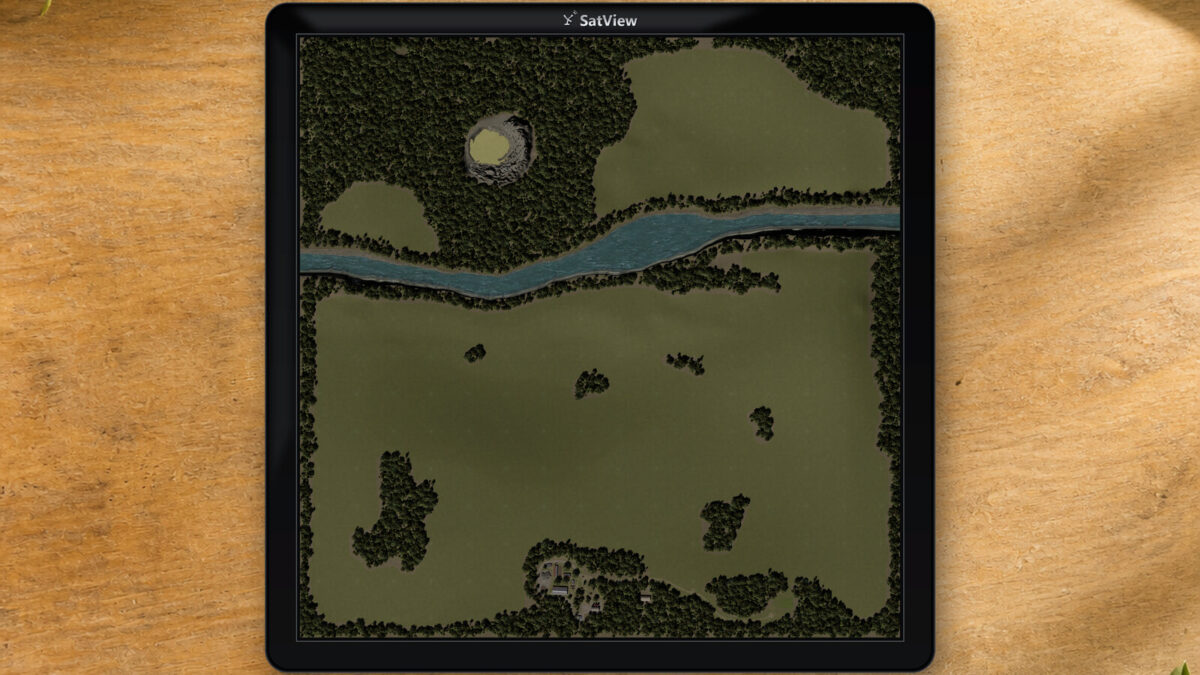
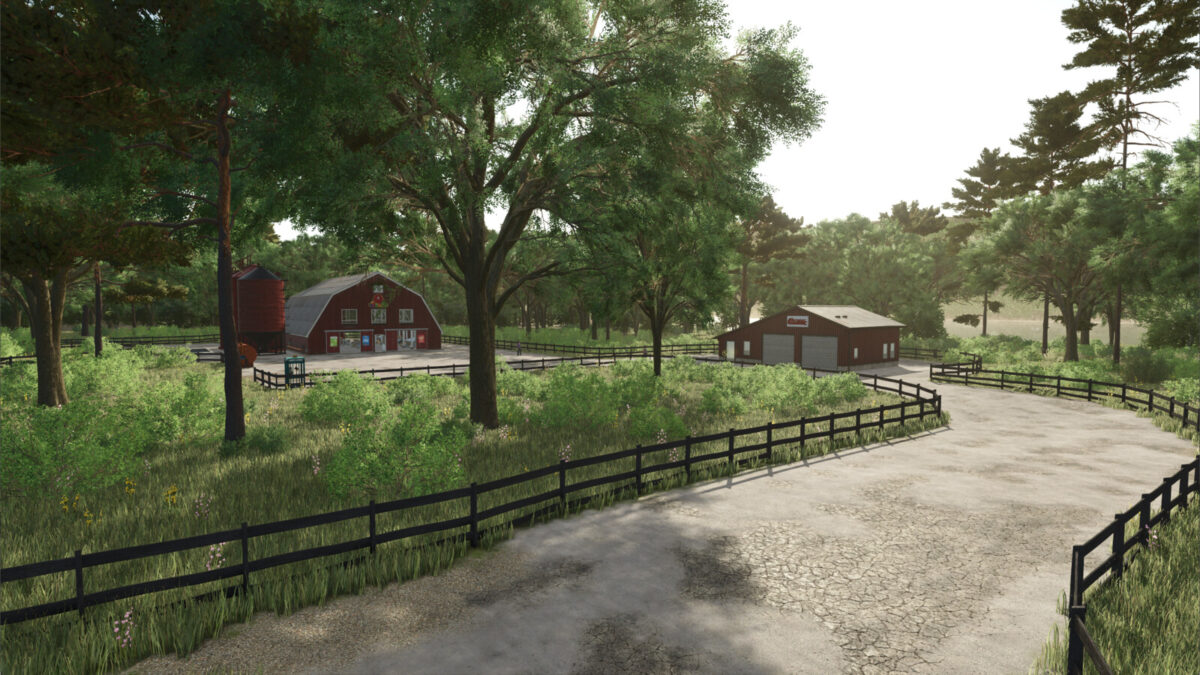
This is the Pioneer Edition, an open landscape where you can create your own farms, fields, roads and production areas. You have the essentials to get started, a small grass field, and room to decide what comes next. The land is divided into parcels that let you expand a little at a time, earning your way from a small operation to something much bigger.
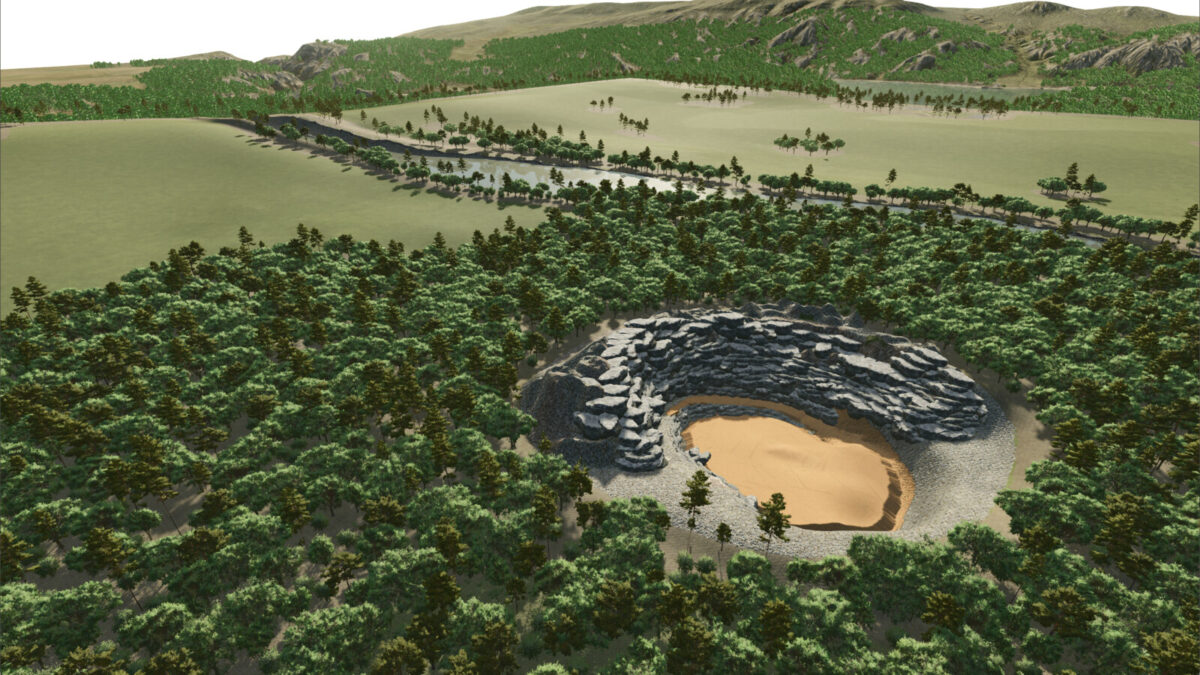
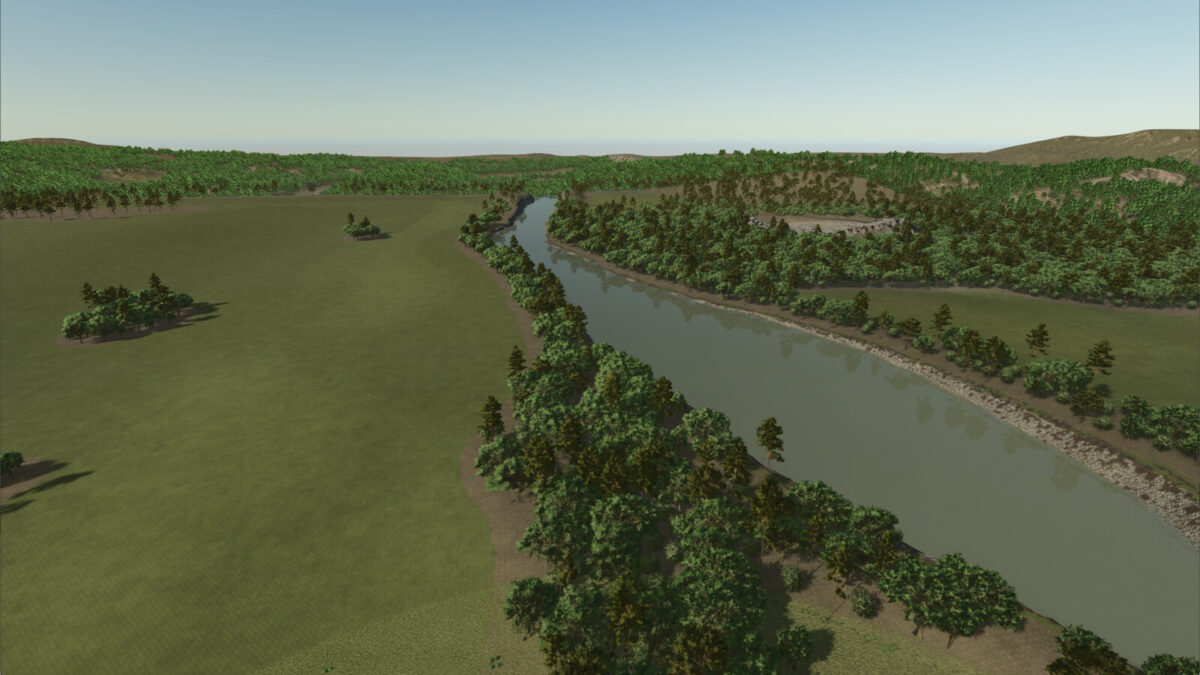
And across the river, there’s a Gold Quarry.
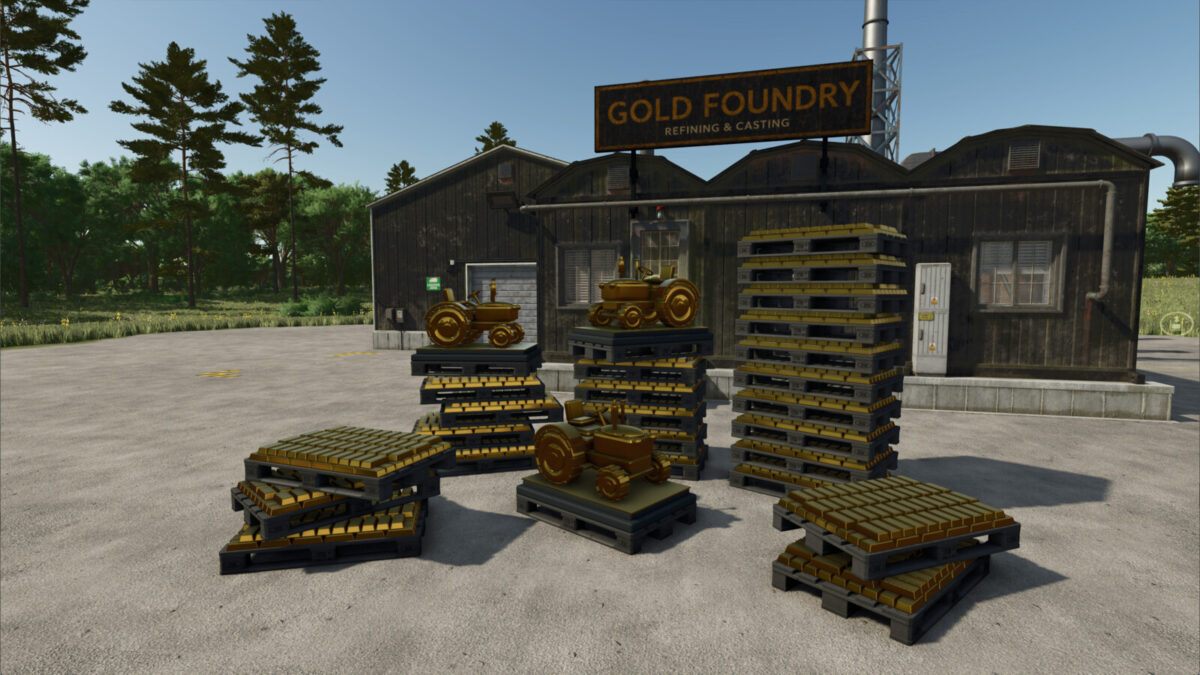
Getting to it is part of the challenge. You’ll need to grow your farm, buy the land, afford a $500k bridge and make a route through the trees before the Gold Quarry becomes part of your business. Once you reach it, you can process gold ore into nuggets, gold bars and eventually golden tractor statues. There’s a valuable reward waiting on the other side, but you’ll need to build an operation capable of reaching it.
For now, this is where we begin.
Map features:
– A 2 km × 2 km landscape with 55 purchasable land parcels.
– One prepared grass field of 0.175 ha (0.43 acres), with open land for creating your own fields.
– Trees spread across 33 land parcels.
– A large river, free water access and three construction-menu bridge options.
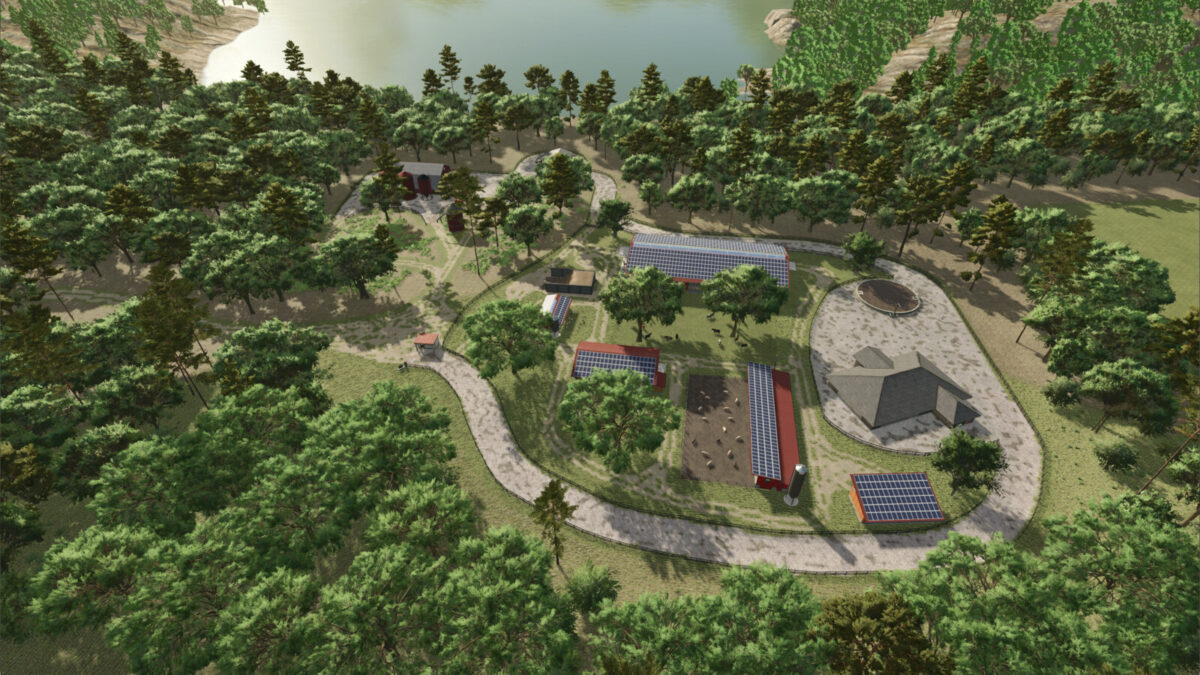
– Vehicle and animal dealers, a workshop, buy anything stations, a sell anything Farmers Market and a log selling point.
– A Gold Quarry and custom production chain, with stone produced as a byproduct.
– Ten hidden miniature gold tractors, each rewarding 100,000.
– Adjusted seasonal growth calendars for barley, canola, oats, soybeans and peas to allow 2 crops in a calendar year.