

Schäffer 2033 v1.0.0.0

Schäffer 2033 v1.0.0.0
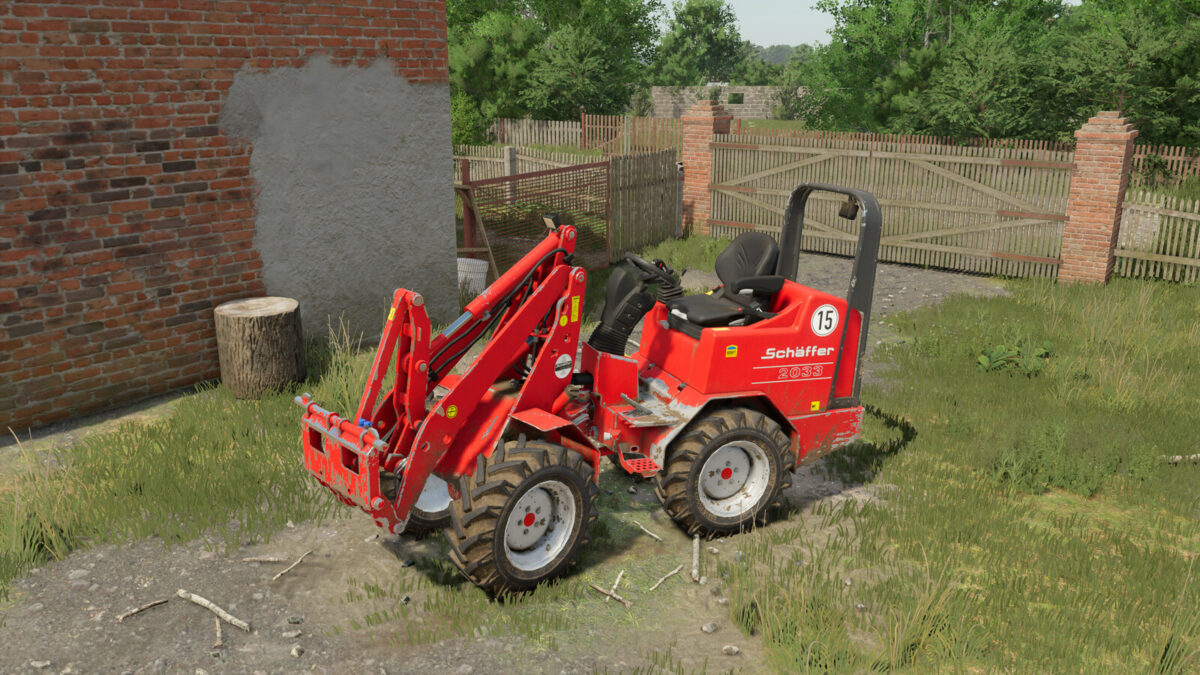
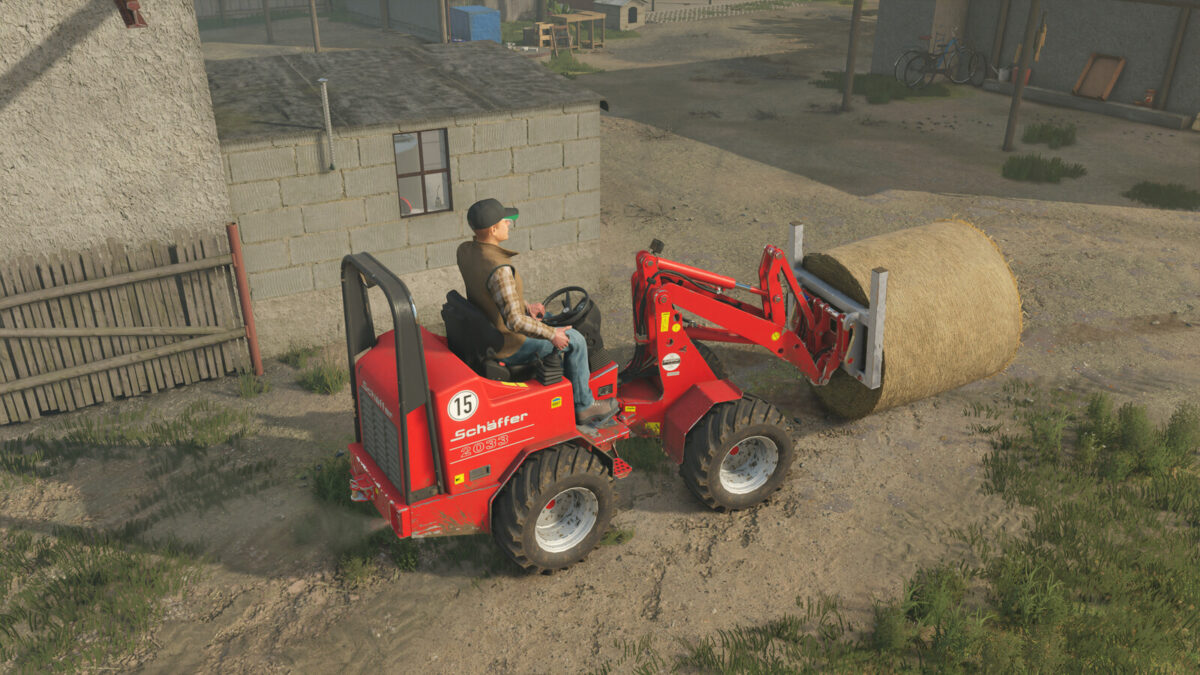
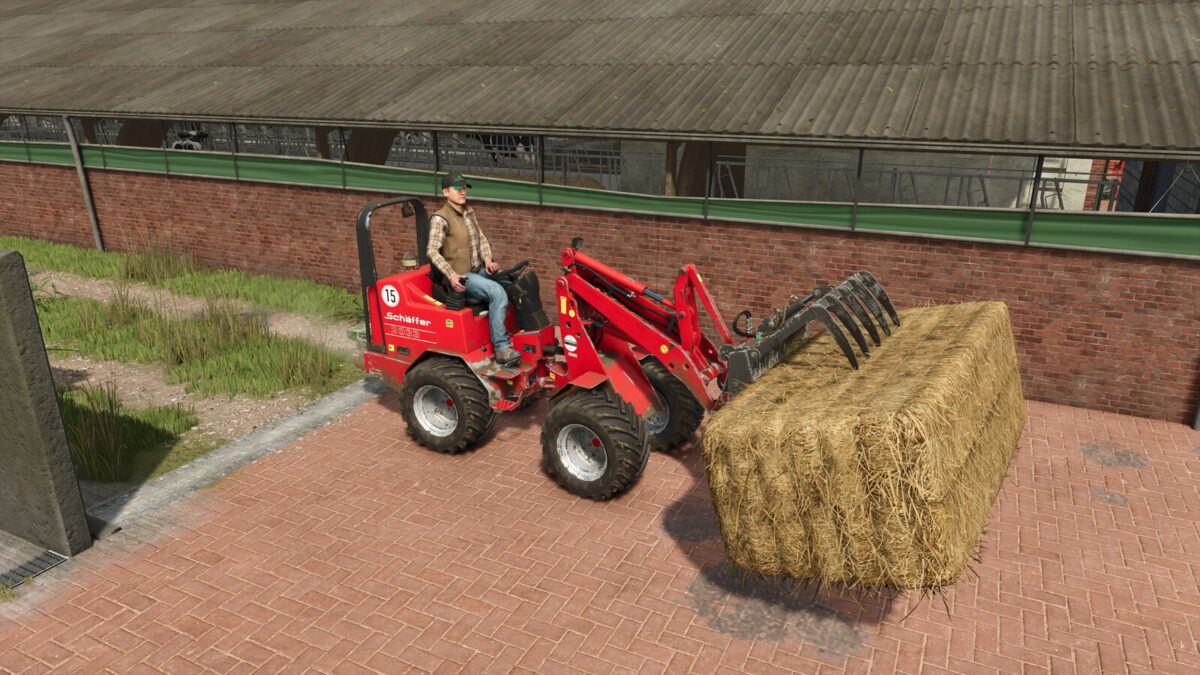
The Schäffer 2033 is a compact farm loader that was built in this form until 2010. It has a 3-cylinder Kubota engine with 33hp and has an operating weight of around 1880kg, with a lifting capacity of 1600kg.
The tires can be selected from BKT AS504 10.0/75 R15.3 or AS504 400/50 R15, with the narrow tires twin wheels can also be attached to improve stability.
Since the farm loader only has Schäffer’s own SWH mount, a suitable adapter appears when coupling implements with the standard Euro mount for front loaders.
Compared to the default Schäffer models, the articulated joint has also been adjusted so that it can now swing freely, just like in reality.
Schäffer 2033
– Price: $23,990
– Power: 33 HP
– Speed: 15 km/h
– Category: FrontLoader Vehicles
– Realistic driving physics
– MoreRealistic ready
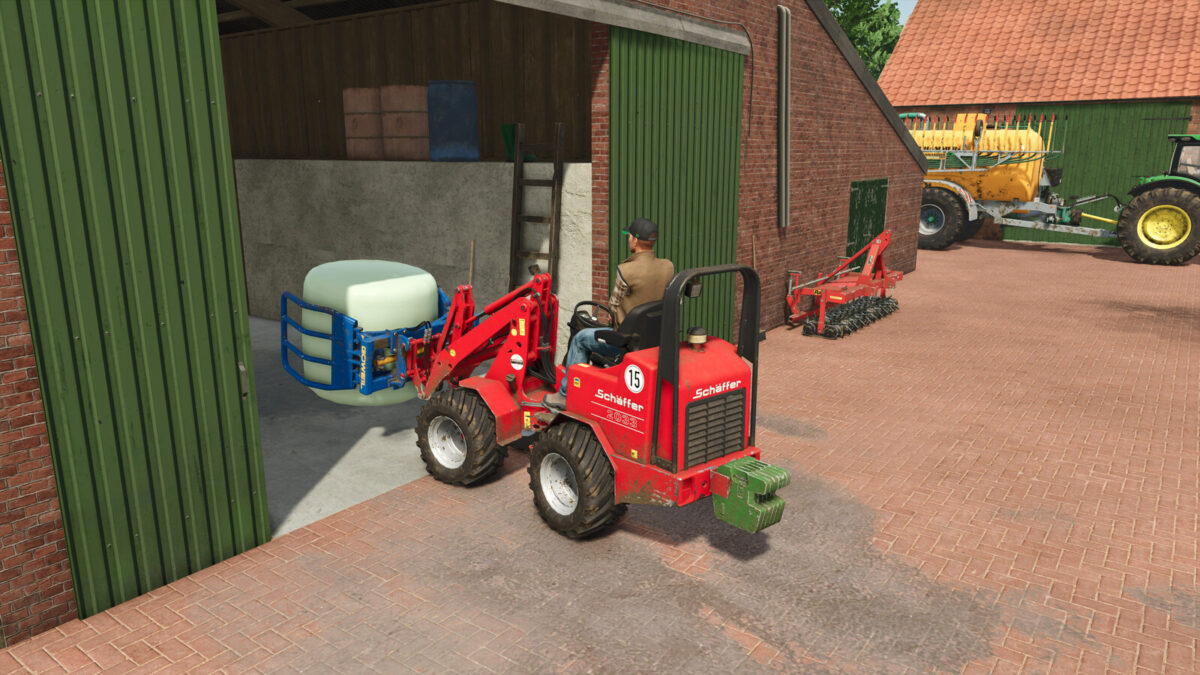
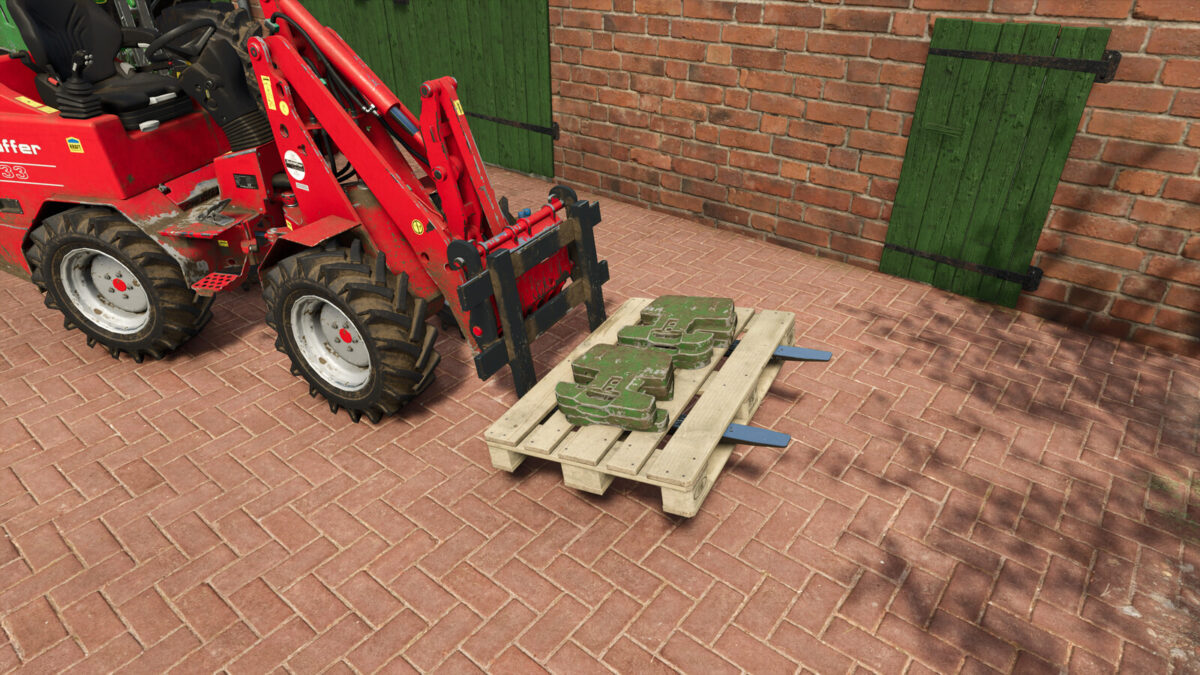
2033 Rear Weight
– Price: $250
– Weight: 300 kg
– Category: Weights
Compatible with the following mods:
– Schäffer SWH Tools (by Jonas)
– Schäffer Tools (by AlexL353_modding)
– Manure Container (by AlexL353_modding)
– Weidemann 1140 (by privatprivat)