

Bergmann HTW 45 v1.2.0.0

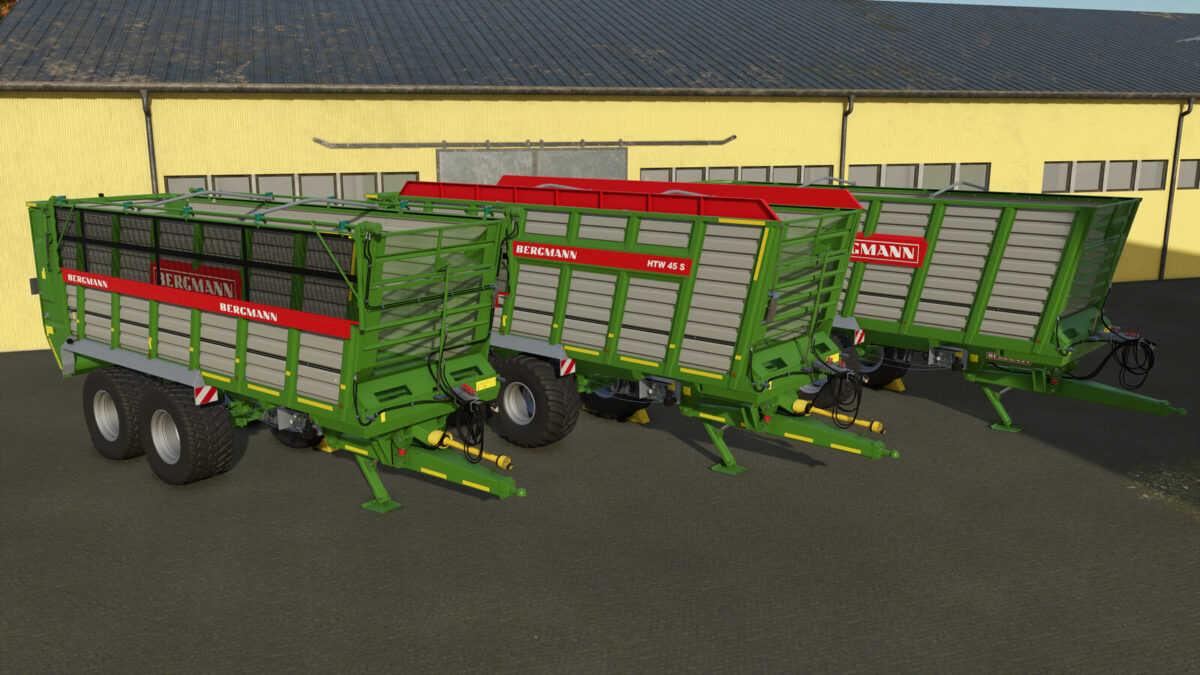
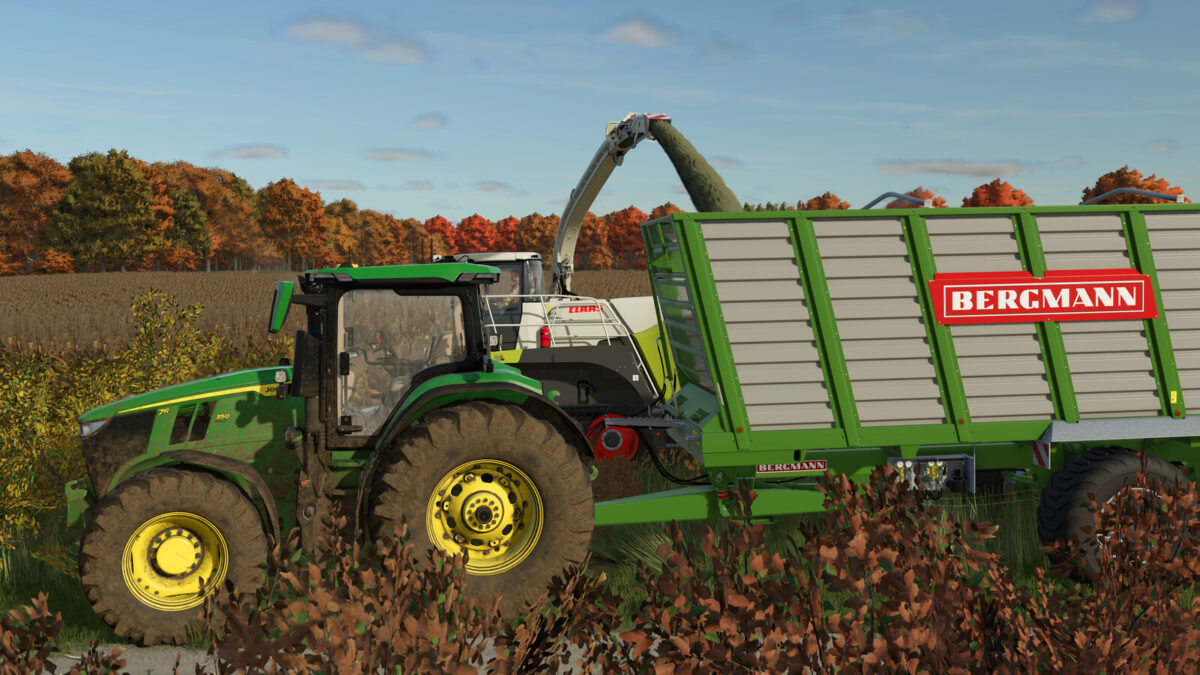
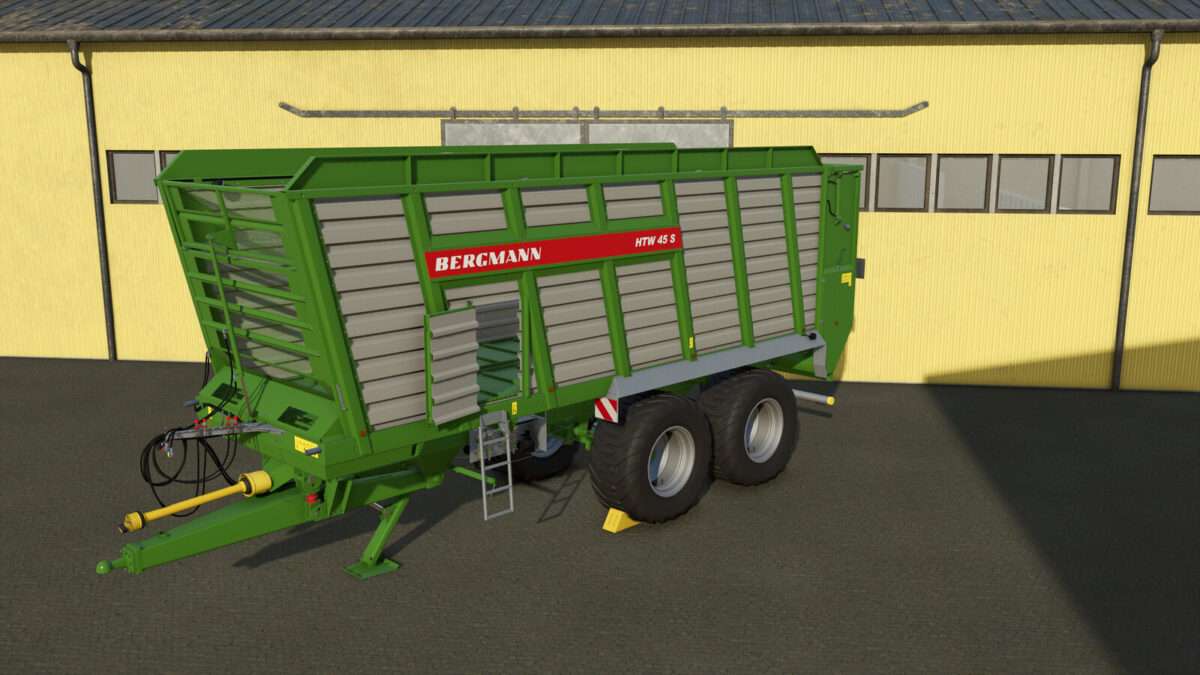
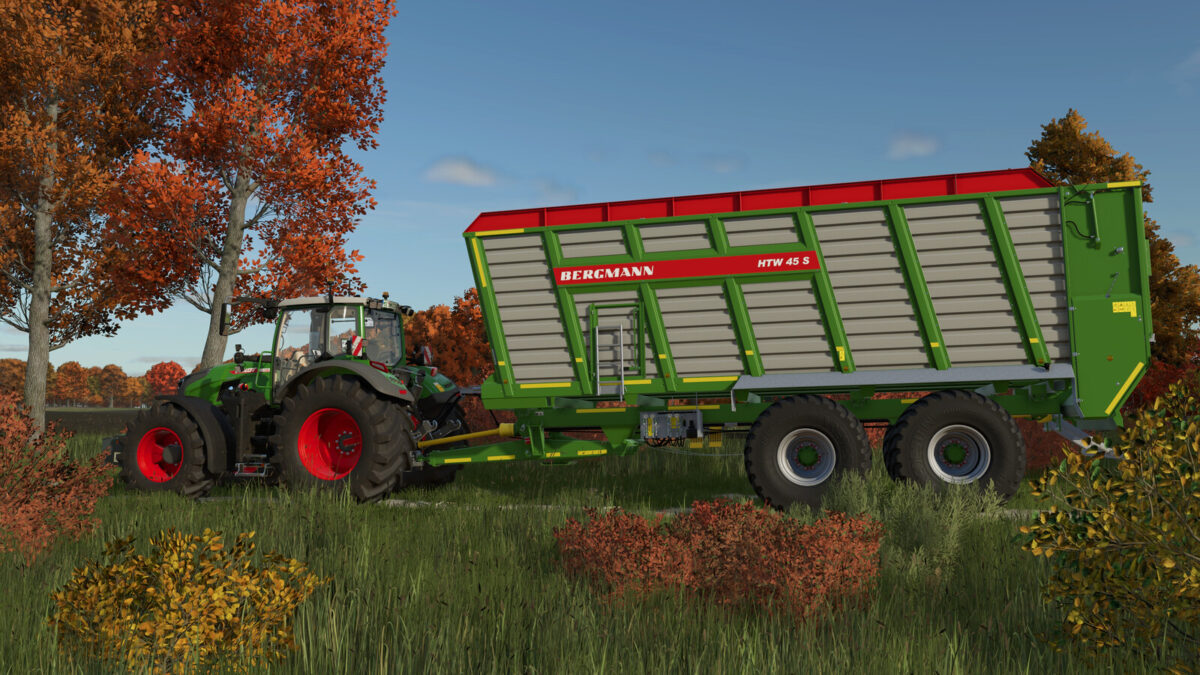
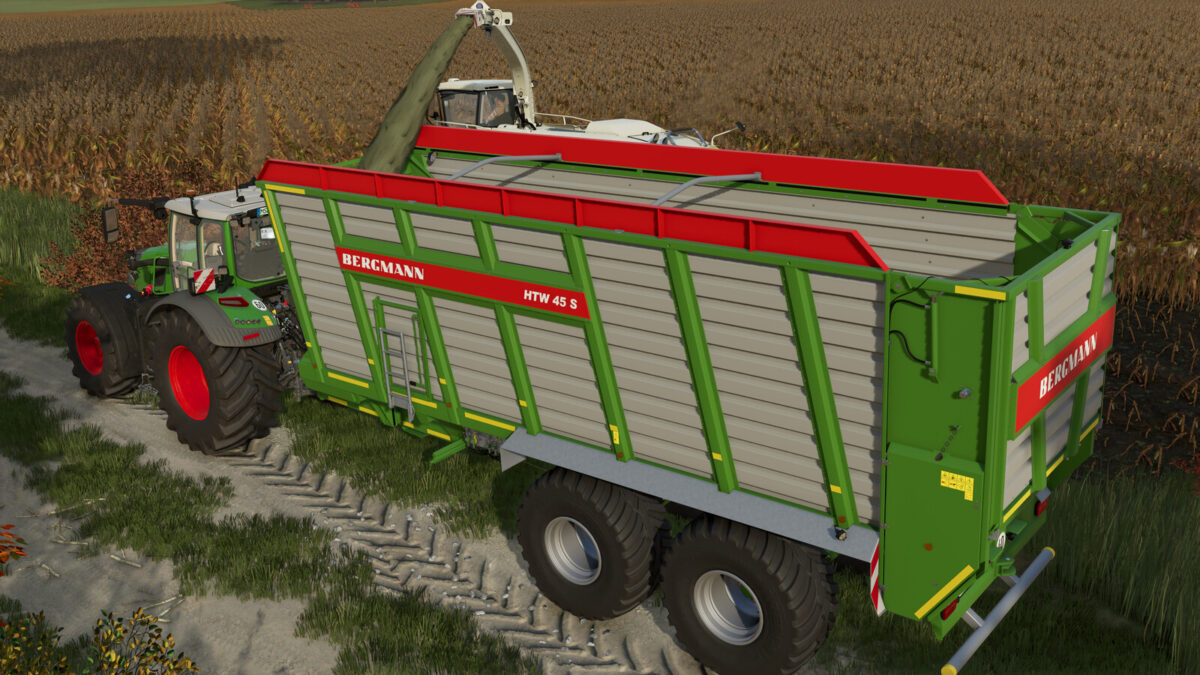
Bergmann HTW 45 v1.2.0.0
Category: Trailers
Price: $89,500
Capacity: 45 m³
Configurations:
– Tires
– Model
– Rims
– Axle square
– Side Door
– Design
– Tailgate display
– Warning signs
– Warning stripes
– Additional lights
– Speed sticker
– Color of side panel extension
– Camera
– Extensions
– Frame color
– Main color
– Rim color
Features:
– The side door can be opened via Interactive Control or alternatively using the mouse
– Prepared for the Mercedes-Benz Trucks Pack (camera function)
– Mud meshes (matching the machines in the SKY Agriculture Pack)
Changelog 1.1.0.0:
– The steering axle now locks when reversing
Changelog 1.2.0.0:
– Vehicle physics adjusted
– Hydraulic hoses on the tailgate cylinders now move along with the tailgate
– Tailgate animation adjusted
– Dirt added to the hydraulic hoses
– Corrections made to normal and vmask
– Model improvements
– Various materials adjusted
– New tire configurations added
– Configuration for rims added
– Tailgate display configuration added
– Warning sign configuration added
– Warning stripe configuration added
– Configuration for additional lights added
– Speed sticker configuration added
– Added a configuration for a side panel extension and its color
– Added a camera configuration
– Added a frame color configuration
– Added a rim color configuration
– Added the ability to hitch an additional trailer to the rear
– Added mud meshes (matching the machines in the SKY Agriculture Pack)
– Fixed other minor bugs