
Rolmako U665 PowerDisc v1.0.0.2

FS25 mods

Rolmako U665 PowerDisc v1.0.0.2

Rolmako U665 PowerDisc v1.0.0.2
Rolmako U665 PowerDisc v1.0.0.2
Rolmako U665 PowerDisc v1.0.0.2
Rolmako U665 PowerDisc v1.0.0.2
Rolmako U665 PowerDisc v1.0.0.2
About the mod:

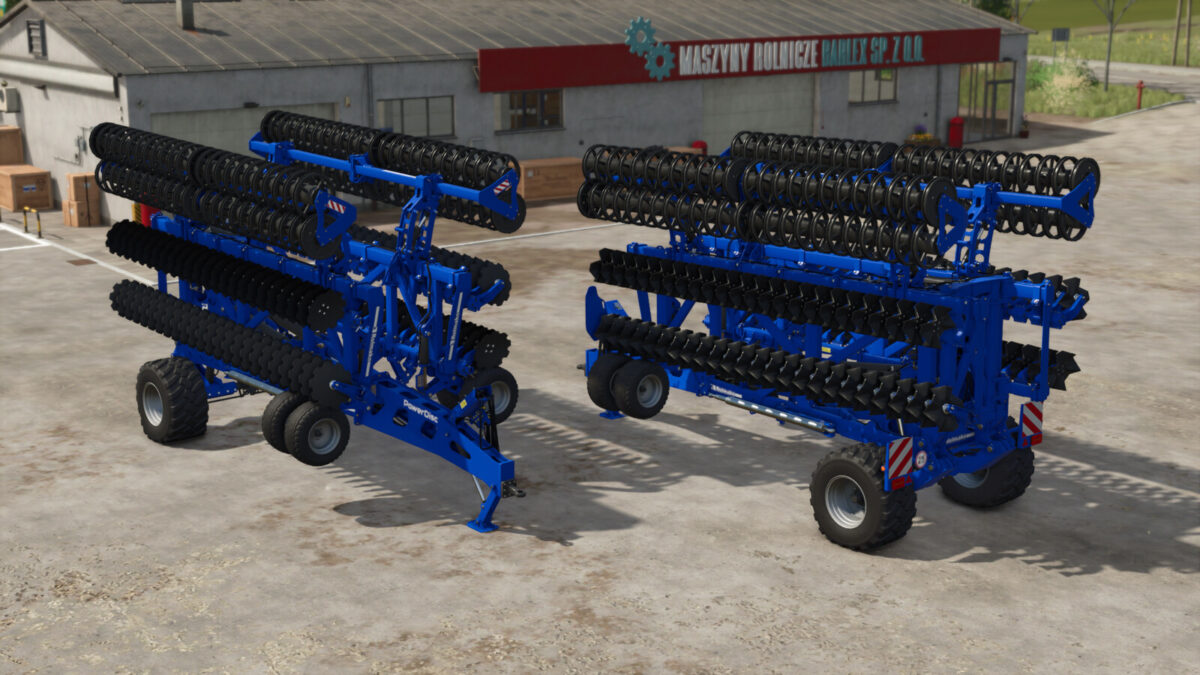
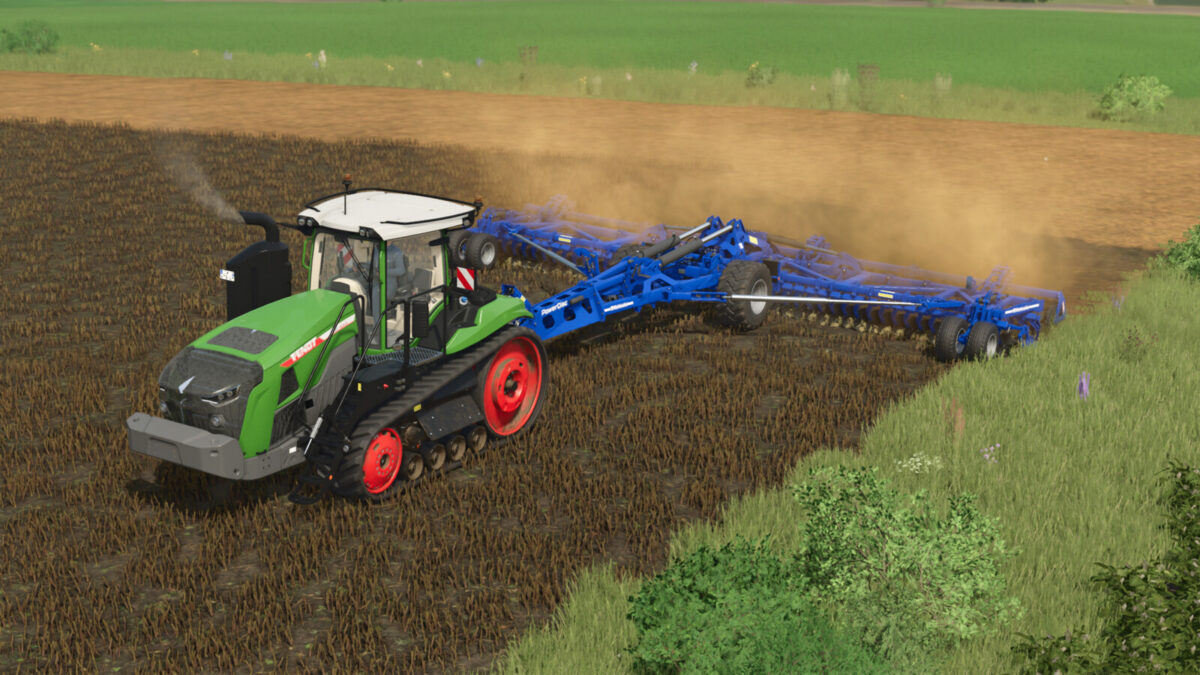
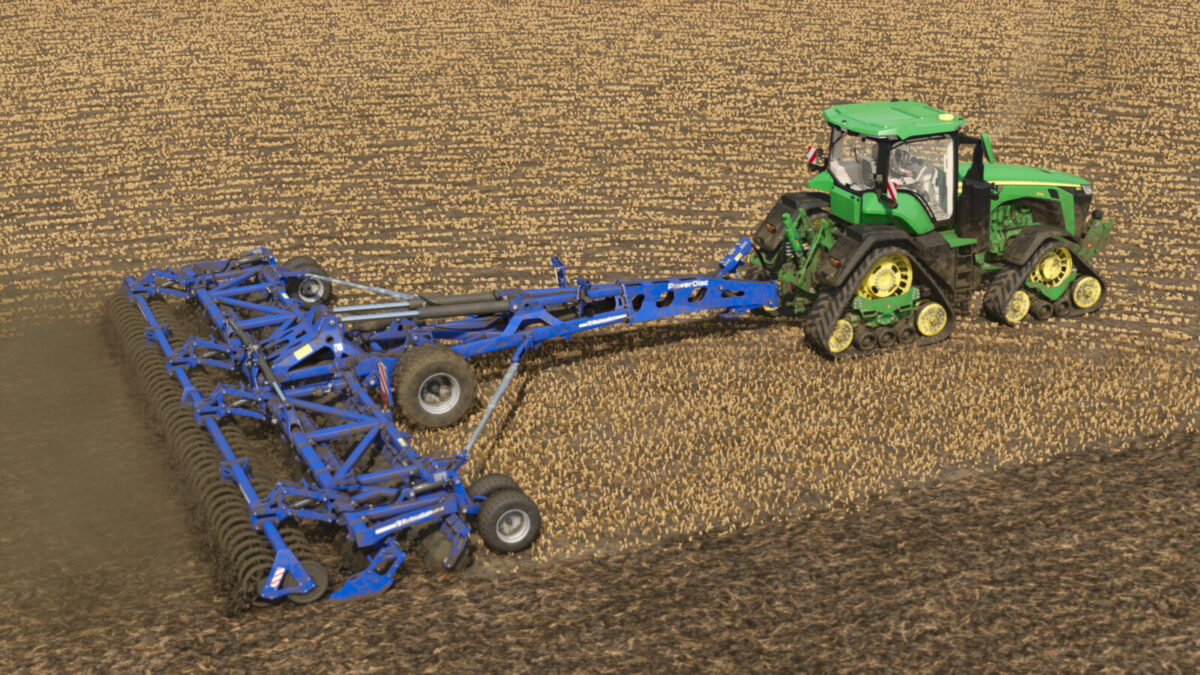
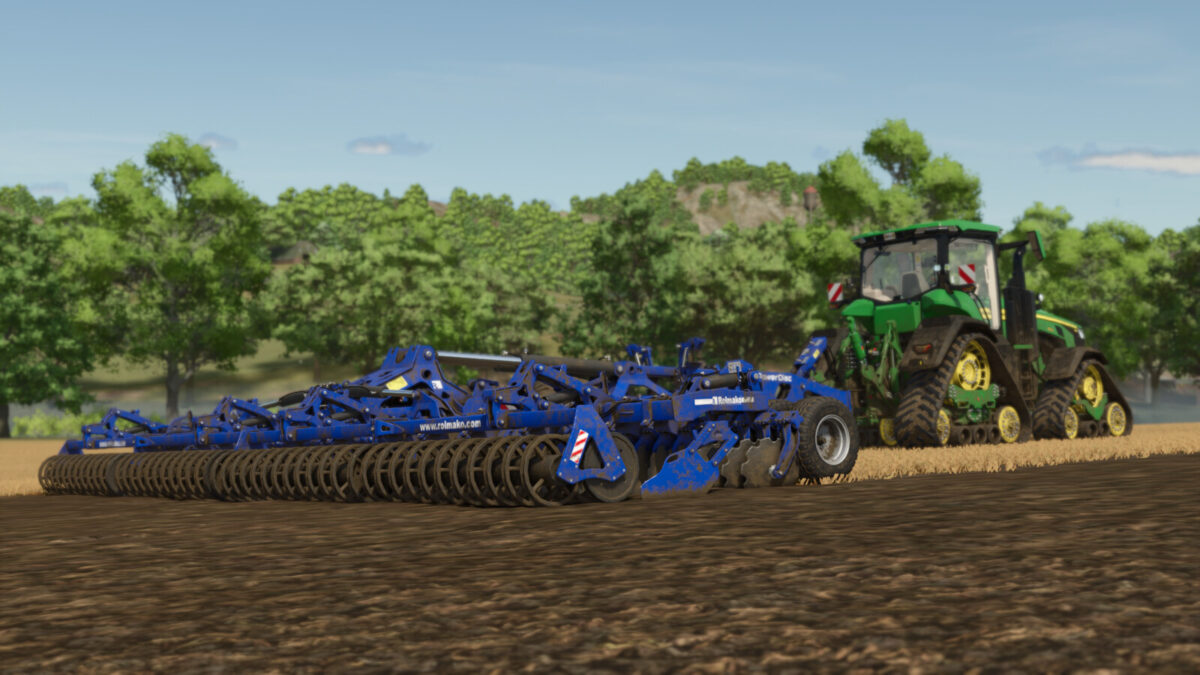
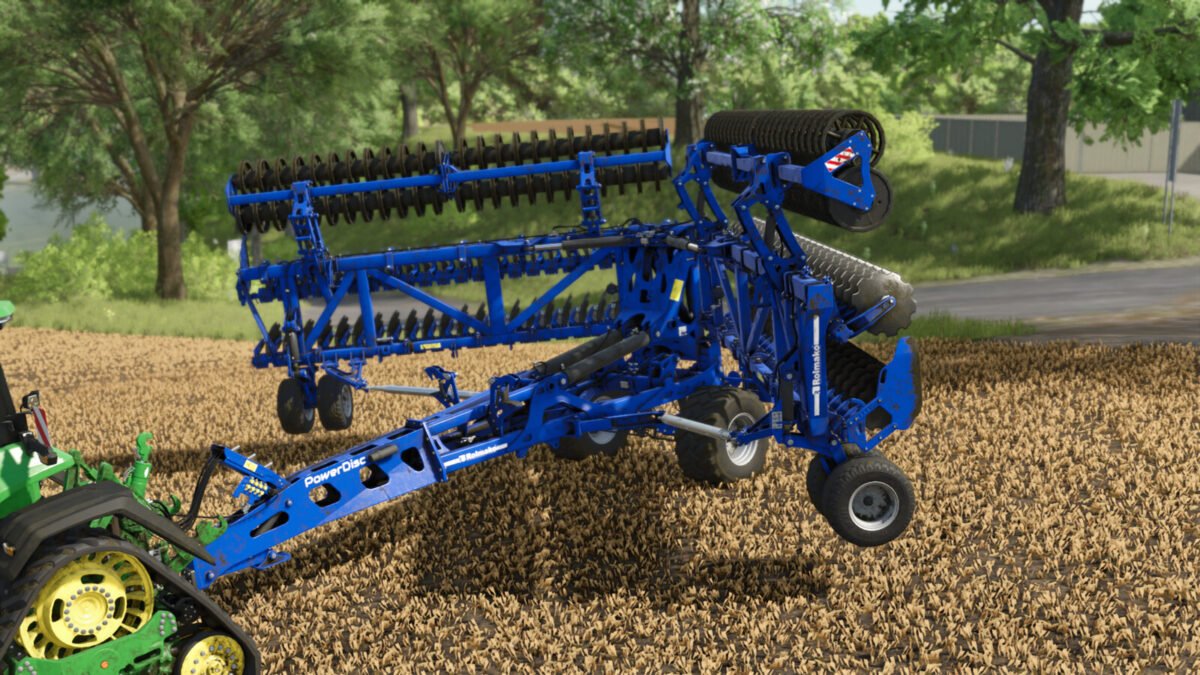
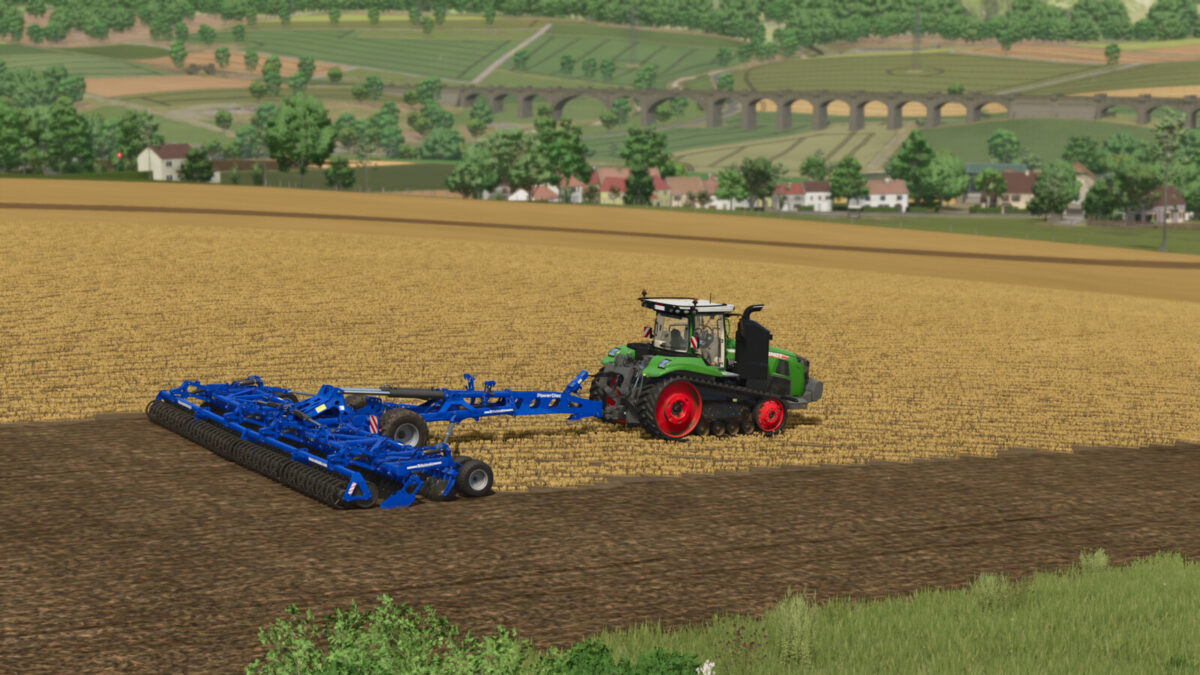
The PowerDisc harrow from Rolmako is an excellent tool for large-scale preparation of agricultural areas, indispensable for mixing large quantities of crop residues into the soil.
The possibility to configure the discs allows the disc harrow to be transformed into a mulching version thanks to the corrugated discs used. This is an excellent choice for the largest farms.
– Price: 73100 $
– Max. working speed: 18 km/h
– Power requirement: 420 HP
– Working width: 12.0 m
[Configurations:]
– Standard or corrugated discs (disc harrow or mulcher function!)
– Lighting
– Levelling screens
[Features:]
*Adjustable working depth (mouse control)
*Animated disc posts
*Animated levelling roller arms (adapting to the terrain)
Changelog 1.0.0.1:
-Fixed mass centres of gravity to improve stability
Changelog 1.0.0.2:
-Wheel physics have been improved

Credits:
JMZ

How to install FS19 mods?

Firstly find a mod which you like and want to download. Then download a mod to your PC. Mods are usually in .zip format file. But sometimes it can be in .rar. If a mod file is a .zip format no needed additional actions. If a file is in .rar, then you must unarchive mod with software like WinRar or Zip7. Windows 10 users no need to use software for archives, Win10 itself has a feature to unarchive files.

The next step is to find mods folder in your PC. Usually, it is in Documents/My Games/Farming Simulator 19/2019. Open the "mods" folder and put downloaded .zip archive or unarchived .rar file to this folder.

Last step. Enjoy of FS19 mods!

Leave a Reply

Your email address will not be published. Required fields are marked *