

T-Wolf Agripower v1.4.0.0

T-Wolf Agripower v1.4.0.0
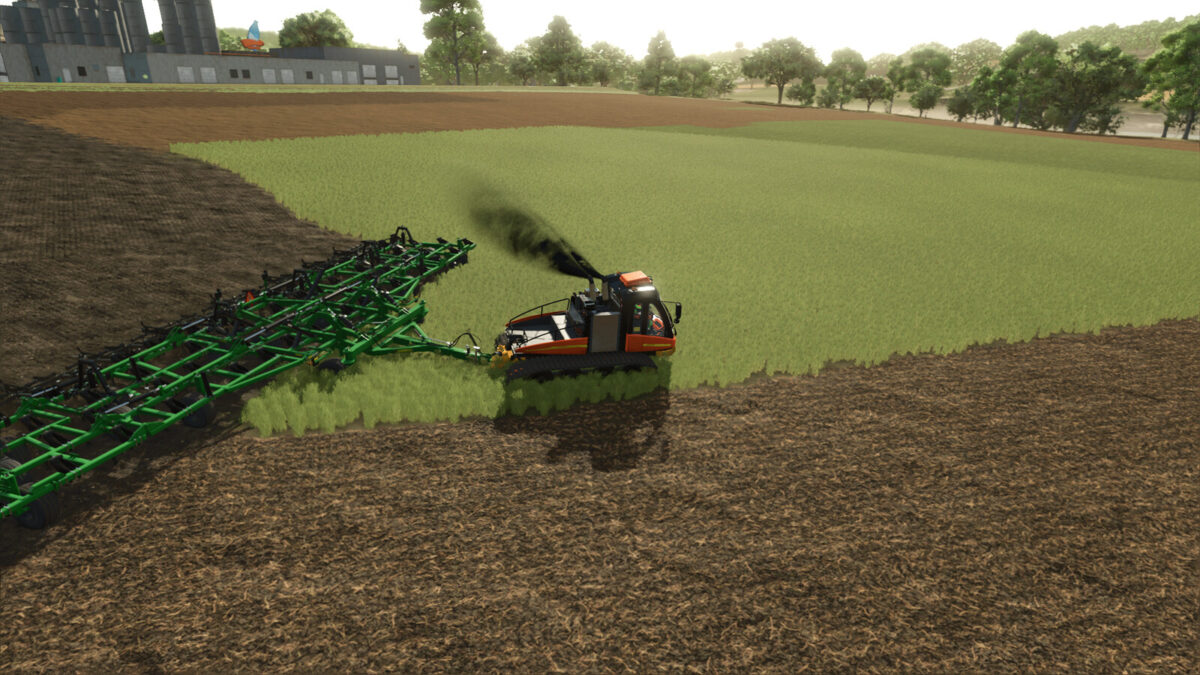
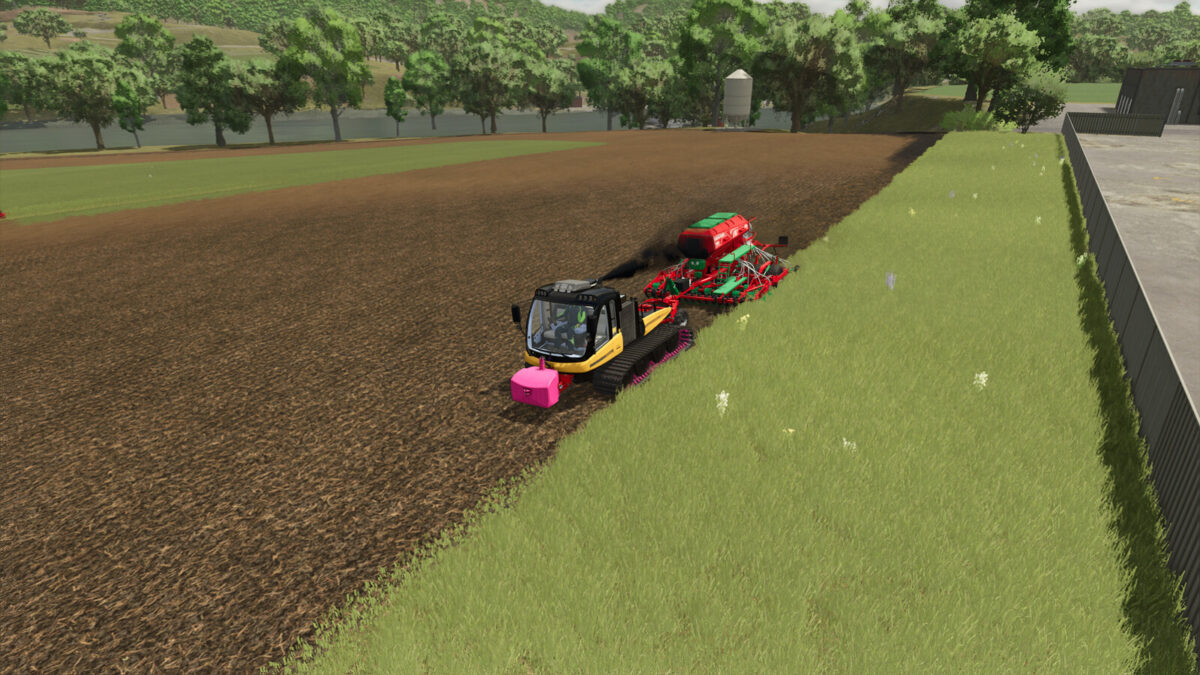
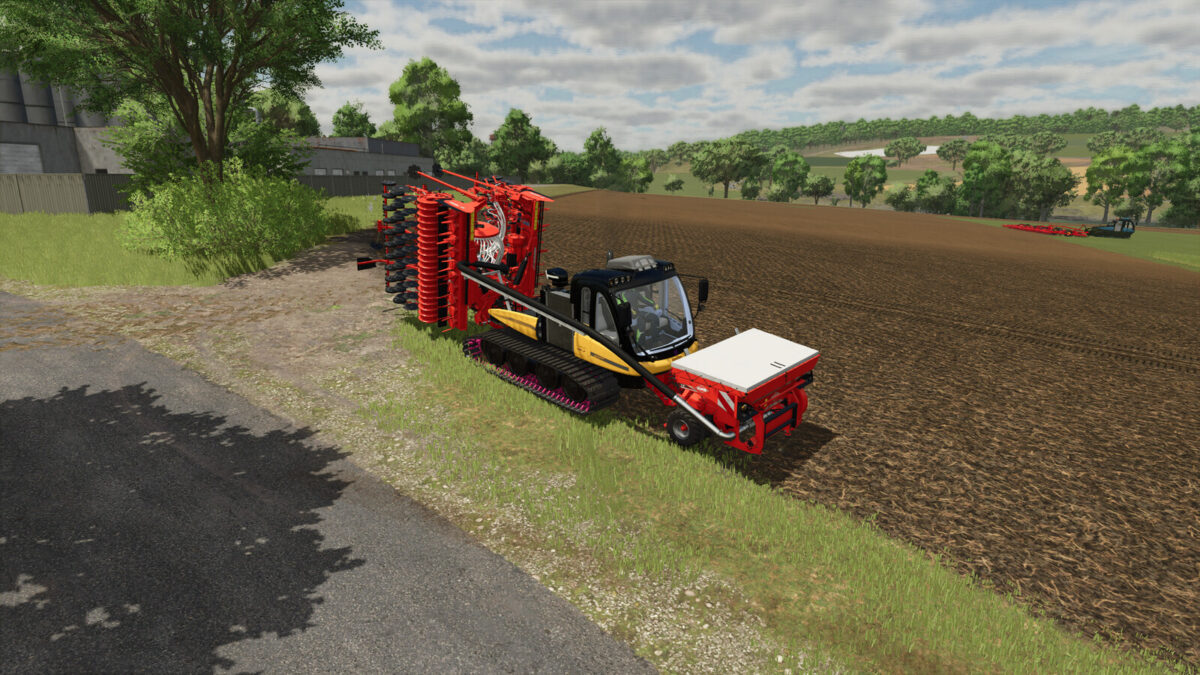
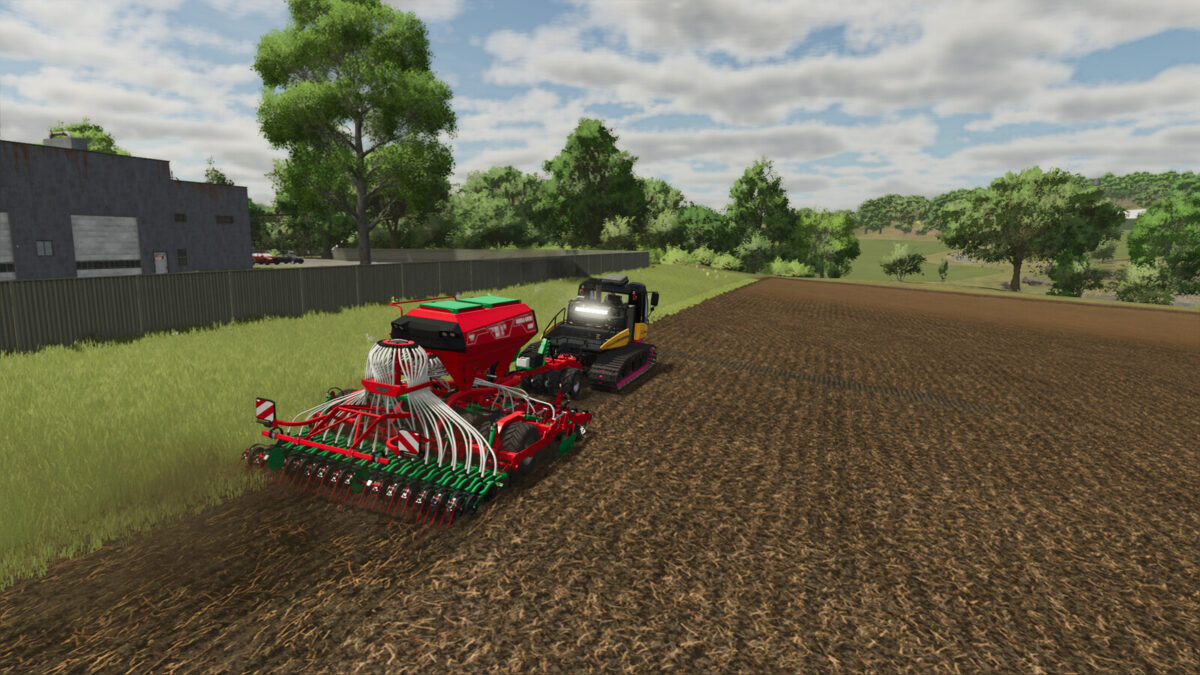
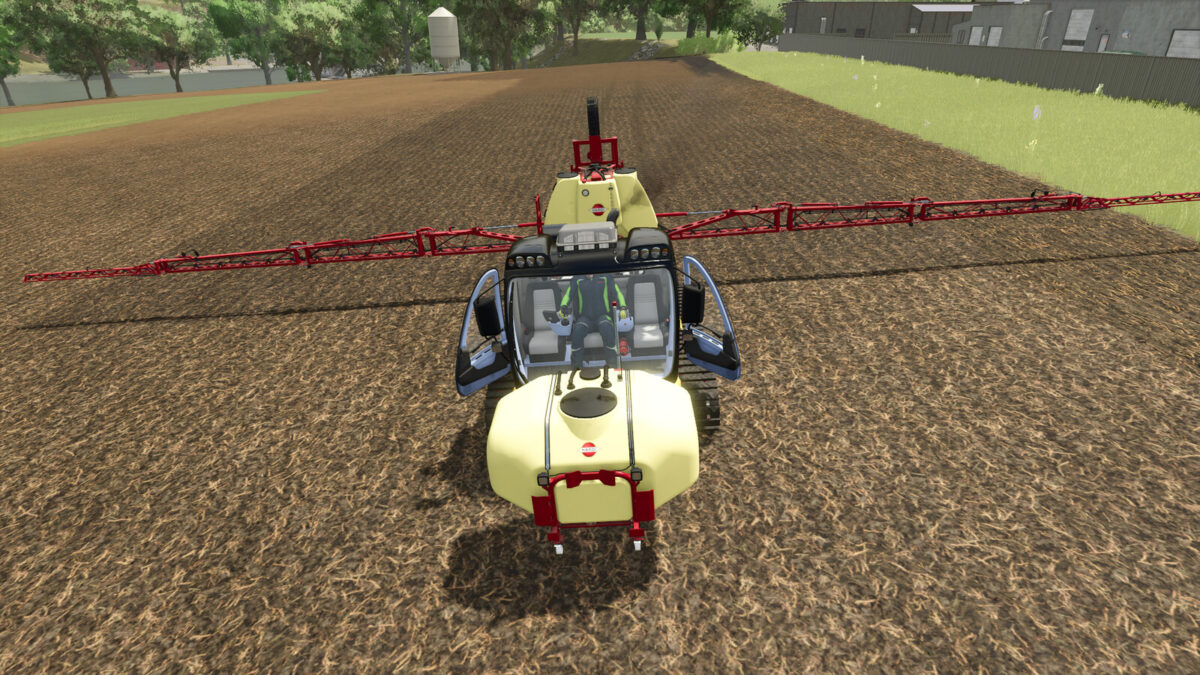
This is the Turbo Wolf Agripower, called T-Wolf for short. It has been equipped with more power, a new gearbox, front hydraulics and fully functional rear hydraulics.
It is now flexible and can also be used for field work or to transport heavy trailers. It also has a PTO connection at the front and rear.
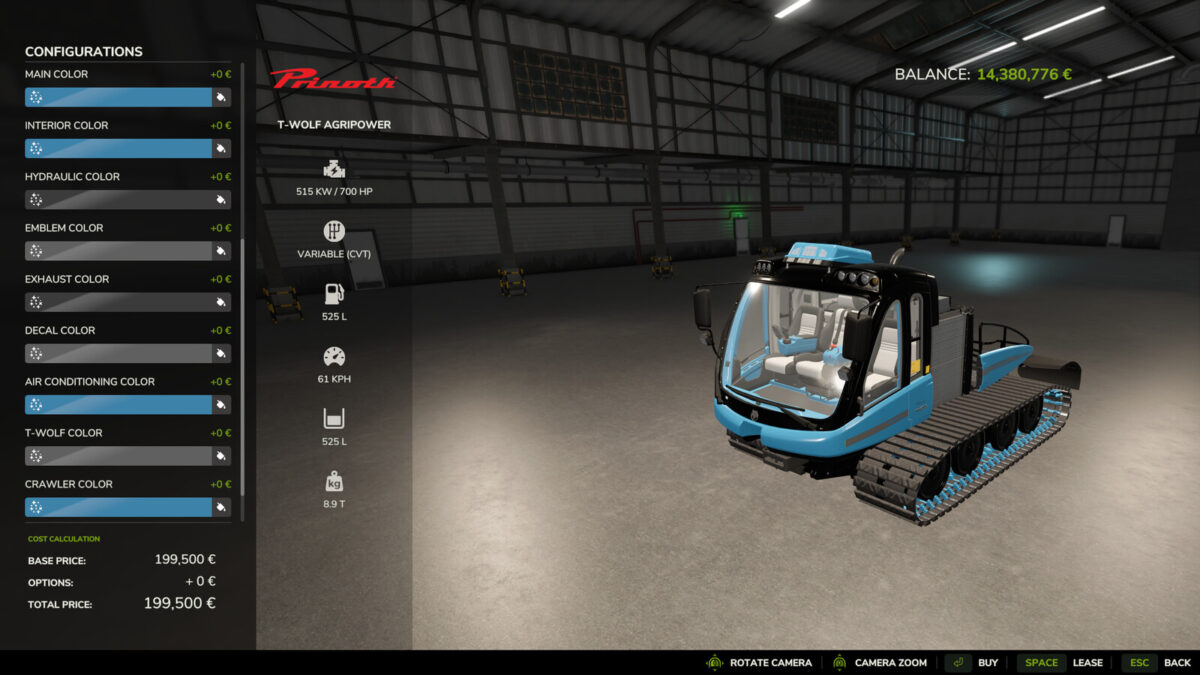
Price: $199,500 / $294,500 / $224,500
Power: 700hp / 1600hp / 900hp
Top speed: 61 km/h / 71 km/h / 81 km/h
Color configurations: main color, interior color, logo color, air conditioning color, exhaust color, sticker color and hydraulic color
Attachment configurations: fenders, rotating beacons, front hydraulics or front weight
Special feature: animated doors and fully functional rear hydraulics
Shop Category: Large Tractors
Changelog 1.1.0.0
Replaced faulty store image
Fixed faulty rotating beacon lights – the correct page selection is now displayed
Fixed color configuration error
Changelog 1.2.0.0
New engine variant installed with 1600 hp and a top speed of 71 km/h + second exhaust system
Configurable fuel capacity
Mod description adjusted for price, performance, and top speed
Adjustments for the latest patch
Bug fixes in English and French translations
Changelog 1.3.0.0
New track selection (rubber and metal tracks – rubber tracks do not damage the crop)
3 fuel configurations with additional visual tanks (Standard: 525L / Extended: 1050L / Maximum: 1575L)
Fixed issue with showing/hiding the low-trailer hitch
Adjustments to the Wolf Agripower i3d and XML
Adjustments for the latest patch
Changelog 1.4.0.0
Color configuration for the manufacturer logo and the T-Wolf logo separated
Visual redesign of the engine
Fender selection changed to a Yes/No option
Fixed visual errors in the metal tracks
Adjustments made to the i3d and XML files of the Wolf Agripower
Updates for the current patch