
Small Soup Factory v1.0.0.3

FS25 mods

Small Soup Factory v1.0.0.3

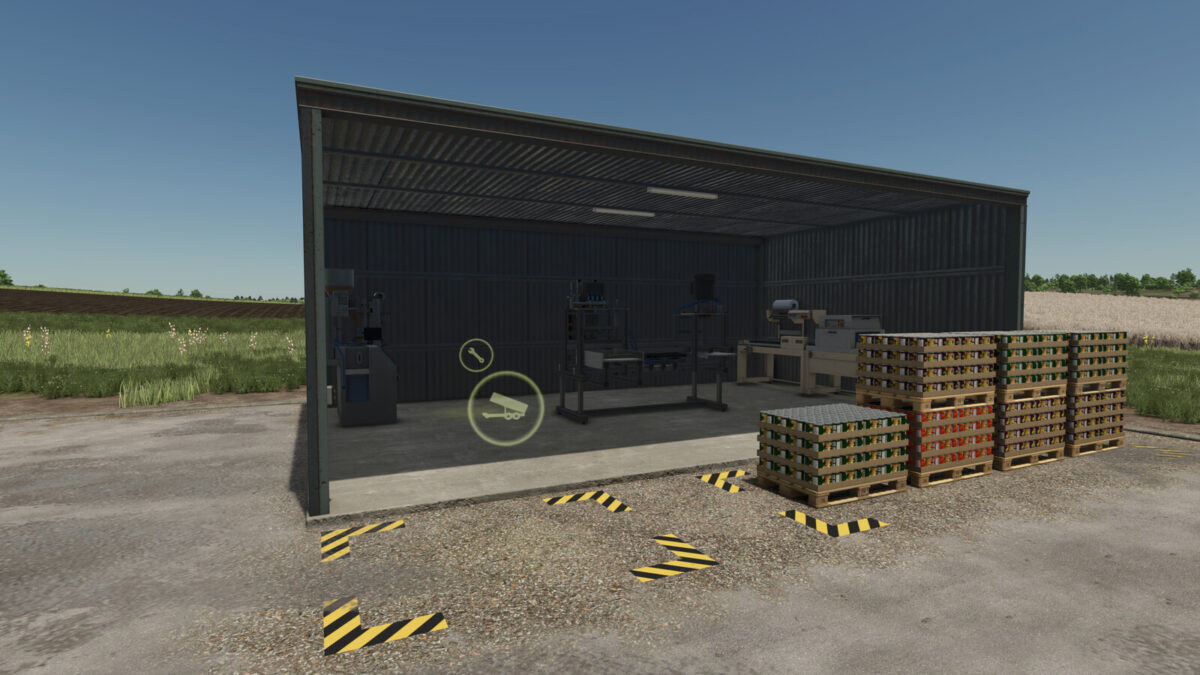
Small Soup Factory v1.0.0.3
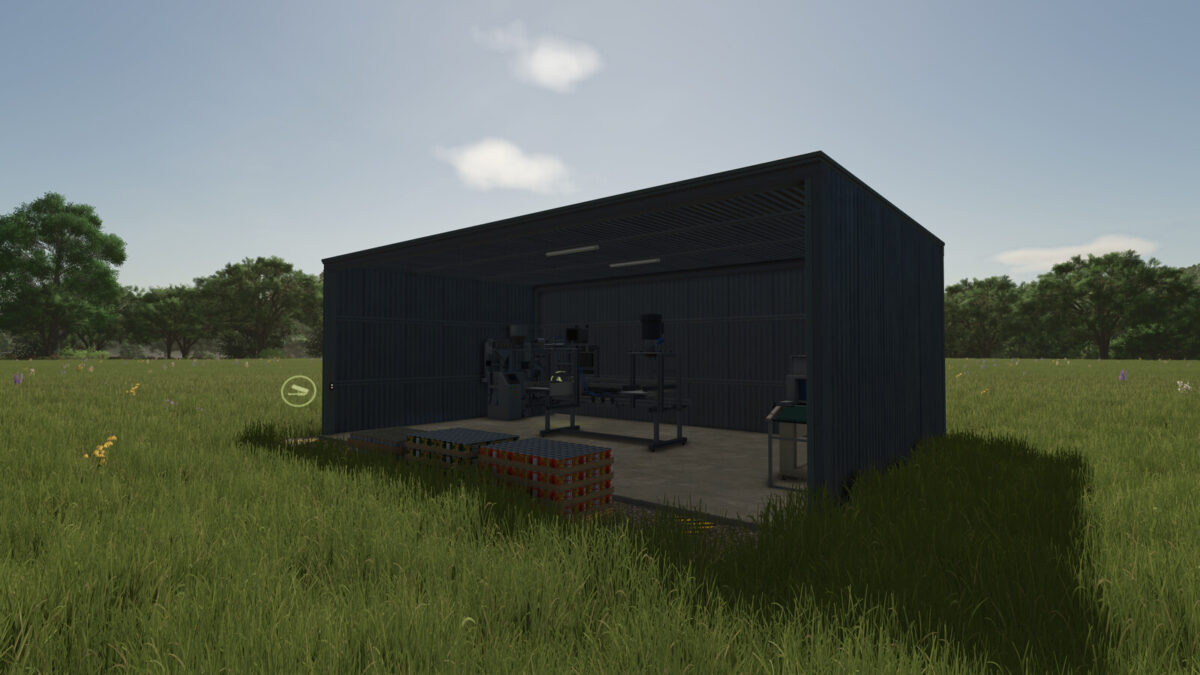
Small Soup Factory v1.0.0.3
About the mod:

You can turn your vegetables into soup.
Price: $405000
Daily upkeep: $150
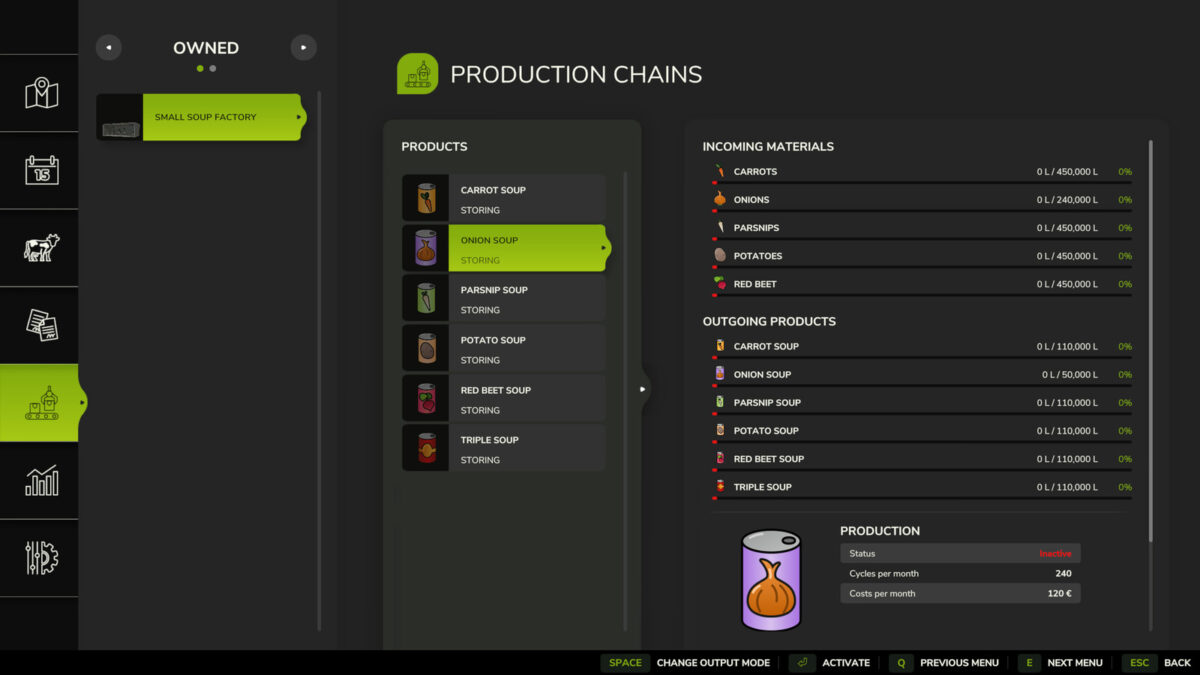
120 cycles / Month
CARROT 100, PARSNIP 100, BEETROOT 100 = Tripple SOUP 100
144 cycles / Month
CARROT 300 = CARROT SOUP 100
PARSNIP 300 = PARSNIP SOUP 100
RED BEET 300 = REDBEET SOUP 100
POTATO 300 = POTATO SOUP 100
240 cycles / Month
ONION 100 = ONION SOUP 50
Production lines work in parallel mode.
Changelog 1.0.0.3:
– added Onion Soup production line.
(to use the Onion Production line, you need to have active !!!Highland Fishing DLC!!!)
Changelog 1.0.0.2:
– unloading area is increased.
– pallet spown area is increased.
Changelog 1.0.0.1:
– improved output of all production lines by ~25%

Credits:
morfei1

How to install FS19 mods?

Firstly find a mod which you like and want to download. Then download a mod to your PC. Mods are usually in .zip format file. But sometimes it can be in .rar. If a mod file is a .zip format no needed additional actions. If a file is in .rar, then you must unarchive mod with software like WinRar or Zip7. Windows 10 users no need to use software for archives, Win10 itself has a feature to unarchive files.

The next step is to find mods folder in your PC. Usually, it is in Documents/My Games/Farming Simulator 19/2019. Open the "mods" folder and put downloaded .zip archive or unarchived .rar file to this folder.

Last step. Enjoy of FS19 mods!

Leave a Reply

Your email address will not be published. Required fields are marked *