

Tatra Phoenix Agro 4×4 v1.0.0.1

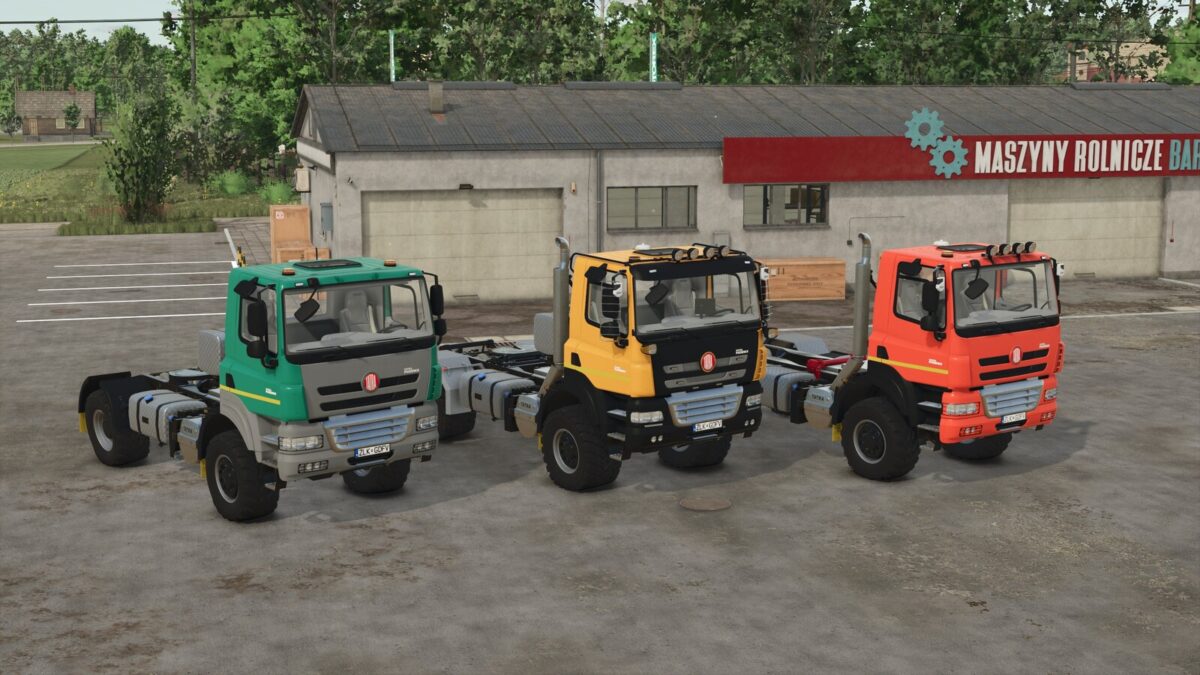
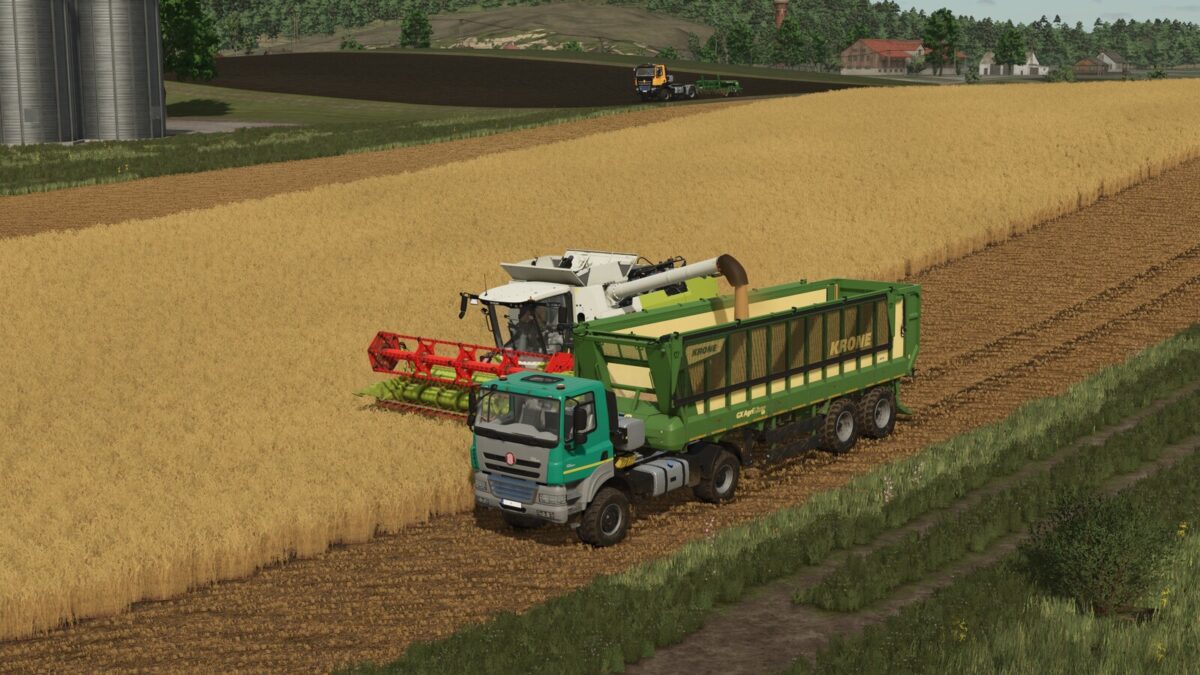
Tatra Phoenix Agro 4×4 v1.0.0.1
Built for heavy agricultural transport, the Tatra Phoenix Agro 4×4 combines 430 hp up to 880 hp, a 95 kph top speed, and all-wheel drive with a rugged chassis and a CVT or PowerShift transmission.
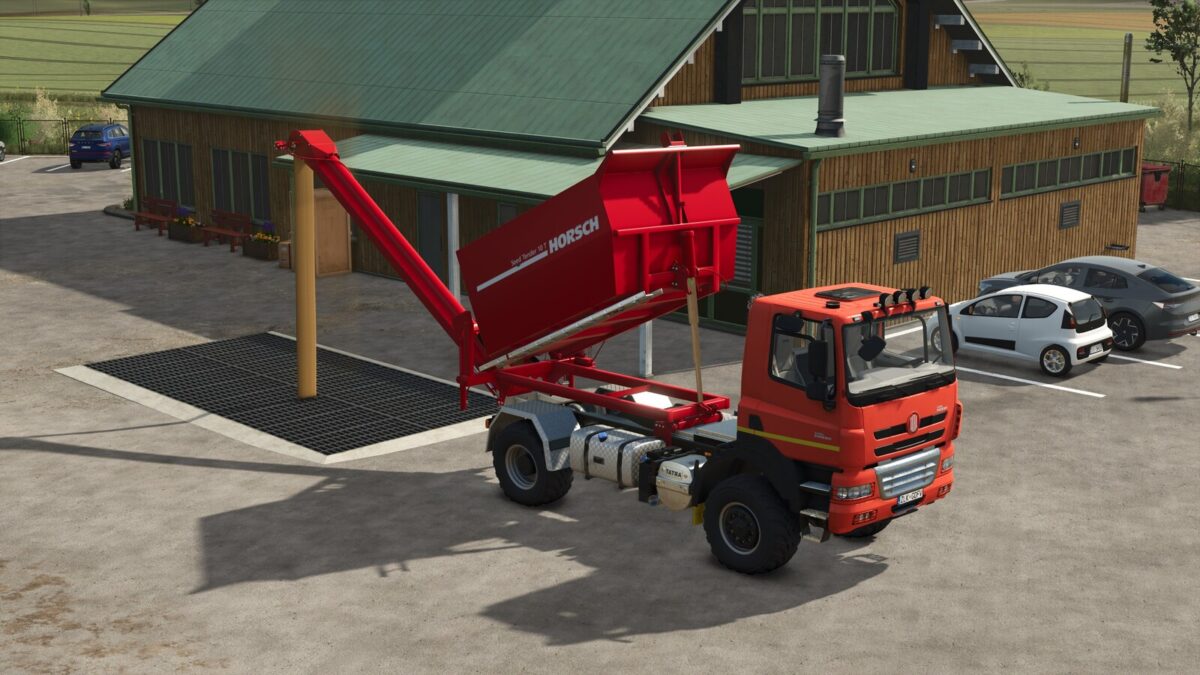
It also features design configurations, Precision Farming DLC crop sensor support, compatibility with selected Horsch implements through the Horsch attacher, and support for the Interactive Control mod by Vertex Dezign.
Category: Trucks
Price: $90,000
Power: 430-880 HP
Transmission: CVT or PowerShift
Customization options:
– Bumpers
– Fenders
– Lights
– Mirrors
– Beacon lights
– Fifth wheel and rear hitch
– Wheel configurations
– HORSCH coupler
– Other visual design variants
That makes it a versatile workhorse for field logistics, specialized jobs, and road transport.
Changelog: 1.0.0.1
– Added the ability to choose between Original cabin or extended cabin
– Added extended fenders according to the cabin size
– Adjusted the position of the rear camera
– Adjusted the materials of the cabin interior
– Adjusted the engine sounds in general
– Added the communal wheel of type 460_65R24
– Lowered the intensity of the front day lights
– Various minor adjustments to the XML
– Adjusted the torque curve of all engine configurations to reach a maximum of 2500 rpm
– Added the ability to have a GPS screen inside the cabin (Requires having the FS25_realGPS mod to view the gps in-game only PC)
– Fixed the position and size of the interaction points inside and outside the cabin
– Added a small sticker on the left side of the cabin to indicate the maximum speed of the vehicle
– Added engine configurations 625-710-880 HP with CVT and PowerShift transmission