

PickUp Trailer v1.2.0.0

PickUp Trailer v1.2.0.0
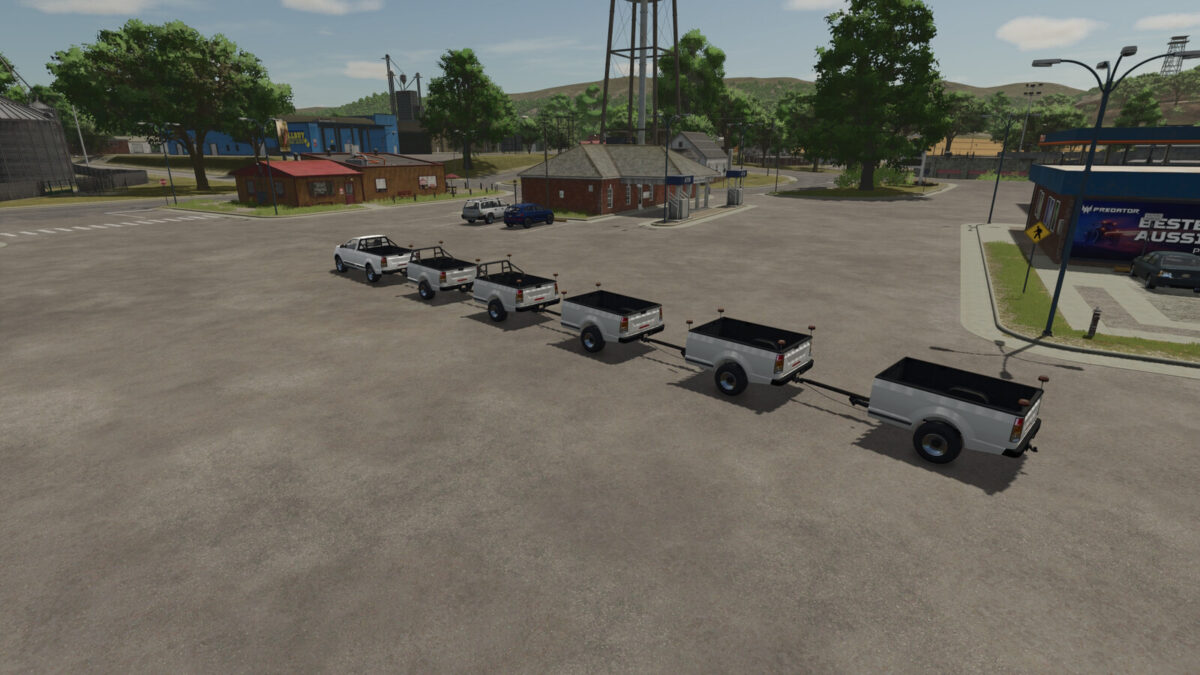
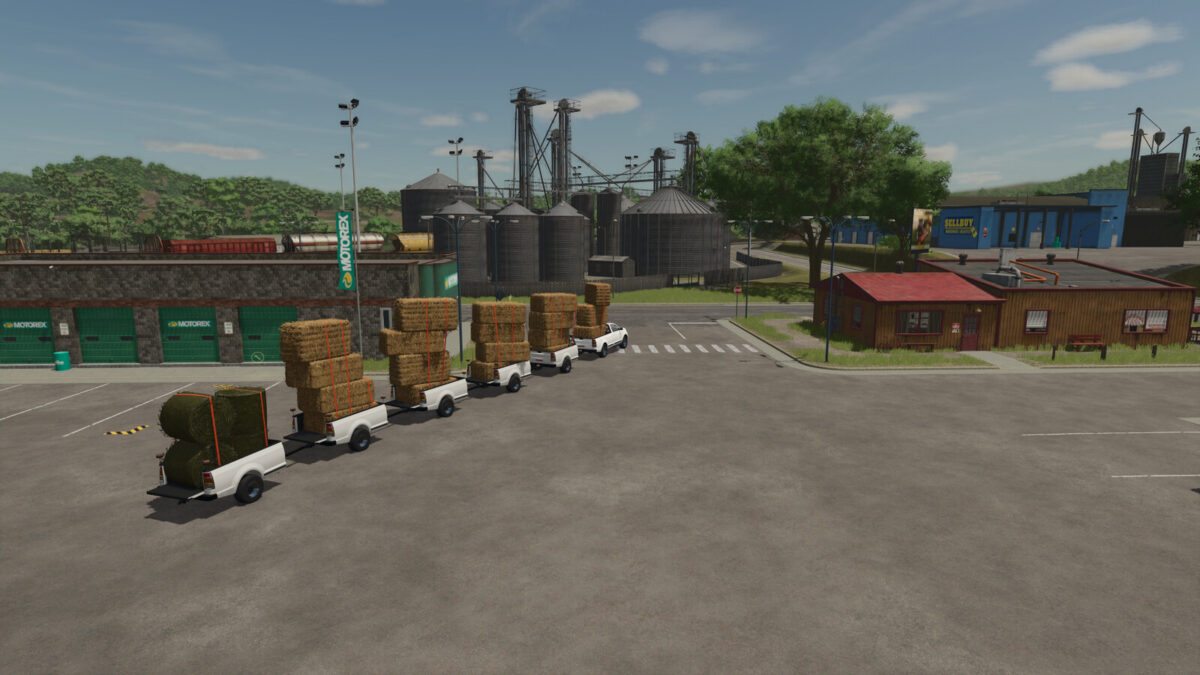
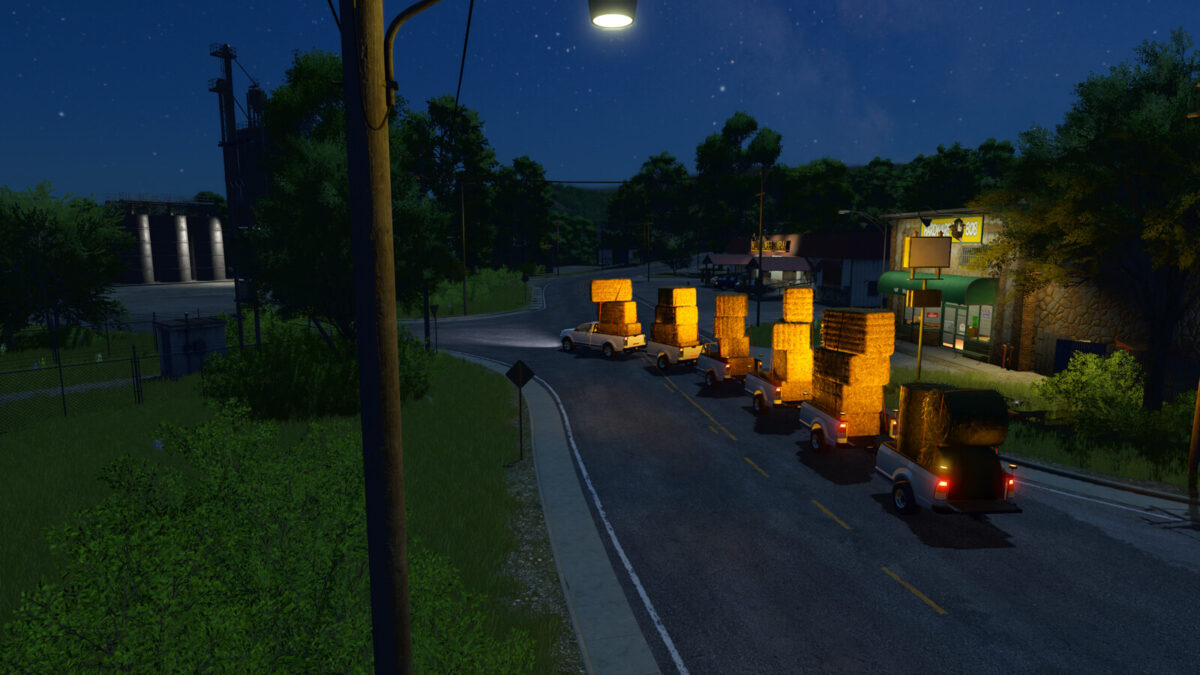
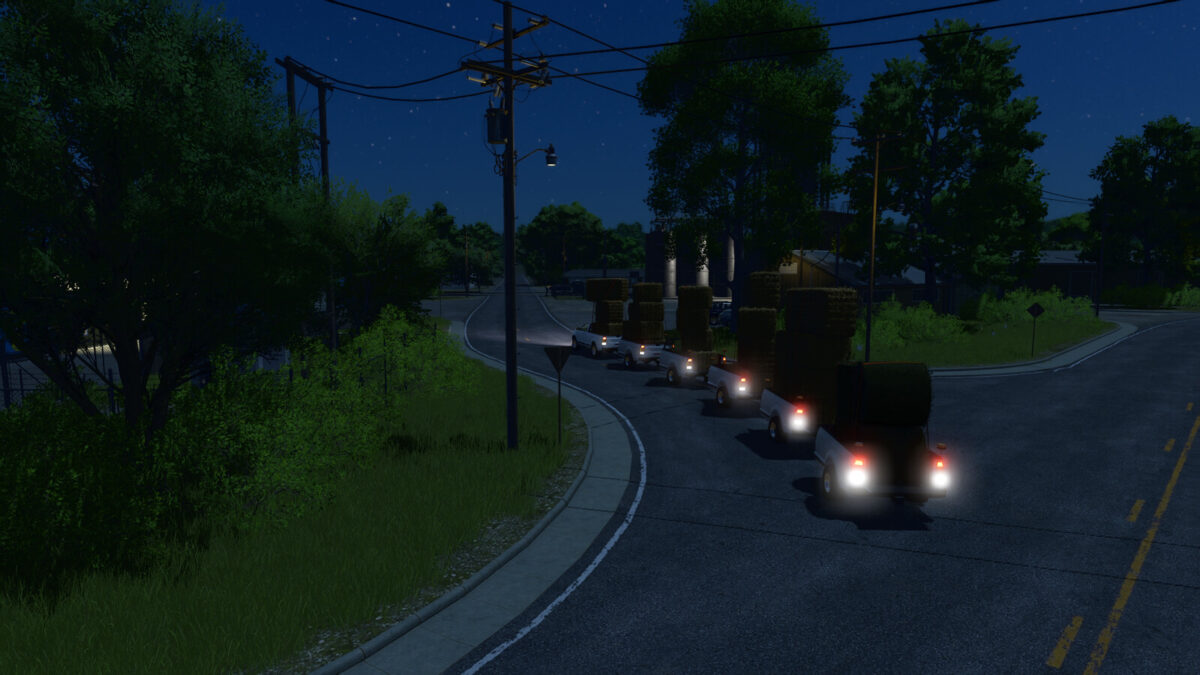
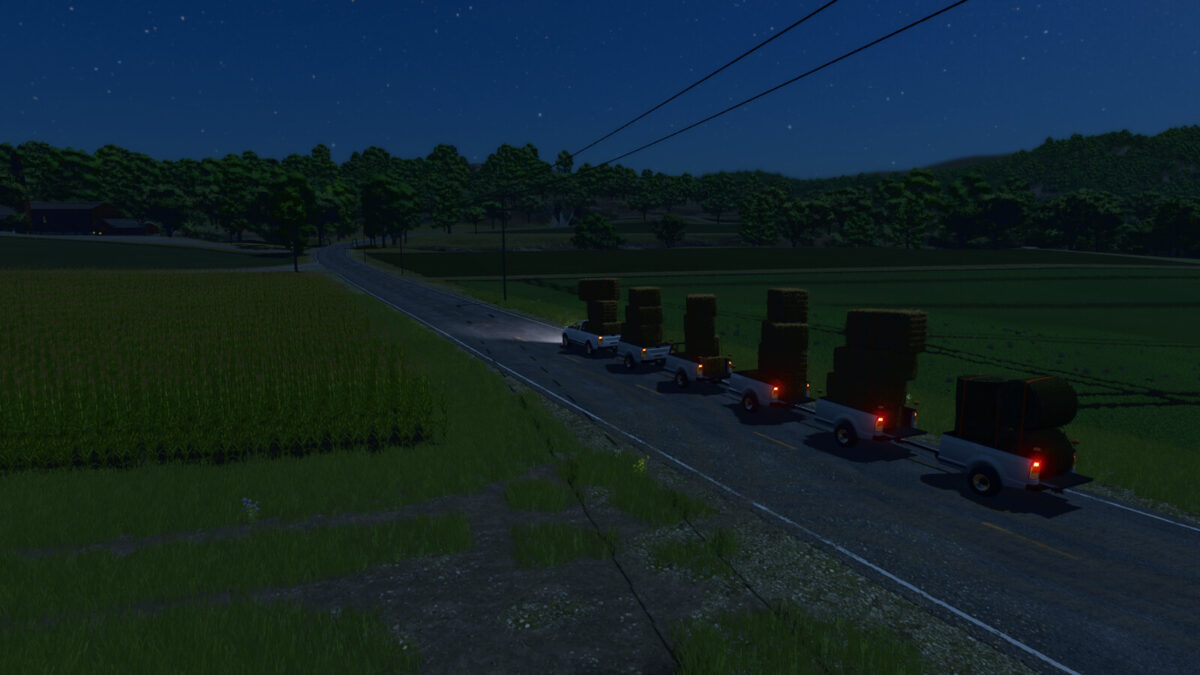
This trailer is designed for transporting pallets and bales using the 2017 pickup truck.
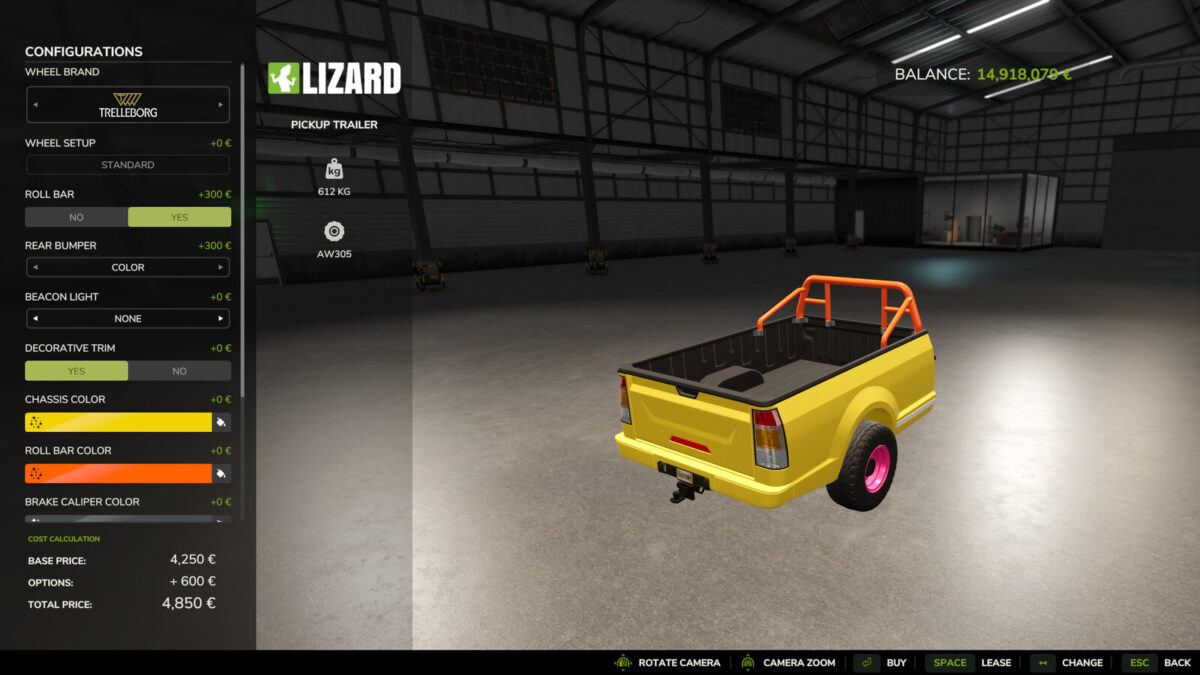
– Price: $4.250
– Shop category: Miscellaneous
Configurations
– Main color
– Rim color
– Rim selection
– Roll bar
– Brake caliper color
– Trim color
– Trim selection
Changelog 1.1.0.0
– Fixed an error in the moddesc description
– Revised the i3D file and removed unnecessary elements
– Fixed minor errors in the XML
– Updated for the current patch
Changelog 1.2.0.0
– Removed the fuel cap and revised the trailer
– Added a yes/no toggle for the roll bar and trim
– Added color options for the trim and brake calipers
– Added 11 new colors
– Added a new configuration (trim)
– Fixed an issue where the brake caliper would clip through the rim when using Trelleborg AW 305 tires
– Revised the i3D file and removed unnecessary elements
– Corrected and adjusted minor errors in the XML and moddesc
– Installed the original taillights from the 2017 pickup
– Created a new mod icon and store images
– Updated for the current patch