

Old Hay Loft v1.0.0.2

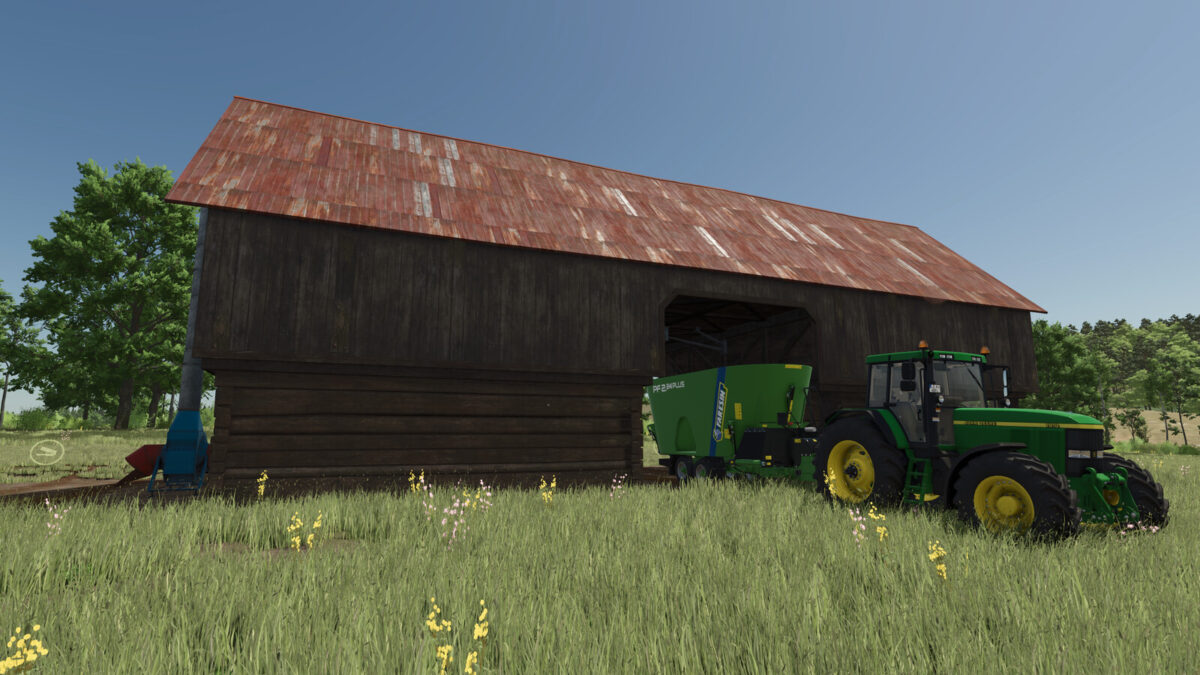
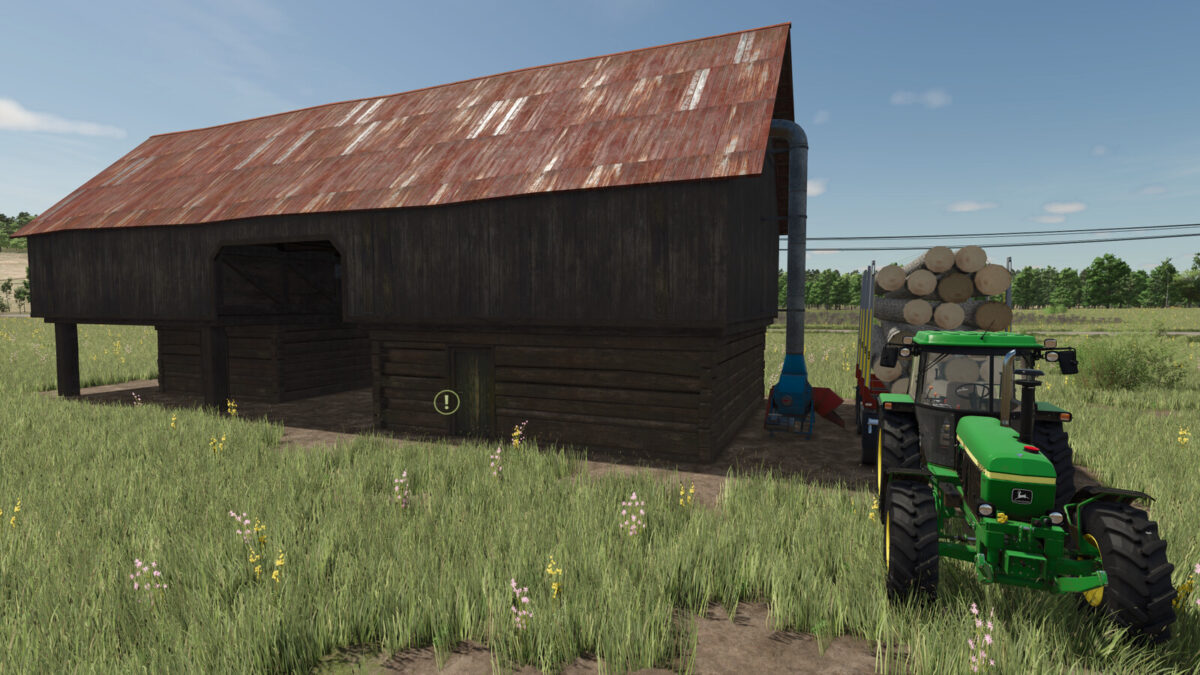
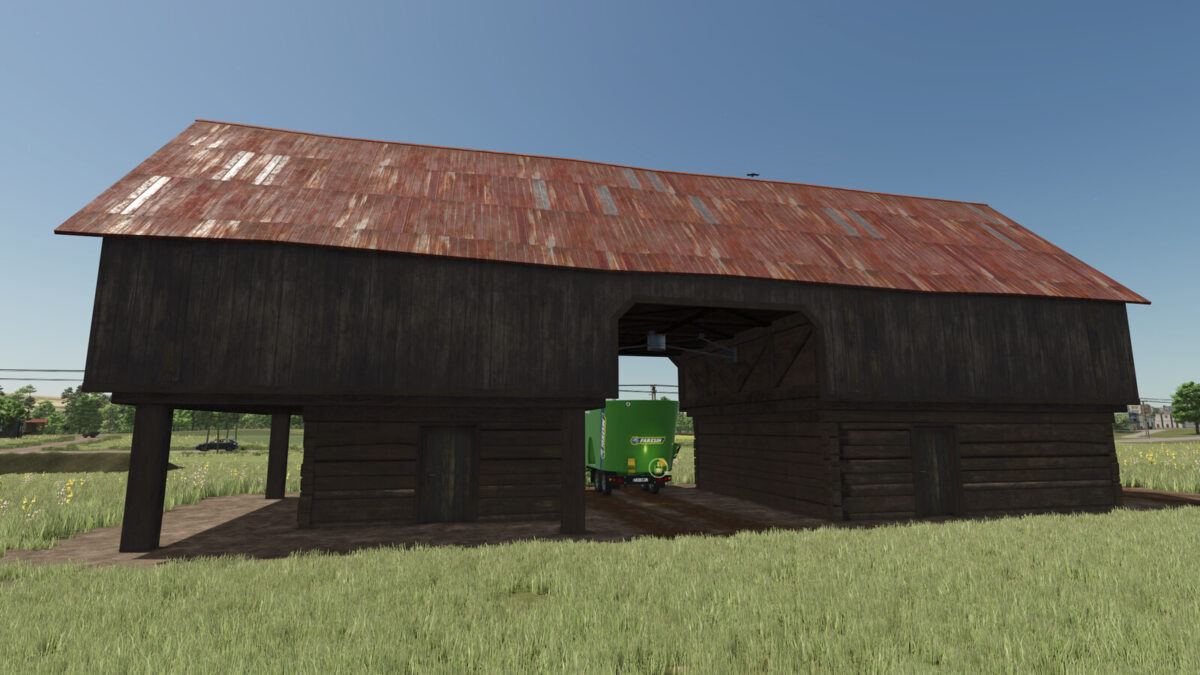
Old Hay Loft v1.0.0.2
Old Hay Loft:
Category: Silos
Price: 63500$
Daily upkeep: 40$
Storage Capacity: 550000 l.
Silo accepts STRAW, HAY, SILAGE, TMR, WOODCHIPS, and SUGARBEET_CUT, in bulk or bales.
Silo also accept CHAFF, GRASS, WOOD and SUGARBEET, but it will conver them to SILAGE, HAY, WOODCHIPS, SUGARBEET_CUT
!!!(you can not take them out as CHAFF, GRASS, WOOD and SUGARBEET, ones the are unloaded in the building)!!!
Converters ratio:
CHAFF to SILAGE – 0.95
GRASS to HAY – 0.85
SUGARBEET to SUGARBEET_CUT – 0.97
WOOD to WOODCHIPS – 3.5
Changelog: 1.0.0.2
– Hay Loft capacity increased to 550000 l.
– Added powerfull SHREDDER, which will cut your SUGARBEET to SUGARBEET_CUT at ratio 0.97
– Added WOODCHIPER, which will chop WOOD to WOODCHIPS at ratio 3.5
Changelog: 1.0.0.1
The Hay Loft was equipt with powerful modern dryer and fermenter.
This wiill give you the ability to almost instantly convert / ferment fresh cut GRASS into Hay, and also CHAFF into SILAGE.
This fast process comes with it’s downside effects and you will lose between 5 ~ 15% of your incoming crops (GRASS & CHAFF).
The conversation ratio is:
CHAFF to SILAGE – 0.95
GRASS to HAY – 0.85