

Terra Farm Machines TSC v1.0

Terra Farm Machines TSC v1.0
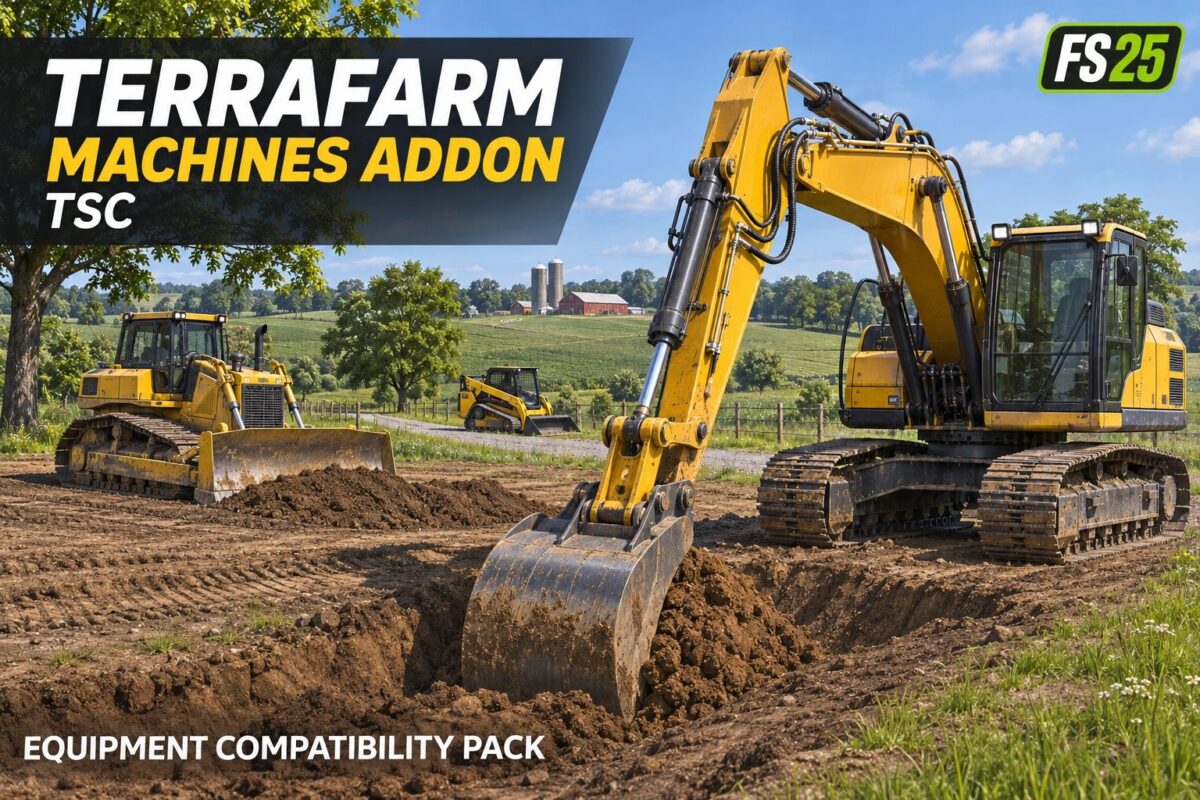
Expand TerraFarm compatibility with additional machinery and attachments in Farming Simulator 25. This configuration pack includes entries for Tri-State Crew equipment and other third-party mods, connecting supported machines to TerraFarm’s terrain-working features.
Equipment configurations include:
CASE 580 Super M front bucket and 18-, 30-, and 48-inch backhoe buckets.
John Deere 335P and Kubota SVL75 loader buckets.
Skid steer blades, 4-in-1 buckets, and augers.
CAT track loaders and dozers.
John Deere and Komatsu dozers.
John Deere 75P, Volvo ECR58, and Kubota KX080 excavator equipment.
Additional digging buckets, grading attachments, rippers, and compactors.
Requirements:
TerraFarm 0.9.0.0 or later, according to the included documentation.
The corresponding vehicle and attachment mods, downloaded separately.
This is a compatibility configuration pack, not a standalone machinery pack. Available functions depend on the installed equipment, its configuration, and your TerraFarm version.
Installation: Place the ZIP in your FS25 mods folder and enable it alongside TerraFarm and the relevant machinery mods.