

Farming Supplies v1.1.0.3

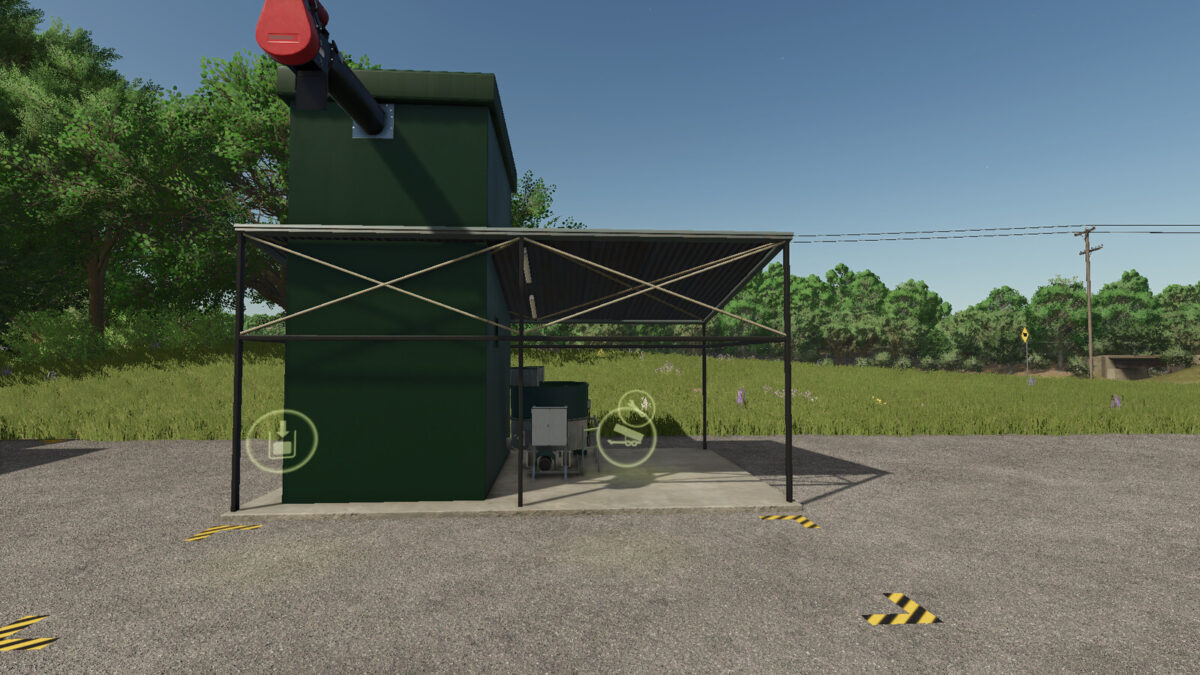
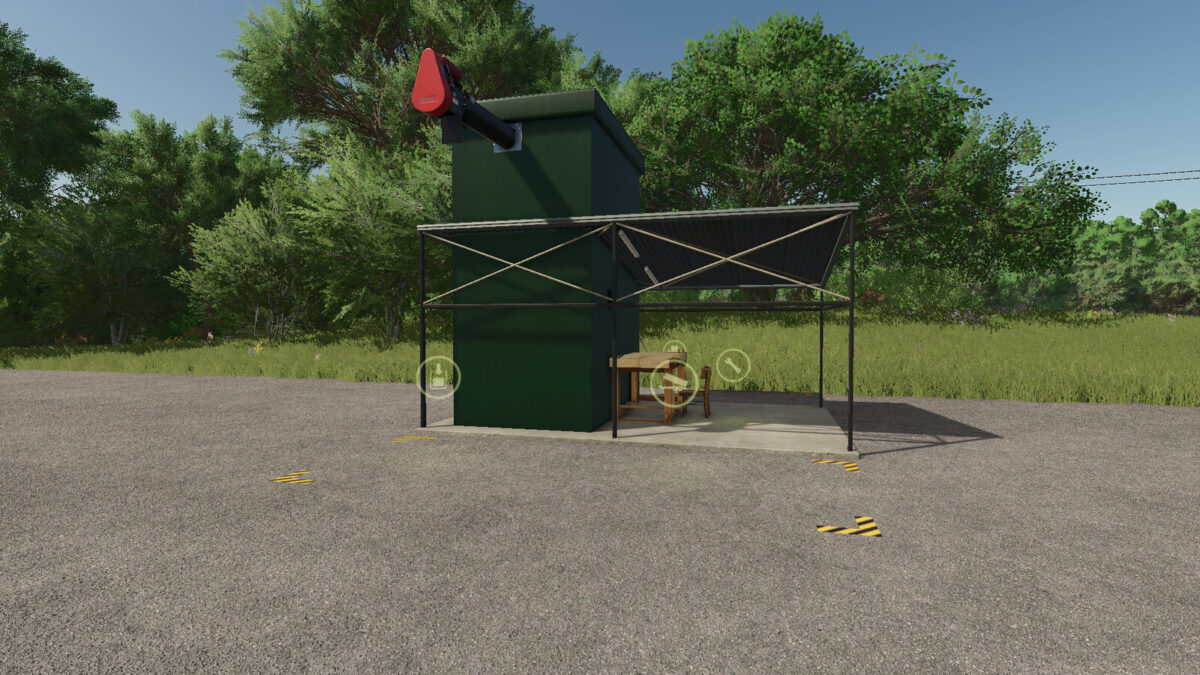
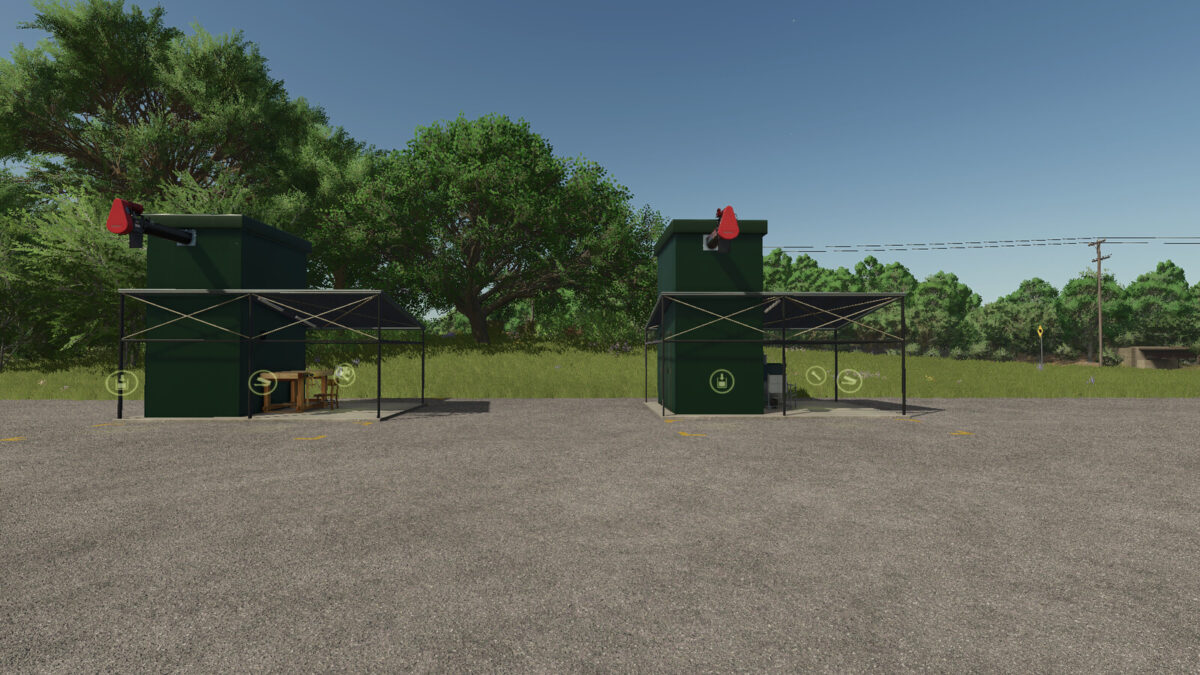

Farming Supplies v1.1.0.3
Production of basic farming supplies – lime, seeds, fertilizer, liquid fertilizer, and herbicide. Production of TMR and pig feed.
Versions:
Basic – basic capacity, production speed, and loading speed
Improved – 10x basic capacity, 10x production speed, and 10x loading speed
Extreme – 100x basic capacity, 100x production speed, and 100x loading speed
Category: Production point
Price:
Basic $36,000
Improved $72,000
Extreme $100,000
Upkeep: $120
Changelog V1.0.0.1
– all triggers enlarged
– capacity corrected – the reason for the low capacity was a capital letter instead of a lowercase one in the XML
– possible load all materials
Changelog V1.1.0.0
– modDesc update
– xml clean up
– Blocking pallet spawn updated
– Added new recipe: Sugar beet to sugar beet cut
Changelog V1.1.0.2
– Reduced production volume sound level
– Game compatibility check with the latest game version 1.21.1.0
– XML update to version 111
– XML clean up
Changelog V1.1.0.3
– added 1 new recept for TRM and Pig food