

MAN TGS TG3 Trucks v1.0.0.4

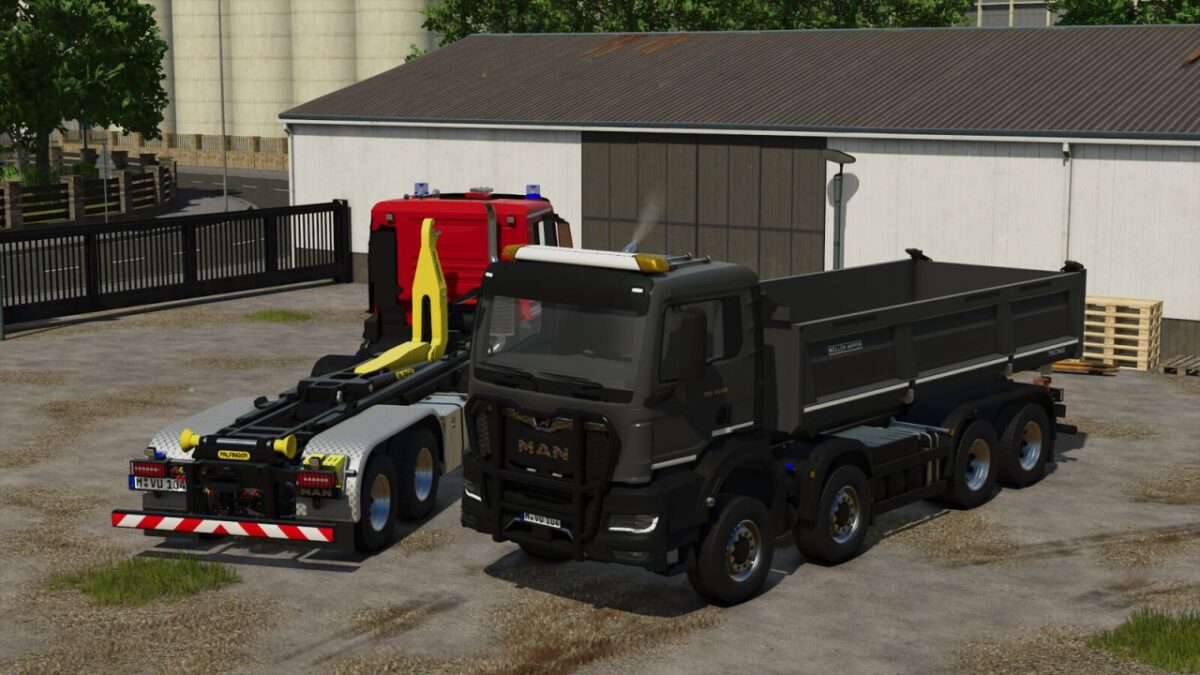
MAN TGS TG3 Trucks v1.0.0.4
The MAN TGS TG3 is the ideal vehicle for civil use on farms or construction sites, or even in emergency organizations such as the fire department or the police.
With its outstanding engine performance and two different bodies from Palfinger and Meiller, it is the absolute all-rounder for every area of operation.
Configurations:
Vehicle variant
Tire variant
Foil wrap
Reflector color
Special signal color
Roof superstructure
Front attachment
Front strobes
Rear beacons
Door extension
Stone guard
Rim color
Glowing MAN logo
Rear fenders
Dumper reflectors
Emergency horn
Color choices:
Main color
Bumper color
Mirror cap color
Hooklift color / Dumper color
Functions:
Hooklift can be extended and retracted using the “Unfold/Fold” button
The dumper tailgates can be opened, and tension belts are available
Doors can be opened with Interactive Control or Mouse Control
Maximum speed: 90 km/h
Price: €106,900
Power: 240 kW (321 hp)
Category: “Trucks”
Fuel tank capacity: 400 L
Dumper capacity: 21 m³
V1.0.0.4
Fixed minor errors
Changed drivetrain
Removed Emergency Pack features
Added translations for: Czech, Spanish, Dutch, Russian, Portuguese, Turkish